Email Marketing Software for Mistral
Connect Mistral's Le Chat to Audienceful and manage your email marketing in plain language. Le Chat can look up contacts, build audiences, write emails, set up automations and report on results, and it sends only when you approve.
Join now for free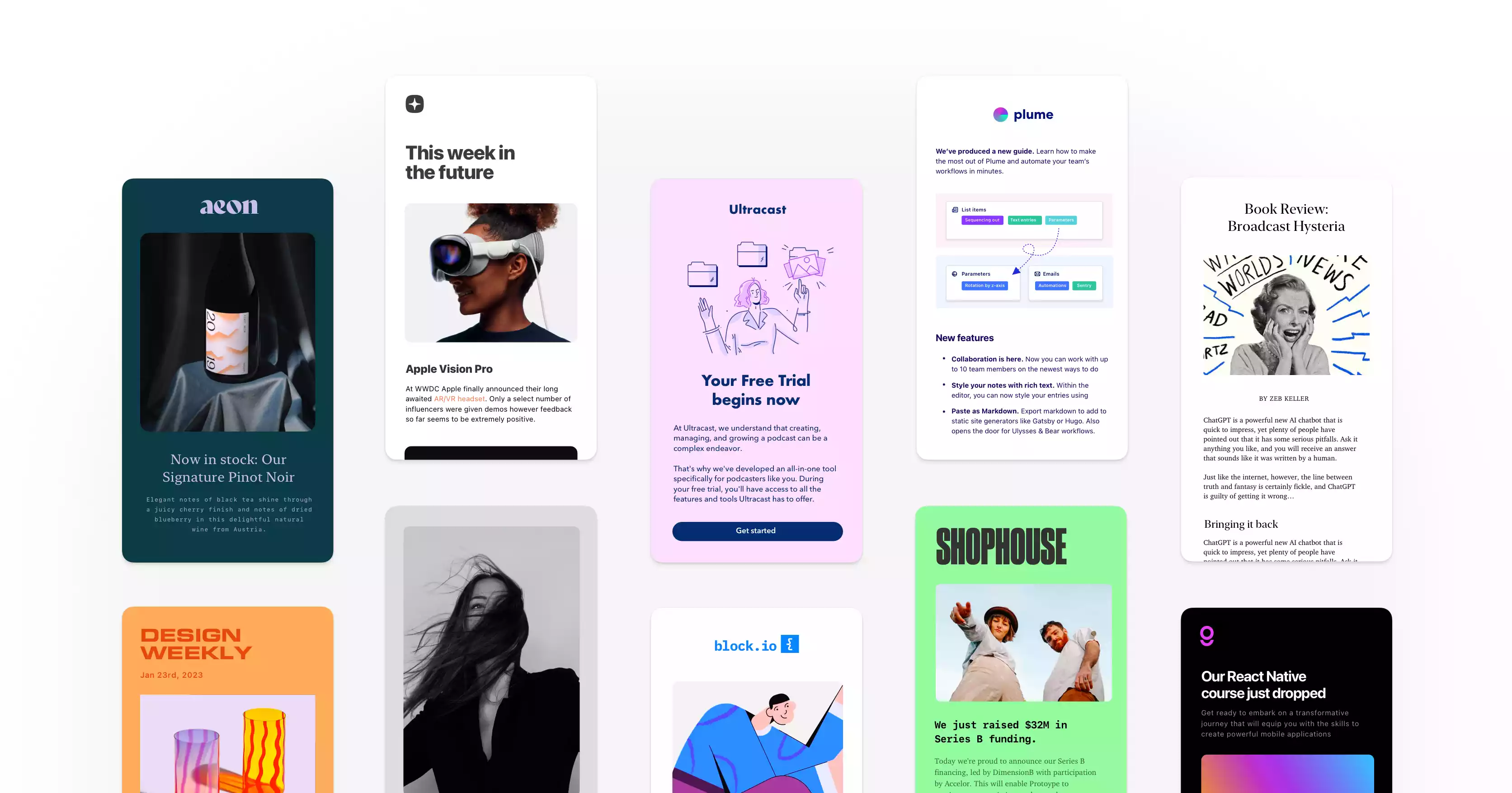
Loved ❤️ by thousands of savvy businesses





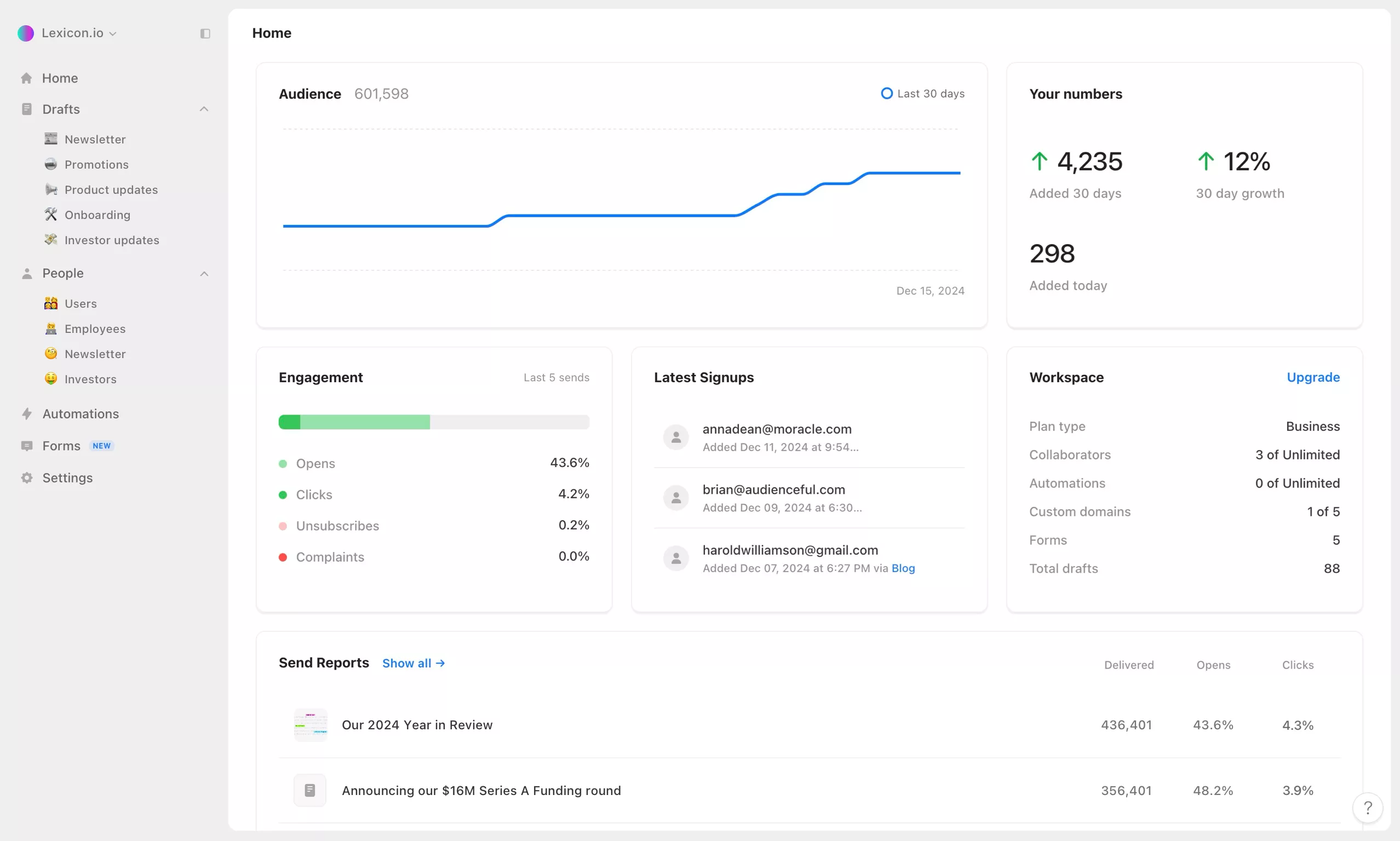
Draft emails and check results from Le Chat.
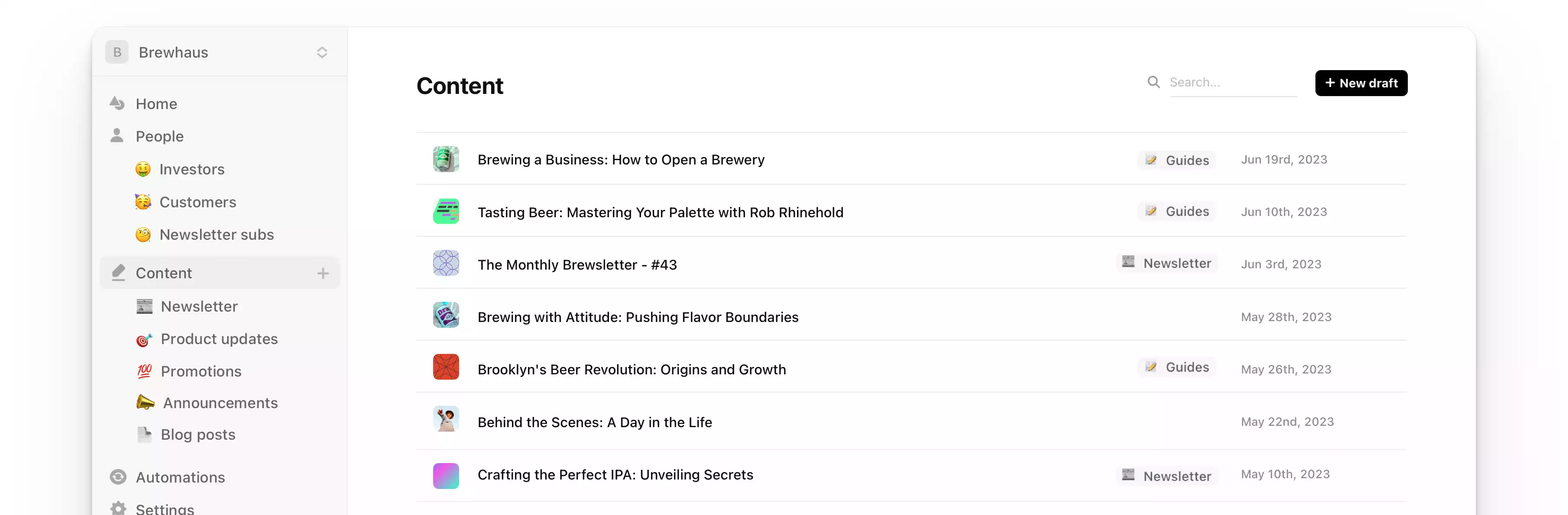
Le Chat, Mistral's AI assistant, connects to Audienceful as a custom MCP connector through our email marketing MCP server. Once it's connected, Le Chat works in your real workspace: your contacts, audiences, drafts, automations and results, not just copy for you to paste somewhere else.
Connect Le Chat in a minute
- In Le Chat, open the side panel and choose Intelligence → Connectors.
- Click Add Connector and switch to the Custom MCP Connector tab.
- Name it
audienceful, paste this URL and click Connect:
https://api.audienceful.com/v2/mcp
- Sign in to Audienceful, pick a workspace and choose what Le Chat can do.
- In a chat, turn Audienceful on from the tools menu.
Only admins can add connectors. On Le Chat's Free, Pro and Student plans that's you; on Team and Enterprise, ask an admin to add the connector first, then turn it on in your chats.
What Le Chat can do in Audienceful
- Know your list. Look up any contact and their activity, add or tag people, and import a CSV.
- Build audiences from a sentence. "Everyone who joined this month and hasn't opened an email yet" becomes a saved audience, with a member count first.
- Write and edit emails. Draft a newsletter from your notes, duplicate last month's issue, start from a template or restyle your theme.
- Set up automations. Describe a welcome or win-back sequence and Le Chat builds it, paused, for you to review.
- Report on results. Opens, clicks, top links, deliverability and, with Shopify or Stripe connected, revenue.
Prompts to try with Le Chat
- "Give me an overview of my Audienceful workspace: subscribers, audiences and recent sends."
- "Turn these release notes into a short product update email for our Customers audience, with one button to the changelog."
- "Create a three-email welcome sequence for new subscribers and leave it paused so I can review it."
- "Which of my last ten emails had the best click rate, and what do they have in common?"
- "Schedule the newsletter for Tuesday at 9am Paris time to Customers, excluding VIPs. Show me the preview first."
You stay in control
- You choose the permissions. When Le Chat connects, you pick one workspace and whether it can view, edit or send.
- Nothing sends without your OK. Le Chat has to show you the recipients and timing first, and the approval works only once.
- New automations start paused, and unsubscribed contacts always stay unsubscribed.
- Disconnect any time from Apps → Installed apps in Audienceful.
The connector is available on every Audienceful plan, including Free, and doesn't use Audienceful AI credits. Prefer to stay inside Audienceful? Our built-in AI agent does the same work in the app. Full setup details live in the MCP help guide, and the same server also works with Claude, ChatGPT, Gemini and Cursor.
Join 10,000+ making the switch.
“...Holy sh*t this is fantastic…I'm really impressed so far. You all have built something special here.”

“I love products like Audienceful - it hints at a better future, connecting creatives with richer workflows.”

“So much easier to use than Mailchimp...has already saved us hundreds of hours.”

How we're different.
Audienceful cuts out all of the bloat found in traditional email marketing platforms. It's minimal, fast, and setup for best practices by default.
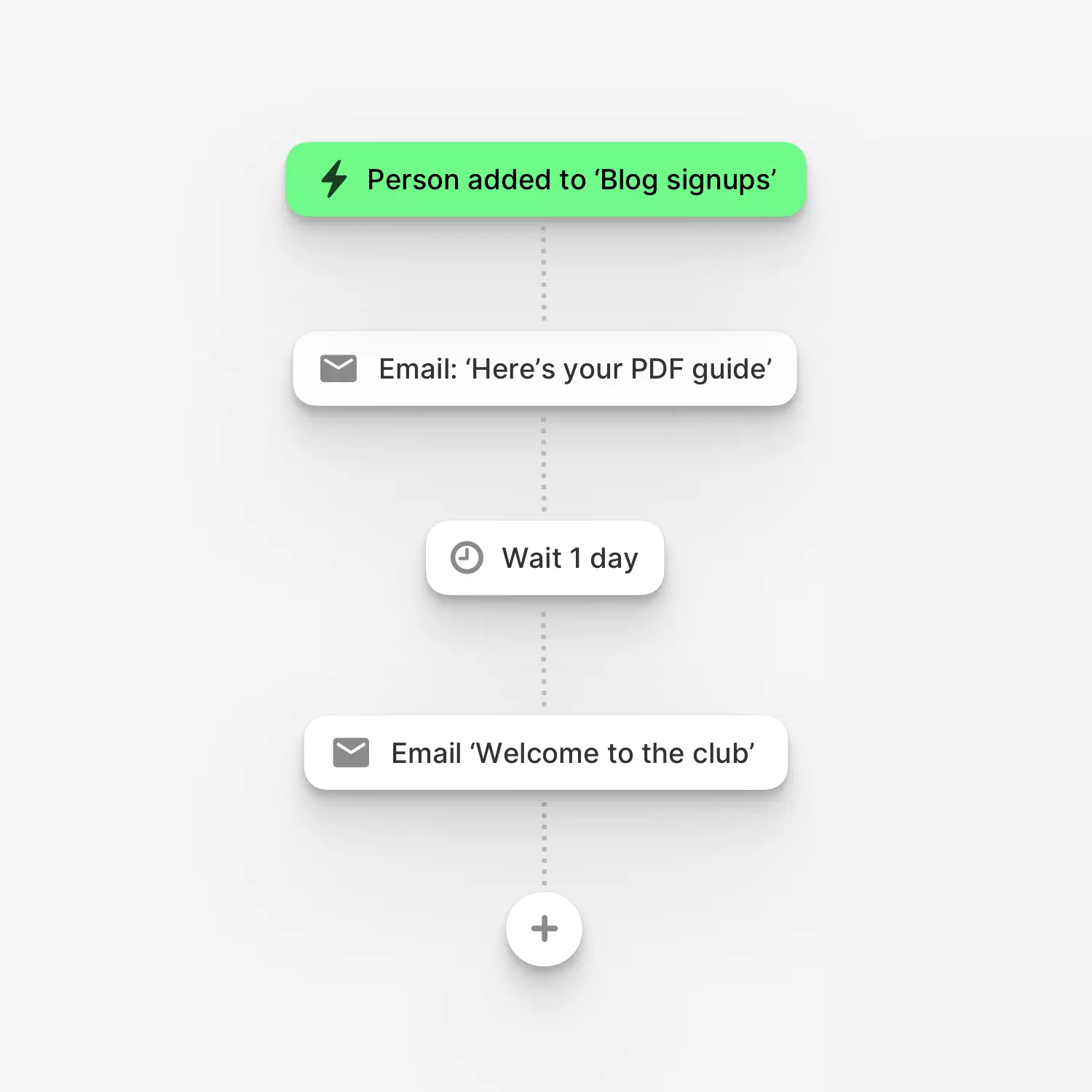
The easiest automation builder, ever.
Put marketing on autopilot so you can focus on other things. Build powerful, multi-step drip automations with branching and conditional logic for any use case...welcome sequences, lead magnets, email courses, loyalty programs, and much more. Or let the Audienceful AI Agent build an entire automation for you from a plain-language brief.
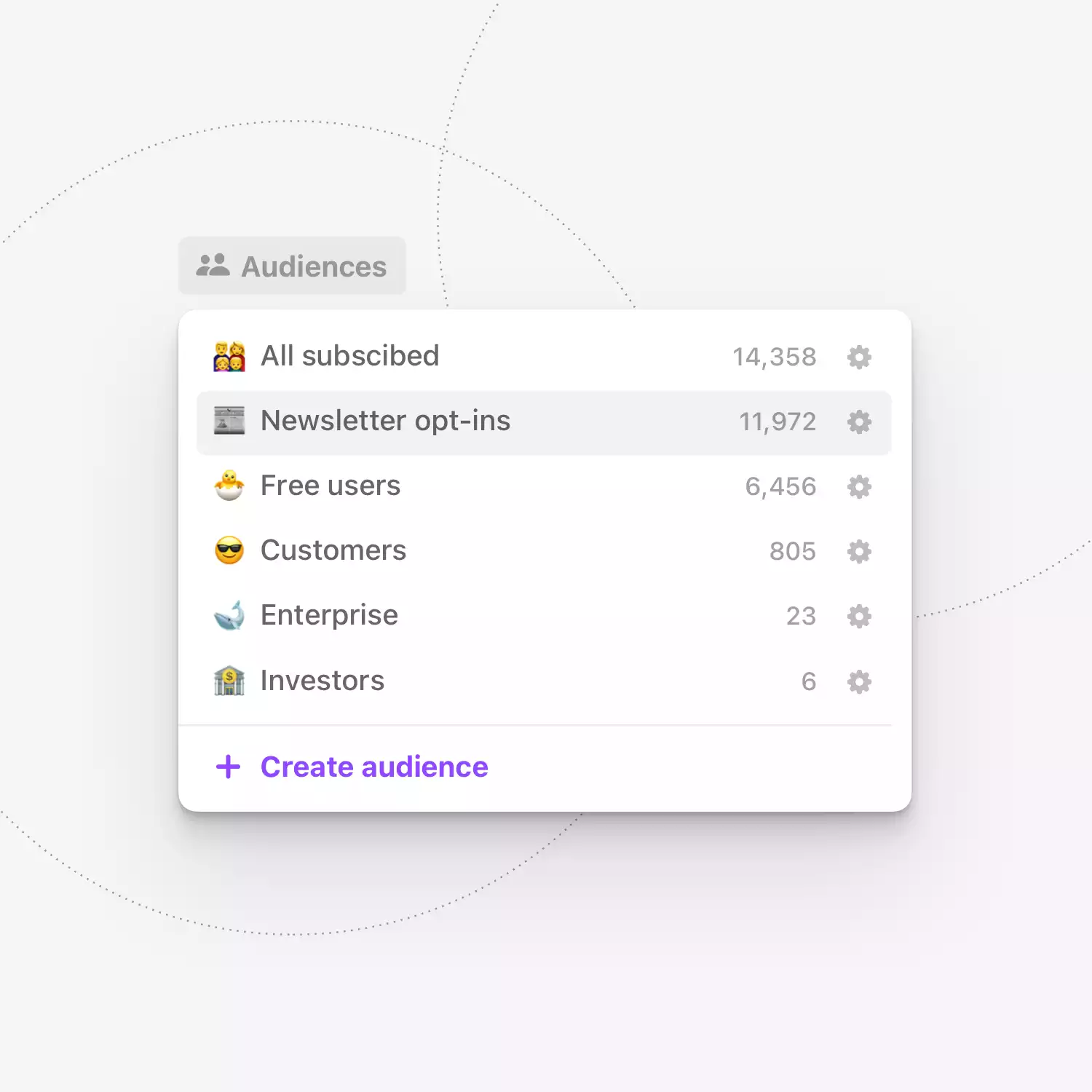
Juggle multiple audiences with ease.
Get the right message to the right group. Segment your subscribers into multiple audiences with tags, custom fields and powerful conditionals.