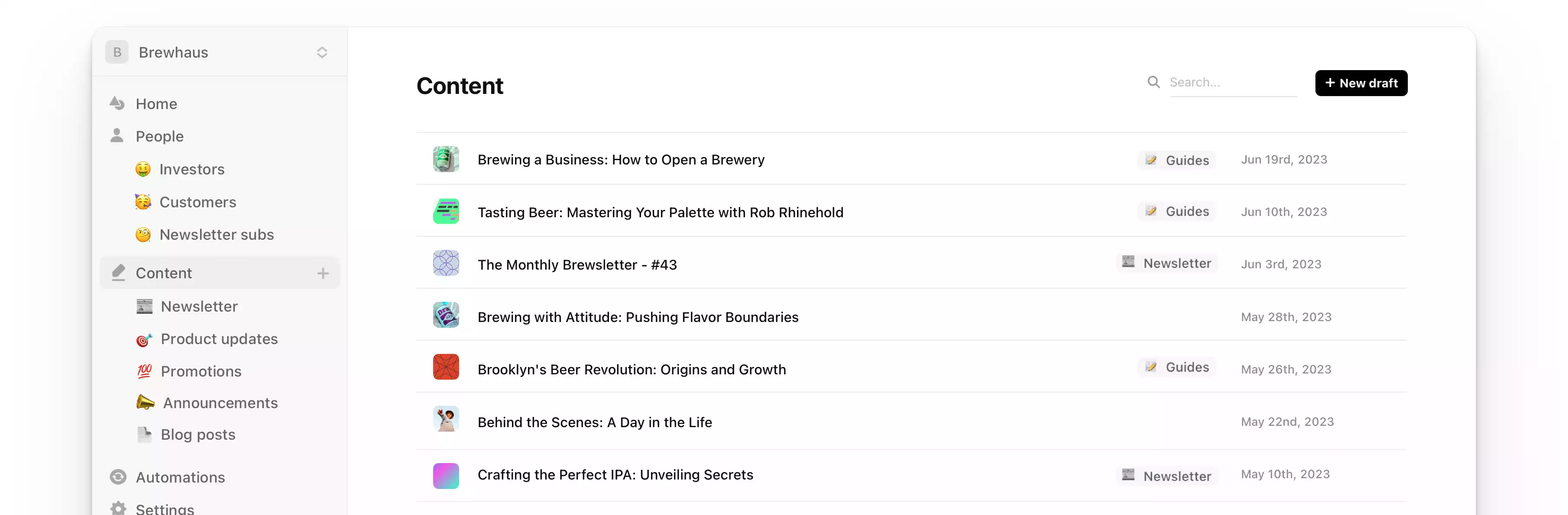
Email Marketing Software for Cursor
Connect Cursor to Audienceful and manage your email marketing from Cursor's agent. Look up contacts, build audiences, draft emails, set up automations and check results, and nothing sends without your approval.
Join now for free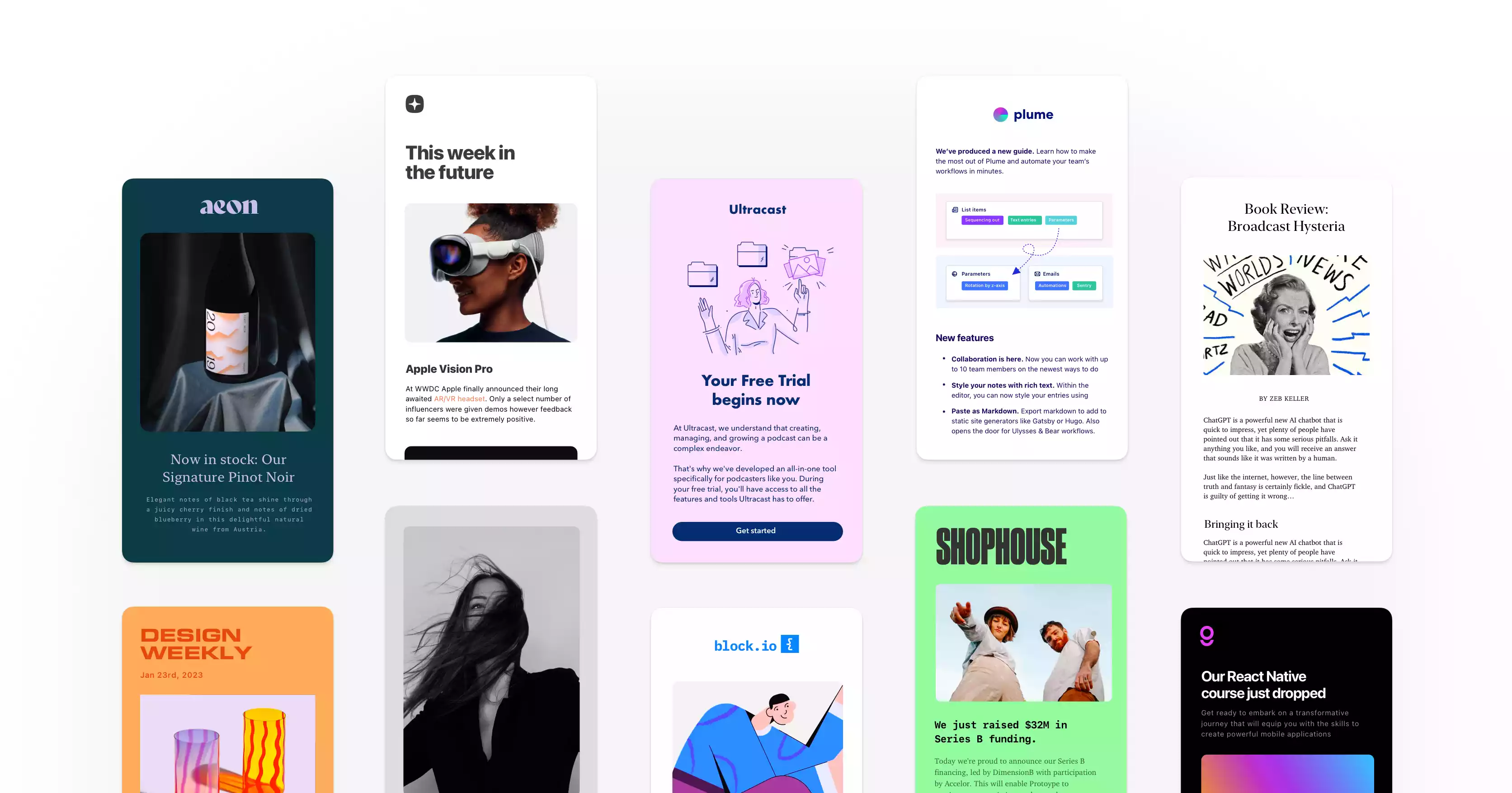
Loved ❤️ by thousands of savvy businesses





Run your email marketing from the editor you build in.
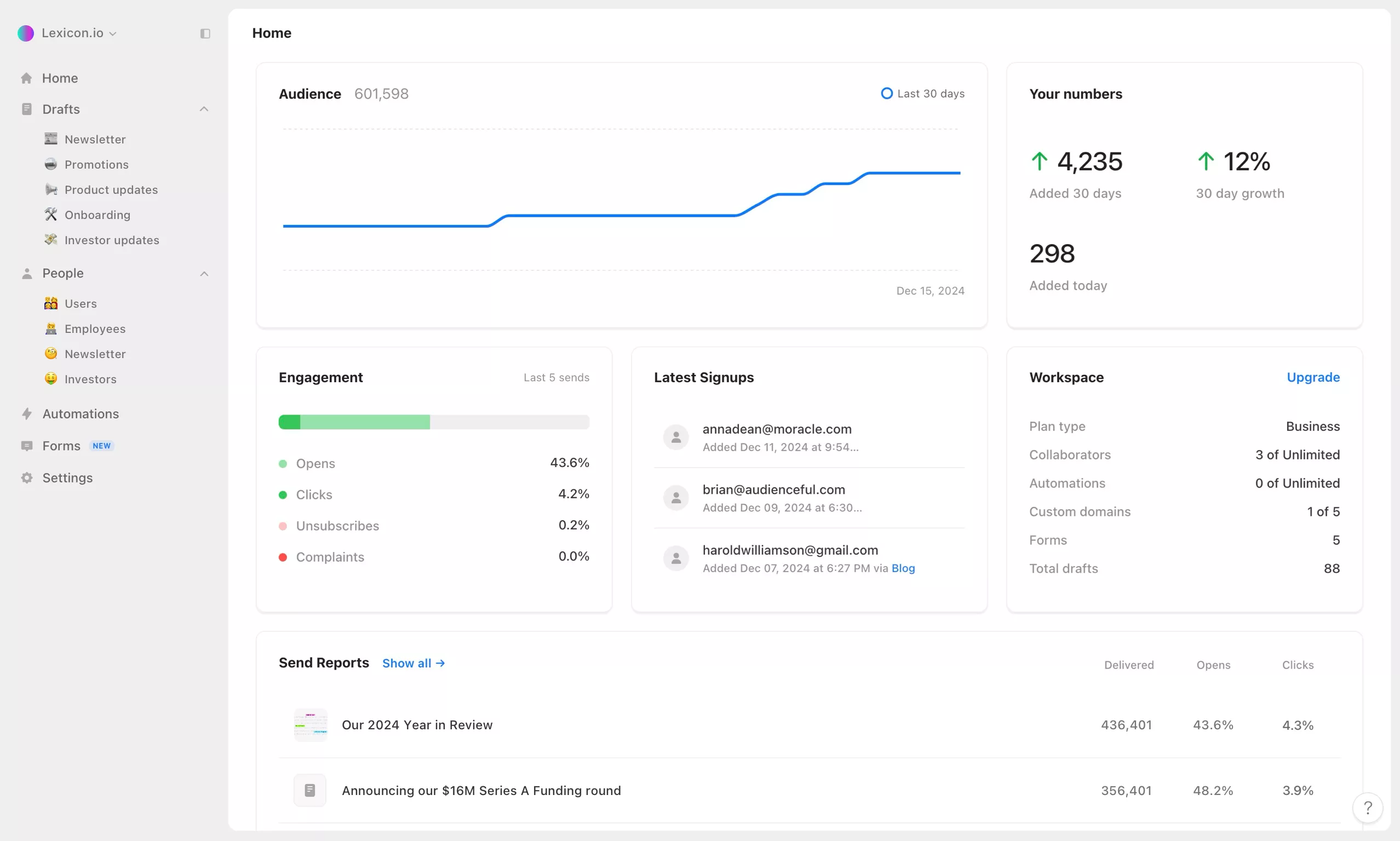
Cursor's agent can connect to Audienceful through our email marketing MCP server. Once connected, it works with your actual workspace: your contacts, audiences, drafts, automations and results, right next to the code you're shipping.
Connect Cursor
The quickest way is one click: open Apps → Cursor in Audienceful and choose Add to Cursor. To add it yourself, put this in ~/.cursor/mcp.json, or in a project's .cursor/mcp.json:
{
  "mcpServers": {
    "Audienceful": {
      "url": "https://api.audienceful.com/v2/mcp"
    }
  }
}
Then open Cursor Settings → Tools & MCP, where Audienceful shows Needs login, and click it to sign in to Audienceful, pick a workspace and choose what Cursor can do. With the Cursor CLI, run cursor-agent mcp login audienceful instead.
What Cursor can do in Audienceful
- Announce what you ship. Turn a changelog, a pull request or release notes into a product update email in Audienceful's editor.
- Segment your list. Describe who should get an email and the agent builds the audience, with a member count first.
- Wire up lifecycle email. Create onboarding and re-engagement automations, always paused until you review them.
- Report back. Get open and click rates, top-performing emails, most-clicked links and deliverability trends.
Prompts to try in Cursor
- "Write a launch email for the feature in this branch and save it as a draft for our Customers audience."
- "Which custom events are we sending to Audienceful, and which automations use them?"
- "Set up a three-email onboarding sequence for new signups, and leave it paused."
Safe by design
When Cursor connects, you choose one workspace and whether it can view, edit or send. Sends always need your approval after a preview of the recipients, and that approval works only once. New automations start paused, and you can disconnect Cursor any time from Apps → Installed apps in Audienceful.
The MCP server is included on every Audienceful plan, including Free. More setup options are in the MCP help guide.
Join 10,000+ making the switch.
“...Holy sh*t this is fantastic…I'm really impressed so far. You all have built something special here.”

“I love products like Audienceful - it hints at a better future, connecting creatives with richer workflows.”

“So much easier to use than Mailchimp...has already saved us hundreds of hours.”

How we're different.
Audienceful cuts out all of the bloat found in traditional email marketing platforms. It's minimal, fast, and setup for best practices by default.
The easiest automation builder, ever.
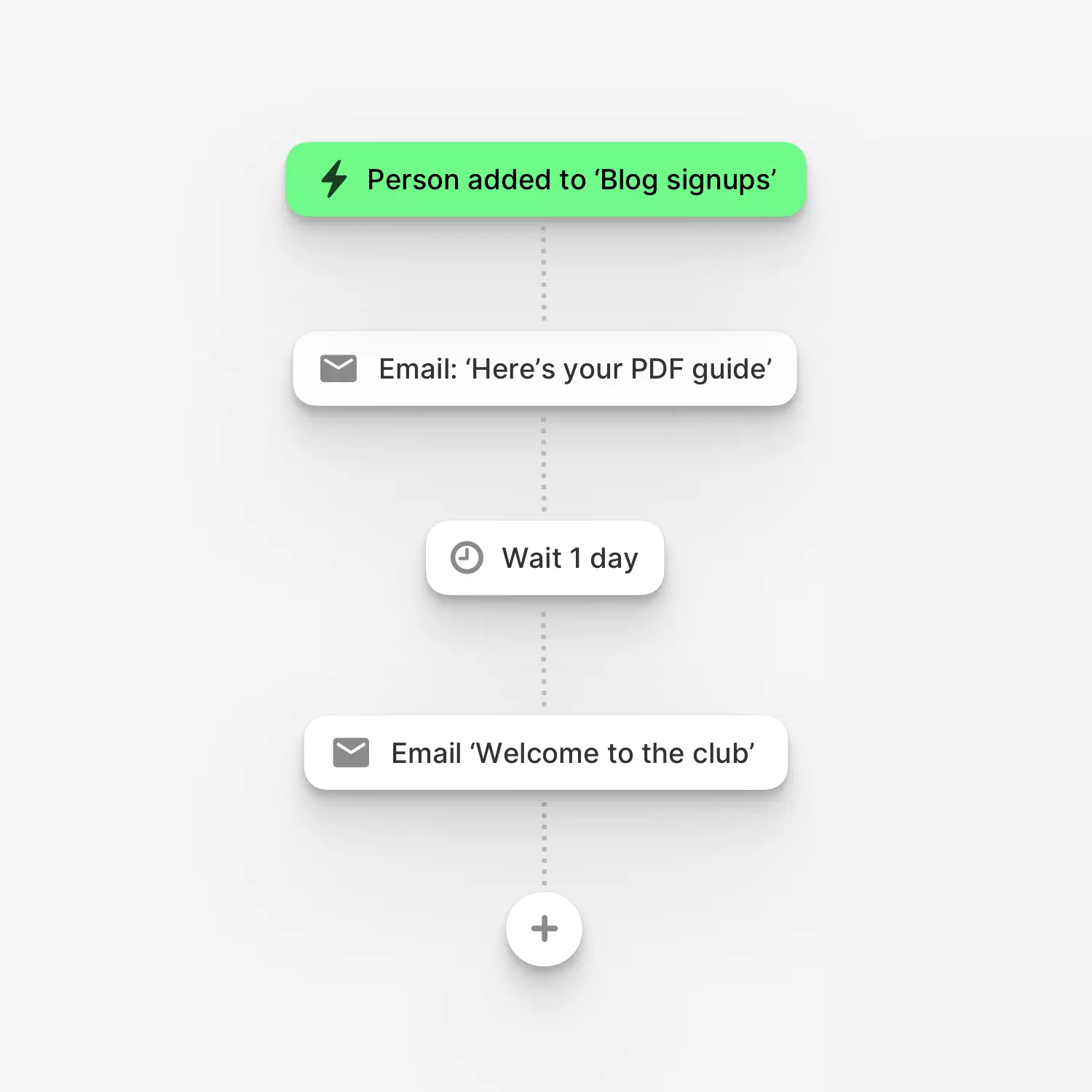
Put marketing on autopilot so you can focus on other things. Build powerful, multi-step drip automations with branching and conditional logic for any use case...welcome sequences, lead magnets, email courses, loyalty programs, and much more. Or let the Audienceful AI Agent build an entire automation for you from a plain-language brief.
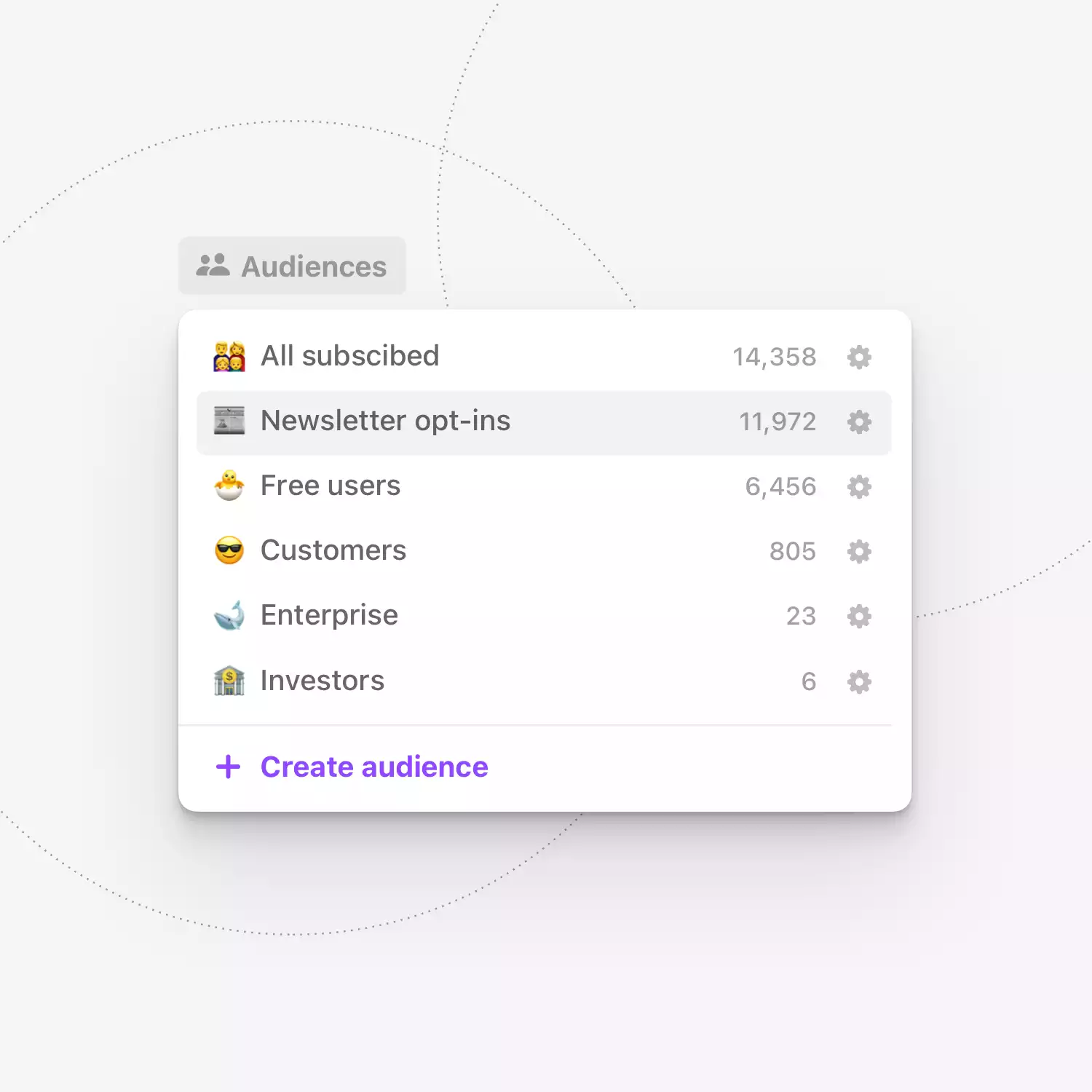
Juggle multiple audiences with ease.
Get the right message to the right group. Segment your subscribers into multiple audiences with tags, custom fields and powerful conditionals.
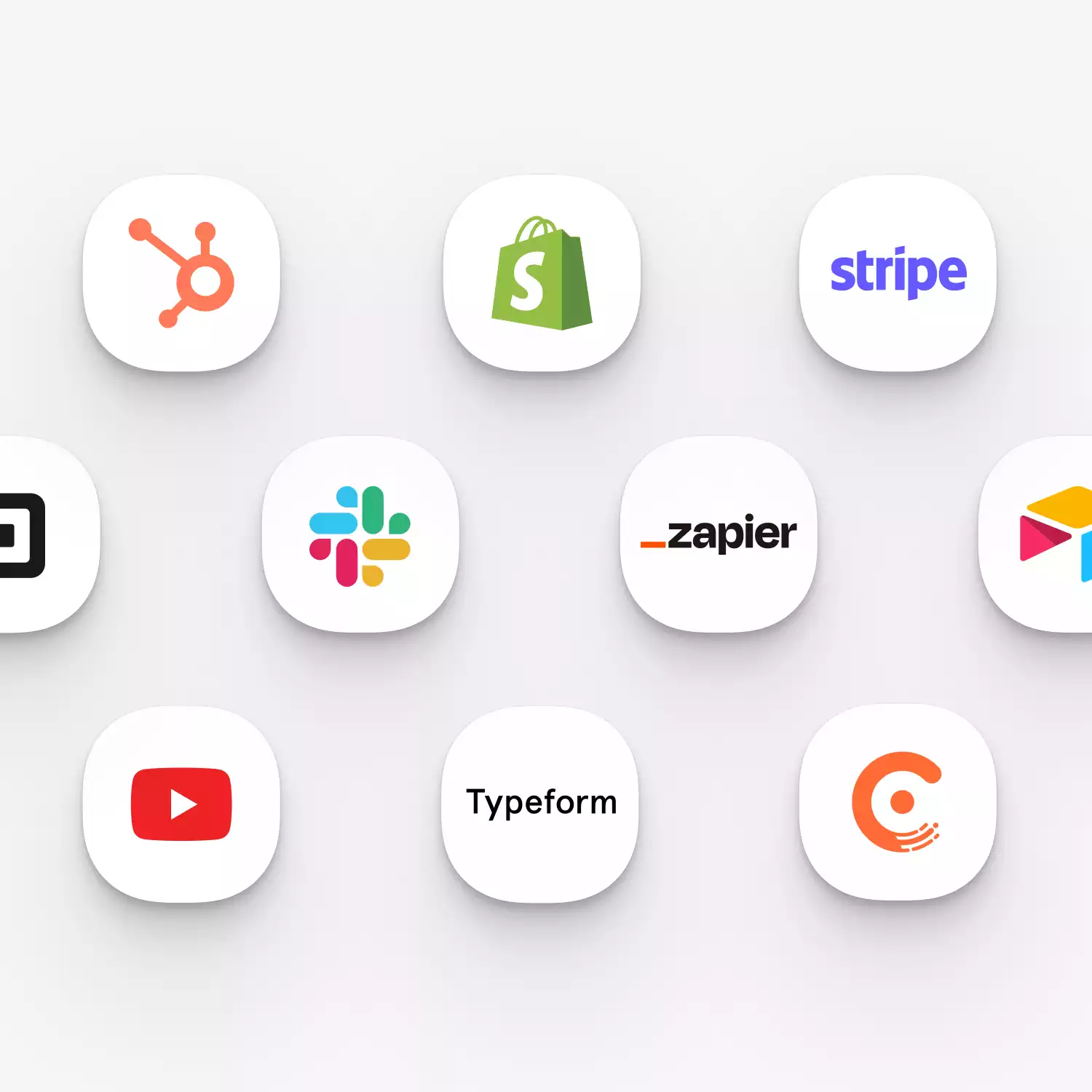
Integrate with the rest of your tools.
Sync data and contacts from your CRM, Payment Processor, POS system, and 4000+ tools via Zapier or API.