Email deliverability tools fall into five layers, and you need one of each, not one tool: a sending platform that handles authentication and bounces, the free mailbox-provider dashboards, an inbox placement tester, DMARC reporting and list verification. Most senders under 100,000 contacts can cover the first three for free or close to it, starting with Audienceful or whichever platform you send from, plus Google Postmaster Tools. Below are the tools for each layer, what they cost on 14 November 2026, and which ones you can skip at your size.
This guide is for marketing senders with opt-in lists: stores, SaaS companies and newsletters. It leaves out warm-up networks and cold-email inbox rotation tools on purpose. Those fake engagement to game filters, mailbox providers work to detect them, and they don't fix the cause of a spam problem. We make Audienceful and list it first as the sending layer. It is an email platform, not a testing or monitoring service, so we still recommend tools from the other layers alongside it.
Email deliverability tools: Best for use case
| Tool | Best for use case | Layer | Free option |
|---|---|---|---|
| Audienceful | Sending with verification, spam tests and throttling built in | Sending platform | Free plan |
| Google Postmaster Tools | Seeing your Gmail spam rate and compliance status | Provider dashboard | Free |
| Microsoft SNDS and Yahoo Sender Hub | Outlook and Yahoo data | Provider dashboard | Free |
| GlockApps | Seed-list inbox placement tests | Placement testing | 2 test credits |
| Mailgun Optimize | Placement tests, validation and monitoring in one | Placement and monitoring | First month free |
| mail-tester | One-off content and authentication check | Spam testing | Yes |
| MXToolbox | Blocklist monitoring | Reputation monitoring | Weekly checks, 1 domain |
| dmarcian | DMARC reports for small teams | Authentication | Personal plan |
| EasyDMARC | DMARC reporting with guided setup | Authentication | Free lookup tools |
| Valimail Monitor | Free DMARC visibility | Authentication | Free |
| ZeroBounce | Pay-as-you-go list verification | List hygiene | 100 credits a month |
| NeverBounce and Kickbox | Bulk verification before imports | List hygiene | See vendor pages |
The five layers and what each one catches
| Layer | What it catches | Free option | Paid option |
|---|---|---|---|
| Sending platform | Missing authentication, bounces, complaints, volume spikes | Built into your ESP | Built into your ESP |
| Provider dashboards | Gmail spam rate, reputation, compliance gaps | Postmaster Tools, SNDS, Sender Hub | None needed |
| Placement and spam testing | Spam-folder placement, broken auth, flagged links | mail-tester, GlockApps free credits | GlockApps, Mailgun Optimize, MXToolbox |
| DMARC reporting | Unknown senders on your domain, failing alignment | Valimail Monitor, dmarcian Personal, our checker | dmarcian, EasyDMARC |
| List verification | Typos, dead domains, risky addresses before import | ZeroBounce free credits | ZeroBounce, NeverBounce, Kickbox |
No single layer tells you everything. Postmaster Tools shows your Gmail complaint rate but not where your mail lands at Outlook. A seed test shows placement for a test inbox but not for your real subscribers. Use them together.
Audienceful: the sending layer
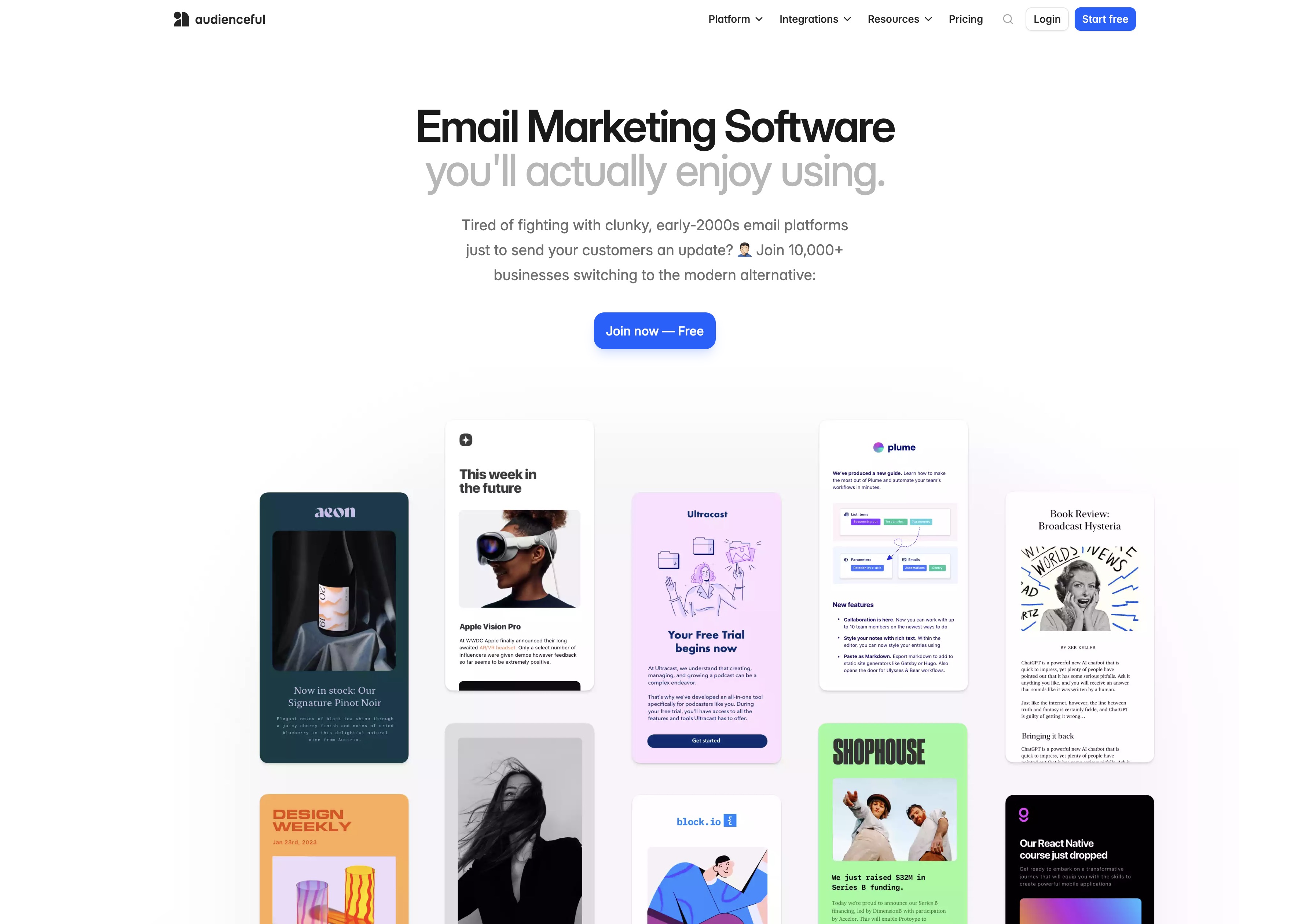
Your sending platform is a deliverability tool whether you think of it that way or not. It decides whether your domain signs the mail, how bounces are handled, how fast large sends go out and who else shares your IPs.
Audienceful's deliverability features cover that layer. You set up a custom sending domain with DNS guides for every major registrar, and DNS health is checked continuously after that. Every email can be spam-tested before it sends. Imports run address verification. We approve senders manually so the shared pool stays clean, and sends use dynamic batching, smart retry and gradual sending. Growth customers at very high volume can get a dedicated IP. Every campaign gets a delivery report.
The rest of the product helps deliverability indirectly. Automations run on native Shopify and Stripe data, so flows reach the right customers instead of the whole list, and revenue attribution shows which ones earn. The AI agent and MCP server can build an engaged-only segment or pause a flow from a sentence.
- Best for: marketing senders who want verification, spam tests and throttling handled in the platform.
- Starting price at 10K contacts: free plan for small lists; paid plans on the pricing page.
- Ecommerce integrations: native Shopify and Stripe.
- Automation depth: branching flows on order, product and subscription data.
- One honest drawback: it doesn't replace Postmaster Tools or a DMARC reporting service, and we don't claim it does.
Google Postmaster Tools: start here
Postmaster Tools is free and is the only direct view you get of how Gmail treats your domain. Google's help page lists the current dashboards: Compliance status, Spam rate, IP reputation, Domain reputation, Feedback loop, Authentication, Encryption and Delivery errors.
The Compliance status dashboard checks you against each Gmail sender requirement and marks it Compliant or Needs work. The spam rate dashboard is the number to watch: Google's sender guidelines want it under 0.1% and never at 0.3%. You verify your domain with a DNS TXT record. Data updates within about 24 hours, and low-volume days may show nothing.
- Best for: every sender with Gmail recipients.
- Starting price at 10K contacts: free.
- Ecommerce integrations: none; works with any platform.
- Automation depth: none; you check it manually.
- One honest drawback: Gmail only, and small senders get gaps in the data.
Before you set it up, check your records with our free DKIM and SPF checker.
Microsoft SNDS and Yahoo Sender Hub
Microsoft's SNDS shows complaint and trap data for Outlook.com, but only for IPs you control. On a shared pool you usually can't use it. Yahoo's Sender Hub publishes Yahoo's requirements and runs its complaint feedback loop.
- Best for: senders on a dedicated IP (SNDS) or with many Yahoo and AOL recipients (Sender Hub).
- Starting price at 10K contacts: free.
- Ecommerce integrations: none.
- Automation depth: none.
- One honest drawback: on shared IPs, SNDS shows nothing useful, so rely on your platform's per-provider reports.
GlockApps: seed-list inbox placement tests
GlockApps sends your email to a seed list of test inboxes across providers and reports where each copy landed, along with authentication and content checks. Its pricing page lists a free plan with 2 spam test credits, Essential at $59/month (360 credits), Growth at $99 (1,080 credits) and Enterprise at $129 (1,800 credits), all billed annually.
- Best for: testing placement before a big campaign or after a platform change.
- Starting price at 10K contacts: free for 2 tests, then $59/month billed annually; price doesn't depend on list size.
- Ecommerce integrations: none; you send a test from any platform.
- Automation depth: scheduled tests on paid plans.
- One honest drawback: seed inboxes have no history with you, so results are directional. They catch serious problems but won't match placement for your real subscribers.
Mailgun Optimize: testing, validation and monitoring together
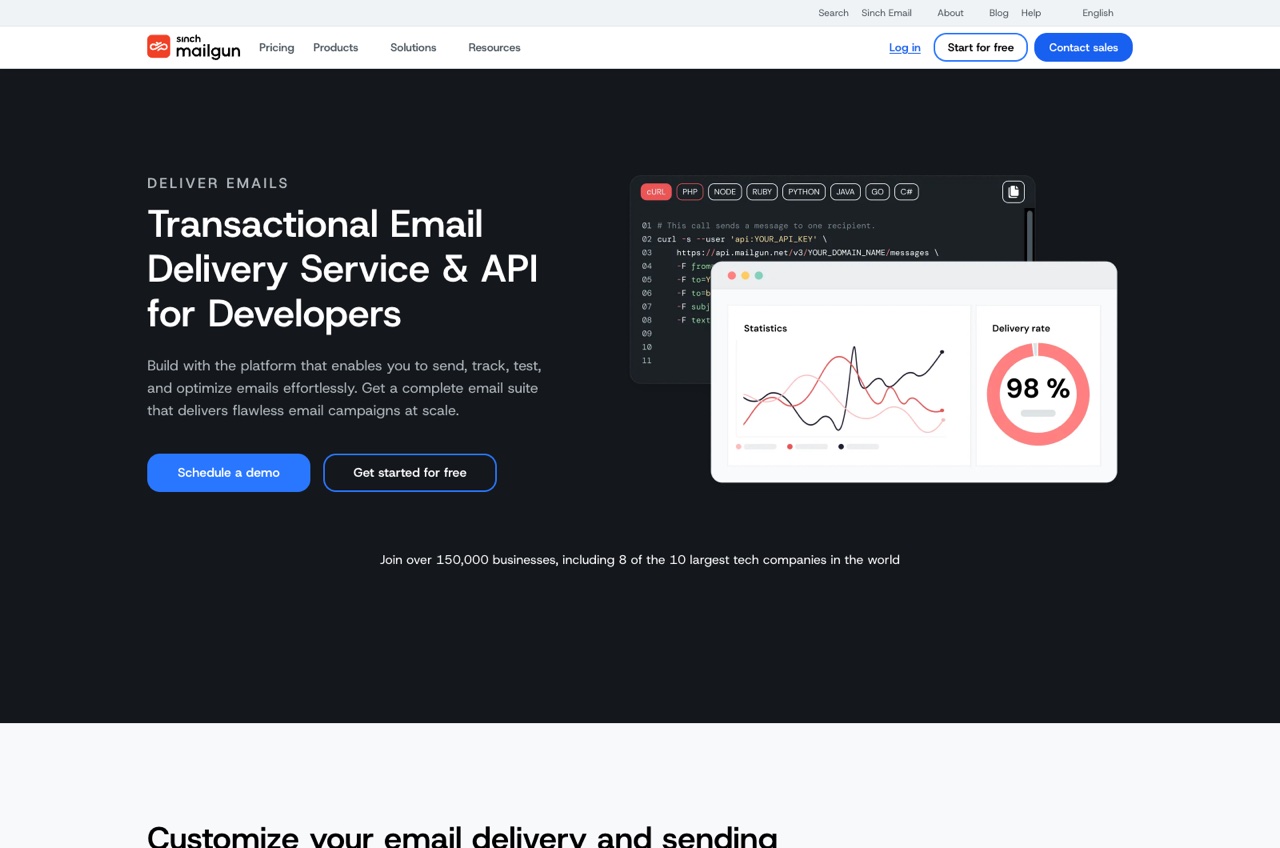
Mailgun sells Optimize separately from its sending product, and it works with mail sent from other platforms. The Optimize pricing page lists Pilot at $49/month after a free first month (2,500 validations, 25 placement tests) and Starter at $99 (5,000 validations, 50 tests). Both include blocklist and spam trap monitoring for one domain and IP, plus Postmaster Tools and SNDS data pulled into one view.
- Best for: teams that want placement, validation and monitoring in one bill.
- Starting price at 10K contacts: $49/month; 10,000 validations would add overage at $1.20 per 100 above the included 2,500.
- Ecommerce integrations: none.
- Automation depth: ongoing monitoring with alerts.
- One honest drawback: monitoring covers one domain and IP on the entry plans.
mail-tester: a free one-off check
mail-tester gives you a unique address, you send an email to it, and it scores authentication, content and blocklist status. Its site offers free tests and paid credits; check the current allowance there.
- Best for: a quick sanity check on a new template or domain.
- Starting price at 10K contacts: free for occasional tests; price doesn't depend on list size.
- Ecommerce integrations: none.
- Automation depth: none.
- One honest drawback: it tells you nothing about placement at real mailbox providers.
Audienceful users get a similar check built in with the pre-send spam test.
MXToolbox: blocklist monitoring
MXToolbox runs the blocklist lookups most people use for spot checks. Its Delivery Center page lists a free tier with weekly blacklist monitoring for one domain, Delivery Center at $129/month (30 inbox placement analyses, 5 domains) and Delivery Center Plus at $399.
- Best for: watching your domain and dedicated IPs for blocklist listings.
- Starting price at 10K contacts: free weekly checks, $129/month for the full product.
- Ecommerce integrations: none.
- Automation depth: alerts on paid plans.
- One honest drawback: most blocklists don't affect placement at major providers, so a listing isn't always a problem. Our ESP IP blacklisted guide explains which ones matter.
dmarcian: DMARC reports for small teams
DMARC reports arrive as XML files nobody can read. A DMARC tool turns them into a list of who is sending as your domain and whether they pass. That is how you find a forgotten CRM or helpdesk sending unauthenticated mail before you move to p=quarantine.
dmarcian's pricing page lists a free Personal plan (non-business domains, under 1,250 messages a month), Basic at $24/month or $19.99 billed annually (2 domains, 100,000 DMARC messages), Plus at $240 and Enterprise at $600.
- Best for: small businesses rolling out DMARC enforcement.
- Starting price at 10K contacts: $19.99/month billed annually on Basic.
- Ecommerce integrations: none.
- Automation depth: report processing and alerts.
- One honest drawback: the free plan excludes business domains.
EasyDMARC: DMARC with guided setup
EasyDMARC's pricing page lists DMARC Plus at €44.99/month or €35.99 billed annually (2 domains) and DMARC Premium at €89.99 or €71.99 annually (4 domains), with free trials. It also offers free lookup and record generator tools.
- Best for: teams that want hand-holding through SPF, DKIM and DMARC changes.
- Starting price at 10K contacts: €35.99/month billed annually.
- Ecommerce integrations: none.
- Automation depth: report processing, alerts and hosted records.
- One honest drawback: no free plan, only free tools and trials.
Valimail Monitor: free DMARC visibility
Valimail's pricing page lists Valimail Monitor as free, with paid Enforce tiers on custom quotes.
- Best for: seeing who sends as your domain without paying.
- Starting price at 10K contacts: free.
- Ecommerce integrations: none.
- Automation depth: limited automated DMARC on the free tier.
- One honest drawback: enforcement features need a sales quote.
ZeroBounce, NeverBounce and Kickbox: list verification
Verification services check addresses before you send: syntax, domain, mailbox existence, and known risky types like disposable or role addresses. Use one before importing an old list, never as a substitute for consent.
ZeroBounce's pricing page lists 100 free credits a month, pay-as-you-go from $39 for 2,000 validations, and a ZeroBounce ONE subscription at $99/month with a 10,000-credit minimum. NeverBounce and Kickbox both price per verification on their own pages; we couldn't load either page on the day we checked.
- Best for: cleaning an old list before importing it to a new platform.
- Starting price at 10K contacts: about $99 at ZeroBounce for 10,000 credits.
- Ecommerce integrations: varies; most connect to major ESPs.
- Automation depth: real-time API checks on signup forms.
- One honest drawback: verification can't tell you whether someone agreed to hear from you.
If your platform verifies on import, as Audienceful does, you may only need these for a one-time clean. Our list cleaning before migration guide covers that job.
Your sending platform is a layer too
Whatever platform you use, check it for these features. Each one does work the separate tools can't.
- Custom sending domain with aligned DKIM
- Automatic suppression of hard bounces, complaints and unsubscribes
- One-click unsubscribe headers
- Per-provider throttling and retry of deferred mail
- Address verification on import
- Pre-send spam testing
- Sender vetting on shared IPs
- A dedicated IP option at high volume
Our guide to email marketing software with the best deliverability compares eight platforms on this list.
Deliverability services and consultants
A deliverability consultant reads your data, finds the cause and talks to mailbox providers or blocklist operators for you. Hire one when you send millions of emails a month, when a major provider is blocking you and you can't find why, or when you're moving a large program to a dedicated IP. Most smaller senders can fix their own problems with the checks in why are my emails going to spam and how to improve email deliverability.
Recommended stacks by size
| List size | Stack | Approx. monthly cost on top of your ESP |
|---|---|---|
| Under 10K | Platform features, Postmaster Tools, DKIM and SPF checker, mail-tester | $0 |
| 10K to 100K | Above plus Valimail Monitor or dmarcian Basic, a GlockApps test before big campaigns | $0 to $80 |
| 100K+ | Above plus Mailgun Optimize or MXToolbox Delivery Center, paid DMARC, SNDS if on a dedicated IP | $150 to $500 |
Start at the top row and add layers when a problem shows you need them. Our email deliverability checklist and SPF, DKIM and DMARC explained cover the setup the tools check.
FAQs
What is the best email deliverability tool?
For most marketing senders, Google Postmaster Tools, because it's free and shows how Gmail sees you. Add a seed test like GlockApps and a DMARC reporter as your volume grows.
Are there free email deliverability tools?
Yes. Google Postmaster Tools, Microsoft SNDS, Yahoo Sender Hub, Valimail Monitor, mail-tester, MXToolbox's free tier and our DKIM and SPF checker are all free.
What does an email deliverability service do?
It tests where your mail lands, monitors your reputation and blocklist status, processes DMARC reports or verifies addresses. Consultants go further and diagnose causes and contact providers for you.
How do I test my email deliverability?
Check your DNS records, send a real campaign to seed inboxes you control at Gmail, Outlook and Yahoo, run a paid seed test for wider coverage, and watch your spam rate in Postmaster Tools.
Do I need a DMARC monitoring tool?
If you plan to move DMARC to p=quarantine or p=reject, yes. The reports show every service sending as your domain so you don't block your own mail. A free tier is enough for most small senders.
Are email warm-up tools safe?
Tools that warm up by exchanging fake opens and replies across a network aren't. Providers work to detect them and they don't fix the underlying problem. Warm up by sending to your most engaged real subscribers first, as in our list warming guide.
How much do deliverability tools cost?
From free to a few hundred dollars a month. On 14 November 2026, GlockApps started at $59/month billed annually, dmarcian Basic at $19.99, Mailgun Optimize at $49 and MXToolbox Delivery Center at $129.
Want the sending layer handled, with verification, spam tests and throttling built in? Start a 14-day Growth trial and keep Postmaster Tools running alongside it.
