Transactional and marketing email in one platform can simplify templates, identity and lifecycle automation, provided the service preserves the right permission rules and gives you adequate control over sending traffic. Audienceful combines campaigns, custom events, a transactional API and native Stripe and Clerk data for teams wanting one operating workspace. Evaluate message eligibility, delivery monitoring, queues and the complete bill before consolidating two production senders.
We make Audienceful and list it first. Prices below were checked 14 November 2026 where stated. Contact counts, email volume and product packages are kept separate so an API entry price is not mistaken for the cost of a 10K-contact marketing program.
Best for use case
| Tool | Best for use case | Consolidation question |
|---|---|---|
| Audienceful | Native billing-driven lifecycle plus collaborative campaigns | Confirm the selected plan and transactional capacity |
| Customer.io | Event-driven journeys with a shared people/object model | Confirm profile counting and message allowance |
| Loops | Email-focused SaaS workflows and application mail | Check template variables, contact policy and send terms |
| Resend | Developer-led API email plus marketing broadcasts | Budget marketing and transactional products separately |
| Brevo | Teams evaluating volume-priced marketing and transactional sending | Select the required volume and automation package |
| Mailjet | API/SMTP delivery alongside a marketing editor | Confirm automation tier and traffic controls |
| SendGrid | Existing API users evaluating Marketing Campaigns | Two product subscriptions can remain under one vendor |
| Campaign Monitor | Marketing teams with journeys and transactional requirements | Verify Smart Email, API and template behavior |
Transactional and marketing email: classify the purpose
A password reset completes a user request. A receipt confirms a transaction. A product promotion encourages a purchase. The endpoint used to send a message does not determine its purpose.
| Message | Typical purpose | Operational treatment |
|---|---|---|
| Password reset | Account access | Short-lived trusted link and clear failure handling |
| Receipt | Confirmed transaction | Accurate order and payment data |
| Security alert | Current account risk | Relevant recipient and actionable account path |
| Trial education | Lifecycle/product marketing in many setups | Eligibility, preferences and conversion exit |
| Upgrade promotion | Marketing | Applicable permission and unsubscribe handling |
| Newsletter | Marketing | Subscriber choice, suppression and frequency policy |
For US commercial email, the FTC's CAN-SPAM guide explains that primary purpose matters and treats transactional categories narrowly. A mixed promotional and account message should not be labelled transactional merely because it contains a receipt. Match the applicable rules to the sender, recipient and message, rather than assuming one provider's API classification settles the legal question.
Keep marketing opt-outs distinct from invalid-address and complaint restrictions. Essential account mail still needs delivery safeguards; an unsubscribed marketing contact and a hard-bounced address are not the same case.
Why unify the workspace?
A shared template system can reduce duplicate design maintenance. A shared contact model can make lifecycle state easier to inspect. Events can connect account actions, billing and marketing without a separate manual export between teams.
The benefit is operational, not automatic. Two products under one vendor may still have separate APIs, templates, billing and suppression behavior. Conversely, two providers can operate reliably when ownership and synchronization are well designed.
Write down what you want to remove: a duplicated template, a broken identity sync, two preference stores, unnecessary integration work or a confusing invoice. Then test whether the proposed unified setup actually removes that problem.
Protect account mail from marketing problems
Ask the vendor how traffic is separated and controlled. A label called “transactional” is not proof of a distinct IP pool, independent queue or isolated domain reputation.
| Question | Useful evidence |
|---|---|
| Separate sending infrastructure? | Written explanation of pools, streams or account controls |
| Separate queues and limits? | Behavior during a large campaign and an urgent account message |
| Separate identities? | Supported subdomains, DKIM and envelope-sender setup |
| Shared suppressions? | A test of bounce, complaint and marketing opt-out behavior |
| Failure visibility? | Message IDs, delivery events, errors and alerting |
| Retry control? | Idempotency and reconciliation of ambiguous attempts |
A separate subdomain can support clearer traffic identity, but it is not a guarantee that reputation effects cannot overlap. A dedicated IP also requires suitable volume and operational care. Do not buy one as a universal fix for a poor-permission audience.
Use the deliverability checklist and SPF, DKIM and DMARC guide to evaluate the setup. Test real messages from each path after configuration.
Pricing and infrastructure comparison
The infrastructure column is deliberately specific about what this guide establishes. Confirm contract and technical controls before treating a shared workspace as isolated traffic.
| Tool | Published price context | Separate infrastructure? |
|---|---|---|
| Audienceful | Contact plan; confirm the required transactional allowance | Paid/free infrastructure distinction is separate from transactional/marketing stream isolation; verify the latter |
| Customer.io | Essentials $145/month at 10K profiles, one million monthly emails | Confirm the selected account's traffic and queue controls |
| Loops | Growth from $49/month at 5K; obtain 10K quote | Confirm operational separation and applicable sending terms |
| Resend | Checked transactional Pro $20/month for 50K emails; marketing priced separately | Dedicated IP is a conditional add-on; confirm traffic arrangement |
| Brevo | Starter from $9 and Standard from $18 at entry volume | Confirm package, transactional route and pool controls |
| Mailjet | Essential $19 or Premium $29 at 15K sends | Dedicated IP conditions are package-dependent; confirm stream controls |
| SendGrid | Marketing Basic from $15, Advanced from $60; Email API separate | Verify subuser, pool and queue arrangement for your package |
| Campaign Monitor | Contact/plan selector quote; transactional entitlement to verify | Confirm Smart Email and campaign separation in writing |
Sources: Audienceful pricing, Customer.io, Loops, Resend, Brevo, Mailjet, SendGrid Marketing Campaigns and Campaign Monitor. Entry prices in this table do not all cover the same volume or contact population.
Audienceful

Best for: SaaS and store teams wanting billing-triggered lifecycle, transactional email and collaborative campaigns in the same operating workspace.
Starting price at 10K contacts: Select the required contact plan and confirm transactional capacity. This comparison does not use Audienceful price as the advantage over lower-cost volume senders.
Ecommerce integrations: Native Stripe, Shopify and Clerk, plus custom events and webhooks.
Automation depth: Branching workflows, goals, Stripe flow templates and a documented transactional API.
One drawback: Consolidation still requires testing application callers and contact-creation behavior; a shared editor does not perform that migration automatically.
Audienceful's AI agent and complete MCP coverage support managing campaigns, segments and flows. Collaborative editing, agency-designed templates, revenue attribution and enterprise-grade delivery monitoring support the team operating the messages.
Verify the selected package's sending terms before estimating a high-volume transactional workload. Also inspect add_contact on transactional requests: essential account mail should not accidentally create a marketing subscription or trigger a welcome sequence.
Customer.io

Best for: Product teams combining behavioral journeys and application messages with people, objects and multiple channels.
Starting price at 10K contacts: Essentials is $145/month at 10K profiles in the checked ladder, with one million monthly emails in the published package.
Ecommerce integrations: Define billing and store data through the selected integration or API route.
Automation depth: Event-driven journeys, conditions and dynamic segments; verify the transactional path and required channel package.
One drawback: Profiles include identified people and objects, with a maximum-count measure that can make a temporary import billable.
The pricing page publishes additional-profile and email-overage rates. Keep the profile base and message volume separate, and use the required plan rather than assuming every transactional workload needs Premium.
Test permission, delivery suppressions and actual application requests alongside the journey. The Customer.io pricing guide and comparison cover the broader decision.
Loops
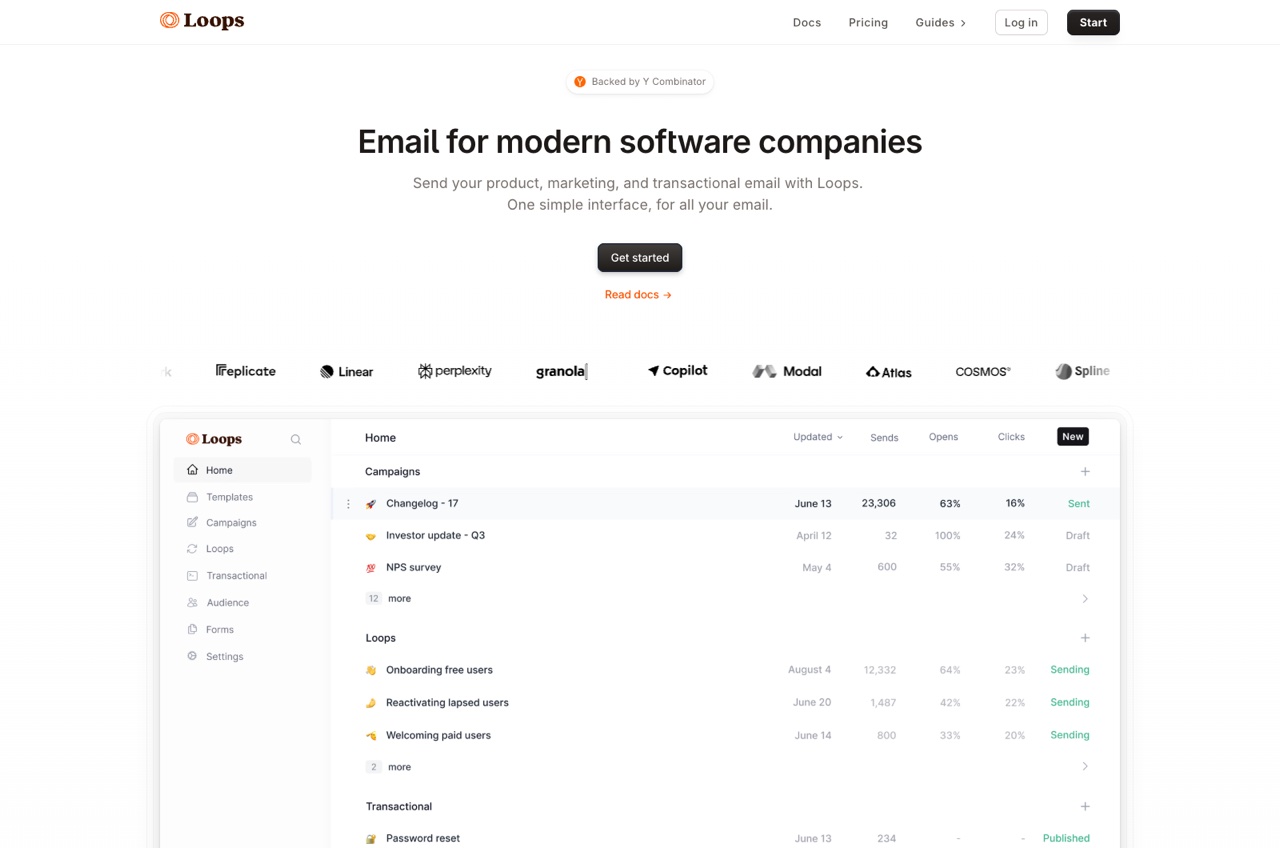
Best for: An email-focused SaaS team wanting workflows, marketing messages and transactional templates around its developer integration.
Starting price at 10K contacts: Obtain the matching quote. The checked Growth entry is $49/month at 5K, while Free has a smaller subscriber/send allowance.
Ecommerce integrations: The directory lists Stripe and Clerk among the payment and authentication routes.
Automation depth: Event triggers, timers, filters, branches and experiments described in the current workflow overview.
One drawback: Template-variable changes and application caller changes must remain synchronized to avoid production failures.
Loops' transactional best-practices guide distinguishes marketing subscription state from account-critical sending and delivery suppressions. Test those categories directly before moving the complete program.
Use Loops pricing for the exact tier and terms, and our Loops comparison for the broader workflow evaluation.
Resend

Best for: A developer-led team evaluating API-based transactional sending alongside a marketing broadcast product.
Starting price at 10K contacts: Obtain the marketing-contact quote and add the required transactional package. The checked transactional Pro entry is $20/month for 50K emails, which is not a complete 10K-contact marketing price.
Ecommerce integrations: Map billing and store events through the supported API or selected connector, and verify ownership of the maintained contact data.
Automation depth: Evaluate the current marketing, automation and transactional entitlements on Resend's pricing page.
One drawback: Adding a marketing product does not mean its contact bill and the transactional volume bill have become one interchangeable allowance.
Resend's current offering includes marketing, so describing it as transactional-only would be outdated. Compare actual campaign creation, event logic and template maintenance with the developer workflow your team wants.
Its pricing page also describes conditional dedicated-IP and domain add-ons. Those are additional package decisions, not proof that every customer's transactional and marketing traffic is physically isolated. See Audienceful versus Resend.
Brevo
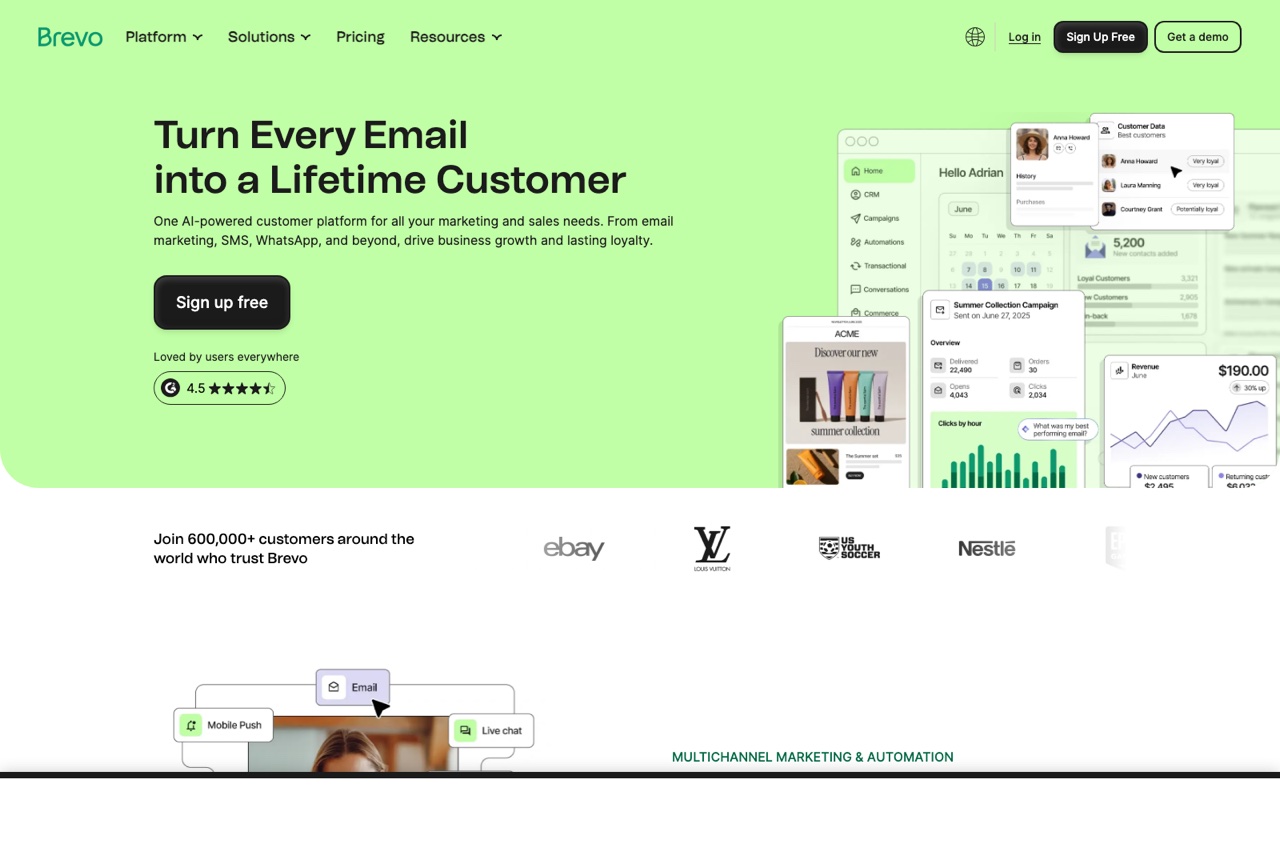
Best for: Teams evaluating volume-priced marketing and transactional email with the required automation package.
Starting price at 10K contacts: Price the actual contact capacity and send volume. The checked entry figures are Starter from $9 and Standard from $18 at entry volume, not a verified 10K-contact, 50K-send quote.
Ecommerce integrations: Inspect the current integration and package resources for the selected store or billing route.
Automation depth: Evaluate the package that includes the required multi-step flows rather than comparing only the cheapest email capacity.
One drawback: A low entry send price can describe a different capacity and feature package from the lifecycle program you intend to run.
Model campaigns and application mail together, then ask which allowance each uses. Confirm transaction-specific logs, suppression behavior, webhook events and queue controls before consolidating account access messages.
Compare the final quote and workflow, not the starting price alone. Audienceful's native billing events and collaborative production may fit a different operating requirement than the least-expensive volume package.
Mailjet
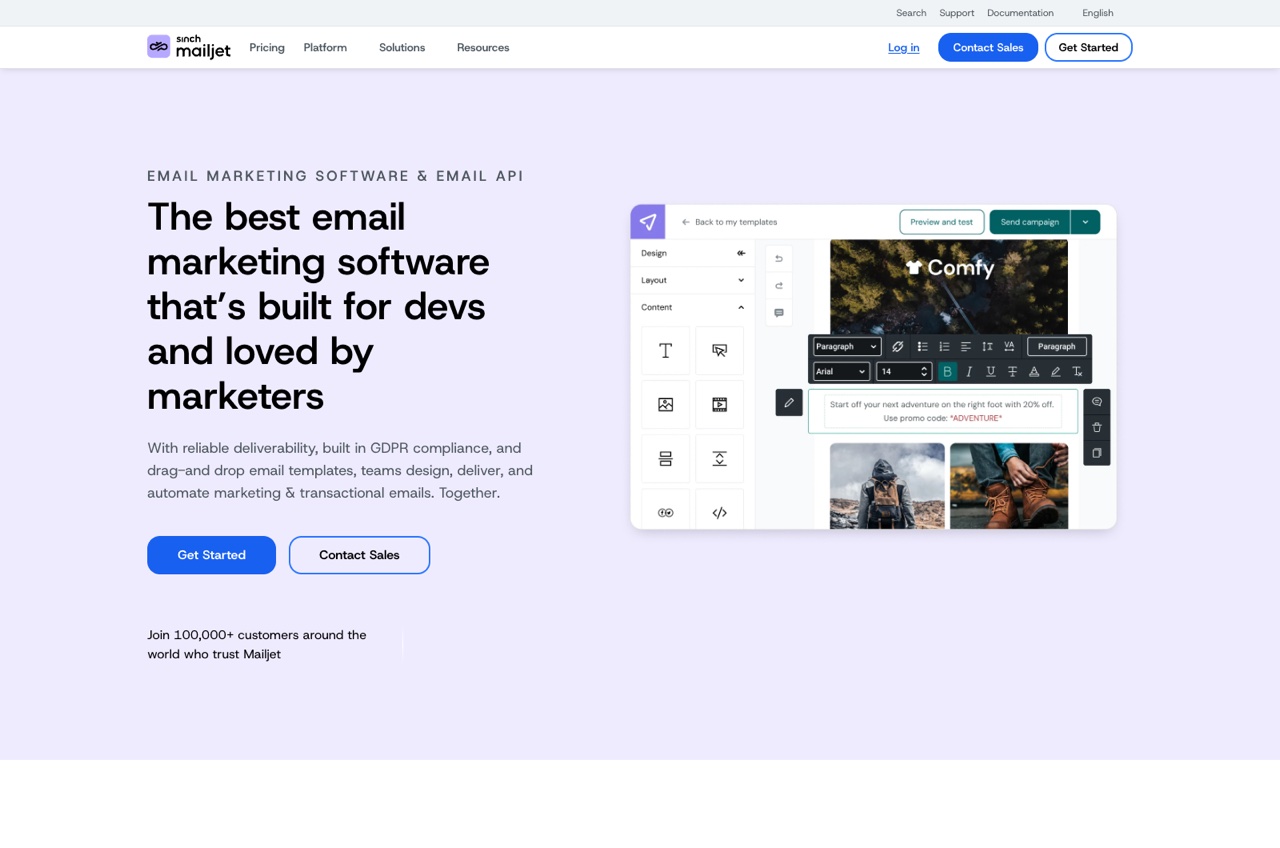
Best for: Teams wanting an email editor alongside documented API and SMTP delivery.
Starting price at 10K contacts: Essential is $19/month for 15K sends with unlimited contacts; Premium is $29 at the same displayed volume and includes automations. A larger send forecast needs the matching quote.
Ecommerce integrations: The official page links Shopify, WooCommerce and other integration routes; verify the events and fields supplied.
Automation depth: Premium lists automations; test the exact lifecycle branches and exits required by your product.
One drawback: A contact-capacity headline does not establish enough sending volume for campaigns plus account messages.
The checked Free and Starter packages have smaller contact limits, so they should not be presented as a ten-thousand-contact package merely because API access exists. The same pricing page lists API, SMTP and webhooks.
For dedicated infrastructure, the page places a dedicated-IP option on qualifying 100K-plus Premium plans by request. Confirm the actual arrangement and operational requirements rather than assuming every paid plan includes that isolation.
SendGrid
Best for: Existing SendGrid API teams considering whether adding or retaining Marketing Campaigns simplifies their current operation.
Starting price at 10K contacts: Obtain the selected Marketing Campaigns tier and add the required Email API subscription. Published marketing entries are Basic from $15 and Advanced from $60.
Ecommerce integrations: Define application and store data through the selected integration or API rather than assuming the marketing add-on supplies every lifecycle event.
Automation depth: Evaluate the required marketing automation and campaign package alongside application-controlled transactional behavior.
One drawback: Sharing a vendor does not automatically merge two products' billing, templates or operational controls.
Use the current Marketing Campaigns pricing and account quote. Confirm the traffic, subuser and pool arrangement rather than treating a transactional label as complete infrastructure evidence.
Our SendGrid marketing migration guide explains the alternative: move lifecycle marketing while keeping the application API service. That split can be a valid outcome when consolidation does not remove enough complexity.
Campaign Monitor
Best for: A marketing team evaluating campaigns and journeys alongside its transactional requirements.
Starting price at 10K contacts: Obtain the current contact-plan quote and verify the transactional entitlement on that package.
Ecommerce integrations: Review the supported integration resources and confirm the store or billing event path.
Automation depth: Journeys and transactional functionality depend on the selected setup; test both the marketing behavior and actual application caller.
One drawback: Builder templates and custom HTML have different export behavior, which affects future portability and migration work.
The template documentation distinguishes exportable custom HTML from builder designs. Keep reusable source and message variables documented rather than assuming a future account export will recreate every template elsewhere.
If moving an existing Smart Email setup, use the Campaign Monitor migration guide and transfer one application message type at a time.
Worked budget: 10K contacts and 50K monthly emails
Suppose a SaaS sends four campaigns to ten thousand eligible people, plus ten thousand account messages. That is 40K marketing sends + 10K transactional sends = 50K total, before any additional lifecycle sequence.
| Option | What is established for this workload | What still needs a quote |
|---|---|---|
| Customer.io Essentials | Checked 10K profile base $145 and one million monthly emails | Confirm actual billable profile population and additional purchases |
| Mailjet | Displayed 15K-send package is too small for 50K total | Matching volume and automation package |
| Resend | Checked $20 transactional package covers the 10K account-message component within its 50K allowance | Marketing at 10K contacts and any automation usage |
| SendGrid | Marketing and Email API are separate buying components | Complete selected tiers and combined total |
| Audienceful | Shared lifecycle and transactional workflow is documented | Required contact plan, transactional capacity and total allowance |
This model prevents a misleading comparison such as “$20 API plan versus $145 lifecycle platform” when the API figure omits the marketing audience. Add overlap, migration work, support and any separate infrastructure purchase before choosing the lower total.
Example: send a transactional draft through Audienceful
The documented transactional endpoint sends an existing draft to one recipient. Create and test the draft first, keep the API key on the server and use one stable idempotency key per intended send.
const response = await fetch("https://api.audienceful.com/v2/transactional", {
  method: "POST",
  headers: {
    "Content-Type": "application/json",
    "X-Api-Key": process.env.AUDIENCEFUL_API_KEY,
    "Idempotency-Key": "receipt-order-123-v1",
  },
  body: JSON.stringify({
    draft: "order-receipt",
    email: "controlled-address@your-company-domain.com",
    subject: "Your receipt",
    event_properties: { order_id: "123" },
    add_contact: false,
  }),
});

if (!response.ok) {
  throw new Error(`Transactional request failed: ${response.status}`);
}
const operation = await response.json();
add_contact: false deliberately avoids adding an unknown account-mail recipient to the marketing list. The endpoint processes asynchronously; inspect the operation result and delivery activity instead of treating request acceptance as proof of delivery.
Persist the intended send in your application. Reuse the same key and payload on a permitted retry, reconcile ambiguous results and avoid resending through a second provider unless the first attempt is confirmed unsent and the message is still useful.
Migration: consolidate one message type at a time
Inventory callers, templates, variables, sender identities, preferences, suppressions, queued work and billing. Prepare the new domains and test authentication without deleting records needed by the old production sender.
Move a low-risk transactional type first, then test success, failure, retry and link behavior. Transfer urgent account-access messages only after the operational path is verified. Keep one owner per intended send and maintain a rollback that reconciles already-sent work.
Move marketing contacts with permission and topic choices intact. Rebuild flows inactive, test conversion exits and handle waiting participants explicitly. A CSV import does not move a queue position or prove that a bounced address is blocked across both paths.
Use custom-domain help, flow migration guidance and Stripe automation examples for the destination setup. Retire the old subscriptions only after remaining callers and delayed messages have been accounted for.
FAQs
Should transactional and marketing emails be on the same platform?
They can be when the shared workflow reduces real maintenance and the provider supports the required eligibility, delivery controls and operational visibility. Keeping two providers is also reasonable when each has a clear owner and synchronization works.
Will marketing emails hurt my transactional deliverability?
Poor marketing practices can create reputation and operational risk. Ask how traffic, queues and identities are controlled, preserve delivery restrictions and test urgent messages during campaign activity. Do not assume a label guarantees physical isolation.
Do transactional emails need an unsubscribe link?
Classify the message by its actual purpose and applicable rules. A promotional message does not become transactional because an API sends it. The linked FTC guidance explains the US primary-purpose distinction; other recipient and sender rules can also apply.
Is it cheaper to use one provider?
Sometimes. Compare the complete contact, message, automation, support and infrastructure total, plus migration work. A transactional-only entry price is not a complete combined-program budget.
Can I use the same domain for both?
A provider can support the same brand identity or separate sending subdomains according to its configuration. Authenticate each path correctly, inspect alignment on received messages and keep required records during overlap.
To bring billing-driven lifecycle and application email into one operating workspace, start with Audienceful and test one transactional type alongside one marketing flow.
