The best onboarding email software sends each email because of what a user did or didn't do in your product, and stops the sequence once they reach the goal. Audienceful is our pick when onboarding is tied to a Stripe trial, because trial start, trial end and payment are native triggers next to your product events. Customer.io is the deepest option for event-heavy products, and Loops is a light choice for small developer-led teams.
We make Audienceful and list it first. Prices were checked on vendor pricing pages on 14 November 2026 unless noted. Screenshots come from our competitor library and show vendor websites. After the tools, you'll find a full seven-email sequence with triggers, waits and exit rules.
Best onboarding email software: Best for use case
| Tool | Best for use case | Free plan |
|---|---|---|
| Audienceful | Onboarding tied to a Stripe trial, with product events and a team editor | Yes, 1K contacts and one automation |
| Customer.io | Event-heavy products running onboarding across email, push and in-app | No (startup program available) |
| Loops | Small developer-led teams that want a simple event-triggered sequence | Yes, 1K contacts |
| Userlist | B2B onboarding where the account matters more than the user | No |
| Encharge | Behavior-based onboarding with native Stripe triggers | Check vendor page |
| Intercom | Teams that already use Intercom for support and want onboarding there too | No |
| ActiveCampaign | Teams running onboarding alongside sales nurture | No |
Why calendar drips stop working
A calendar drip sends email 1 on day 0, email 2 on day 2 and email 3 on day 5, whatever the user did. Someone who finished setup in ten minutes still gets "Here's how to get started" two days later. Someone who never logged in gets an advanced-features tip.
Behavioral onboarding fixes both. Each email waits for an event, or for the absence of one, and the sequence ends when the user activates. That needs three things from your software: product events coming in, a way to wait until something happens, and a goal that pulls people out.
What to look for in onboarding email software
| Capability | Why it matters |
|---|---|
| Event triggers from your app | Starts and branches on real behavior, not elapsed time |
| Wait until event, with a timeout | Holds the next email until the user acts, or sends help if they don't |
| Exit on goal | Stops onboarding once the user activates or pays |
| Branching | Different paths for invited teammates, admins or different signup sources |
| Transactional email | Verification and invite emails from the same tool and templates |
| Billing awareness | Stops "upgrade" nudges to paying customers and times trial-ending emails |
| An editor your team can use | Product, growth and support all write onboarding copy |
Audienceful
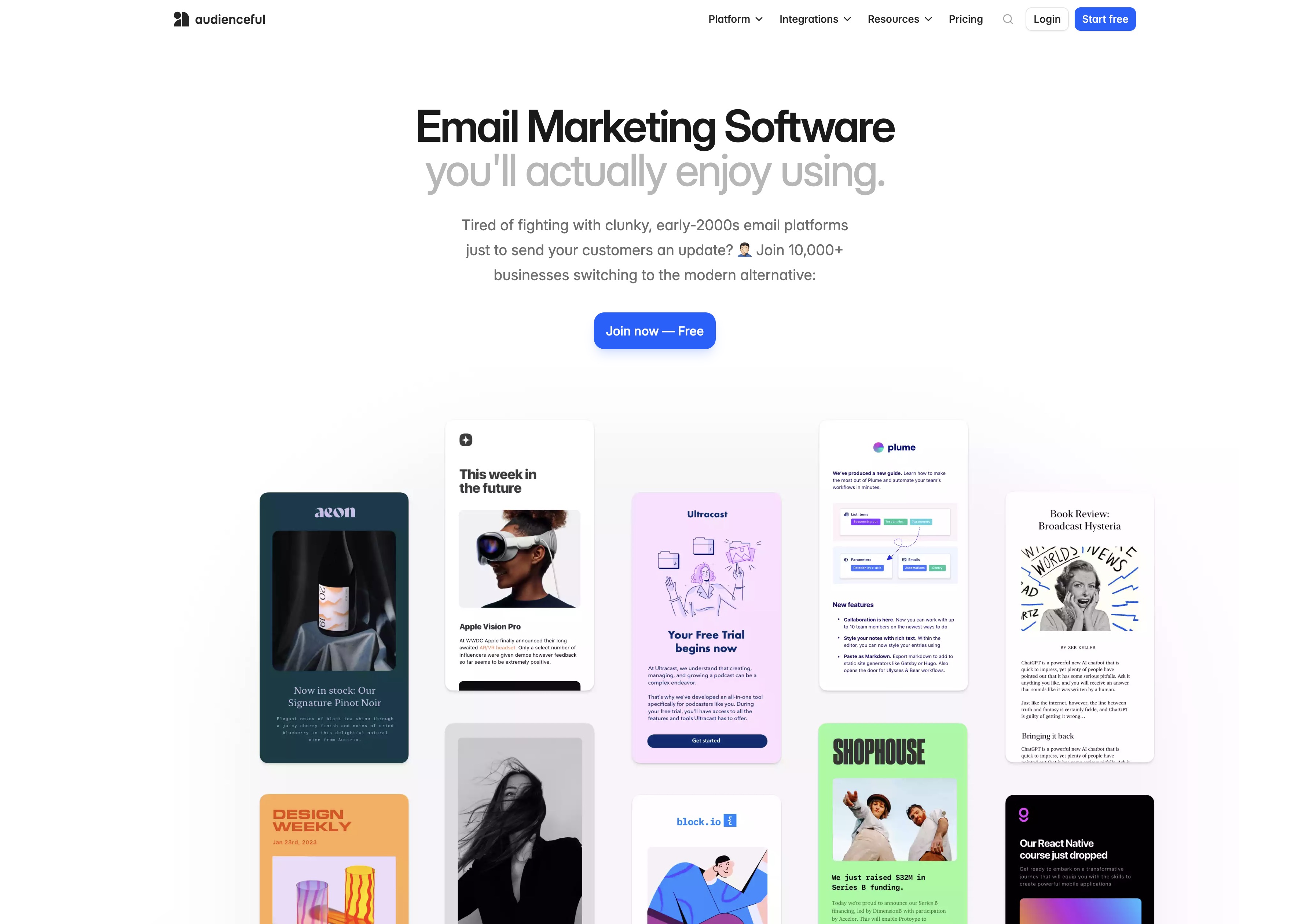
Audienceful starts onboarding from whichever moment matters to you. A Clerk signup, a Stripe trial start, or a custom event you send through the events API can all trigger a flow. Event properties, like the workspace name or the invite link, drop straight into the emails.
The Stripe integration means onboarding knows about billing. A flow can stop when a trialing customer pays, a trial-ending email fires three days before the real end date, and an upgrade nudge never reaches someone who already upgraded. Branching, conditions and conversion goals handle the exits.
The trial onboarding template gives you a three-email structure to start from, sending on weekdays by default. The AI agent can draft the whole sequence from a short brief about your product, and teammates can edit it together in the collaborative editor. Verification and invite emails go out through the transactional API in the same workspace.
- Best for: SaaS where onboarding runs during a Stripe trial, or where product, growth and support all touch the copy.
- Starting price at 10K contacts: Growth is $118/month billed yearly with unlimited automations. Free covers 1,000 contacts and one automation. See pricing.
- Ecommerce integrations: native Stripe and Shopify, Clerk for signups, Zapier for everything else.
- Automation depth: custom events, branching, conditions, goals, webhooks and 12 Stripe triggers.
- One honest drawback: you still have to decide what "activated" means and send that event from your app.
Customer.io
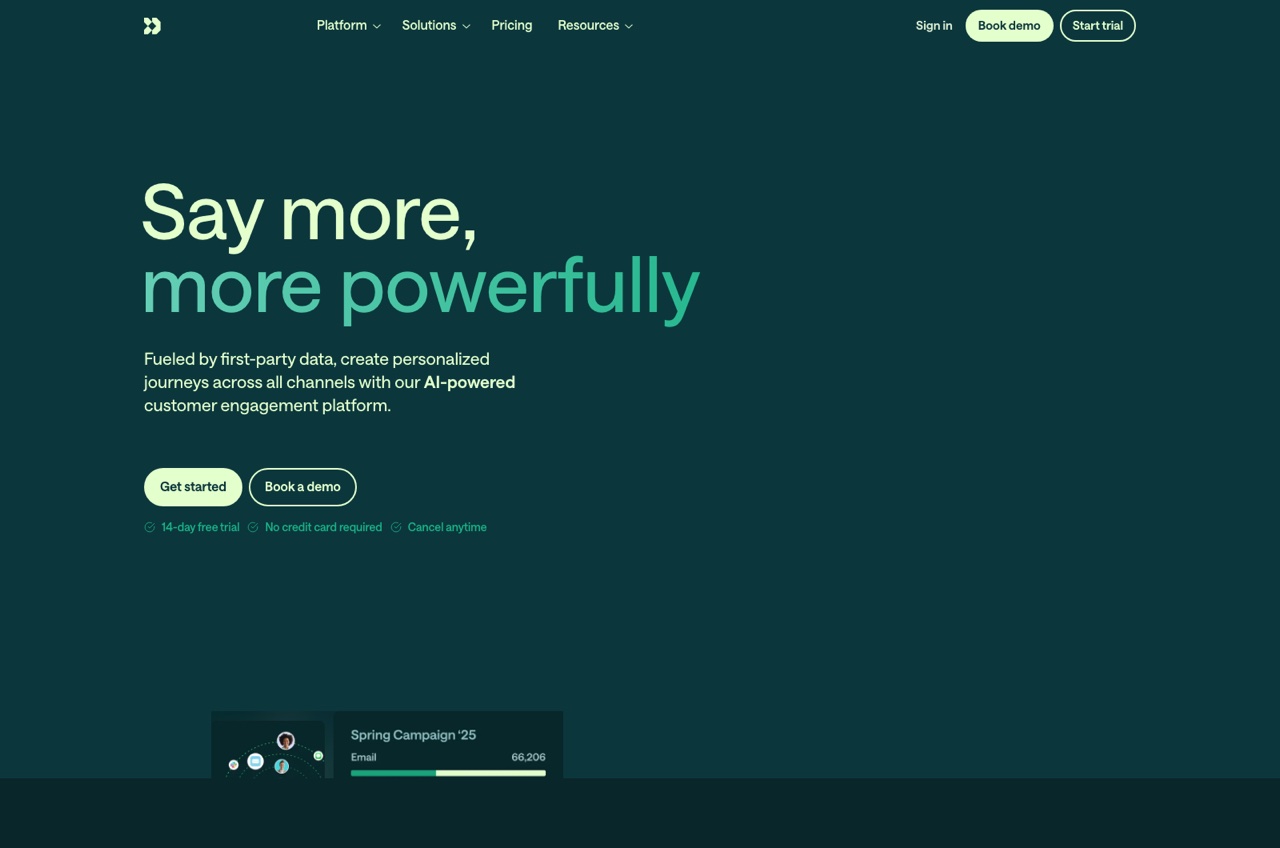
Customer.io is built around events and attributes. Onboarding journeys can wait for an event, branch on any attribute, and send email, push, SMS or in-app messages in one flow.
- Best for: products with rich event data and onboarding that spans several channels.
- Starting price at 10K contacts: Essentials is $145/month at 10,000 profiles; it starts at $100 for 5,000 (pricing). Companies that raised under $10M may get up to 12 months free.
- Ecommerce integrations: APIs, SDKs, Segment and other CDPs. Billing data arrives through events or webhooks you send.
- Automation depth: very deep, with wait-until, goals, objects and multichannel steps.
- One honest drawback: setup takes engineering time, and profile-based billing grows with free signups.
Loops
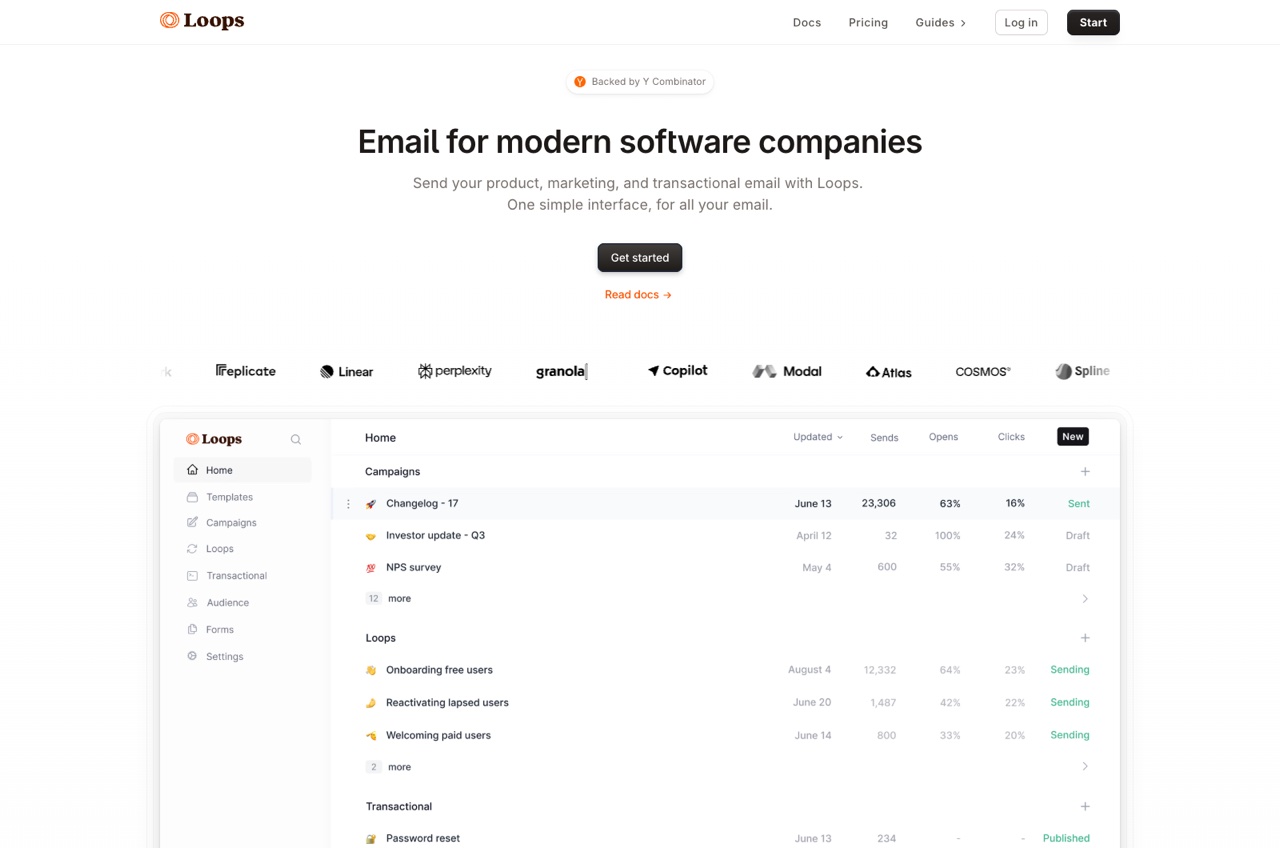
Loops is a SaaS email tool with a tidy editor, an events API and transactional email on every plan. Onboarding loops can start on signup or an event and branch on contact properties.
- Best for: small developer-led teams that want onboarding live in an afternoon.
- Starting price at 10K contacts: not listed. The pricing page shows Free up to 1,000 contacts with 4,000 sends per rolling 30 days, and Growth at $49/month up to 5,000.
- Ecommerce integrations: Stripe by webhook (email and name sync), plus auth and billing connections.
- Automation depth: event triggers, timers, filters and branches.
- One honest drawback: plan and trial data from Stripe have to be sent through the API before onboarding can use them.
See Audienceful vs Loops.
Userlist
Userlist treats companies and users as separate records, so B2B onboarding can target the account owner differently from an invited teammate. Workflows can include goals that end the sequence.
- Best for: B2B onboarding where account-level activation matters.
- Starting price at 10K contacts: the pricing page lists Basic with 10,000 users and five seats; the base price didn't render when we checked, so use the selector.
- Ecommerce integrations: Segment, an API, and Stripe through Zapier.
- Automation depth: visual workflows, company segments, goals and transactional email.
- One honest drawback: all users count toward the bill, active or not.
Encharge
Encharge combines behavior-based flows with native Stripe triggers, so onboarding can react to a trial ending or a plan change without code.
- Best for: small SaaS teams that want behavior triggers and billing triggers without engineering help.
- Starting price at 10K contacts: its pricing page blocked automated access on 14 November 2026. In October 2026 we recorded Growth, which includes Stripe, at $79/month billed yearly for 2,000 subscribers. Check the pricing page for 10K.
- Ecommerce integrations: Stripe, Paddle, Chargebee and CRM tools.
- Automation depth: visual flows with event, page-visit and Stripe triggers.
- One honest drawback: its docs say the trial-ends trigger also fires for converted customers, so add a condition.
Intercom
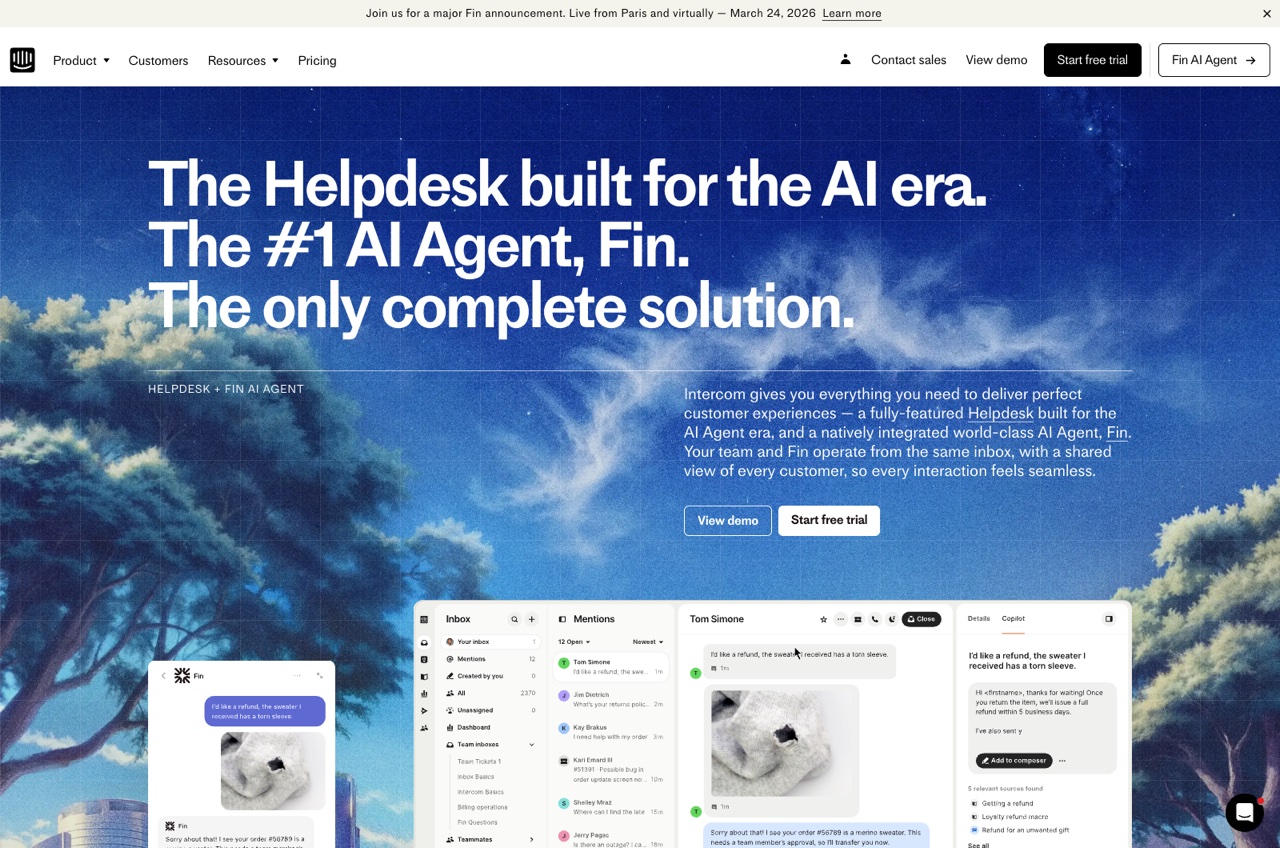
Intercom is a support platform first. Its Series and outbound features can mix email with in-app messages and product tours, which is handy if your support team already lives there.
- Best for: teams already paying for Intercom support who want onboarding messages in the same place.
- Starting price at 10K contacts: seat-based, with outbound features and email usage priced separately. The pricing page lists Essential from $29 per seat per month and Proactive Support Plus from $99/month; get a full quote.
- Ecommerce integrations: a Stripe app that shows billing details in the inbox, plus a large app directory.
- Automation depth: Series workflows with email, in-app and tours.
- One honest drawback: seats, outbound add-ons and usage are separate costs, which makes the total hard to predict.
ActiveCampaign
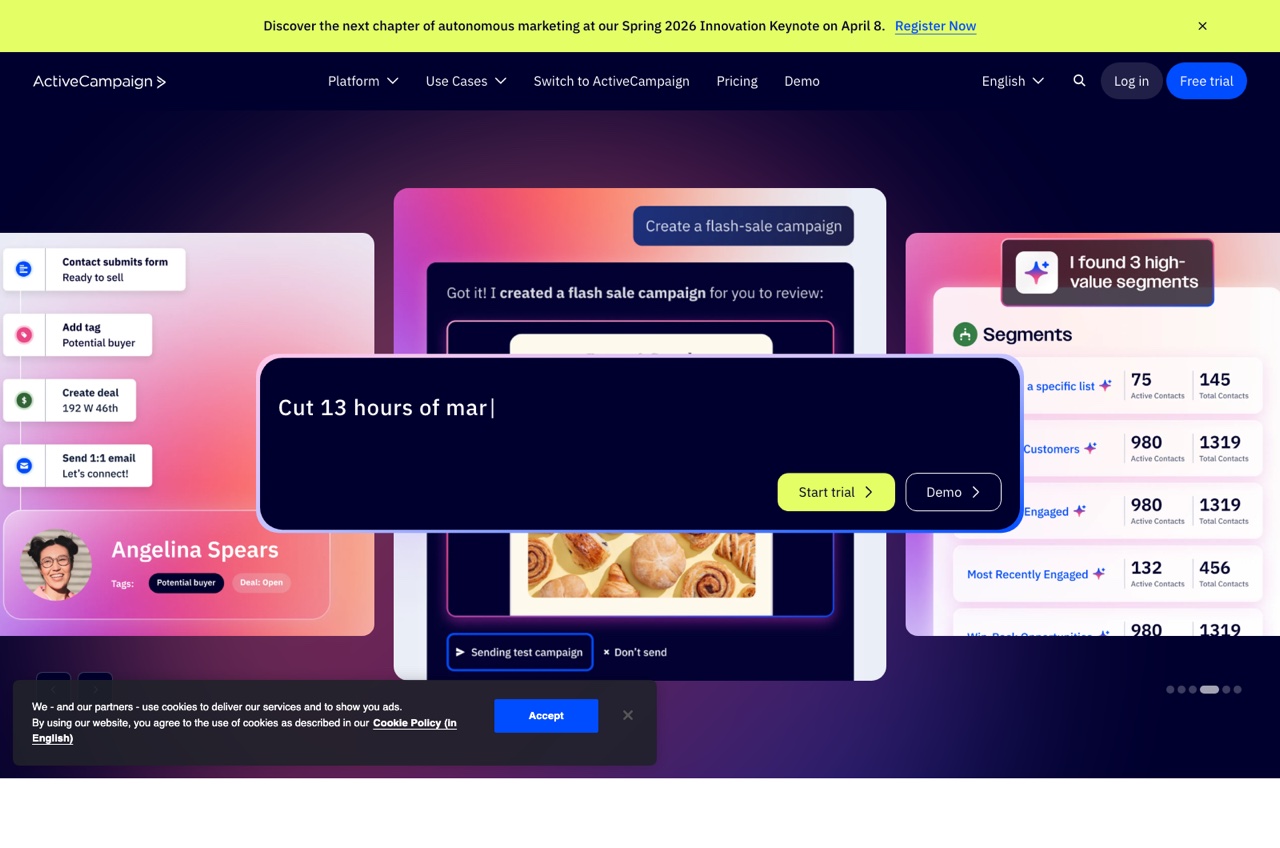
ActiveCampaign's automation builder handles onboarding well once events are flowing, and it adds lead scoring for teams that also run a sales process.
- Best for: teams that onboard self-serve users and nurture sales leads in one tool.
- Starting price at 10K contacts: Plus is $189/month billed yearly (pricing); Stripe needs Plus.
- Ecommerce integrations: native Stripe on Plus, plus Shopify and many SaaS tools.
- Automation depth: goals, wait conditions and branching; Starter caps each automation at five actions.
- One honest drawback: event tracking for custom product events needs an API setup, and transactional email is a separate Postmark purchase.
Price comparison
USD per month, checked 14 November 2026 unless noted.
| Tool | 1K | 10K | 50K | 100K |
|---|---|---|---|---|
| Audienceful Growth, yearly | Free plan | $118 | $309 | $499 |
| Customer.io Essentials | $100 (5K minimum) | $145 | From $505 | Quote |
| Loops | Free | Not listed | Not listed | Not listed |
| Userlist Basic | Selector | Selector | Selector | Selector |
| Encharge Growth, yearly | $79 (2K, October check) | Vendor page | Vendor page | Vendor page |
| Intercom | Seat-based quote | Quote | Quote | Quote |
| ActiveCampaign Plus, yearly | Selector | $189 | $609 | Quote |
At 10K contacts Audienceful Growth, billed yearly, is below Customer.io Essentials and ActiveCampaign Plus.
A complete seven-email behavioral onboarding sequence
This sequence assumes a free trial and one clear activation event, called activated here. Swap in your own events. Every email after the first waits for behavior, and the whole flow exits when the goal fires.
| # | Trigger or condition | Wait | Exit or skip | |
|---|---|---|---|---|
| 1 | Signup or trial started | None | Welcome with one setup step | None |
| 2 | Has not done setup step | 1 day | "Stuck? Here's the 2-minute version" | Skip if setup done |
| 3 | Setup done, not activated |
Until first project, max 2 days | First win: how to get a result | Skip if activated |
| 4 | Not activated after 3 days |
3 days from signup | Customer story with the same use case | Exit on activated |
| 5 | Activated, team plan, invited no one | 1 day after activation | Invite your team | Skip if invited |
| 6 | Trial will end | 3 days before trial end | What you'll lose, and plans | Exit on payment |
| 7 | Trial will end | 1 day before trial end | Last day, with a reply-to-a-person offer | Exit on payment |
Example subject lines:
- "Welcome to Acme. One step to your first report"
- "The 2-minute setup, if you got stuck"
- "Your first dashboard is ready to build"
- "How Northwind cut reporting time by half"
- "Acme works better with your team"
- "Your trial ends Friday"
- "Last day of your trial, any questions?"
Set a global goal of "paid" on the flow, so nobody gets a trial-ending email after they've upgraded. Emails 6 and 7 can also live in a separate trial-ending flow so they fire at the right time even for users who finished onboarding early.
Trial onboarding vs freemium onboarding
Free trial. The clock matters. Onboarding has to reach activation before the trial ends, and the last two emails sell the paid plan. Billing events from Stripe, especially trial will end and payment succeeded, should drive timing and exits.
Freemium. There's no deadline, so onboarding focuses on activation first and a plan limit later. The upgrade email fires when usage approaches a limit, not on a calendar. Expect a longer sequence spread over weeks, with fewer emails per week.
In both cases, stop "please upgrade" messages the moment someone pays. For the billing side of this, see Stripe email automation.
Six onboarding email patterns worth copying
These patterns show up in strong SaaS onboarding. Use them as a checklist when you write.
- One job per email. The welcome asks for one setup step, with one button.
- Plain text from a person. A short note from a founder or CSM, with a reply-to that a human reads, gets replies that teach you where users get stuck.
- Progress shown back. "You've connected 1 of 3 sources" tells users how close they are.
- A tiny customer story. Two sentences on what a similar company achieved, with a number.
- The empty state rescue. If a user hasn't created anything, send a template or sample data link they can use in one click.
- A clear trial deadline. The trial-ending email states the date, what changes, and how to keep their work.
For a broader view of SaaS lifecycle tools beyond onboarding, see the best lifecycle email software for SaaS and the best email marketing for SaaS.
FAQs
How many emails should an onboarding sequence have?
Five to seven over the first one to two weeks is common for a free trial. Behavioral sequences send fewer emails to people who activate fast, because they skip steps. Freemium onboarding can run longer with fewer emails per week.
Should onboarding emails be time-based or behavior-based?
Behavior-based wherever you have the data. Time still plays a part as a timeout: wait for the setup event, and if it hasn't happened in a day, send help.
When should onboarding emails stop?
When the user reaches your activation goal, when they pay, or when they unsubscribe. Set those as exits on the flow so nobody receives an email that no longer fits.
What's the best onboarding email tool for a small SaaS team?
For a Stripe-billed product, Audienceful's free plan covers a trial onboarding flow up to 1,000 contacts, with billing triggers built in. Loops is a good fit for a developer-led team happy to send all data through its API.
Do I need in-app messaging as well as email?
Many teams use both. Email reaches people who haven't come back to the product, which in-app messages can't. In-app guidance helps users who are already logged in. Start with email, since it covers the people most at risk.
Use Audienceful's trial onboarding template, triggered by signup or a Stripe trial start. Create your free account; the free plan includes one automation, and new accounts get a 14-day Growth trial.
