The best lifecycle email software for SaaS must respond to both product behavior and billing state, then stop messages when the customer completes the goal. Audienceful is our first pick for teams wanting native Stripe and Clerk data, lifecycle flows, newsletters and collaborative editing in one workspace. Customer.io, Loops, Userlist, Encharge, ActiveCampaign, HubSpot and Intercom deserve consideration when their data model and operating workflow fit your requirements.
We make Audienceful and list it first. Prices were checked 14 November 2026 where stated. A quote is identified as a quote rather than turning a low entry price into a fictional 10K-user package.
Best for use case
| Tool | Best for use case | Prove in the evaluation |
|---|---|---|
| Audienceful | Native billing-driven lifecycle plus collaborative email operations | Trial, recovery and win-back exits on real Stripe state |
| Customer.io | People, objects and multichannel product journeys | User/account relationships and required channel implementation |
| Loops | An email-focused SaaS workflow with developer tooling | Events, branches, transactional templates and permissions |
| Userlist | Teams prioritizing users and company relationships | Role-aware account journeys and billing-data route |
| Encharge | Behavior-driven nurturing and lifecycle evaluation | Event ingestion and current billing attributes |
| ActiveCampaign | Teams needing its integration and marketing workflow package | Selected plan, Stripe access and action depth |
| HubSpot | CRM-led B2B teams keeping lifecycle work near sales data | Marketing-contact count, deal data and workflow entitlement |
| Intercom | Customer-service teams adding product and outbound messaging | Service-versus-marketing scope and complete usage cost |
What the best lifecycle email software for SaaS must cover
A signup is only the beginning. Activation depends on product events, trial conversion depends on dates and billing state, and retention can depend on both. A payment failure is different from a voluntary cancellation, so the same sequence should not handle both without a deliberate branch.
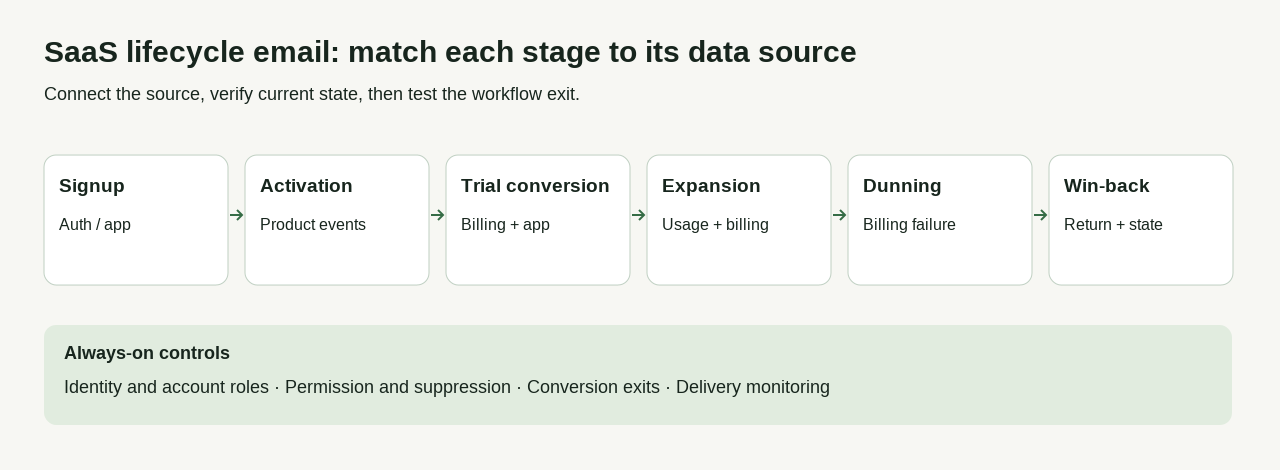
| Stage | Primary source | Example message | Exit to test |
|---|---|---|---|
| Signup | Authentication or application | First useful action | Existing user does not restart |
| Activation | Product event | Help completing a milestone | Milestone completed |
| Trial conversion | Billing date plus product state | Trial ending and next step | Paid conversion or extension |
| Expansion | Usage and account entitlement | Relevant next capability | Already upgraded or ineligible |
| Dunning | Billing failure and recovery | Resolve payment through trusted portal | Payment recovered |
| Win-back | Cancellation or lapse plus current state | Relevant reason to return | Reactivated or opted out |
This map describes the data a journey needs, not a claim that installing an ESP automatically creates every event. Native connections, SDKs, CDPs, API calls and maintained fields can supply different parts. Require a working demonstration of your hardest path.
Audienceful
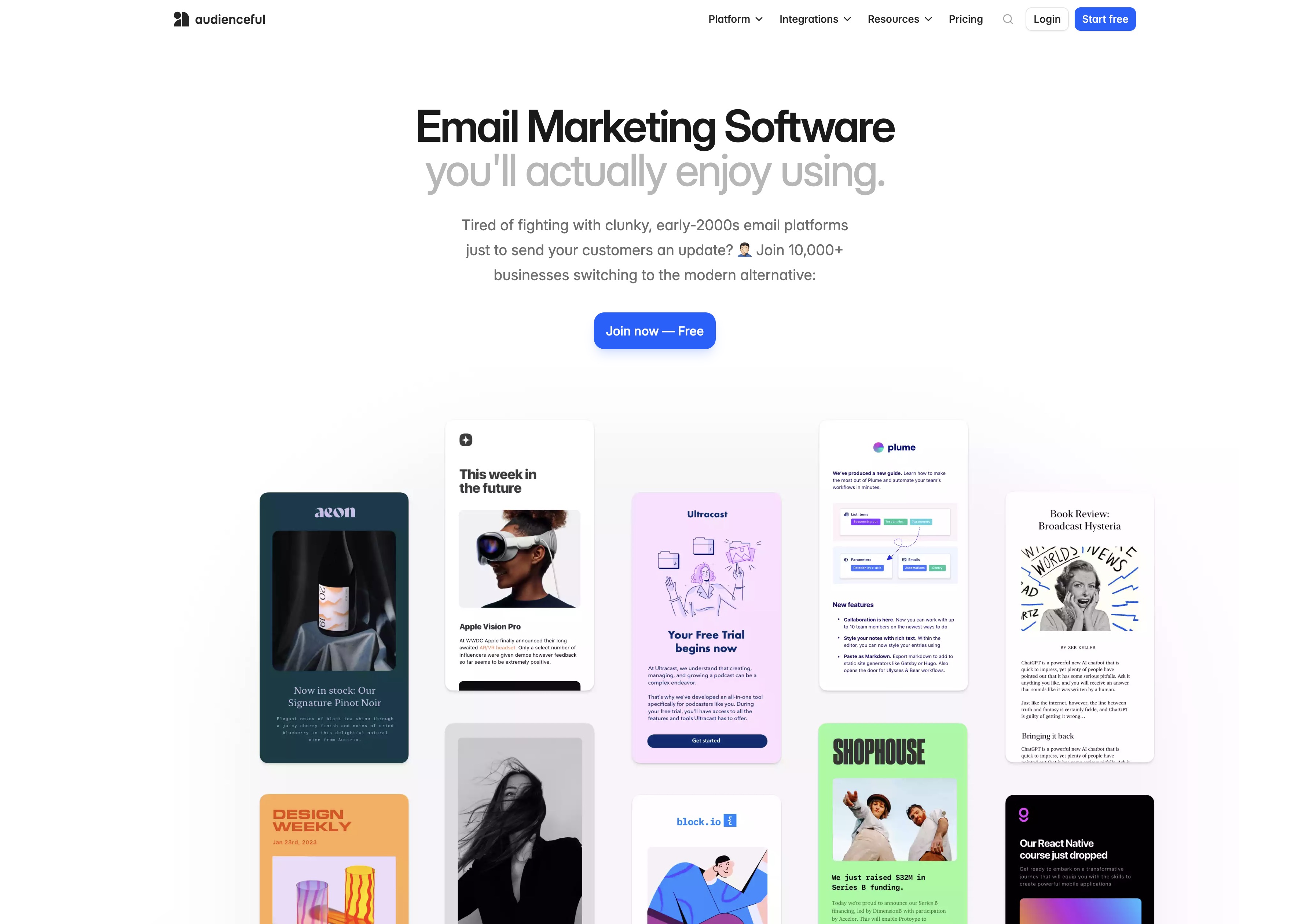
Best for: SaaS teams wanting native Stripe and Clerk data, lifecycle flows and campaign production that people and agents can operate together.
Starting price at 10K contacts: Growth is $118/month equivalent billed yearly, or $140 monthly, for unlimited automations and users. At this checked size its base is lower than Customer.io Essentials' $145 monthly; compare billable units and allowances.
Ecommerce integrations: Native Stripe and Shopify, plus Clerk for signup identity.
Automation depth: Branching workflows, goals, custom events and Stripe templates for onboarding, trial ending, dunning and win-back, with webhooks and a transactional API.
One drawback: The team still needs a clear identity and event contract for product-specific milestones; connecting billing cannot define activation on your behalf.
Audienceful's collaborative editor and agency-designed templates support the people reviewing the messages. Revenue attribution and enterprise-grade delivery monitoring support the ongoing program. The AI agent and complete MCP coverage let agents work across campaigns, segments and flows as well as draft copy.
Begin with the onboarding, trial-ending and dunning guides. Test an early conversion, trial extension and recovered payment so the sequence stops or changes at the right time. Pricing source: Audienceful pricing.
Customer.io
Best for: Teams evaluating event-driven journeys involving people, objects and multiple channels.
Starting price at 10K contacts: Essentials is $145/month at 10K profiles, with one million monthly emails in the published package. Profiles can include people and objects; Premium starts at $1,000/month billed yearly.
Ecommerce integrations: Use the integration directory and selected data-in route to specify billing or store events rather than assuming a particular connector.
Automation depth: Event and condition-based journeys, dynamic segments and the channels included in the selected package.
One drawback: A temporary identified-profile import can affect the maximum-count billing measure, so a warehouse-sized sync needs a cost review.
Customer.io's data setup documentation makes the dependency clear: useful targeting relies on the attributes and events you send. A platform with broad journey controls still needs accurate identity, current state and reliable exits.
Use the Segment Destination Actions route if that matches your instrumentation, or select the appropriate API. Test the company relationship and user roles as well as the first event. Sources: pricing and our Customer.io pricing model.
Loops
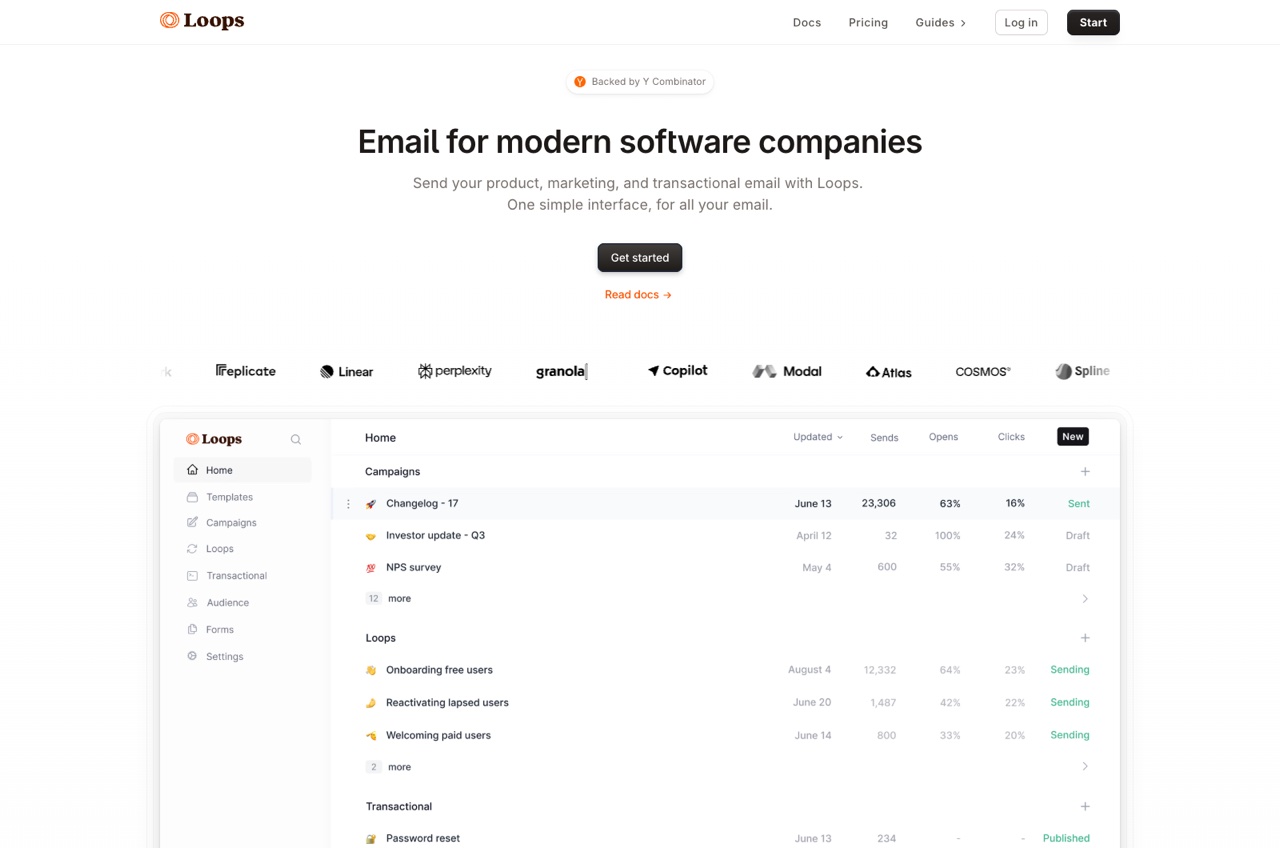
Best for: SaaS teams wanting an email-focused product with event-driven workflows and developer tools.
Starting price at 10K contacts: Obtain the current matching selector quote. The checked entry is Growth from $49/month at 5K; Free covers 1K subscribers with a rolling thirty-day send limit. Those are not 10K quotes.
Ecommerce integrations: Its directory lists Stripe, Clerk and other billing/authentication routes; inspect the events supplied by your selected connection.
Automation depth: The current workflow description includes event triggers, timers, filters, branches and experiments.
One drawback: Email-focused orchestration should be evaluated separately from a requirement to coordinate push, SMS or in-app messages in one journey.
Do not dismiss Loops as a sender without branching or billing integrations. Build the same signup, activation and conversion test you use for the other candidates, then inspect how your team maintains the published templates and event names.
Its API documentation for developers and agents provides the event and contact routes. Test transactional variable handling and retries through the application, not just a dashboard preview. Sources: Loops pricing and Loops versus Customer.io.
Userlist
Best for: B2B SaaS teams prioritizing relationships between users and company accounts.
Starting price at 10K contacts: Request the current Basic or Pro quote for the included user capacity and required features. Its pricing page describes user-based capacity; the current account-specific total should be confirmed.
Ecommerce integrations: The Stripe integration listing points to Zapier, so evaluate that route instead of calling the listing proof of a native billing sync.
Automation depth: The product lists visual workflows, company accounts, segmentation, transactional email and conversion goals; verify the selected plan in the official feature overview.
One drawback: A connector listing can require an additional automation service and maintained mapping for the billing events your lifecycle needs.
Account relationships are useful when several people share one subscription. Test the billing contact, administrator and daily user separately. A renewal notice and an activation prompt should not automatically go to every person on the account.
Bring a company with several users into the evaluation and change one person's role. Then test a billing-state change and an account-level conversion. That shows whether the model matches your product more clearly than a generic “B2B” label.
Encharge
Best for: Teams evaluating behavior-driven lead nurturing and lifecycle messaging across product and marketing data.
Starting price at 10K contacts: Obtain the current tier quote and confirm which package includes the required behavior and event features; do not treat an unchecked entry price as a 10K figure.
Ecommerce integrations: Review the current billing and CRM connections on Encharge's official site and confirm the Stripe event route, ownership and historical behavior.
Automation depth: The pricing comparison distinguishes plan entitlements, including behavior-related capabilities. Select the package that supports the actual event and segment rules.
One drawback: A lower quoted tier may not include the event-driven requirements that made you shortlist lifecycle software in the first place.
Use the same acceptance test as the other tools: identify a user, emit activation, update trial state and stop the pitch after payment. Include current-state updates as well as new events so a late integration retry does not restore obsolete eligibility.
If sales and product data both affect the journey, name the owner of each field. A CRM stage and a product activation event can disagree legitimately; the flow needs a documented rule for which determines the next message.
ActiveCampaign
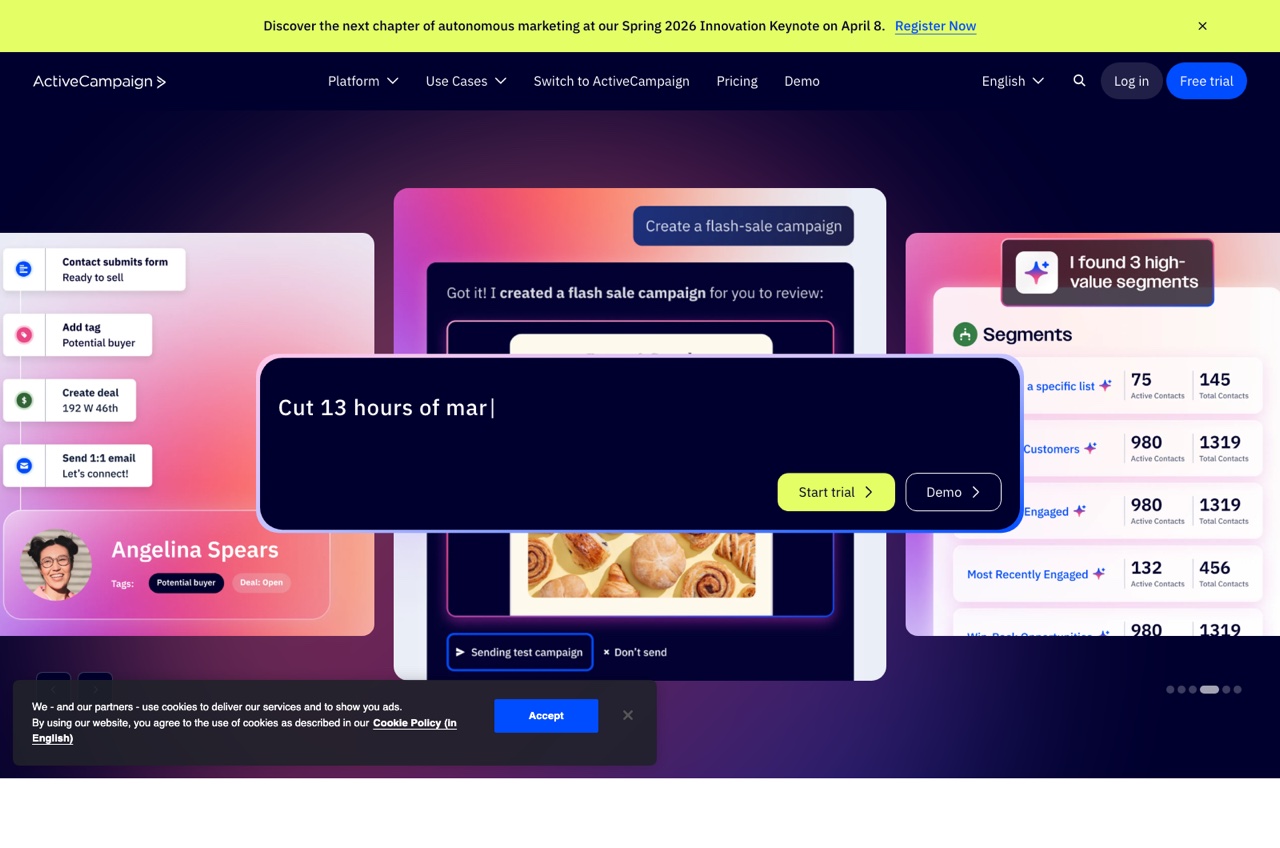
Best for: A SaaS team whose required marketing integrations and operating workflow fit its selected package.
Starting price at 10K contacts: Plus is $189/month equivalent billed yearly in the checked selector. This is the relevant starting comparison when native Stripe is required, rather than Starter's lower base.
Ecommerce integrations: The current plan matrix places Stripe on Plus and above and distinguishes standard from premium store integrations.
Automation depth: Plus has unlimited automation actions; Starter has a five-action limit. Test the actual branch, delay and field-update sequence on the quoted plan.
One drawback: Integration requirements, transactional sending, extra seats and other add-ons can change the complete budget beyond the marketing base.
For a 10K SaaS needing Stripe and ten thousand transactional emails, our pricing guide models Plus plus standalone Postmark Basic. Keep the billing terms and separate products explicit rather than assuming one base price covers everything.
A proof of concept should include activation, trial conversion and recovery exits. Verify how the contact count is defined for your account age, since the vendor's current billing documentation distinguishes newer and older accounts. Use the ActiveCampaign comparison for the wider evaluation.
HubSpot
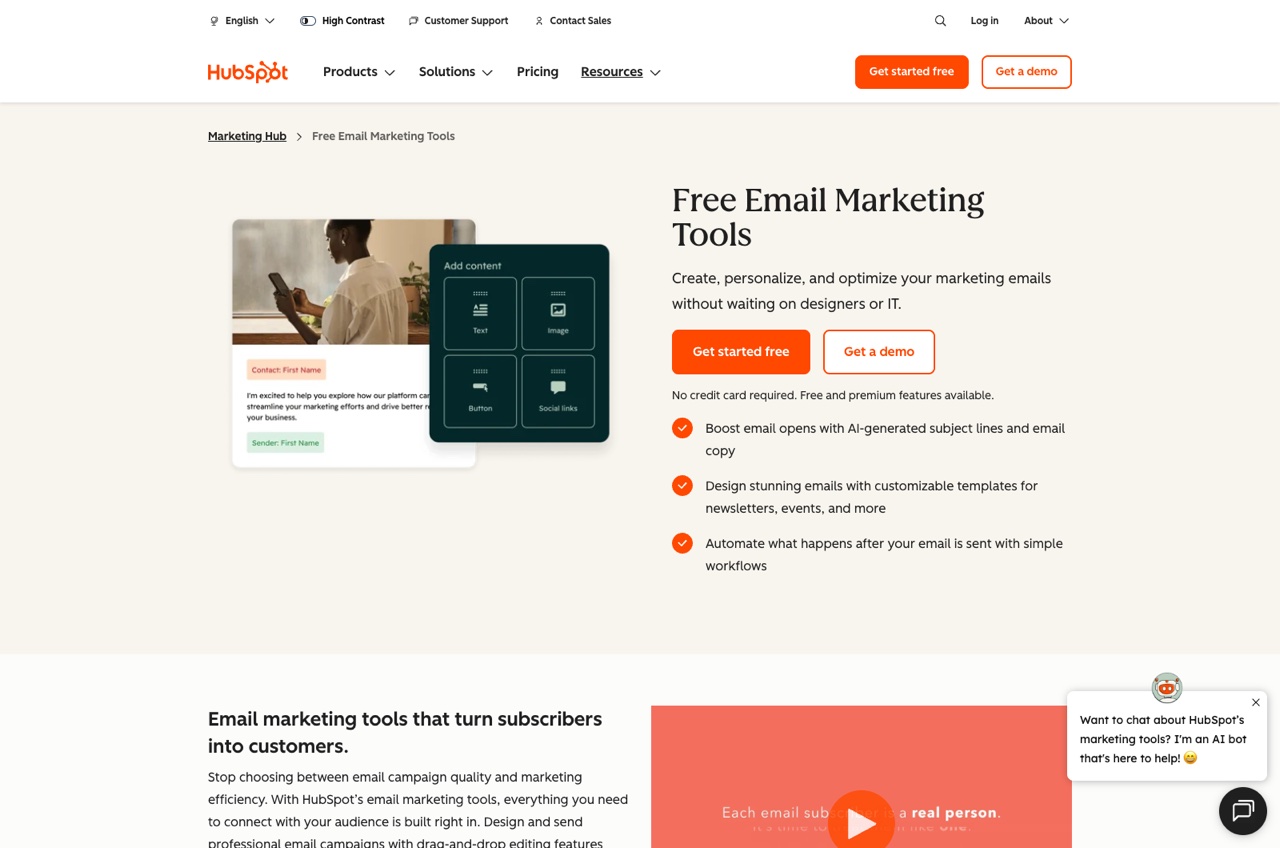
Best for: CRM-led B2B teams whose lifecycle process depends on shared sales, company and marketing data.
Starting price at 10K contacts: Obtain the 10K marketing-contact quote. Marketing Hub Professional's checked annual starting base is $800/month with 2K marketing contacts and separate onboarding; it is not a 10K-contact price.
Ecommerce integrations: Specify the current billing/store route and which CRM properties or events it maintains using HubSpot's product and integration resources.
Automation depth: Evaluate the workflow entitlement and required CRM objects on the selected Marketing Hub package.
One drawback: Contact tiers, seats, onboarding and the wider CRM subscription can make an email-only price comparison incomplete.
A shared CRM can be valuable when sales ownership and deal state determine the next message. Test a lifecycle journey with a real company, several contacts and a deal change, then inspect which records qualify and why.
Separate CRM storage from marketing-contact billing. The state of a record in the CRM does not automatically establish its marketing permission or immediate billing impact. Our HubSpot email alternatives guide covers the email-specific purchase decision, including keeping the CRM while moving sending.
Intercom
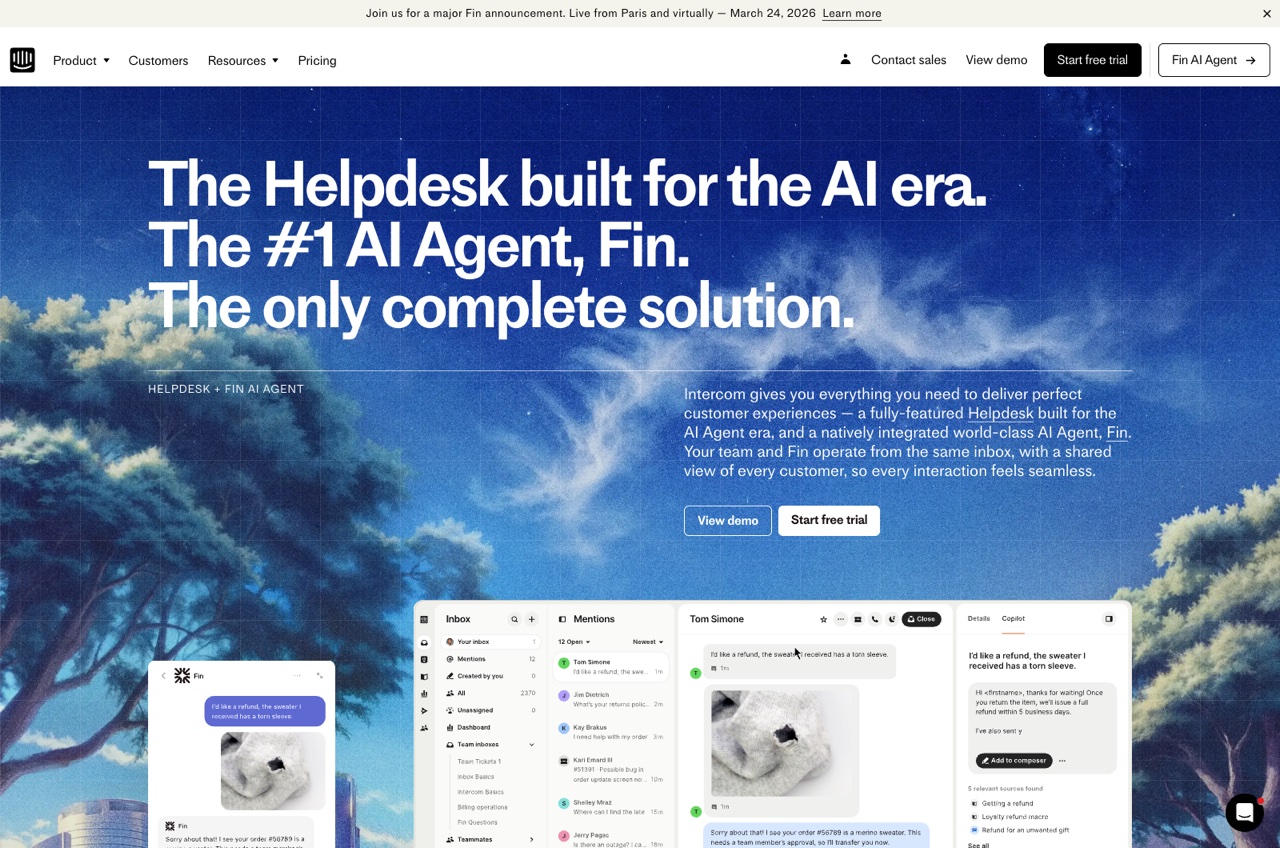
Best for: A customer-service team evaluating lifecycle and outbound messages alongside its support workspace.
Starting price at 10K contacts: Request the full seat, outbound and usage quote. The checked pricing page displays regular Essential from $29 per seat/month with a separate new-customer offer; campaign email is usage-priced and is not a 10K-contact package at that seat price.
Ecommerce integrations: Inspect the selected application, billing and store-data route through Intercom's integration resources.
Automation depth: Evaluate the required workflow or Series capability, including the selected plan and any Proactive Support Plus purchase.
One drawback: Support email, campaign email, agent outcomes, seats and outbound features are distinct cost components that should not be collapsed into one advertised entry price.
Intercom's checked pricing page lists Proactive Support Plus from $99/month and separately describes usage-priced channels. Ask for the complete lifecycle setup rather than assuming a helpdesk subscription automatically includes the desired campaign program.
Test whether support context is actually needed for the intended journey. If the lifecycle team mainly needs billing and product events, evaluate that workflow directly instead of buying the broader service stack solely for a newsletter.
Billing-trigger depth: compare the route, not a logo
| Tool | Billing-data route to evaluate | Subscription test |
|---|---|---|
| Audienceful | Native Stripe sync | Trial extension, failure, recovery and win-back |
| Customer.io | Selected integration, CDP or API | People/objects and current subscription state |
| Loops | Listed Stripe connection | Actual events and template properties |
| Userlist | Stripe listing points to Zapier | Event mapping, latency and account relationship |
| Encharge | Confirm selected billing connection and plan | Event eligibility and maintained state |
| ActiveCampaign | Native Stripe on Plus and above | Required metric and exit behavior |
| HubSpot | Selected billing integration and CRM workflow | Marketing-contact and company eligibility |
| Intercom | Selected data integration and outbound setup | Support context plus lifecycle state |
A payment event is not automatically a trial-end date, and a cancelled subscription may still be active until the paid period ends. Test those distinctions. Our Stripe automation guide helps specify the business rules before choosing the platform.
Do you need lifecycle software or an email API?
An email API sends a message when your application asks. Lifecycle software also decides who enters a journey, what happens after a delay, which branch applies and when a goal ends the sequence. A team can build that orchestration in its own application, but the maintenance still exists.
Use an API-focused architecture when engineering intentionally owns timing, state, templates and operational monitoring. Use lifecycle software when marketers or growth teams need to inspect and change journeys without releasing application code for every sequence change.
Many teams use both within one platform. Keep account-critical messages distinct from promotional eligibility and inspect suppression behavior across every send path. A transactional endpoint does not turn an upgrade campaign into an essential account notice.
A thirty-day implementation plan
Treat the days as a planning structure, not a guaranteed launch time. Data quality and integration access can change the duration.
| Period | Work | Acceptance evidence |
|---|---|---|
| Days 1-7 | Define identity, events, permission and billing sources | Known users and accounts map correctly |
| Days 8-14 | Build onboarding and activation branches | Eligible and excluded paths pass tests |
| Days 15-21 | Add trial ending and dunning | Extension, conversion and recovery stop the right messages |
| Days 22-30 | Add win-back, observe cohorts and review reporting | One sender per purpose; delivery and business outcomes checked |
Use the flow inventory worksheet for triggers, delays, exits and queue handling. Preserve a recent baseline and compare conversions per eligible recipient alongside total results.
Do not set a universal target from an unrelated churn benchmark. Define voluntary churn, payment loss and recovery with the correct cohort and period, then compare against your own baseline. Opens and clicks are diagnostic signals; paid conversion, activation and recovered revenue are the outcomes.
Before retiring an old provider, inspect remaining callers, forms, delayed messages and final consent changes. A lifecycle migration is complete when the new behavior is verified, not when the contact count looks close.
FAQs
What is lifecycle email marketing for SaaS?
It sends messages based on the user's or account's stage and behavior, from signup and activation through conversion, retention and return. Product events and billing state determine the message and its exit.
What's the difference between lifecycle software and an email API?
An API delivers the message requested by code. Lifecycle software adds audience logic, timing, branching and goals. You can build those controls in your application, but then your team owns their maintenance.
Which lifecycle tool is best for an early-stage SaaS?
Choose the lightest setup that passes your real event, permission and conversion tests. Audienceful and Loops are candidates for an email-focused evaluation; Customer.io and the other tools can fit specific data, channel or CRM requirements.
Do I need product event tracking for lifecycle email?
You need reliable data for the behavior you want to respond to. Billing-only journeys can use billing data, while activation and feature education usually require application events or maintained product-state fields.
How do I reduce involuntary churn with email?
Use confirmed payment failures, a trusted billing-update path and a recovery exit coordinated with retries. Measure recovered invoices or subscriptions, and avoid sending failure reminders after payment succeeds.
To build on native billing and signup data, start with Audienceful, connect Stripe and review onboarding, trial-ending, dunning and win-back flows before activation.
