The best HubSpot email marketing alternatives depend on whether you want to replace email or the entire CRM. Audienceful suits teams keeping HubSpot sales data while running Shopify or Stripe automations and collaborative campaigns elsewhere. ActiveCampaign, Customer.io, Klaviyo, Mailchimp, Brevo, Kit and MailerLite serve different combinations of sales follow-up, product messaging, store marketing and newsletters.
We make Audienceful and put it first; our HubSpot Marketing Hub alternative page covers how it replaces Marketing Hub specifically. Vendor plans and prices below were checked on 14 November 2026. Screenshots are vendor website images from our competitor library, not evidence that we tested every paid feature.
HubSpot email marketing alternatives: Best for use case
| Platform | Best for use case | What to decide first |
|---|---|---|
| Audienceful | Keep HubSpot CRM, run revenue-based email with a collaborative editor and AI agents | CRM field ownership and lifecycle triggers |
| ActiveCampaign | Sales-connected email automation | Which CRM functions would move too |
| Customer.io | Product-event and cross-channel journeys | Identity, event data and profile volume |
| Klaviyo | Shopify-led ecommerce marketing | Whether your business is primarily store-driven |
| Mailchimp | General campaigns with a broad integration ecosystem | Audiences, automation plan and contact quote |
| Brevo | Marketing and transactional messaging on a volume budget | Contact capacity, sending volume and feature tier |
| Kit | Creator publishing and subscriber sequences | How the publishing model maps to your business |
| MailerLite | Newsletters with a defined automation workload | Comfort allowances versus Power |
The expensive decision is often the suite, not the email
HubSpot combines email with other marketing and CRM functions. If the business uses only a portion of Marketing Hub, compare an email-only move with a full replacement instead of assuming the whole account must go.
The live Marketing Hub page, checked 14 November 2026, lists Professional from $800/month under its yearly-payment option, including three Core Seats and 2,000 marketing contacts. It also lists a required $3,000 onboarding fee. Enterprise starts at $3,600/month with five Core Seats and 10,000 marketing contacts, plus $7,000 onboarding.
Those are starting packages, not universal quotes. Extra contacts, seats, products, credits, commitments and eligibility can change the total. A small Starter package is also a different product comparison from a Professional automation program. If cost is the reason you're looking, start with what to do when HubSpot is too expensive.
If you already use HubSpot for sales, list the tools your team would lose or need to replace after a downgrade. Check HubSpot's downgrade effects, especially for workflows, forms, CTAs and other marketing dependencies.
Option A: keep the CRM and move email
Keep sales records and ownership in HubSpot, then run campaigns and lifecycle messages in a dedicated email platform. This can be a smaller project than replacing the CRM, provided the data contract is clear.
Define which system owns each field. Sales can own deal stage and account owner, billing can own subscription status, and the email platform can record delivery and new preference changes. Decide which values sync back and which remain read-only copies.
Test an unsubscribe, a changed address, a deleted record and a temporary sync failure. A connection that imports contacts successfully does not by itself prove that preferences remain correct over time.
For Audienceful, the HubSpot integration page describes syncing CRM data for targeting and automation. Verify the fields and direction your account needs. Use a documented API, webhook or Zapier path for any additional operation rather than assuming an integration label guarantees every action.
Option B: replace the CRM and email together
A full replacement needs a separate plan for deals, company relationships, tasks, owners, notes and reporting. Email subscriber records are only part of that project.
Map each sales action in your existing workflows. A nurture sequence may also assign an owner, create a task or change a lifecycle property. Those operational steps need a deliberate destination even if the email itself is easy to rebuild.
Use a pilot pipeline and test contacts before moving the sales team. Compare the total operating setup, including staff time, rather than treating a cheaper email plan as a complete CRM replacement.
Audienceful: for keeping the CRM and improving email production
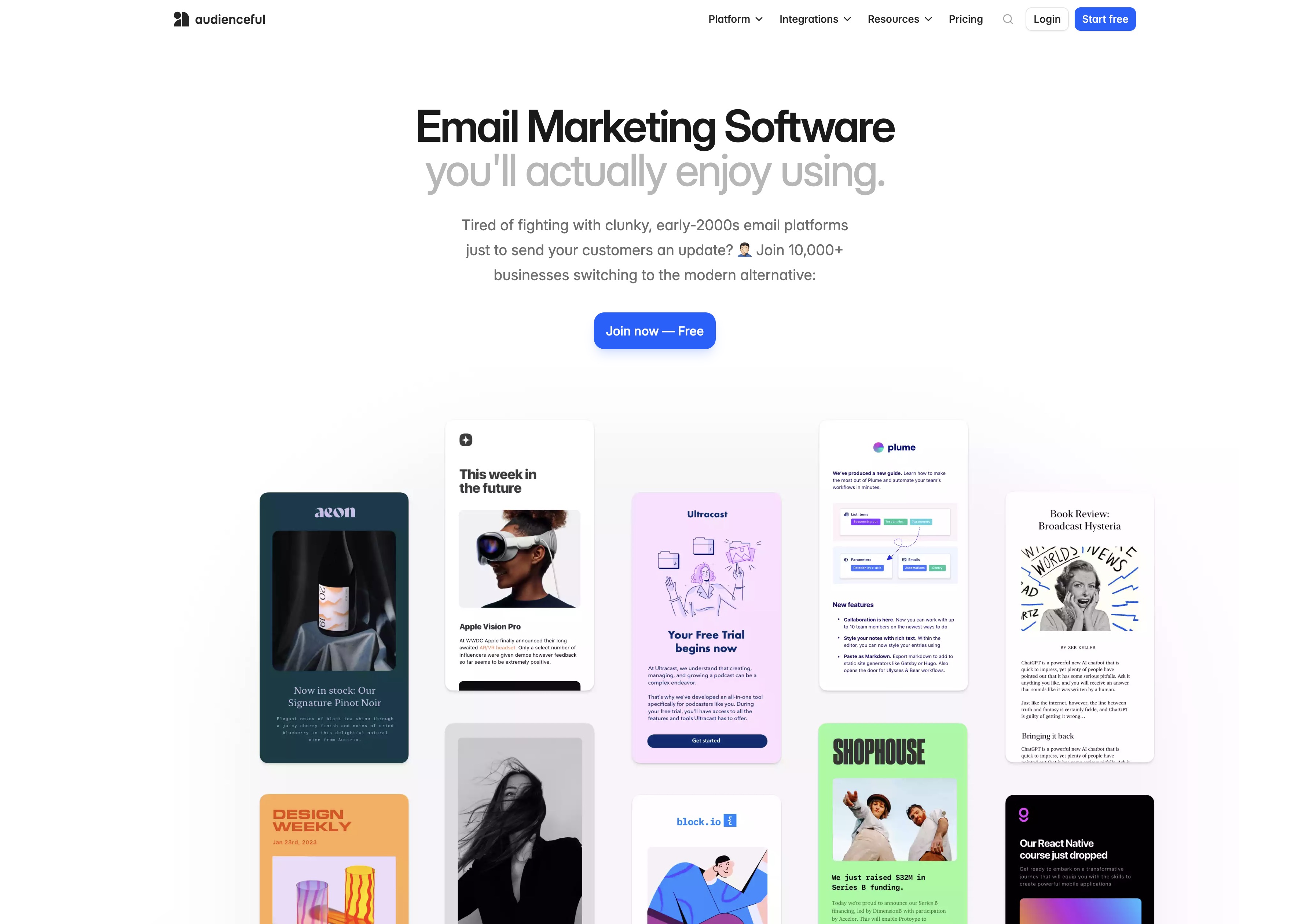
Audienceful is a strong fit when the goal is focused email automation around CRM, store and billing data. Connect HubSpot for the sales context, Stripe for subscription events and Shopify where store purchases matter.
Start with trial onboarding, trial-ending reminders and failed-payment dunning, then add product events for activation. The editor supports team collaboration, agency-designed templates and an AI agent that can build a paused flow from a specification. Full MCP coverage lets external agents handle campaigns, segments, flows and newsletters.
- Best for: ecommerce and SaaS teams combining revenue-based automation with regular collaborative campaign production.
- Starting price at 10K contacts: Essentials is $79/month billed yearly or $99 monthly, with three automated flows. Growth is $118/month billed yearly or $140 monthly, with unlimited automations. See current plans.
- Ecommerce integrations: native Shopify and Stripe, with store and billing data available for targeting.
- Automation depth: branching workflows, custom events and ready-made Shopify and Stripe flows.
- One drawback: a HubSpot email migration still requires workflow mapping and testing; a contact import does not preserve old timers.
HubSpot CRM sync: Use the Audienceful HubSpot integration, and confirm the required fields and update direction.
ActiveCampaign: for email connected to sales operations
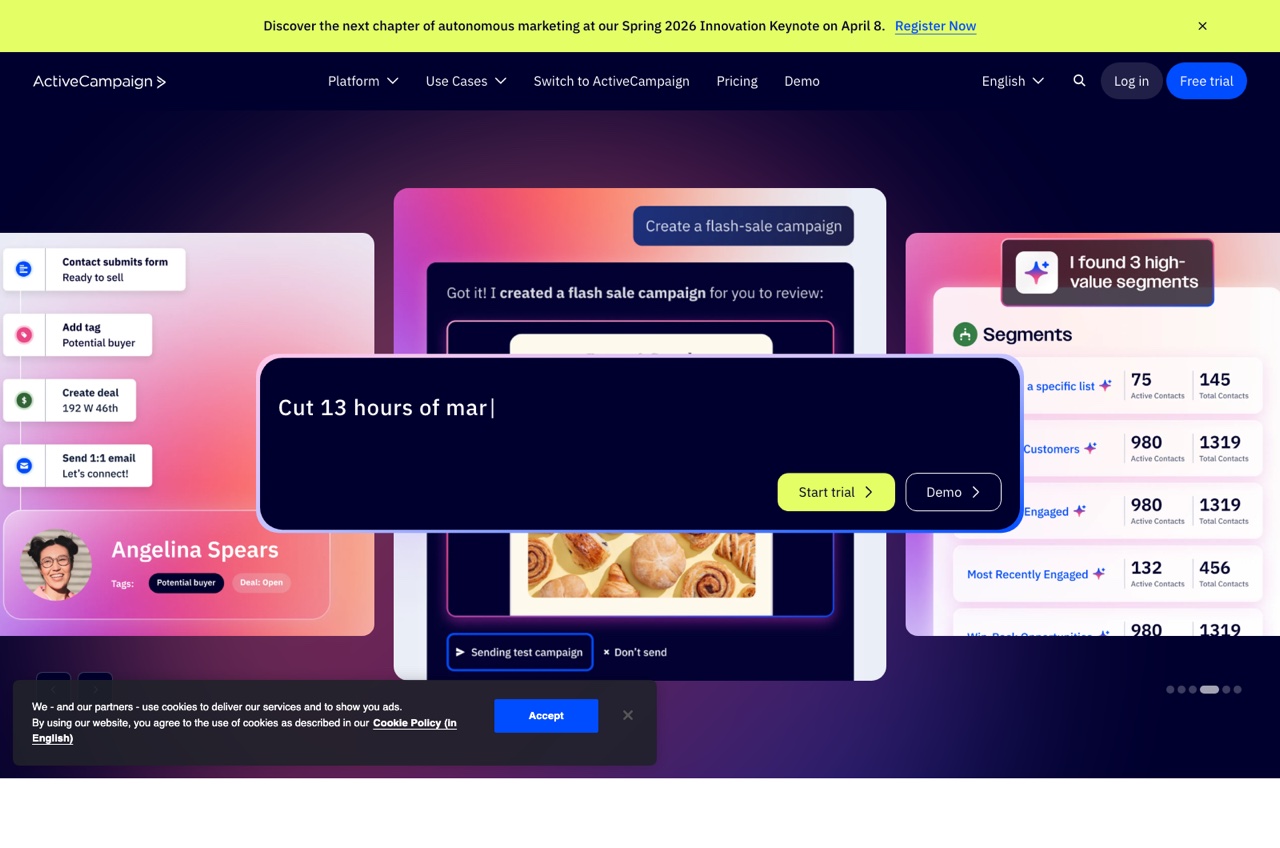
ActiveCampaign is worth evaluating when the replacement project includes sales follow-up and CRM actions as well as email. Its plan matrix distinguishes the base marketing plans, integration tiers and enhanced CRM add-ons.
Decide whether it replaces HubSpot or connects to the HubSpot you retain. For a split setup, write down the exact data path and field ownership. For a full replacement, test deal-stage changes, task assignment and relationship imports, not just the welcome email.
- Best for: ecommerce businesses whose email program is closely tied to sales operations.
- Starting price at 10K contacts: Starter $149, Plus $189 and Pro $375 per month billed yearly, before add-ons.
- Ecommerce integrations: the current matrix lists standard Shopify, Square and WooCommerce integrations; premium ecommerce connections depend on plan.
- Automation depth: Starter has a five-action limit per automation; higher plans have broader action capacity.
- One drawback: the plan and add-on choices make a feature-level quote more useful than the starting price.
HubSpot CRM sync: Confirm the current supported connector or API/Zapier path, the fields it carries and its preference handling before relying on it.
Customer.io: for product-event journeys
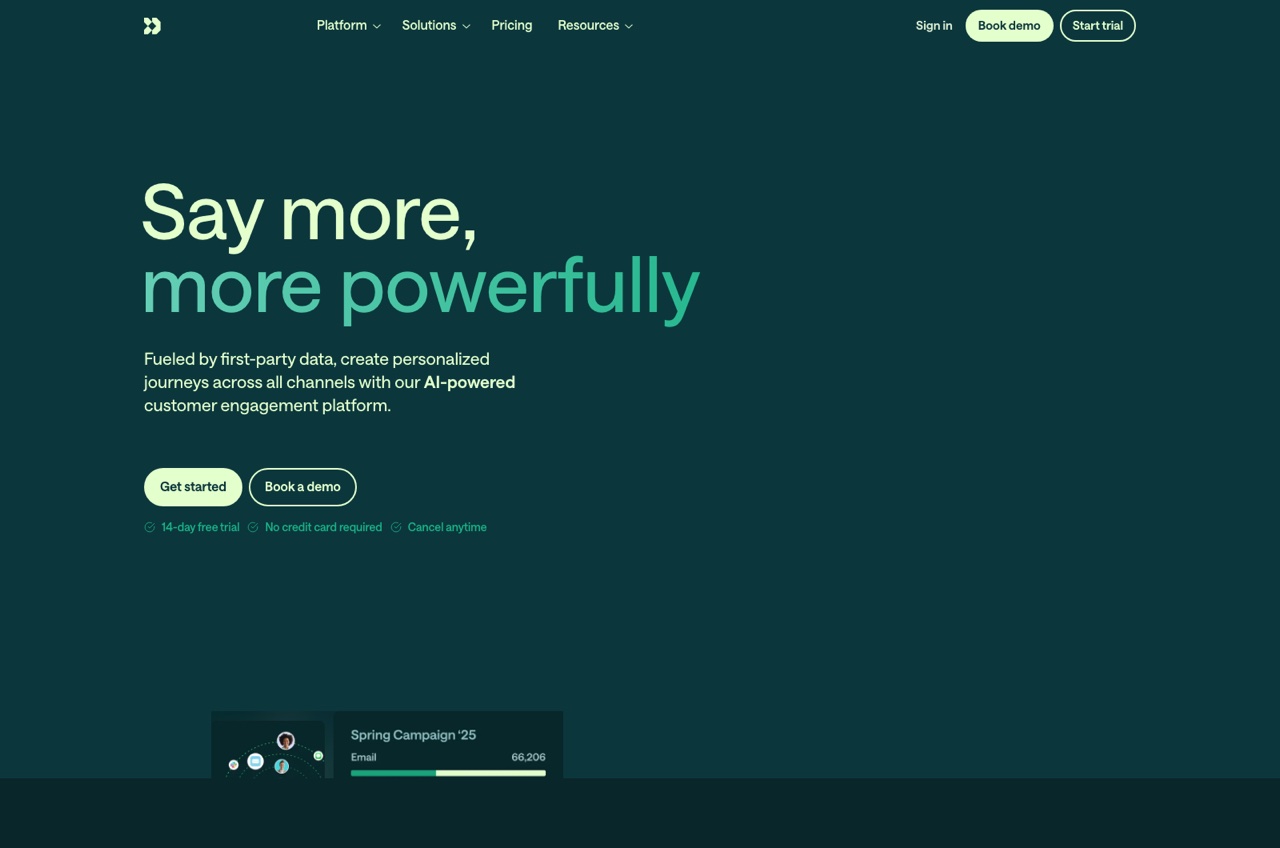
Customer.io suits teams that want messaging driven by application behavior and a richer customer data model. Its current pricing includes a visual workflow builder, transactional email and cross-channel capabilities.
The key evaluation is event quality. Trace a new trial, an activation and a failed payment through the system. Check identity matching, segment updates and message exits. If you retain HubSpot, decide whether sales state comes through a supported integration or your own documented data pipeline.
- Best for: product and growth teams evaluating event-driven lifecycle messaging.
- Starting price at 10K contacts: $145/month on the live Essentials profile selector; profiles and email overages can change the total.
- Ecommerce integrations: evaluate the relevant data pipeline; its core comparison here is SaaS and product lifecycle messaging.
- Automation depth: event- and attribute-based journeys, transactional messages and multiple channels.
- One drawback: people, objects, events and preferences require a planned data model rather than an email-only import.
HubSpot CRM sync: Confirm the current supported connector or API/Zapier path, the fields it carries and its preference handling before relying on it.
Klaviyo: for Shopify-led businesses
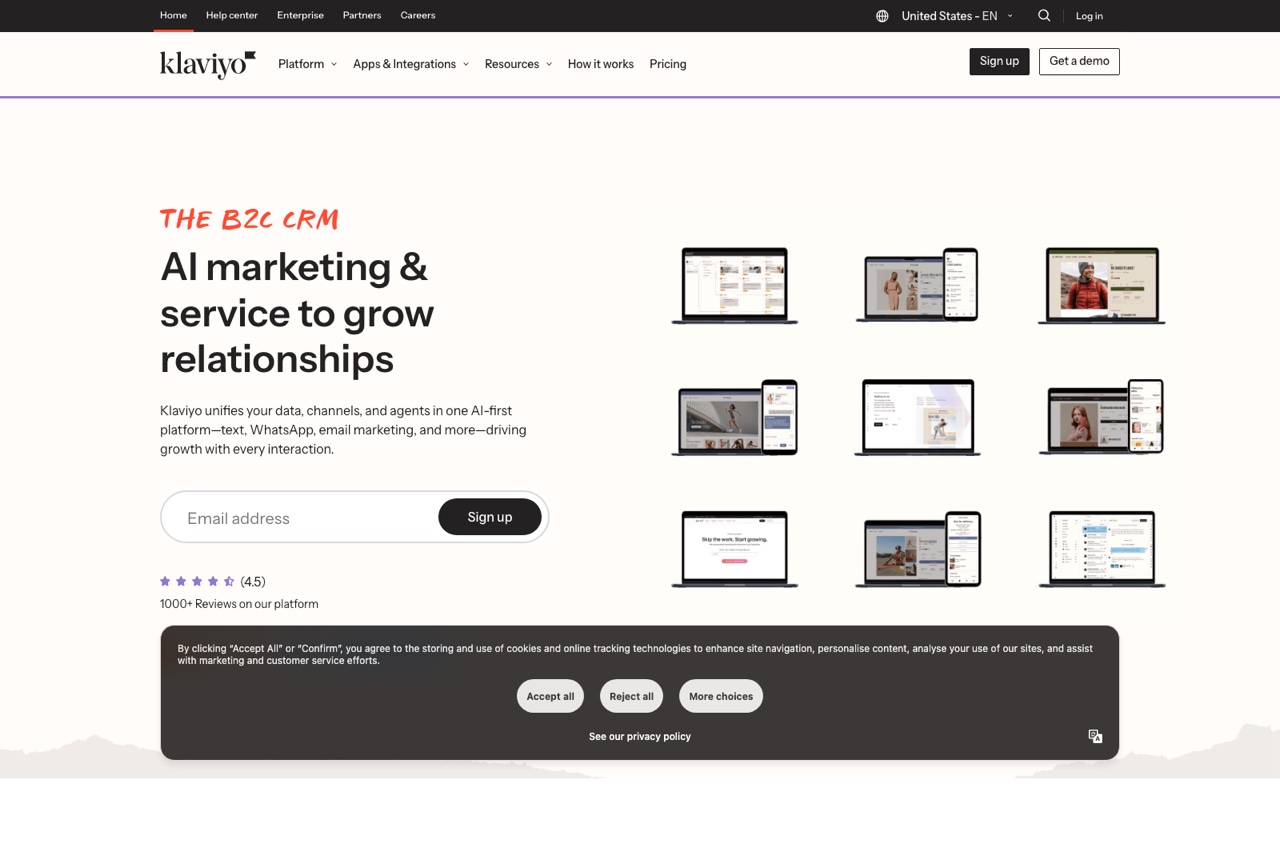
Klaviyo is relevant when the HubSpot email program is mainly ecommerce. Evaluate its Shopify connection and current plans against the purchases, products and recovery flows that matter to your store. Our Klaviyo vs HubSpot post compares the two head to head.
It should not become the default recommendation for a sales-led SaaS company simply because it is a familiar email brand. If your critical triggers are trial dates and account-level activation, compare that implementation with the store-centric workflows you are buying.
- Best for: ecommerce teams comfortable operating a broader specialist marketing platform.
- Starting price at 10K contacts: $150/month for the Email plan, before tax and other products.
- Ecommerce integrations: evaluate the native Shopify setup through Klaviyo's Shopify page.
- Automation depth: campaigns, event-triggered flows and behavioral segments; test the conditions your store needs.
- One drawback: the bill follows active profiles, so campaign exclusions alone do not necessarily reduce it.
HubSpot CRM sync: Confirm the current supported connector or API/Zapier path, the fields it carries and its preference handling before relying on it.
Mailchimp: for general campaigns and audience publishing
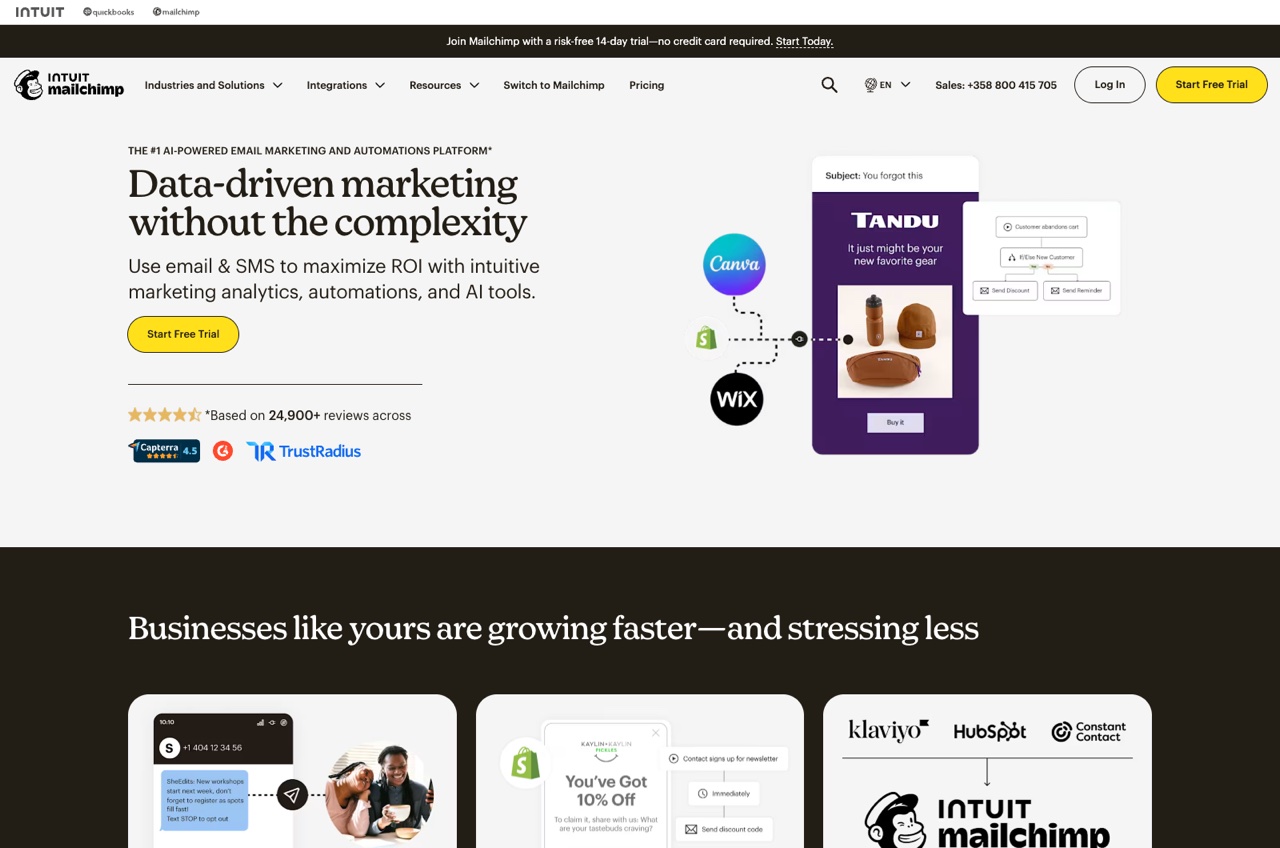
Mailchimp makes sense to evaluate when the team primarily needs newsletters, launches and general campaigns, with some automation around them. Its current plan comparison distinguishes Standard's broader flows from Essentials' shorter sequences.
If you keep HubSpot CRM, inspect the connector's actual field and preference behavior. Do not assume every contact should join a newsletter because it exists in the CRM. Map subscription types to the intended audience or preference before enabling a campaign.
- Best for: businesses with a substantial general campaign program alongside ecommerce.
- Starting price at 10K contacts: Standard's regular price is $135/month. A temporary promotional rate is not the regular renewal price.
- Ecommerce integrations: an official Shopify app, with setup documented by Mailchimp.
- Automation depth: plan-dependent marketing automation flows; map your sequence lengths and conditions before choosing.
- One drawback: contacts, sends and plan limits all affect the operating cost.
HubSpot CRM sync: Confirm the current supported connector or API/Zapier path, the fields it carries and its preference handling before relying on it.
Brevo: for marketing and transactional volume
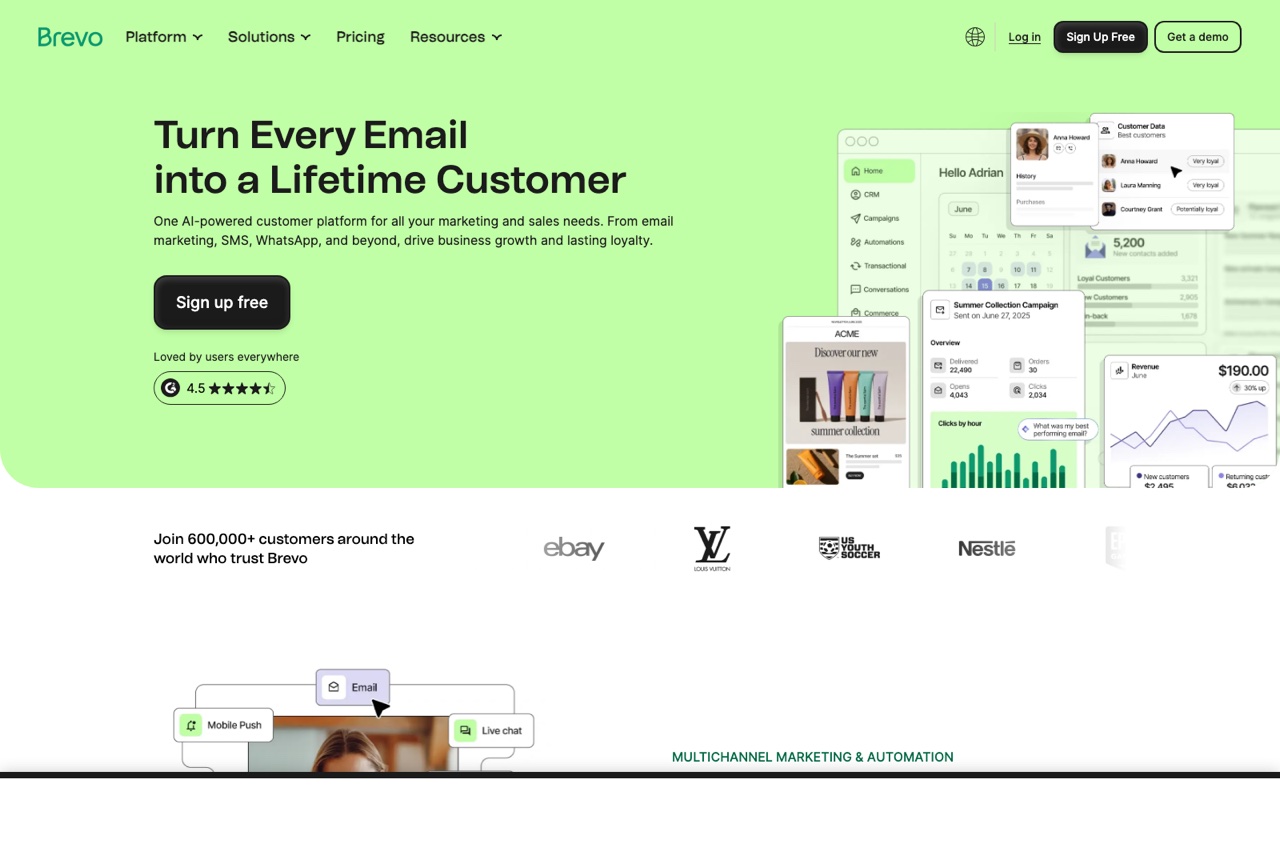
Brevo is a relevant shortlist option when your budget depends on message volume and you want to evaluate marketing alongside transactional sending. Its pricing page lists multi-step automation on Standard and additional ecommerce functions on higher plans.
Build the quote from contact capacity and actual monthly sends, including automated messages. If you retain HubSpot, validate the integration path and test a new opt-out in both systems. A low entry price alone is not a full lifecycle budget.
- Best for: teams comparing marketing and transactional messaging on a volume-based budget.
- Starting price at 10K contacts: request the Standard quote for the contact capacity and sends you need. The published $18/month entry price is not a verified 10K-contact, 40K-send quote.
- Ecommerce integrations: validate your store connection and event scope through the vendor's integration documentation.
- Automation depth: Standard lists multi-step marketing automation and web/event tracking; advanced ecommerce functions vary by plan.
- One drawback: the cheapest advertised entry price can be misleading without volume, contact and feature requirements.
HubSpot CRM sync: Confirm the current supported connector or API/Zapier path, the fields it carries and its preference handling before relying on it.
Kit: for a creator publishing business
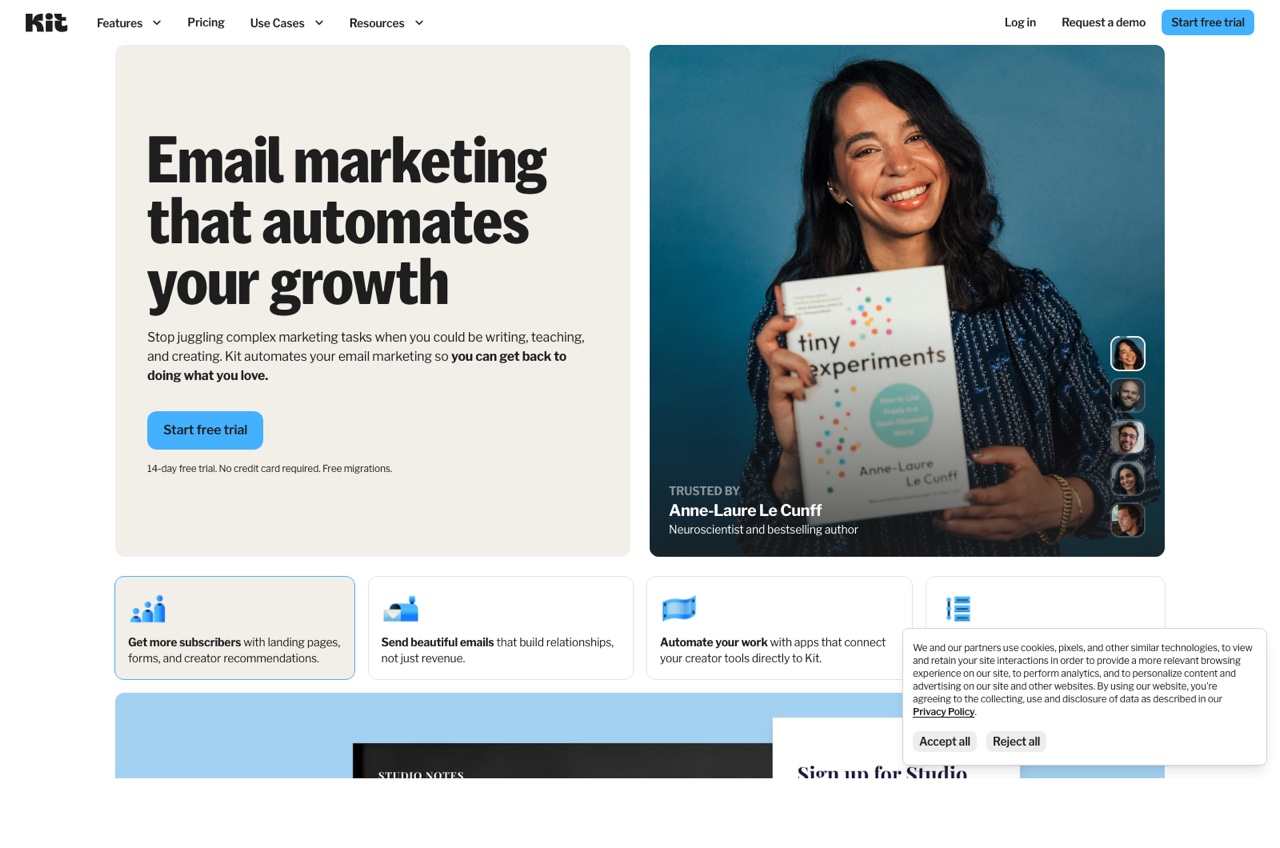
Kit is worth considering when the business centers on a creator's newsletter, digital products and subscriber sequences. Review its current pricing and plan details against that publishing model.
If the program is really account-based SaaS nurture or a complex sales pipeline, write down how those requirements will map before choosing a creator-focused workflow. Keeping HubSpot CRM can still be part of the design, but verify the connector and preference behavior rather than assuming it.
- Best for: creator-led newsletters and subscriber sequences.
- Starting price at 10K contacts: obtain the current quote for your subscriber count and required plan from the live selector.
- Ecommerce integrations: evaluate digital-product and store connections for the products you sell.
- Automation depth: subscriber sequences and visual automation; confirm the conditions your program needs.
- One drawback: the creator publishing model may require extra design work for company- and deal-based lifecycle rules.
HubSpot CRM sync: Confirm the current supported connector or API/Zapier path, the fields it carries and its preference handling before relying on it.
MailerLite: for newsletters with measured automation needs
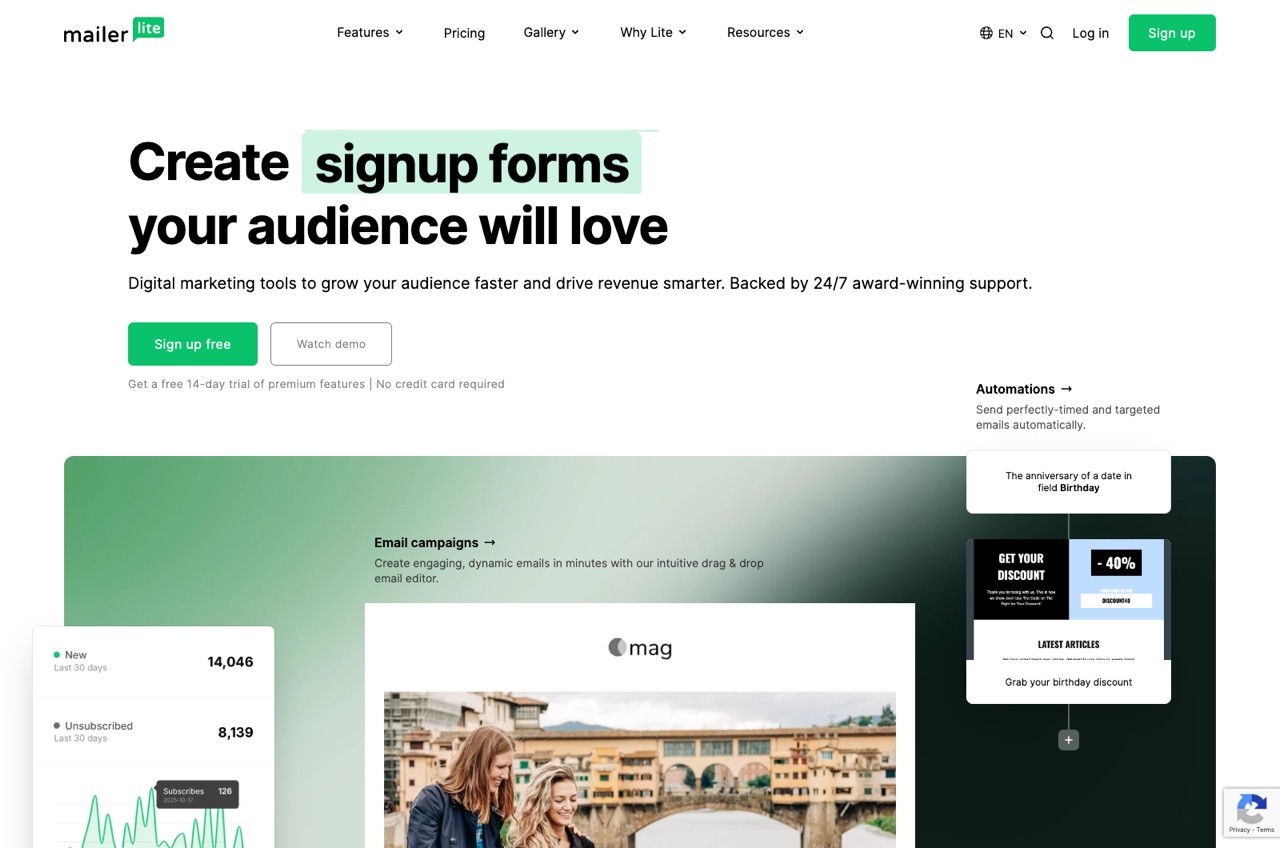
MailerLite is a useful option for a team whose main work is campaign publishing and a defined set of automated follow-ups. Its current plans are Comfort and Power, alongside Free and Enterprise.
Compare the send allowance, active automations and seats with your program. Then verify how HubSpot data reaches the email audience. A small pilot with a changed lifecycle field and an unsubscribe is more useful than assuming a named integration handles every direction of sync.
- Best for: newsletter-led businesses with a clearly defined store-automation program.
- Starting price at 10K contacts: Comfort $89/month, or $80.10/month billed yearly. Power is $129/month, or $116.10/month billed yearly.
- Ecommerce integrations: the vendor lists Shopify, WooCommerce and Stripe connections in its plan comparison.
- Automation depth: Comfort includes 50 active automations; Power includes unlimited active automations, with other usage limits documented by plan.
- One drawback: the cheaper plan's sending and usage allowances still need to fit your program.
HubSpot CRM sync: Confirm the current supported connector or API/Zapier path, the fields it carries and its preference handling before relying on it.
What the comparison costs at 10K contacts
USD, checked 14 November 2026. Prices below use the stated plan and billing term; they are not feature-identical packages. Tax, extra channels and add-ons are excluded.
| Email platform | 10K price checkpoint | Billing and scope |
|---|---|---|
| Audienceful Growth | $118/month equivalent | Billed yearly; unlimited users and automations |
| ActiveCampaign Plus | $189/month equivalent | Billed yearly; one included user, with add-ons separate |
| Customer.io Essentials | $145/month | Profiles, volume and overages need checking |
| Klaviyo Email | $150/month | Other products are separate |
| Mailchimp Standard | $135/month regular rate | Promotional pricing is temporary |
| MailerLite Comfort | $80.10/month equivalent | Billed yearly; usage limits apply |
| Brevo Standard | Quote for capacity and volume | Entry price is not a 10K-program quote |
| Kit | Quote for plan and subscriber count | Check current selector |
Sources: Audienceful, ActiveCampaign, Customer.io, Klaviyo, Mailchimp, MailerLite, Brevo, Kit.
Audienceful's price is relevant here when compared with a Marketing Hub Professional requirement, not a claim to undercut every entry plan in the market. Compare the automation, collaboration and data requirements your team needs.
A first-year cost model for a three-person team
HubSpot Professional's published starting package is $800 × 12 + $3,000 onboarding = $12,600 in the first year before extras. That includes 2,000 marketing contacts, so it is not a verified 10,000-contact quote. Obtain that quote rather than extrapolating an invented contact rate.
For 10,000 contacts on Audienceful Growth, the verified yearly-billed equivalent is $118 × 12 = $1,416. The new total also needs the cost of whatever HubSpot CRM setup you retain, migration work and any remaining commitments.
Use this worksheet:
| Budget item | What to enter |
|---|---|
| Current stack | The actual 12-month HubSpot renewal quote at 10K contacts and three users |
| New email | $1,416 for the stated Audienceful Growth tier and billing term |
| Retained CRM | Your confirmed annual cost after any downgrade |
| Migration | Internal time or implementation fee |
| Remaining commitments | Charges you still owe during the overlap |
| First-year difference | Current stack minus the complete replacement total |
A cheaper monthly email row is not proof of first-year savings until those other figures are known. If most of Marketing Hub remains necessary, an email-only move may improve the workflow without eliminating the suite cost.
Keep subscription types intact during the move
HubSpot's subscription documentation ties preferences to addresses. A global opt-out, a product-update preference and marketing-contact billing status describe different things.
Export and map them before importing a subscribed audience. Test a person who wants product updates but not newsletters, plus a global opt-out. Then test a preference change during the period when both systems are running.
Use the full HubSpot email migration guide for the export paths, token mapping and cutover sequence. In brief:
- Inventory workflows, forms, CTAs and sales actions.
- Export records and preserve the required preferences and consent history.
- Rebuild templates with destination-managed merge and unsubscribe links.
- Define data ownership and test the CRM connection.
- Authenticate, import a pilot and test complete lifecycle journeys.
- Move sending ownership, then review non-marketing status and plan changes.
- Downgrade only after replacing the affected dependencies.
For SaaS, keep billing facts separate from product activation and sales stage. Our Stripe email tools guide explains the platform shortlist for that use case.
Related guides: ActiveCampaign vs HubSpot.
FAQs
Is HubSpot good for email marketing?
It can be, especially when the business uses its broader marketing and CRM suite. Evaluate the required tier and the tools you would retain before comparing it with a dedicated email platform.
Why is HubSpot Marketing Hub so expensive?
The price covers a suite and varies with the package, contacts, seats and other purchases. Professional and Enterprise also list onboarding fees. Compare your actual quote with the subset of functions your business needs.
Can I use HubSpot CRM with another email tool?
Yes, with a defined integration and ownership model. Test fields, preferences, changed addresses and failures before relying on the split setup for live messages. Our guide to email marketing tools for HubSpot CRM compares how each one connects.
What's the cheapest HubSpot alternative?
It depends on whether you mean an email tool or a complete suite replacement. Compare contact capacity, sending, automations, seats and the CRM you retain. A free newsletter tier is not the same purchase as a three-person lifecycle program.
Is Mailchimp better than HubSpot for email?
Mailchimp may suit a focused campaign program, while HubSpot can make sense for a team using the integrated suite. Build your actual nurture flow and price the required package before deciding. Our Mailchimp vs HubSpot comparison goes into detail.
Ready to keep your CRM and rebuild email around live customer data? Start an Audienceful trial and use the HubSpot integration to plan the connection.
