You can add a Shopify email popup in four ways: a popup built into your theme, Shopify's free Forms app, a dedicated popup app, or the popup that comes with your email platform. The free options are fine for collecting addresses. If you want each signup to start a welcome flow, be tagged by source and show up in your revenue reports, use your email platform's popup, such as the one in Audienceful's Shopify app, so there's nothing to sync.
We make Audienceful, so we have a horse in this race. App prices and Shopify documentation below were checked on 14 November 2026. Every route is covered, including the free ones.
Shopify email popup options compared
| Theme popup | Shopify Forms | Popup app | Email platform popup | |
|---|---|---|---|---|
| Cost | Included with the theme | Free | Free tiers, then about $19 to $25 a month and up | Included with the platform |
| Where subscribers go | Shopify customers | Shopify customers | The app, then synced on | Straight into your email platform |
| Timing and targeting | Basic, theme-dependent | Basic | Advanced | Delay, scroll, page count, exit intent |
| A/B testing | Rarely | No | Usually on paid plans | Depends on the platform |
| Discount codes | Type a code into the copy | Attach a Shopify discount | Shared or unique, by app | Shared, or per-person depending on setup |
| Starts an automation | Through Shopify's own tools | Through Shopify's own tools | Via an integration | Directly |
Method 1: Your theme's built-in newsletter popup
Some Shopify themes, especially paid ones, include a newsletter popup in the theme editor. To check yours:
- In Shopify admin, go to Online Store → Themes and click Customize on your live theme.
- Look for a popup or newsletter popup section, or check Theme settings. Your theme's documentation will name it.
- Turn it on, write the headline and offer, choose the delay if the theme offers one, and save.
Signups from a theme form become Shopify customers with email marketing consent. That's the upside: no app. The limits are timing and targeting (usually a delay and nothing else), no exit intent, no testing, and design options capped by the theme. If your theme doesn't have one, skip to Shopify Forms.
Method 2: Shopify Forms
Shopify Forms is Shopify's own form app. It's free to install and use, but doesn't come preinstalled on any plan, per Shopify's help center.
Steps, from Shopify's create-a-form guide:
- Install Shopify Forms from the Shopify App Store.
- Go to Online Store, click Edit theme, open App embeds, switch on Forms and save.
- Go to Apps → Forms, click Create form, choose Popup form, name it and click Create.
- Under Popup display, choose Floating (with a position) or Overlay.
- Set the teaser, fields, success message, styling, image and behavior. Add a customer tag if you want to identify these signups later.
- Attach a discount if you're offering one. You select an existing Shopify discount or create a new one.
- Preview, then click Turn form on.
Shopify Forms ties neatly into Shopify's own email tools, and the price is right. The limits: one shared discount code rather than per-person codes, fewer targeting options than dedicated apps, and automations limited to what Shopify's email tools can do. For a store sending its first welcome email, that's often enough.
Method 3: A dedicated popup app
Popup apps do one thing in depth: targeting, design, testing, spin-to-win wheels, multi-step forms. Here's a shortlist with prices checked on 14 November 2026.
| App | Free plan | Paid plans start at | Billed by |
|---|---|---|---|
| OptiMonk | Yes, 10,000 pageviews a month | Essential from $19 a month billed yearly, $29 billed monthly | Pageviews |
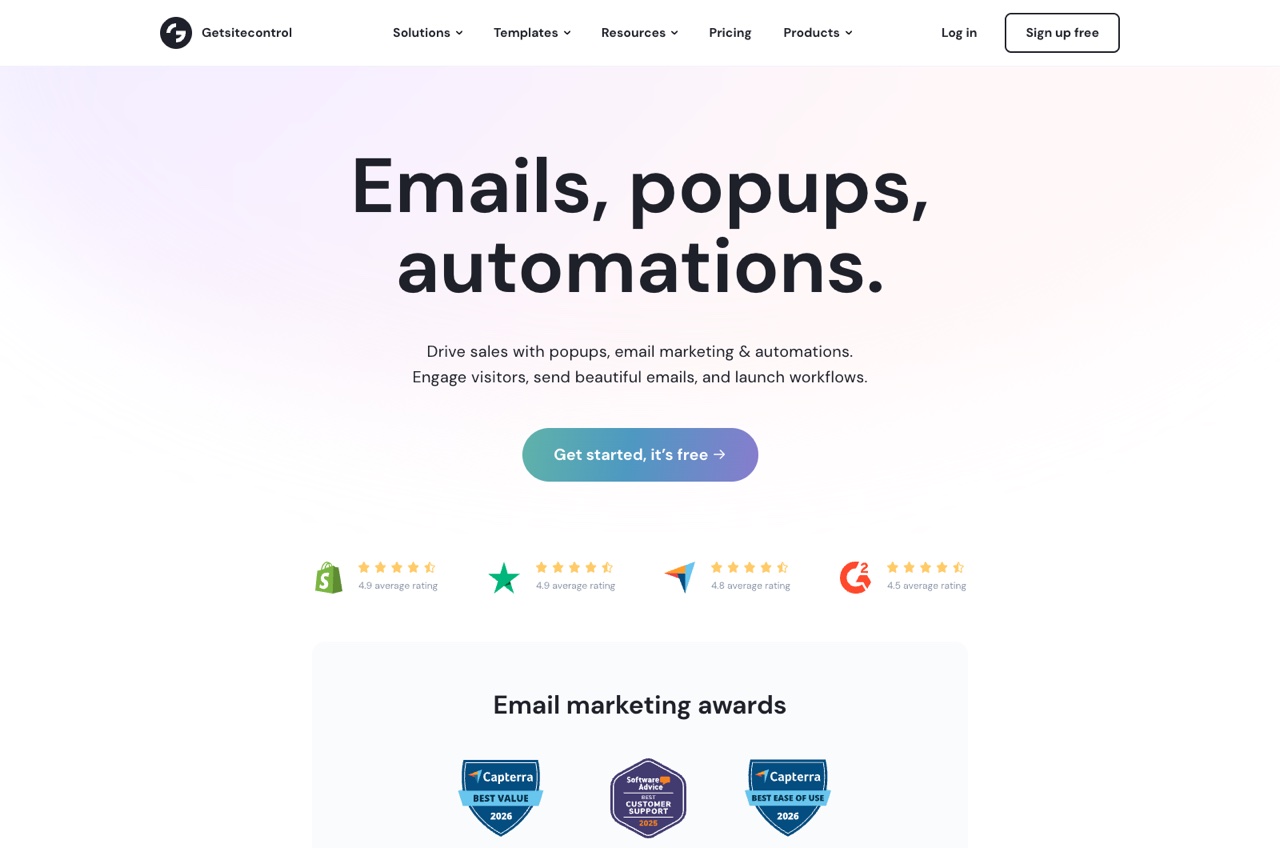
| Getsitecontrol | Yes, 10,000 widget views a month | Pro $19 a month (100,000 views), Pro Max $29 (unlimited) | Widget views |
| Poptin | Yes, 1,000 visitors a month | Basic $25 a month billed yearly (10,000 visitors) | Visitors |
| Privy | No, 15-day trial | Pop-ups and displays only: $24 a month up to 10,000 pageviews | Pageviews |
| Wisepops | Not listed | Pricing through a demo request | Not listed |
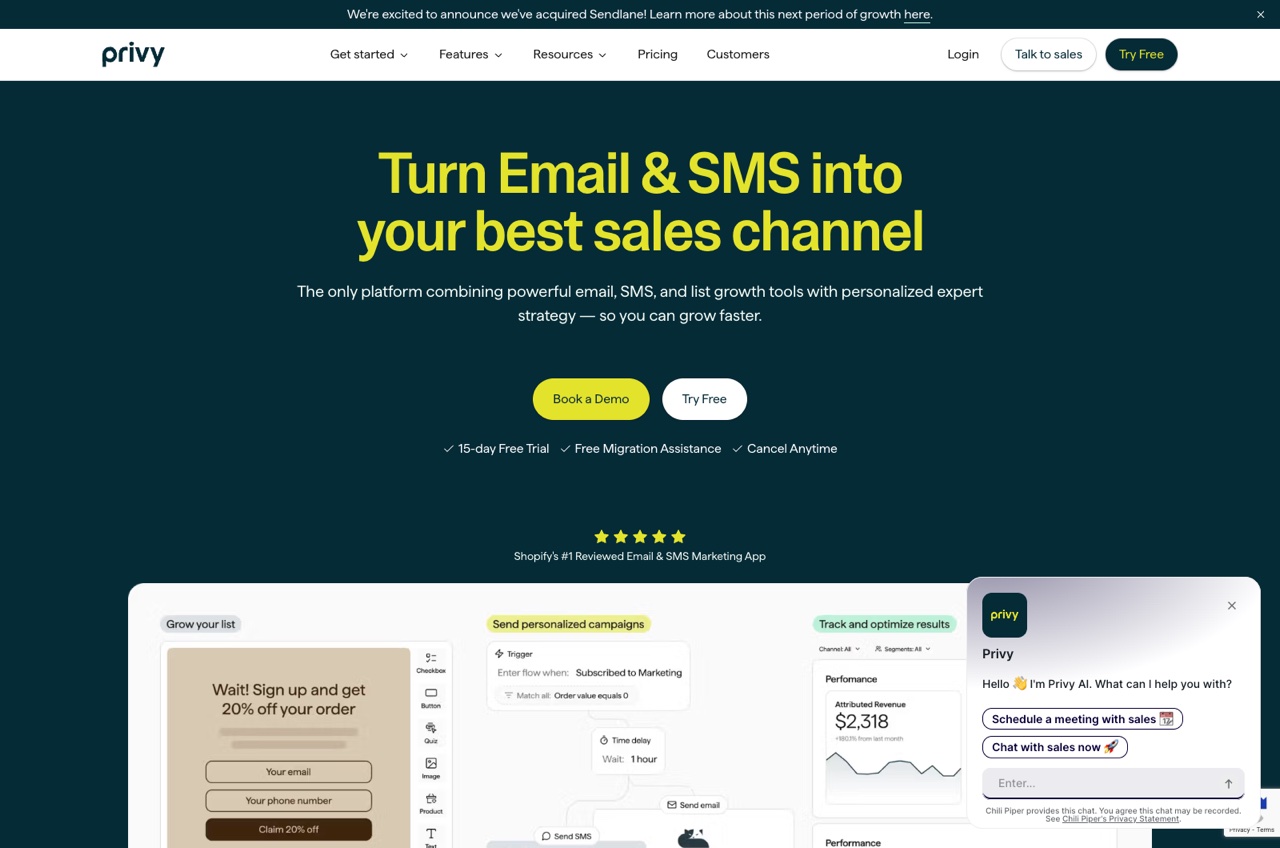
Watch how each one bills. A pageview-billed app gets more expensive as your traffic grows, even if signups don't. Getsitecontrol stops showing widgets when you hit the monthly view limit, per its pricing page, so check what happens on a busy sale day.
The bigger issue is the handoff. A popup app collects the address, then has to pass it to your email platform with the right tags and consent before your welcome flow can start. Most do this well, but it's one more integration to check when signups look low. Privy also sells email plans, so if you're comparing it as a full platform, our Privy alternatives guide and Audienceful vs Privy page cover that.
Method 4: Your email platform's popup
If your email platform has its own popup, there's nothing to sync. A signup lands in the platform with its source and tags, and starts the welcome flow straight away.
In Audienceful, popups show on your store through the Shopify app embed (the same switch that tracks product views for browse abandonment). Each popup has:
- Triggers: immediately, after a delay, at a scroll position, after a number of pages visited, or on exit intent.
- Templates you can restyle completely, and any custom fields you want to collect.
- Tags on submit, so a footer signup and a discount popup can start different automations.
- Bot protection to keep fake signups out of your list, and conversion tracking per form.
- Two-way consent sync with Shopify, so marketing consent stays the same in both places.
The signup goes straight into the welcome series or whichever automation you choose, and revenue attribution shows what each flow earns from those subscribers. Our popup forms guide walks through building one.
What makes a Shopify email popup convert
The offer
A discount roughly doubles signups in the data we've seen. Popupsmart's dataset, January 2024 to September 2026, shows 1.46% of displays converting with a discount code against 0.75% without. 10% is enough: 20% to 30% off didn't convert measurably better in that sample. If you don't want to discount, free shipping, a gift with the first order, early access or a quiz result all give people a reason. The welcome discount popup guide covers the offer and the code in detail.
Timing
| Trigger | Use it for |
|---|---|
| 5 to 10 second delay | Your main signup popup on desktop |
| Scroll (around 30% to 50% of the page) | Mobile, and content-heavy pages |
| Page count (2 or 3 pages) | Visitors who are clearly browsing, not bouncing |
| Exit intent | A second chance on desktop; it needs a mouse, so it won't fire on phones |
Omnisend's 2025 popup report found popups shown after 6 to 10 seconds converted best, at 2.4%. Popupsmart found the exact delay made no measurable difference. Both agree on one thing: don't fire before the page has loaded.
Mobile rules
Most popup views now happen on phones: 63% in Popupsmart's data, where mobile also converted better than desktop. Google's guidance on intrusive interstitials warns against overlays that cover the whole page. Shopify's theme performance guide goes further for mobile: show dialogs after the visitor scrolls rather than on a timer, and limit how often they reappear. On phones, use a smaller popup or a bottom sheet, keep the close button obvious, and don't show it to visitors the moment they land from search.
Two steps and fewer fields
Ask for the email first. If you want a phone number or birthday, ask on a second step after the email is in. Omnisend's 2025 data shows multi-step popups at 2.3% against 2.0% for single-step. Every extra field on the first step costs signups.
Who sees it
Hide the popup on cart, checkout and account pages, for existing subscribers, and for at least a week after someone closes it.
Shopify email popup patterns worth copying
We won't reproduce other brands' popups here, but the ones that work tend to share these traits:
- The offer is the headline, in numbers: "10% off your first order."
- A single email field with the button repeating the offer ("Get 10% off").
- A plain "No thanks" link, not a guilt-trip line.
- A product or lifestyle photo on desktop, dropped on mobile.
- A teaser tab in the corner after someone closes it, so they can come back to it.
- One line of fine print: first order only, one use per customer.
- A success message that says what happens next: "Check your inbox."
- A different popup for different pages, such as a fit guide offer on product pages and a content upgrade on blog posts.
Popup conversion rate benchmarks
| Source | Average or median | Top performers | Notes |
|---|---|---|---|
| Popupsmart, Jan 2024 to Sep 2026 | Median 0.83% of displays | Top 10% reach 3.87% | 3,034 email or phone popups |
| Omnisend, 2025 data | Average 2.1% of displays | Not given as a percentile | 1.24 billion displays |
These figures don't line up because the vendors count differently and their customers differ. Use them to spot a problem (a popup converting at 0.2% needs work), then compare against your own past numbers.
Consent and compliance
- Say what people are signing up for. "Get 10% off and our weekly emails" is clear. A discount popup that silently enrolls people in daily campaigns leads to complaints.
- EU and UK visitors need clear, affirmative consent. Many stores add a consent line or checkbox for those regions.
- Double opt-in confirms the address before marketing starts. It's required in some countries and useful anywhere fake signups are a problem. Audienceful supports double opt-in per form.
- Keep consent in sync with Shopify. If a subscriber unsubscribes in your email platform, Shopify should know, and the other way round. Audienceful syncs consent in both directions.
After the signup: the welcome flow
The popup's job ends at the signup. What earns the money is the welcome flow that starts next. Send the first email immediately, with whatever the popup promised, then follow up over the next few days. Our Shopify welcome email guide covers the full three-email series, and the Shopify Email alternatives guide compares platforms if you're outgrowing Shopify's own tools.
FAQs
Does Shopify have a built-in email popup?
Some themes include a newsletter popup in the theme editor, and Shopify's free Forms app adds popup forms to any theme through an app embed. Both send signups to your Shopify customer list.
Is Shopify Forms free?
Yes. Shopify's help center says the Forms app is free to install and use. It isn't installed by default, so add it from the Shopify App Store and switch on its app embed in your theme.
What's a good popup conversion rate?
It depends on how it's measured. Popupsmart's 2024 to 2026 data puts the median email popup at 0.83% of displays and the top 10% at 3.87%. Omnisend's 2025 average was 2.1% of displays. Anything above 2% is solid.
When should a popup appear?
On desktop, after 5 to 10 seconds or a few pages, with exit intent as a backup. On mobile, after the visitor scrolls rather than on arrival. Never on cart or checkout pages, and not again for a week after someone closes it.
Do popups hurt SEO on mobile?
They can if they cover the whole page as soon as a visitor arrives from search. Google advises against intrusive interstitials. A smaller popup or bottom banner shown after a scroll avoids the problem.
Do I need a discount in my popup?
No, but it helps. Popupsmart's data shows popups with a discount converting at about twice the rate of those without. Free shipping, a gift or early access are good alternatives if you'd rather not discount.
Add a targeted popup that feeds your welcome flow: start with Audienceful and install it on Shopify, free up to 1,000 contacts.
