Shopify email marketing comes down to two choices: the tool and the flows. Shopify's own app, now called Shopify Messaging, is free for your first 10,000 emails a month and covers campaigns plus basic automations. Stores that want branching flows, deeper segments and revenue per flow usually add a dedicated app such as Audienceful, Klaviyo or Omnisend. Whichever you pick, the money comes from about nine automated flows, which this guide lists in priority order.
We make Audienceful. Shopify's prices below were checked on its help center on 14 November 2026, and other vendors' prices on their own pricing pages the same day.
Shopify Messaging or a dedicated app: the 30-second decision
| Stay on Shopify Messaging if | Move to a dedicated app if |
|---|---|
| You send a few campaigns a month to a list under about 5,000 | You email more than weekly or your list is growing fast |
| Welcome and abandoned checkout are the only flows you need | You want browse abandonment, replenishment, VIP and win-back with branches |
| Shopify's reports answer your questions | You need revenue per email and per flow, with attribution you control |
| One person does marketing in the Shopify admin | A team, agency or AI agent builds campaigns together |
| You don't run A/B tests | You test subject lines, content and timing |
Many stores start on Shopify Messaging and move later. That's a sensible path, and our migration guide covers the handover.
What Shopify Messaging (formerly Shopify Email) does today
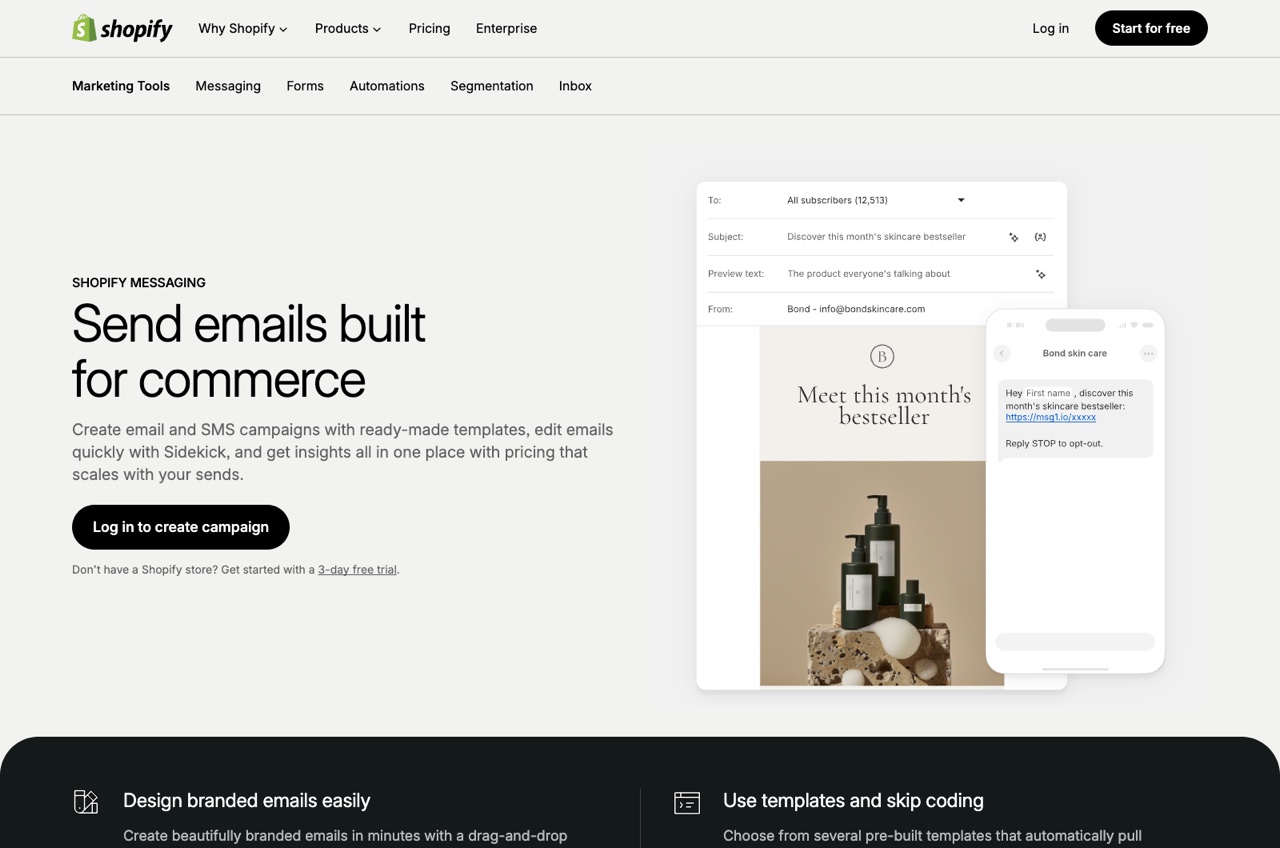
Shopify renamed Shopify Email to Shopify Messaging when it added SMS and WhatsApp. Its help center describes it as one app for email, SMS and WhatsApp campaigns, with marketing automations for email and SMS. It's available on Basic, Grow, Advanced and Plus plans. Campaign Autopilot can recommend tactics and automations, which show up for review inside the app.
The App Store listing had a 4.8 rating from 4,854 reviews when we checked. It lists automations for abandoned cart, checkout and browse, welcome, win-back, follow-up and upsell emails, and it works with Shopify Flow and Shopify Forms. Sidekick, Shopify's AI assistant, can edit emails.
Shopify Messaging pricing
Shopify bills by emails sent, not by contacts. From its email pricing page, checked 14 November 2026:
| Emails in a calendar month | Price |
|---|---|
| First 10,000 | Free |
| Additional emails up to 300,000 | $1 per 1,000 |
| Additional emails from 300,000 to 750,000 | $0.65 per 1,000 |
| Additional emails above 750,000 | $0.55 per 1,000 |
Each recipient counts as one email. Automation emails count toward the free 10,000, but abandoned checkout emails are always free. Unused emails don't roll over, and charges appear on your Shopify bill as "Marketing emails". SMS and WhatsApp have separate rates.
For a full breakdown with cost scenarios, read our Shopify Email guide.
Where stores look for more
Shopify Messaging is a good start. Stores tend to look elsewhere when they want:
- flows with several branches, such as different follow-ups for first-time and repeat buyers
- segments built on product, order count and predicted reorder date
- per-flow revenue attribution with a window they choose
- A/B testing on campaigns and flows
- several people or an agency working on the same email
Our Shopify Email alternatives post covers the signs in more detail, and Shopify Email vs Klaviyo compares the two most common options.
The best Shopify email marketing apps compared
| App | Best for | 1K contacts | 10K contacts | 50K contacts |
|---|---|---|---|---|
| Shopify Messaging, four campaigns a month | Simple sending inside Shopify | $0 | $30 | $190 |
| Klaviyo Email | Large brands with retention teams | $30 | $150 | $720 |
| Omnisend Standard | Email plus SMS | $20 | $132 | $413 |
| Mailchimp Standard | Newsletters with store data | See selector | $135 | $450 |
USD per month, checked 14 November 2026 on Shopify, Klaviyo, Omnisend and Mailchimp. Shopify's row assumes four full-list campaigns a month and leaves out automation sends, which also count. Our best Shopify email apps guide reviews eight apps in full.
Audienceful
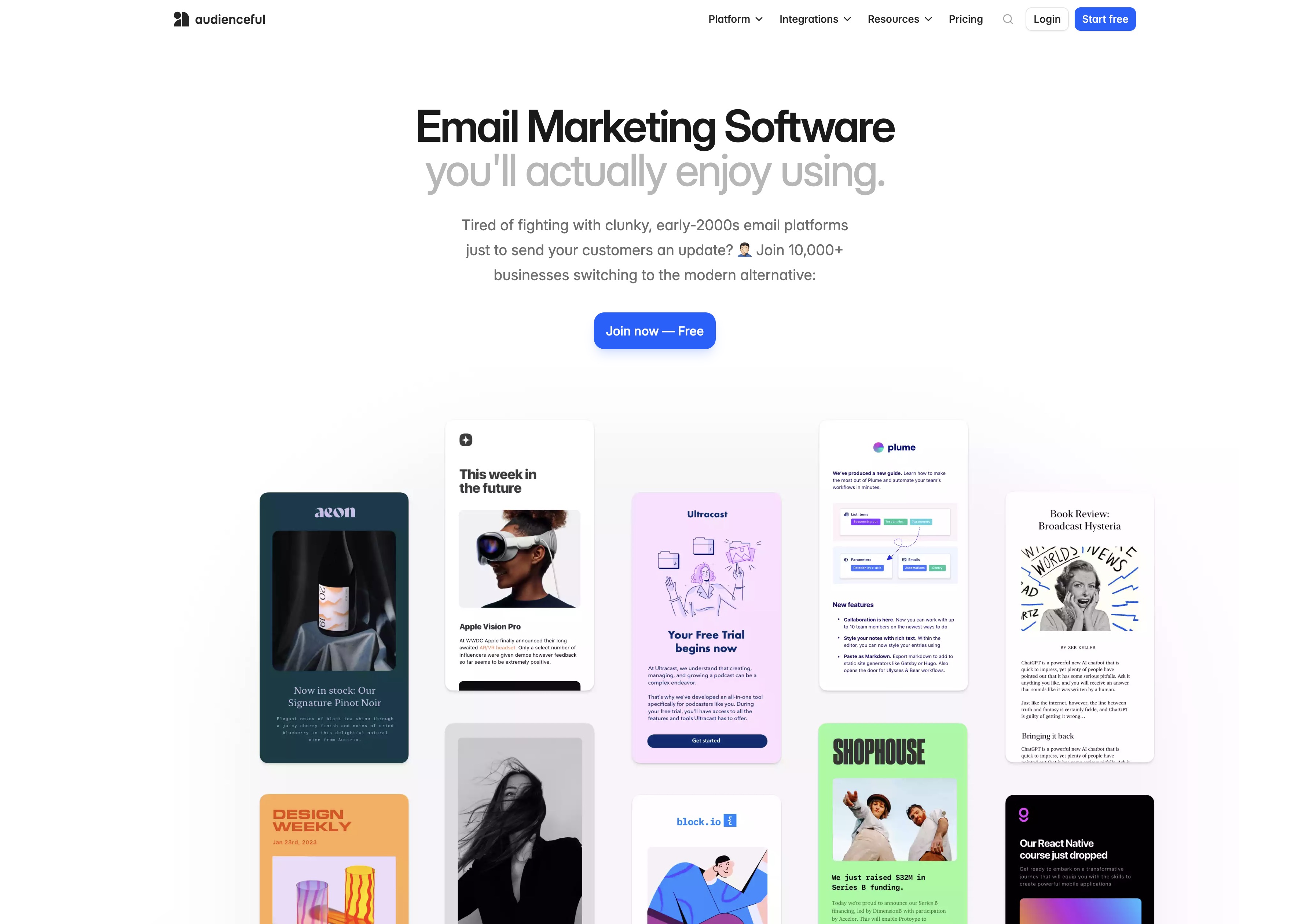
Audienceful installs from the Shopify App Store and bills on your Shopify invoice. It syncs customers, orders, products, checkouts and carts, and imports about a year of order history so segments work on day one. Consent syncs both ways, so Shopify stays the source of truth for who is subscribed. An app embed powers popups and on-site triggers without theme code.
All nine flows below exist as ready-made templates, with branching on order and product data. Revenue attribution reports each email's and flow's sales. The AI agent builds flows and segments from a brief, and the collaborative editor lets your team and agency work on one email. Compare it at Audienceful vs Shopify Email.
Klaviyo
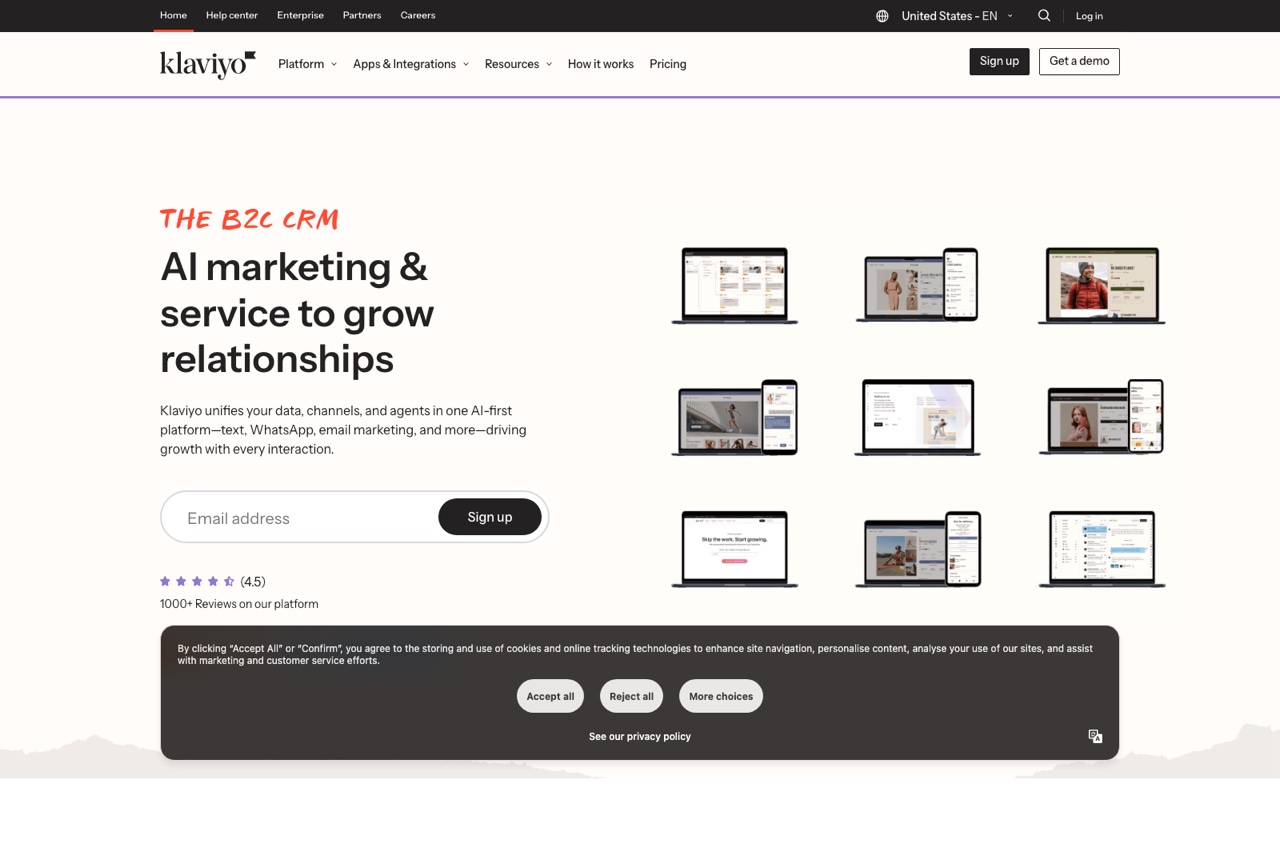
Klaviyo is the established Shopify email platform, with deep data, predictive analytics and a large flow library. It bills on active profiles. See our Klaviyo pricing breakdown.
Omnisend
Omnisend bundles store workflows with SMS at a mid-market price. See Omnisend vs Shopify Email.
Mailchimp
Mailchimp's official Shopify app syncs customers and orders for newsletters with store data. Our Mailchimp Shopify guide covers the setup.
Setup checklist for Shopify email marketing
Do these before your first campaign, whichever app you use.
- Authenticate your sending domain. Send from an address on your own domain and add the SPF, DKIM and DMARC records your app gives you. In Shopify Messaging, the sender address lives under Settings → Notifications. Our SPF, DKIM and DMARC guide explains each record, and the DKIM and SPF checker tests them. In Audienceful, follow the custom domain guide.
- Sync consent. Only email customers whose Shopify status is subscribed. A dedicated app should read and write that status, so unsubscribes match everywhere.
- Add a signup form. A popup with a first-order offer is the fastest list builder. See Shopify email popups and welcome discount popups.
- Import history. Past orders power segments like "bought twice" and "lapsed 120 days". In Audienceful, connect Shopify and the import runs automatically.
- Turn off duplicates. If you use an app for checkout recovery, disable Shopify's own abandoned checkout email so customers don't get two.
The nine Shopify email flows to build, in priority order
Flows earn most of the money. Klaviyo's benchmark page says flows make up about 5.3% of sends but nearly 41% of email revenue across its customers. Build them in this order.
| Priority | Flow | Trigger | Deep dive |
|---|---|---|---|
| 1 | Welcome series | Newsletter signup | Shopify welcome email |
| 2 | Abandoned checkout | Checkout started, no order | Abandoned cart email |
| 3 | Added to cart | Product added, no checkout | Checkout vs cart |
| 4 | Browse abandonment | Product viewed, no cart | Browse abandonment |
| 5 | Post-purchase | Order placed | Post-purchase email |
| 6 | Review request | Order fulfilled plus delay | Review request |
| 7 | Replenishment | Expected reorder date | Replenishment email |
| 8 | Win-back | No order in 90 to 180 days | Win-back email |
| 9 | VIP | Order count or spend threshold | VIP customer email |
Add back-in-stock emails if you sell out often. The Shopify email flows guide shows timing and copy for each.
A campaign calendar for Shopify stores
Flows run in the background. Campaigns fill the gaps with news and offers. A sensible starting cadence:
| List size | Campaigns per week | Mix |
|---|---|---|
| Under 2,000 | 1 | New products, stories, one offer a month |
| 2,000 to 20,000 | 1 to 2 | Add segment-specific sends, like buyers vs non-buyers |
| Over 20,000 | 2 to 4 | Send more often to engaged segments only |
Plan the big dates early. Black Friday and Cyber Monday need a warmed list and a send plan weeks ahead; our Shopify Black Friday email guide has a timeline. Valentine's Day, Mother's Day and back-to-school matter for most consumer categories.
Metrics and revenue attribution
Apple Mail Privacy Protection inflates opens, so judge emails on clicks and revenue.
- Revenue per recipient (RPR). Attributed revenue divided by recipients. The best single number for comparing emails.
- Placed order rate. Orders divided by recipients.
- Flow share of revenue. If flows bring in under a third of email revenue, you probably have flows missing.
- Unsubscribe and spam complaint rates. Keep complaints under 0.1%.
Attribution windows change the totals. A five-day click window gives lower numbers than a seven-day open window. Pick one and keep it fixed. Our revenue attribution guide explains the trade-offs, and Audienceful's attribution docs show how it's set. If emails start landing in spam, see Shopify emails going to spam.
Common Shopify email marketing mistakes
Emailing every customer. A Shopify customer record isn't consent. Only subscribed customers should get marketing email, and importing everyone is the fastest way to a spam complaint spike.
Discounting in every flow. If the welcome, cart and win-back emails all carry 15% off, customers learn to wait. Save the discount for the second or third message, and try free shipping or a gift first. Our unique discount codes guide shows how to stop codes leaking.
Running two recovery senders. Shopify's own abandoned checkout email plus an app's flow means two reminders an hour apart. Pick one sender per trigger.
Mailing the whole list at Black Friday. Contacts who haven't opened or clicked in six months drag down inbox placement for everyone else. Send to engaged segments first and widen slowly.
Judging by open rate. Opens are inflated by privacy features. A subject line that "wins" on opens can lose on revenue per recipient.
Never touching flows after launch. Look at each flow's revenue every quarter. A post-purchase flow written for your first product often doesn't fit the catalog two years later.
Related guides: the ecommerce holiday email calendar, welcome series examples, price drop emails and Shopify email templates.
FAQs
Is Shopify Email free?
Partly. Shopify Messaging includes 10,000 free emails a month on Basic plans and above, then charges $1 per 1,000 emails up to the next 300,000. Abandoned checkout emails are always free. Prices checked 14 November 2026.
What happened to Shopify Email (Shopify Messaging)?
Shopify renamed it Shopify Messaging when it added SMS and WhatsApp to the same app. The App Store listing and help center URLs still say "shopify-email".
Is Shopify Messaging good enough or do I need Klaviyo?
It's enough for small stores sending a few campaigns plus welcome and checkout recovery. Stores that want branching flows, product-level segments, A/B tests and per-flow revenue usually move to a dedicated app such as Klaviyo, Omnisend or Audienceful.
Can Shopify send abandoned cart emails automatically?
Yes. Shopify Messaging has abandoned checkout, abandoned cart and browse abandonment automations, and abandoned checkout emails don't count toward the monthly allowance. If a separate app sends recovery emails, turn off Shopify's version to avoid duplicates.
How do I set up a sending domain for Shopify emails?
Use a sender address on your own domain and add the SPF, DKIM and DMARC records your email app provides at your DNS host. Test them with a DKIM and SPF checker before you send.
What's the best email app for Shopify?
Audienceful, Klaviyo and Omnisend are the strongest dedicated apps, with Shopify Messaging as the low-cost built-in option. Our best Shopify email apps guide compares eight.
For a wider view beyond Shopify, read our ecommerce email marketing playbook.
Install Audienceful on Shopify: your last year of orders imports automatically and the flows go live in minutes.
