Moving from Brevo to Klaviyo makes sense for Shopify stores that want deeper flows built on product, cart and order data, and it usually costs more, because Klaviyo bills on active profiles while Brevo bills on email volume. The migration means exporting contacts plus both Brevo blocklists (marketing and transactional), connecting Shopify to Klaviyo, importing with consent, rebuilding automations as flows and deciding where transactional email goes. If you want Klaviyo-style Shopify flows at a lower price than Klaviyo, look at Audienceful as a middle option.
We make Audienceful. The Brevo and Klaviyo details below come from both vendors' documentation, checked 14 November 2026. The migration steps work for any destination. If you are still deciding, our Klaviyo vs Brevo cost comparison works out both bills at real list sizes.
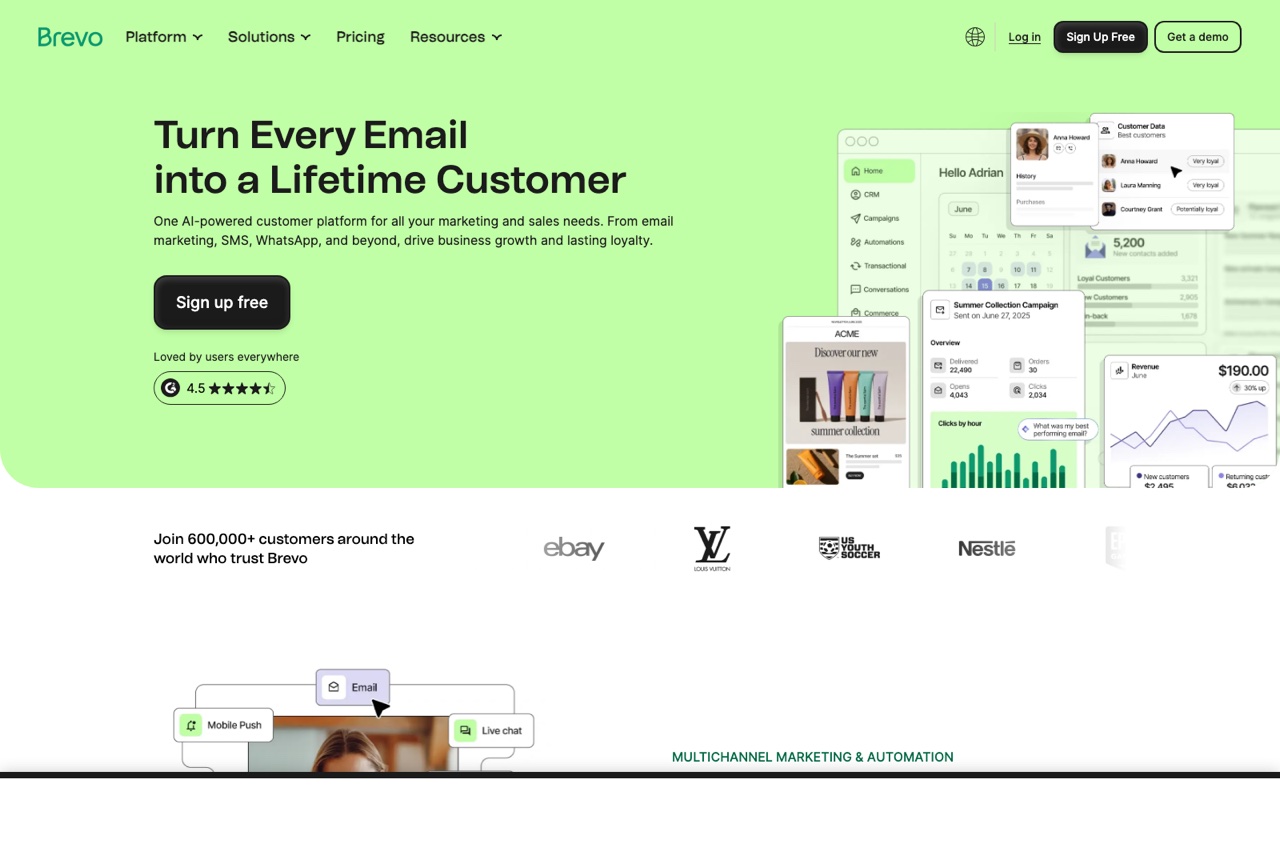
Brevo to Klaviyo: the short verdict
Move to Klaviyo if most of your revenue comes from Shopify, you want browse, cart, checkout and post-purchase flows on live store data, and the budget can absorb profile-based pricing.
Stay on Brevo if you send a lot of transactional or WhatsApp messages, use Brevo's CRM and sales pipeline, or send infrequently to a large list. Volume-based billing favours big lists with low send frequency.
Consider a middle option if you want Klaviyo's store flows but not its bill. Audienceful runs native Shopify flows and a transactional email API in one account, for less than Klaviyo at every size in the table below.
Brevo vs Klaviyo in one table
| Brevo | Klaviyo | |
|---|---|---|
| Billing basis | Email volume per month | Active profiles |
| Shopify connection | Brevo Shopify app | Native Shopify integration with full catalog, cart and order events |
| Ecommerce flows | Automation templates for carts and orders | Flow library built on Shopify events, plus predictive analytics |
| Transactional email | SMTP and API built in | Transactional flow messages, approved one by one |
| SMS and WhatsApp | Both | SMS and mobile channels; check Klaviyo's current channel list |
| CRM | Sales pipeline and deals | Customer profiles, no sales pipeline |
| Free plan | Daily sending cap; see Brevo's page | 250 active profiles, 500 emails a month |
Sources: Brevo pricing and Klaviyo pricing, checked 14 November 2026.
What it costs at 5K, 10K and 50K contacts
The two models don't line up neatly. Brevo's price follows how many emails you send each month, so a 10,000-contact list mailed four times costs the same as a 40,000-contact list mailed once. Klaviyo's follows how many emailable profiles you hold, including Shopify customers who never subscribed (see its active-profile definition).
Monthly prices checked 14 November 2026:
| Contacts | Klaviyo Email | Audienceful Growth, billed yearly |
|---|---|---|
| 5,000 | $100 | $84 (6K tier) |
| 10,000 | $150 | $118 |
| 50,000 | $720 | $309 |
Brevo's Standard plan starts at $18 a month at entry volume and rises with emails sent; enter your monthly send count on Brevo's pricing page to price it. For most stores sending a few campaigns a month, Brevo will cost less than Klaviyo and less than Audienceful. The case for moving is what you gain in store automation, not savings against Brevo.
Run your own Klaviyo number in our Klaviyo pricing calculator, and read Klaviyo pricing for how billing tiers move. Brevo users on old plans should also read the Brevo legacy plan price change.
Step 1: audit Brevo
List what Brevo does today:
- Contact lists and folders, with counts.
- Contact attributes, including custom ones.
- Automations: trigger, steps, delays, conditions, exits.
- Forms and popups, and where they sit on your site.
- The Brevo Shopify app and what it syncs.
- Transactional email: order confirmations, password resets, receipts, app notifications sent through Brevo's SMTP or API.
- SMS and WhatsApp senders.
The transactional line matters most. Many stores forget that their app or theme sends through Brevo until those emails stop.
Step 2: export contacts and both suppression lists
Brevo keeps two separate opt-out records, and you need both.
Marketing blocklist. In Contacts, add the filter Email, Email campaigns subscriptions, Blocklisted. Brevo's guide to blocklisted contacts covers unsubscribes, complaints and hard bounces.
Transactional blocks. Under Settings, Transactional emails, Blocked or Unsubscribed contacts, Brevo lists addresses blocked from transactional sends. See its unsubscribed contacts guide.
Then export subscribed contacts with all attributes, using Brevo's export guide. Filter by subscription status in the export so subscribed and blocklisted people end up in separate files. Keep the originals untouched.
Step 3: connect Shopify to the new platform first
Install Klaviyo's Shopify integration with Klaviyo's Shopify guide and let the historical sync finish. Order history, products and carts come from Shopify, not Brevo.
Leave the Brevo Shopify app installed for now. Removing it early can stop running abandoned cart automations before their replacements exist.
Step 4: import into Klaviyo with consent
Klaviyo's Brevo comparison page describes a one-time sync of subscriber data from Brevo, followed by rebuilding flows. Check Klaviyo's help center for what that sync covers in your account. The CSV route below works regardless.
- Turn off any welcome flow on the destination list. Klaviyo's migration guide warns that imports can trigger list-based flows.
- Import subscribed contacts using the subscriber import guide. Map consent columns and choose "Only import the consent in my file" unless everyone explicitly opted in.
- Import the marketing blocklist as suppressions: Audience, Profiles, View suppressed profiles, Import.
- Wait for confirmation, then spot-check a subscriber, an unsubscribe and a hard bounce.
Step 5: map Brevo attributes to Klaviyo properties
| Brevo attribute | Klaviyo property | Notes |
|---|---|---|
| Required | ||
| FIRSTNAME, LASTNAME | First Name, Last Name | Brevo's defaults are often in French in older accounts (PRENOM, NOM) |
| SMS | Phone Number | E.164 format, only with SMS consent |
| List membership | Klaviyo lists or a property | Lists for signup sources |
| Custom text, number, date attributes | Custom properties | Use Klaviyo-accepted date formats |
| Boolean attributes | Custom property (true/false) | Check values after import |
| Email blocklisted | Suppression list | Never on a list |
Step 6: rebuild automations as flows
| Brevo automation | Klaviyo flow trigger |
|---|---|
| Welcome message (contact added to list) | Added to List |
| Abandoned cart (Shopify app) | Started Checkout or Added to Cart |
| Product purchase / order placed | Placed Order |
| Visited page / product view (tracker) | Viewed Product or Active on Site |
| Anniversary date | Date property trigger |
| Custom event via API | Custom metric |
Build each flow switched off, test with a real test order, then hand over one at a time. For people mid-automation in Brevo, stop new entries there and let the queue finish before turning the Klaviyo version on. Our Shopify email flows post covers timing and content.
Step 7: forms, templates and transactional email
Forms. Rebuild Brevo forms and popups as Klaviyo forms, matching targeting and discount offers. Test each signup.
Templates. Export Brevo template HTML where you can, then rebuild core layouts in Klaviyo's editor. Replace Brevo's {{ contact.FIRSTNAME }} style variables with Klaviyo's and re-host images.
Transactional email. This is the gap Brevo users hit. Klaviyo can send transactional messages from flows, but each one must be submitted and approved, campaigns can't be transactional, and the content can't include marketing. It isn't a general SMTP relay for app notifications or password resets. Decide before cutover whether those stay on Brevo, move to Shopify notifications or go to a dedicated transactional provider.
Step 8: authenticate, warm up and remove Brevo
Add Klaviyo's sending domain records alongside Brevo's. Our SPF, DKIM and DMARC guide explains each record. Start sending with recently engaged subscribers and widen as delivery holds.
Run both platforms for 2 to 4 weeks. Once every flow has handed over and transactional email has a new home, take a final export of new blocklisted contacts, import them, uninstall the Brevo Shopify app and downgrade Brevo.
Considering a cheaper alternative to Klaviyo?
Audienceful's Shopify app syncs customers, orders, products, checkouts and carts, imports about a year of past orders and keeps marketing consent in sync both ways. It ships ready-made Shopify flows with revenue attribution per flow, and it includes a transactional email API, so Brevo users don't need a second provider for receipts and app messages. You also get a collaborative editor, agency-designed templates, deliverability monitoring and an AI agent with full MCP coverage. SMS is available too.
Compare Audienceful vs Klaviyo, Audienceful vs Brevo and Klaviyo alternatives.
Related guide: leaving Brevo for another platform.
FAQs
Is Klaviyo better than Brevo for Shopify?
For Shopify-heavy stores, Klaviyo's flows run on richer store events and its segmentation goes deeper. Brevo is stronger on transactional email, WhatsApp and CRM, and usually cheaper.
Is Klaviyo more expensive than Brevo?
Usually, yes. Klaviyo bills on active profiles, $150 a month at 10,000 as of 14 November 2026. Brevo bills on monthly email volume, which comes to less for most stores sending a few campaigns a month.
Can Klaviyo import from Brevo directly?
Klaviyo's comparison page describes a one-time sync of subscriber data from Brevo. Check its help center for what transfers. Automations still need rebuilding, and a CSV import works as a fallback.
What happens to my transactional emails if I leave Brevo?
They stop unless you move them. Klaviyo sends transactional messages only from approved flow emails, so plan a home for app notifications, password resets and receipts before cutover.
Can I move my Brevo SMS subscribers?
Yes, if you have documented SMS consent. Set up Klaviyo sending numbers first, import SMS opt-outs, then import consenting numbers in E.164 format, following Klaviyo's SMS migration guide.
Want Klaviyo-style Shopify flows without Klaviyo pricing? Try Audienceful free for 14 days, no card needed.
