A Drip to Klaviyo migration is manual. Klaviyo has no built-in Drip integration, so you export Drip segments as CSV files, import subscribers and suppressions separately, and rebuild every workflow as a Klaviyo flow. Save engagement as dated tags before you export, because Drip's open and click history will not arrive as Klaviyo activity. If you are moving for Shopify depth, compare Audienceful too, since it runs the same store flows on native Shopify data for less at most list sizes.
We make Audienceful. The steps below are written for a move into Klaviyo, using Drip's and Klaviyo's documentation checked 14 November 2026. The same export works for any destination.
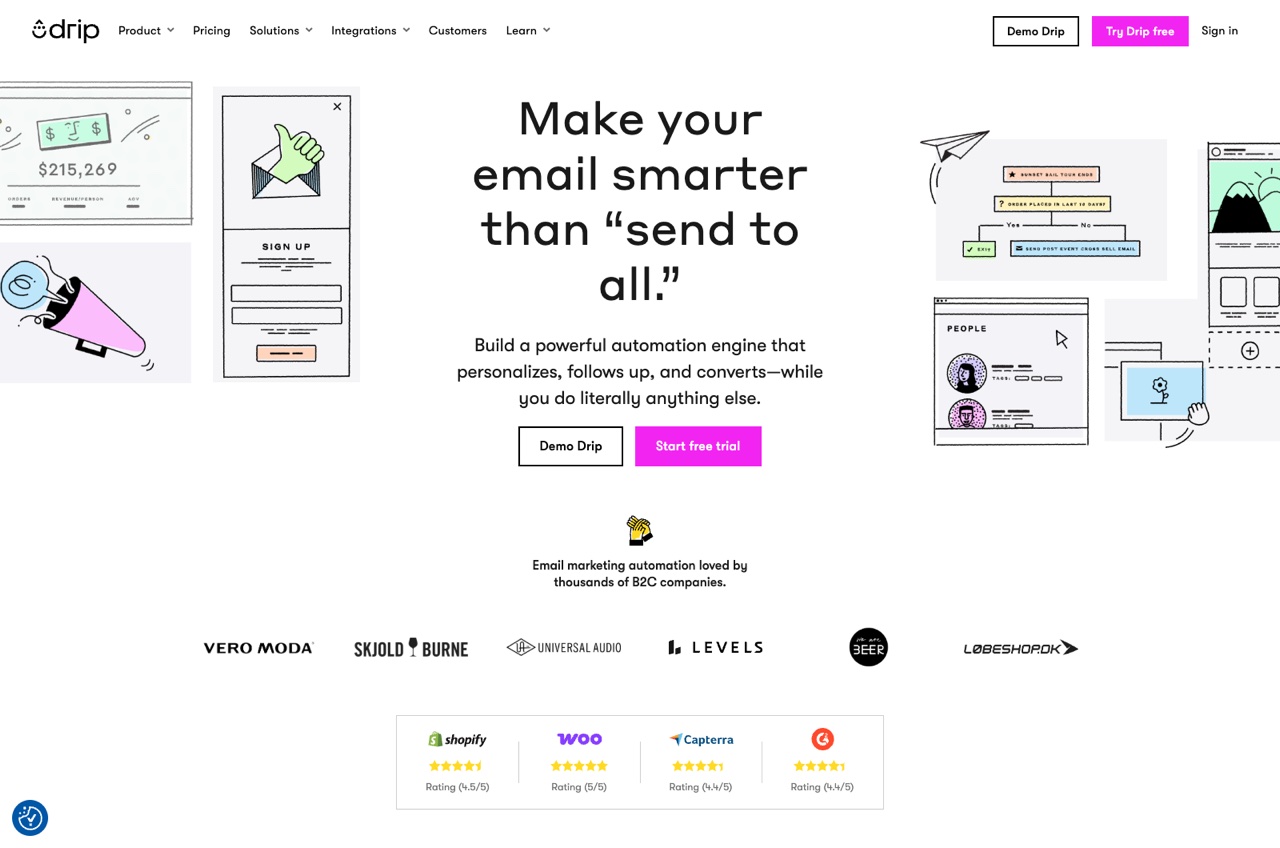
Drip to Klaviyo migration: what transfers and what you rebuild
Klaviyo's Drip migration article confirms there is no native connector. It tells you to export segments from Drip, upload subscribers to a Klaviyo list and upload unsubscribes as suppressed profiles. It then defers to Drip support for current export steps, so the Drip side below comes from Drip's export guide.
| Drip item | How it reaches Klaviyo | Work left |
|---|---|---|
| Subscribed people, tags, custom fields | CSV import to a list | Map fields to properties |
| Unsubscribed and undeliverable people | Suppression import | Confirm before first send |
| Shopify customers and orders | Klaviyo's Shopify integration | Not from Drip at all |
| Engagement (opens, clicks) | Dated tags exported as properties | Rebuild dynamic segments on new data |
| Segments | Rebuilt from imported properties | Recreate the rules |
| Workflows | Rebuilt as flows | Triggers, delays, branches, exits |
| Templates | HTML or rebuild in Klaviyo's editor | Replace Drip Liquid and image URLs |
| Visual-builder emails | Not in Drip's account export | Rebuild from screenshots and copy |
| Reports | Drip analytics export | Archive for baseline |
The worry people raise on forums is losing engagement data and segments. You cannot carry Drip's event timeline across. You can carry the useful part of it, which is who was engaged when you left.
Step 1: build Drip segments before exporting
Klaviyo's guide recommends separating people by consent before export. Do that, and add engagement snapshots while you are in Drip:
- Active and opted in. People who are subscribed to email marketing. This becomes your main Klaviyo list.
- Unsubscribed. People who opted out of marketing. These become Klaviyo suppressions.
- Undeliverable. Bounced addresses. Also suppressions.
- Engaged 90 days. Subscribers who clicked in the last 90 days.
- Engaged 180 days. Subscribers who opened or clicked in the last 180 days.
- Customers. Anyone with a purchase, if you track orders in Drip.
Drip's Active People documentation shows the subscribed, unsubscribed and undeliverable filters.
For each engagement group, apply a dated tag such as drip_clicked_90d_2026_11_14. A plain engaged tag becomes wrong a month after migration because nothing updates it. The date tells your team when the snapshot was true.
Step 2: export each segment as CSV
In Drip, open People, then Active, apply the filter for the segment, and choose Actions, Export to CSV, then Okay. Drip emails the file to the logged-in user. Drip's export includes status, tags, custom fields and creation and confirmation timestamps.
Export each segment separately and name the files clearly. Keep the originals untouched and work from copies.
For templates, Drip documents an account export under Settings, Account, Export Account. It includes templates and email series campaigns but excludes visual-builder emails and events. Save copy and screenshots of any visual-builder email you need.
Step 3: connect Shopify to Klaviyo first
Order history comes from Shopify, not Drip. Install the integration with Klaviyo's Shopify guide and let the historical sync finish before importing anything. Our Klaviyo Shopify setup guide walks through the connection and what it costs.
Then look at your profile count. Klaviyo bills on active profiles, which can include every emailable Shopify customer, whether or not they subscribed. If Drip billed you on 8,000 people and Shopify holds 15,000 customers, budget for the larger number.
Step 4: import subscribers and suppressions
Turn off any welcome flow triggered by the list you are importing into. Klaviyo's general migration guide warns that CSV imports can trigger list-based flows.
Import the active, opted-in file following Klaviyo's subscriber import guide. The file needs an Email column, and date fields must use a format Klaviyo recognises. Map consent columns and pick "Only import the consent in my file" unless every row explicitly opted in.
Import unsubscribed and undeliverable people separately as suppressions: Audience, Profiles, View suppressed profiles, then Import. One email per row. Wait for the confirmation.
Spot-check five addresses you know: a recent subscriber, an unsubscribe, a bounce, a customer and a VIP. Confirm each lands in the right state.
Step 5: rebuild segments from imported properties
Your engagement tags are now profile properties. Use them to build starting segments:
| Drip segment | Klaviyo starting segment | Replace with |
|---|---|---|
| Engaged 90 days | Property drip_clicked_90d_2026_11_14 is set |
Clicked email in last 90 days, once Klaviyo has data |
| Engaged 180 days | Property for the 180-day snapshot | Opened or clicked in last 180 days |
| VIP customers | Shopify Placed Order count or revenue | Same rule on Shopify data |
| Lapsed customers | Shopify last order date | Same rule on Shopify data |
| Product interest tag | Imported tag property | Viewed Product or Ordered Product events |
After two or three months of sending, retire the snapshot segments and rely on Klaviyo's own engagement data.
Step 6: rebuild workflows as flows
Drip workflows do not export as runnable logic. Write a specification for each live workflow: trigger, filters, delays, decisions, goals, exits and every message. Then map the trigger:
| Drip workflow trigger | Klaviyo flow trigger |
|---|---|
| Subscribed to email marketing / applied tag on signup | Added to List |
| Started checkout (Shopify) | Started Checkout |
| Placed order | Placed Order |
| Fulfilled order | Fulfilled Order |
| Viewed product | Viewed Product |
| Custom event via API | Custom metric with the same name |
| Tag applied | Profile property or list membership |
Drip goals become flow filters or conditional splits, for example "Placed Order zero times since starting this flow". Test each flow with real test orders before switching it on.
For people already partway through a Drip workflow, stop new entries in Drip, let the queue finish, then turn on the Klaviyo flow. If a workflow is very long, tag people with their current step before export and start them at the matching point in Klaviyo using a conditional split.
If you are still choosing a destination: the same Drip exports import into Audienceful through the CSV import, which verifies addresses on the way in. Audienceful's Shopify app and ready-made Shopify flows cover welcome, cart, checkout, browse, post-purchase, replenishment and win-back, with branching on custom events. Klaviyo has more predictive analytics, which some larger stores rely on.
Step 7: move templates and re-host images
Klaviyo's Drip article recommends rebuilding templates in Klaviyo's drag-and-drop editor rather than pasting raw HTML. Pasted HTML carries Drip's Liquid personalization, which Klaviyo will not render, and Drip-hosted image URLs.
Download images you own and upload them to Klaviyo. Replace every Drip variable with Klaviyo's equivalent, then send tests with images on and off.
Step 8: authenticate and warm up
Set up Klaviyo's sending domain records while keeping Drip's records until Drip stops sending. Our SPF, DKIM and DMARC guide explains alignment.
Start sending to the 90-day engaged segment you saved in Step 1, then widen it as delivery holds up. The list warming guide walks through pacing.
Step 9: run in parallel, then cancel Drip
Hand over one flow at a time. Each trigger should have exactly one active sender. Disconnect Drip's Shopify integration only after every Drip workflow that uses store data is off, or customers get two abandoned cart emails.
Take a final Drip export of new signups and unsubscribes since your first export and import them. Then cancel under Billing Settings, as Drip's pricing FAQ describes. Our Drip migration guide covers the shutdown order in more detail.
Cost check: Drip vs Klaviyo vs Audienceful
Many stores leave Drip expecting to save money and find Klaviyo costs about the same, or more once Shopify customers count as active profiles.
Monthly prices checked 14 November 2026. Audienceful Growth is billed yearly and includes unlimited flows.
| Contacts | Drip | Klaviyo Email | Audienceful Growth, billed yearly |
|---|---|---|---|
| 10,000 | $154 | $150 | $118 |
| 30,000 | $449 | $500 | $256 |
| 50,000 | $699 | $720 | $309 |
| 100,000 | $1,199 | $1,380 | $499 |
Sources: Drip pricing, Klaviyo pricing and Audienceful pricing. At 10,000 contacts Audienceful Essentials is $79 a month billed yearly with three flows.
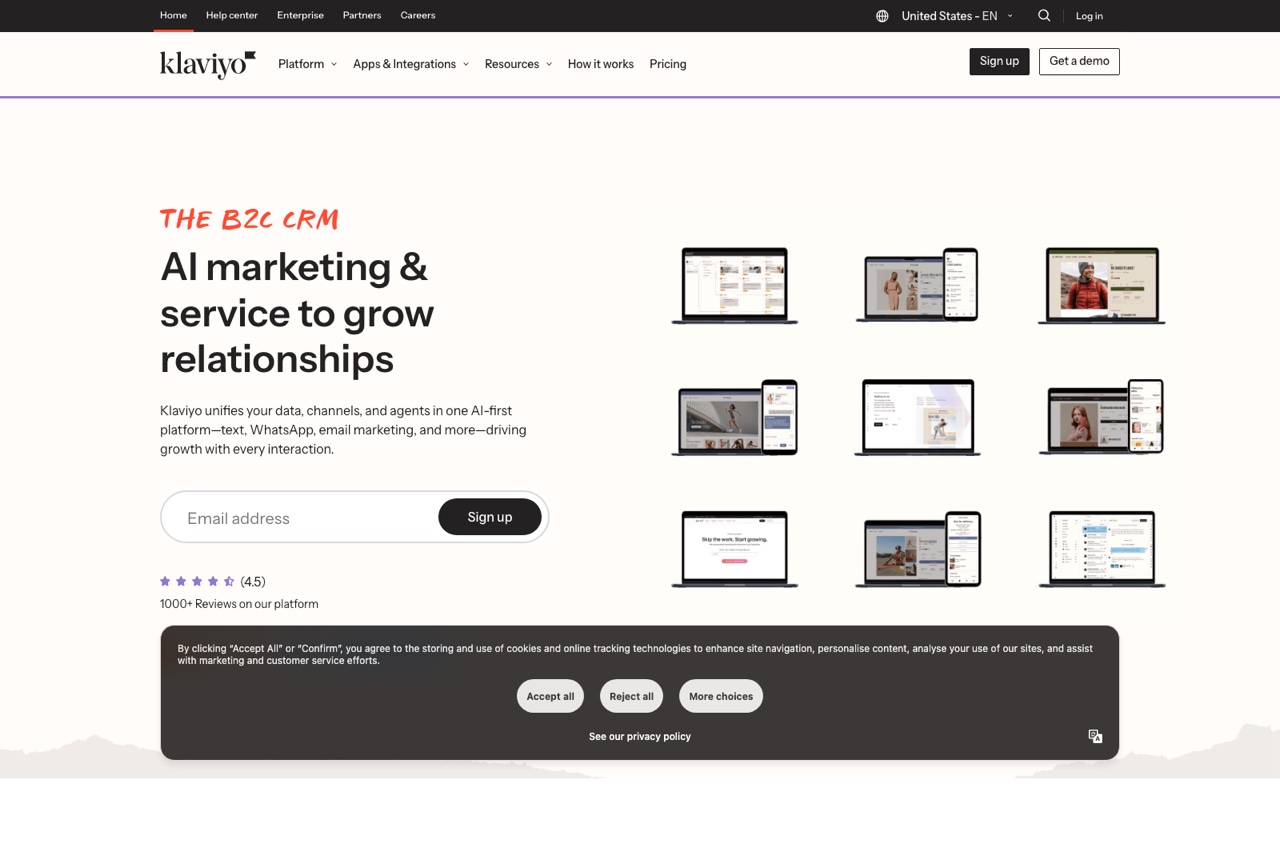
Audienceful pairs that price with revenue attribution per flow, a collaborative editor with agency-designed templates, deliverability monitoring, and an AI agent with full MCP coverage of campaigns, segments and flows. See Audienceful vs Drip, Audienceful vs Klaviyo, Klaviyo pricing and Klaviyo alternatives for the detail.
FAQs
Does Klaviyo integrate with Drip?
No. Klaviyo's help center says there is no built-in Drip integration. Export segments from Drip as CSV and upload them to Klaviyo lists and the suppression list.
Can I keep engagement history when moving from Drip to Klaviyo?
Not as native activity. Save engaged segments as dated tags in Drip before exporting, import them as properties, and use them for your first segments and warm-up audience.
How do I move unsubscribes from Drip to Klaviyo?
Filter unsubscribed and undeliverable people in Drip, export them, and import them into Klaviyo's suppressed profiles. Never include them in the subscriber file.
Can Drip workflows be imported into Klaviyo?
No. Document each workflow's trigger, filters, delays and exits, then rebuild it as a Klaviyo flow and test it before activation.
Is Klaviyo more expensive than Drip?
At 10,000 contacts the two list within a few dollars. From about 30,000 contacts Klaviyo lists higher, and Shopify customers can add to Klaviyo's billed profiles.
How long does Drip to Klaviyo take?
Exports and imports take a day. Rebuilding and testing workflows takes longer, often one to three weeks for a store with several flows, plus warm-up time.
Before you commit, run your list through the Klaviyo pricing calculator, then try Audienceful free on the same Drip export.
