The best Customer.io alternatives depend on what drives your messages: billing events, product activity, company accounts or a broader cross-channel program. Audienceful is our pick for Stripe-billed SaaS teams that want lifecycle automation, transactional email and collaborative campaign work in the same platform. Loops, Encharge, Userlist, Brevo, ActiveCampaign, Braze, Klaviyo and Resend are worth evaluating for different data models and operating requirements.
We make Audienceful and list it first. Vendor information was checked on 14 November 2026. Website screenshots use our competitor library where an asset is available; the comparison does not imply paid-account testing of every feature.
Customer.io alternatives: Best for use case
| Platform | Best for use case | Main evaluation question |
|---|---|---|
| Audienceful | Stripe lifecycle flows, transactional email and collaborative campaign production | Can billing and product events cover the intended journey? |
| Loops | A focused SaaS marketing and transactional email program | How do its events and subscribed-contact model fit? |
| Encharge | Lifecycle email connected to billing and product activity | Which tier includes your event and company requirements? |
| Userlist | B2B SaaS with users and company relationships | How should account-level activity affect individual messages? |
| Brevo | A volume-priced marketing and transactional setup | What is the complete capacity and channel quote? |
| ActiveCampaign | Product nurture connected to sales operations | Which integrations and sales actions need a paid tier or add-on? |
| Braze | A broader cross-channel engagement operation | Which edition, active-user count and credits fit? |
| Klaviyo | SaaS businesses with a substantial ecommerce component | Does its store-led setup match the business? |
| Resend | Developer-led sending and automation | Which workflow state and reporting remain in your application? |
What Customer.io does well, and what you are replacing
Customer.io's current pricing page lists visual workflows, transactional email, multiple channels, custom objects, an AI agent and an MCP server. Older comparisons that describe it as purely code-based or having no AI are no longer a useful basis for choosing.
Its live Essentials selector shows $100/month at 5,000 profiles, $145 at 10,000, $325 at 30,000 and $505+ at 50,000+. Premium starts at $1,000/month billed yearly. Additional profiles, emails and other requirements affect the quote.
Before looking elsewhere, record the actual reason for the move. A team that wants a different editing workflow needs a different evaluation from one that needs company-level targeting or lower costs at a large profile count. If cost is the reason, start with what to do when Customer.io is too expensive.
Make an inventory of all live message types, not just the visible marketing campaigns. Password resets, trial reminders, webhooks, push messages and internal notifications may share the same customer state. Each needs a sending owner during the migration.
Audienceful: for Stripe-billed SaaS and collaborative email work
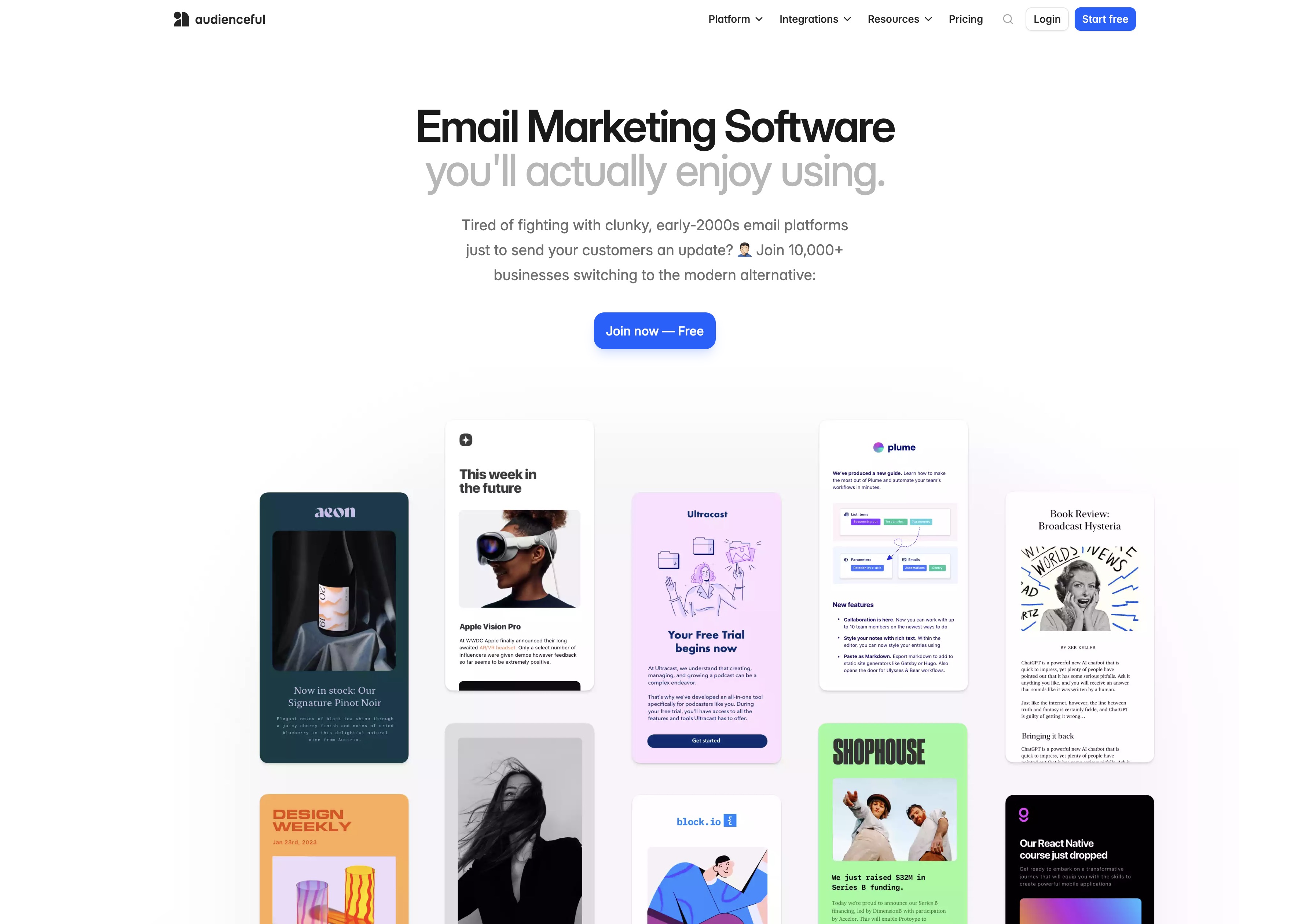
Audienceful connects directly to Stripe for billing facts and Clerk for signup context. Custom events can represent product activity, so a trial onboarding sequence can branch on activation while payment recovery follows the actual billing state.
The practical advantage is a shared workflow for growth, design and engineering. The team can edit messages together, start from agency-designed templates and ask the AI agent to assemble a paused flow from a specification. The MCP server covers campaigns, segments, flows and newsletters for external agents.
- Best for: SaaS teams combining billing-driven lifecycle automation with regular collaborative campaigns.
- Starting price at 10K contacts: Essentials is $79/month billed yearly with three flows; Growth is $118/month billed yearly with unlimited automations. See plans.
- Ecommerce integrations: native Stripe and Shopify, plus the relevant signup and app connections.
- Automation depth: branching flows, custom events, transactional email and Stripe flow templates.
- One drawback: historical journey positions still need a migration policy; connecting data does not preserve Customer.io timers.
Revenue attribution and deliverability monitoring help evaluate the program after launch. See Audienceful vs Customer.io for the broader comparison.
Loops: for a focused SaaS email program
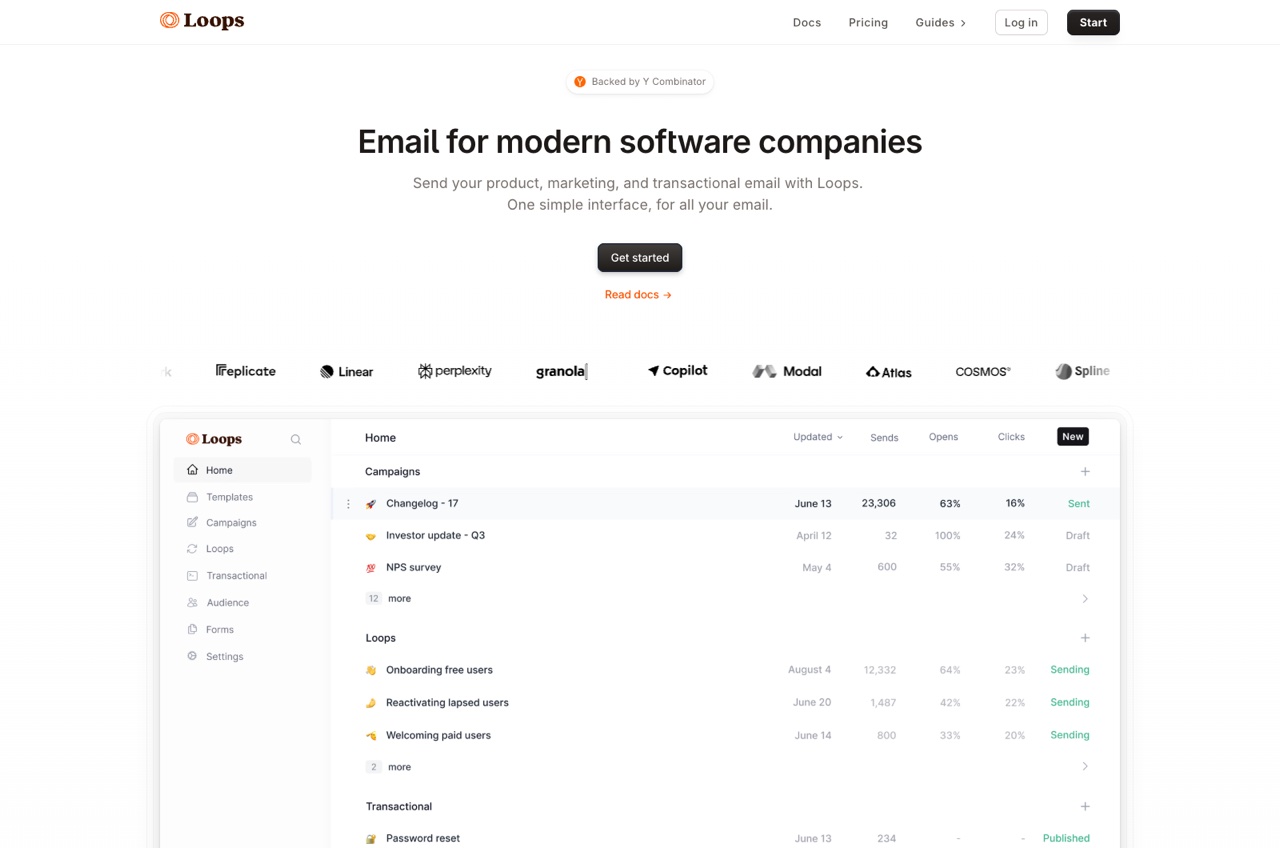
Loops combines marketing, product and transactional email around a contact record. Its current pricing is based on subscribed contacts and includes transactional sending on paid plans.
Evaluate the event-to-flow path and the team's editing process. A useful pilot is a trial that activates and upgrades before the trial-ending date. Check that the messages follow the real state, and that an unsubscribe does not accidentally change the handling of an essential account email.
- Best for: SaaS teams evaluating a focused marketing and transactional email tool.
- Starting price at 10K contacts: Use the live 10K-contact quote. The displayed Growth entry is $49/month at 5,000 subscribed contacts, not a verified 10K price.
- Ecommerce integrations: Validate billing data through the current supported connection or API.
- Automation depth: Event-driven email and transactional sending; test entry, re-entry and exit behavior.
- One drawback: The subscribed-contact definition and free-plan allowance need to match your actual audience and sends.
Encharge: for billing and product-driven lifecycle work
Encharge's plan page describes visual flows, behavior and event-based segmentation, webhooks and billing integrations including Stripe. It also distinguishes plan access for event and company-related features.
Use the product behaviors you actually measure in the evaluation. A trial reminder based on a date and an activation reminder based on an event are different requirements. Confirm the tier includes both, then inspect how missing or late-arriving values affect the journey.
- Best for: SaaS teams connecting billing state and product activity to nurture.
- Starting price at 10K contacts: Obtain the current 10K-subscriber quote for the plan that includes your event requirements.
- Ecommerce integrations: The vendor lists Stripe and other billing integrations; verify your required event scope.
- Automation depth: Visual triggers, filters and actions, with plan-dependent event and account features.
- One drawback: The relevant event and company capabilities can require a higher plan than the entry package.
Userlist: for users and company accounts
Userlist's pricing and feature matrix describes user and company segmentation, company-triggered campaigns, visual workflows and transactional email. This makes it relevant when messages depend on both an individual's actions and the state of the account they belong to.
Test a user who belongs to more than one company and an account where one user completes setup for everyone. Decide whether the message goes to the actor, an administrator or all eligible members. That data-model test matters more than a generic newsletter preview.
- Best for: B2B SaaS with meaningful user-to-company relationships.
- Starting price at 10K contacts: Confirm the live Basic or Professional quote; the matrix lists 10,000 included users and additional-user charges.
- Ecommerce integrations: Its comparison here is company- and product-led SaaS; validate billing and store connections separately.
- Automation depth: Visual workflows and user/company conditions, with advanced logic and experiments varying by tier.
- One drawback: Billing uses the documented user-count model, including a high-water mark; quiet users can still affect the bill.
Brevo: for a volume-based messaging budget
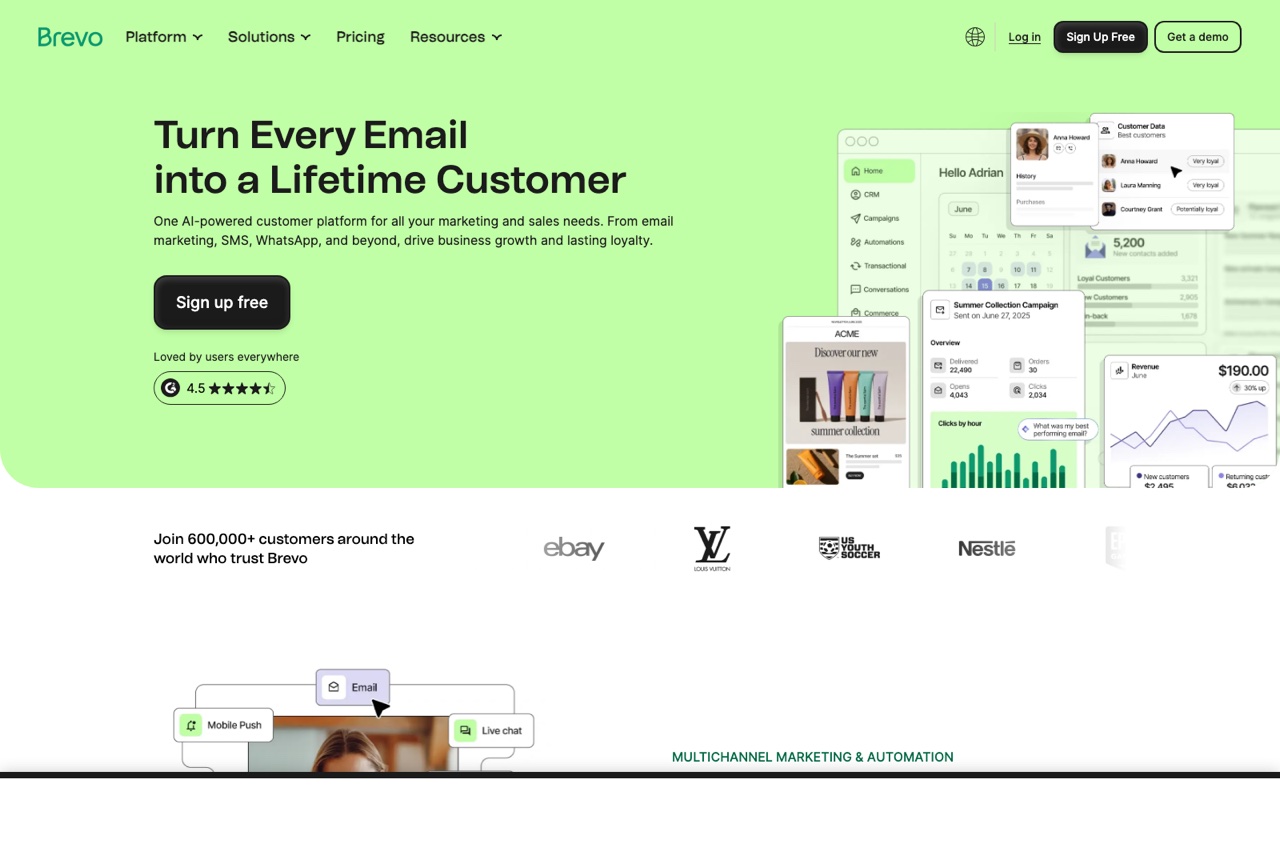
Brevo's current plans span marketing and transactional messaging. Standard lists multi-step automation and web/event tracking, while other channel and ecommerce capabilities vary by plan.
Request a quote for the actual contact capacity and monthly sends. Then test a custom activation event, a billing-state update and an unsubscribe. The entry price at a small volume does not establish the cost of a frequently messaged SaaS audience.
- Best for: Teams evaluating marketing and transactional volume within one broader platform.
- Starting price at 10K contacts: Request a capacity and volume quote. The published $18/month Standard entry is not a verified 10K-program price.
- Ecommerce integrations: Check the current integration catalog and event mapping for your billing system.
- Automation depth: Multi-step marketing workflows and event tracking on the relevant plan.
- One drawback: Volume, contact capacity and feature requirements must all be priced together.
ActiveCampaign: for lifecycle messages connected to sales
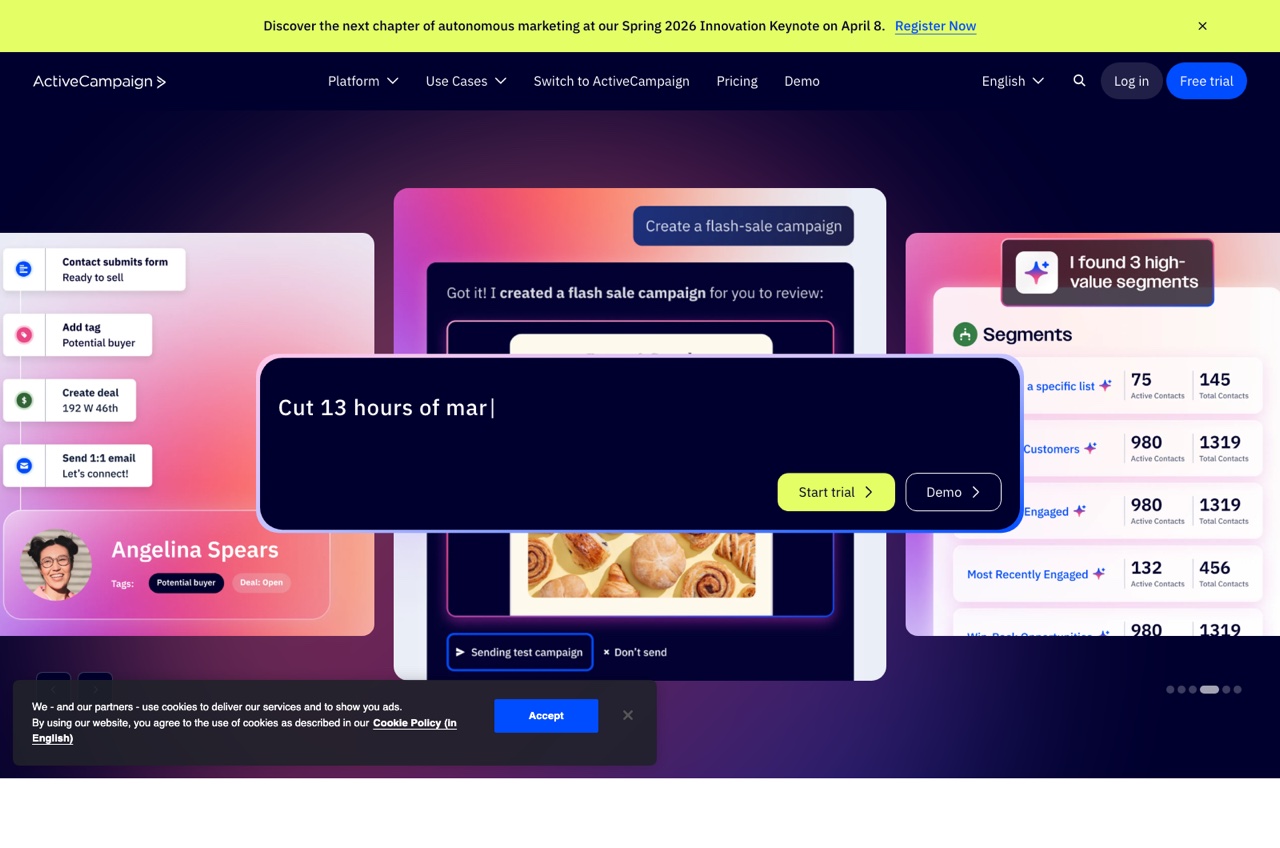
ActiveCampaign is worth considering when product nurture also creates sales work. Its plan matrix distinguishes automation actions, CRM add-ons and integrations, including Stripe.
Map the sales operations before replacing Customer.io. If an activation milestone should notify an account owner or alter a deal stage, test that complete chain. An event successfully appearing in a profile is not proof that the sales handoff happens.
- Best for: SaaS teams connecting nurture to a sales process.
- Starting price at 10K contacts: Plus is $189/month and Pro $375/month billed yearly at 10,000 contacts, excluding add-ons.
- Ecommerce integrations: The current matrix includes Stripe from Plus and standard ecommerce integrations by plan.
- Automation depth: Multi-step workflows, with Starter's five-action limit and broader capacity on higher plans.
- One drawback: The final quote can require CRM, transactional or channel add-ons beyond the base marketing plan.
Braze: for cross-channel engagement at broader scale
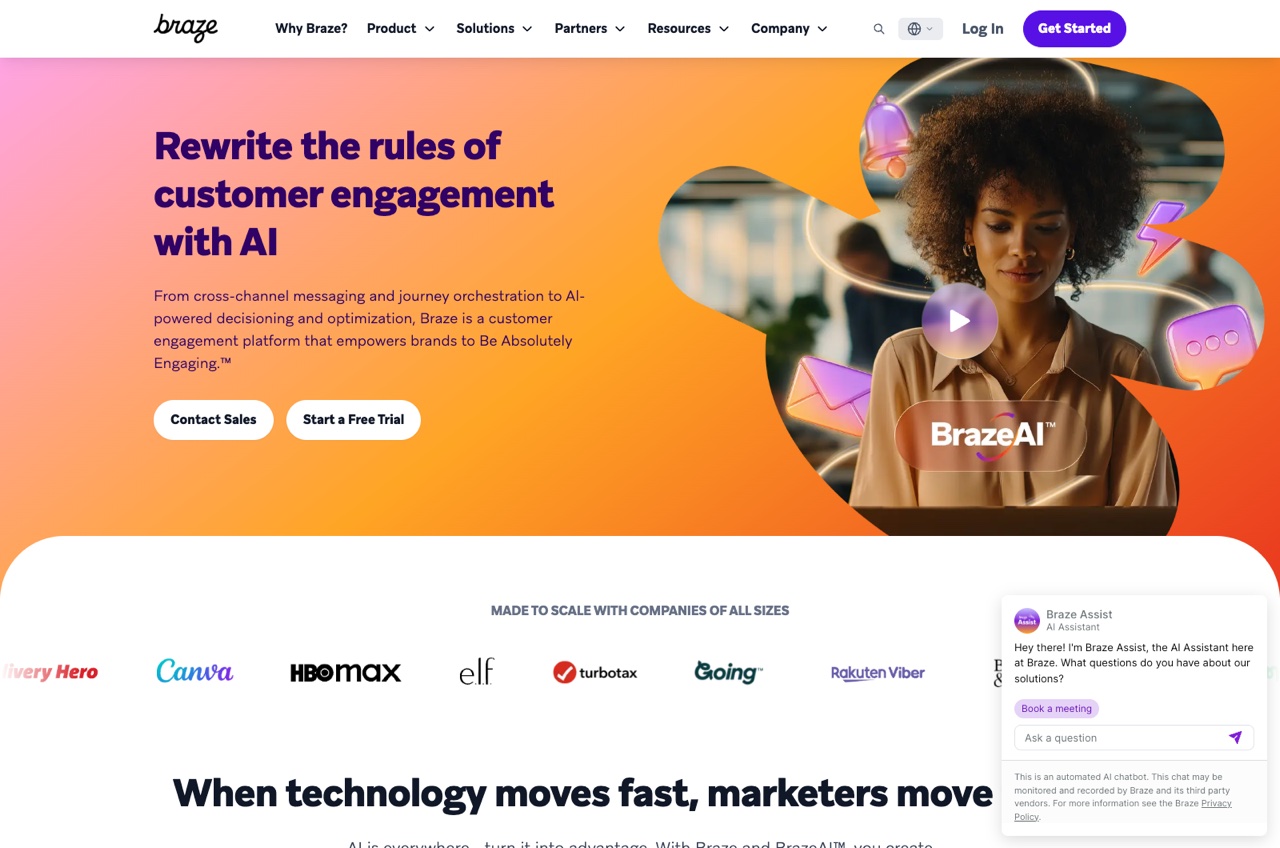
Braze's current packaging includes platform editions, monthly active users, profile allowances and Action Credits. It documents email, push, in-app and other channels alongside journey orchestration.
Evaluate it as an operating platform, not simply an email-price row. Bring your expected active-user count, total profiles, channel volumes, governance requirements and implementation resources. Those inputs are more useful than an unsupported internet estimate of a universal monthly price.
- Best for: Teams evaluating a wider cross-channel engagement operation.
- Starting price at 10K contacts: Custom quote; 10,000 stored contacts alone is not the vendor's full pricing input.
- Ecommerce integrations: Validate the required billing and store data pipelines with the implementation plan.
- Automation depth: Campaigns and Canvases with cross-channel orchestration and experimentation.
- One drawback: Editions, active users, profiles, credits and services make procurement more involved than a simple contact tier.
Klaviyo: for a business with substantial ecommerce activity
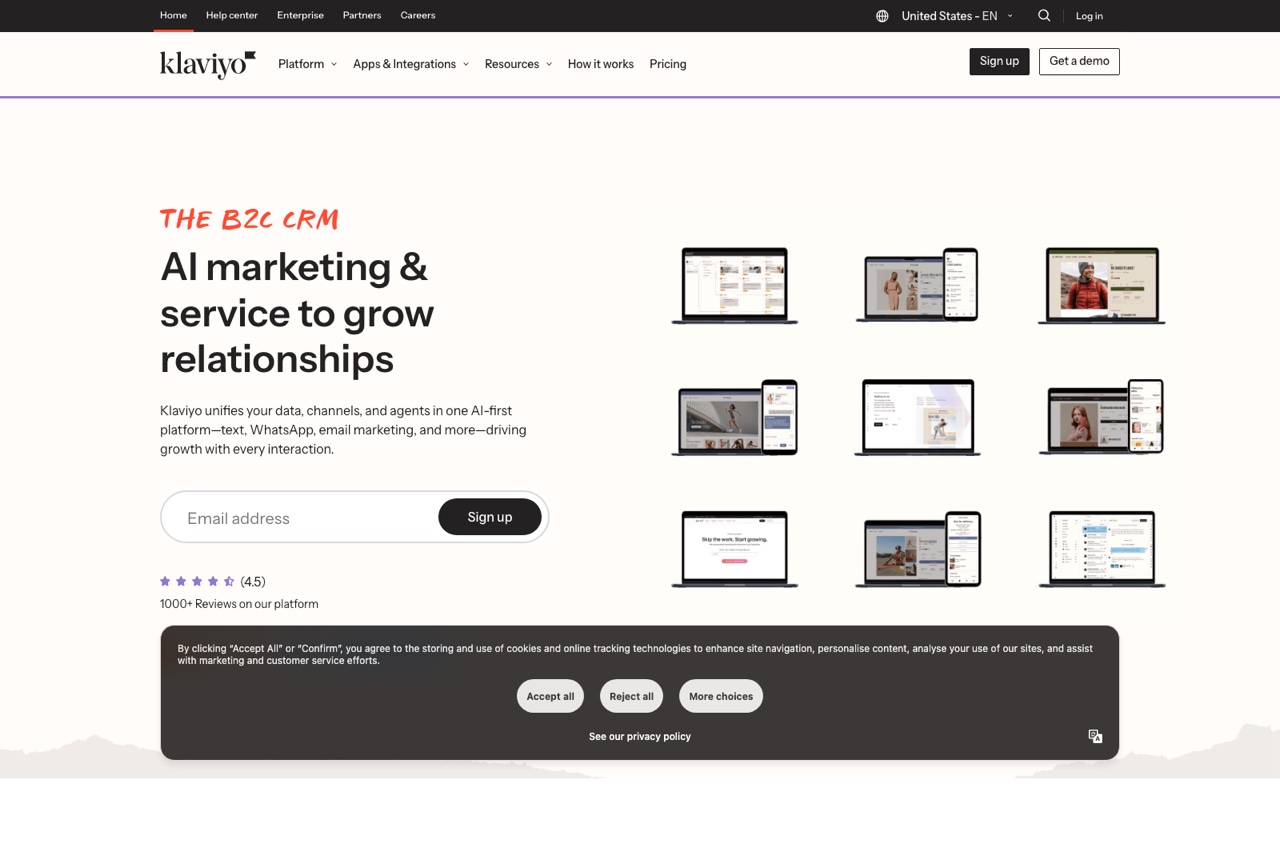
Klaviyo is a relevant comparison when your SaaS or subscription business also has a meaningful store-based program. Review its current pricing and Shopify setup against that part of the business.
For a purely product-led software program, do not choose on brand familiarity alone. Build your actual activation, trial and payment-recovery journeys and identify every custom data connection needed to operate them.
- Best for: Teams whose lifecycle program includes a substantial ecommerce business.
- Starting price at 10K contacts: $150/month for the Email plan at 10,000 active profiles, before other products and tax.
- Ecommerce integrations: Native Shopify is documented; validate other billing data paths for your business.
- Automation depth: Event-triggered flows and behavioral segments; test SaaS-specific conditions explicitly.
- One drawback: The store-oriented evaluation may require extra data modeling for a purely software-driven product.
Resend: for developer-owned sending and automation
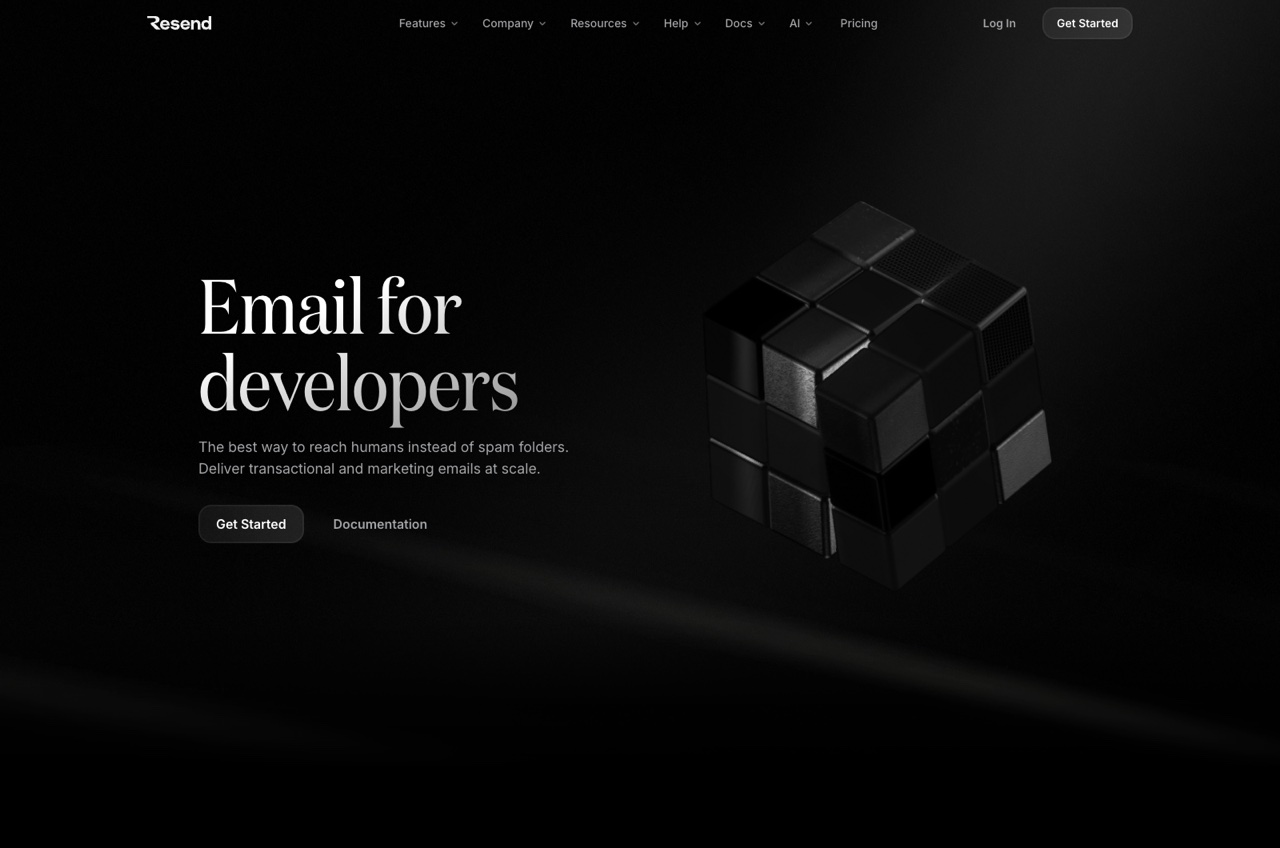
Resend's current pricing distinguishes transactional email volume from contact-based marketing plans, and also lists automation-run usage. Do not describe it using an older assumption that it is only an SMTP replacement.
The question is which workflow state your application owns and which the provider owns. Test a retry, a duplicate event, a preference change and a message whose required data is missing. Include the engineering work in the comparison.
- Best for: Developer-led teams evaluating APIs, broadcasts and automation.
- Starting price at 10K contacts: Price the marketing contact plan and transactional volume separately; $20/month is the displayed 50K transactional-email plan, not a verified 10K-contact marketing quote.
- Ecommerce integrations: Evaluate application and webhook integration with your billing and store systems.
- Automation depth: API-driven sending, broadcasts and documented automation-run usage; validate your required lifecycle behavior.
- One drawback: A low transactional sending price does not represent the complete marketing and lifecycle operating cost.
Compare prices without mixing profiles, contacts and sends
USD, checked 14 November 2026. Confirm the billing unit as well as the amount. Customer.io's profiles include people and objects; several alternatives count subscribed contacts, users or message volume instead.
| Platform | 5K checkpoint | 10K checkpoint | 50K checkpoint |
|---|---|---|---|
| Customer.io Essentials | $100/month | $145/month | From $505/month; confirm scope |
| Audienceful Growth, yearly | $84/month on 6K tier | $118/month | $309/month |
| Loops Growth | $49/month | Live selector quote | Live selector quote |
| ActiveCampaign Plus, yearly | Current selector | $189/month | $609/month |
| Klaviyo Email | $100/month | $150/month | $720/month |
| Encharge | Required-plan quote | Required-plan quote | Required-plan quote |
| Userlist | Current user-tier quote | Current user-tier quote | Current user-tier quote |
| Brevo | Volume and capacity quote | Volume and capacity quote | Volume and capacity quote |
| Braze | Custom MAU/profile/credit quote | Custom quote | Custom quote |
| Resend | Marketing plus transactional quote | Marketing plus transactional quote | Marketing plus transactional quote |
Sources: Customer.io, Audienceful, Loops, ActiveCampaign, Klaviyo, Encharge, Userlist, Brevo, Braze, Resend.
The Audienceful comparison uses Growth because a multi-flow lifecycle program needs the correct automation allowance. Its yearly commitment differs from Customer.io Essentials' monthly term. Do not apply the entry Essentials price to an unlimited-flow comparison.
Check the event and API contract before choosing
Document the event name, person identifier, timestamp and properties for each important product action. Then check whether the destination receives it, updates the right person and makes the intended automation decision.
| Requirement | What to test |
|---|---|
| Identify a person | A new user, changed email and known stable app ID |
| Custom event | A real activation with the required properties |
| Current-state update | A plan or trial-end change without replaying an event |
| Webhook | Receipt, authentication, retries and failure monitoring |
| Transactional request | Idempotency, rendering and delivery result |
| Preference update | Global, topic and channel exclusions |
For example, Audienceful's custom-event API accepts a recipient and event properties:
curl --request POST 'https://api.audienceful.com/v2/automations/event' \
  --header 'X-Api-Key: YOUR_API_KEY' \
  --header 'Content-Type: application/json' \
  --data '{"email":"person@example.com","event":"activated","event_properties":{"workspace_id":"ws_42"}}'
The credential is a placeholder. Keep real keys on your server. The corresponding Customer.io Track API request uses the person identifier in the path and an event name and data payload. Map that contract deliberately rather than changing only the API host.
Do not replay historical events into live triggers. Import current state or archive history under an explicit backfill policy.
Lifecycle recipe parity: test the exits, not only the first email
| Recipe | Audienceful starting point | Acceptance test for every candidate |
|---|---|---|
| Trial onboarding | Onboarding flow | Activated users stop receiving setup prompts |
| Trial ending | Trial-ending flow | Payment or extension changes the reminders |
| Failed payment | Dunning flow | Successful recovery stops the sequence |
| Subscription win-back | Stripe flow library | Resubscription exits the old offer path |
For competing tools, inspect their current template libraries and build the same test. Record whether the recipe is supplied, needs assembling or depends on another data connection. A generic automation tick does not prove the trial-ending message uses the real trial date.
Our Stripe email automation guide explains how billing and product signals work together. Use the Stripe tools comparison for a narrower shortlist around that stack.
Move from Customer.io without duplicate messages
The Customer.io migration guide covers exports, preferences, Liquid templates and API mapping. The important sequence is:
- Export people and the current attributes your flows need.
- Preserve effective topic/channel preferences, global opt-outs and delivery suppressions.
- Map stable identity and route new events with destination sending paused.
- Rebuild flows and templates, including missing-data fallbacks.
- Move one cohort or message type, with one provider owning each send.
- Choose how existing journeys finish and inspect queued messages.
- Reconcile recent preferences, monitor delivery and cancel last.
Customer.io documents a finish-the-journey option when stopping an automation. Read its queue handling too. Stopping new entry and emptying already queued messages are different decisions.
Related guides: Ortto alternatives.
FAQs
What is cheaper than Customer.io?
At the stated 5K and 10K checkpoints, the verified comparison includes lower-cost options. Compare the required flow count, contacts versus profiles, sending volume and billing term before treating a starting price as a saving.
Is Customer.io worth it for startups?
It can be if the data model, channels and operating workflow match the business. Its startup program may affect the initial cost. Price the setup after the program ends as well as during it.
Customer.io vs Loops: which is better?
Customer.io documents a broader cross-channel and object-based setup; Loops focuses its pricing and positioning on SaaS email around subscribed contacts. Test your actual events, preferences and message ownership before deciding.
Does Customer.io have a free plan?
Its current paid pricing begins with Essentials at $100/month. The startup program is a separate eligibility-based offer, not the same thing as a permanent free plan.
Can I send transactional and marketing email from one Customer.io alternative?
Yes. Audienceful and several tools in this comparison document both. Verify how preferences, credentials, quotas and retries work for each message type rather than treating them as identical sends.
Ready to rebuild your lifecycle program on live billing data? Start an Audienceful trial, connect Stripe and test the lifecycle flow library.
