Loops vs Customer.io starts with the messaging scope: Loops is an email-focused product, while Customer.io is worth evaluating when people, objects and multiple channels must work together in journeys. Both support event-driven workflows and branching, so the decision should follow your actual lifecycle test rather than a “simple versus powerful” slogan. Audienceful is another option for native Stripe and Clerk data, collaborative editing and lifecycle email managed by people or agents.
We make Audienceful. Pricing references were checked 14 November 2026. The walkthrough below is a reproducible evaluation plan, not a claim that we timed authenticated builds inside either customer's workspace.
Loops vs Customer.io: choose by the work your SaaS needs
An early-stage team may value a focused email workflow with a small operational footprint. A larger company may need account objects, several channels, more governance or a dedicated data pipeline. Company stage is a useful clue, but it is not a substitute for requirements.
| Requirement | Loops evaluation | Customer.io evaluation |
|---|---|---|
| Product events | Event API, properties and workflow triggers | Track or Data Pipelines events, people and related data |
| Branching | Test branches, filters and experiments | Test conditions, paths and exits |
| Transactional email | Published template plus application caller | Selected transactional integration and template/data path |
| Billing model | Contact tier and package allowance | Maximum profiles, including people and objects, plus usage |
| Additional channels | Email-focused orchestration | Evaluate push, in-app, SMS and other required channels |
| Team operation | Who owns code, templates and permission? | Same ownership questions plus selected governance needs |
Sources: Loops workflow description, Loops API, Customer.io data setup and Customer.io pricing.
A two-person startup can still have a complex account model. A large SaaS can still need a straightforward email program. Build the required journey before treating company size as the verdict.
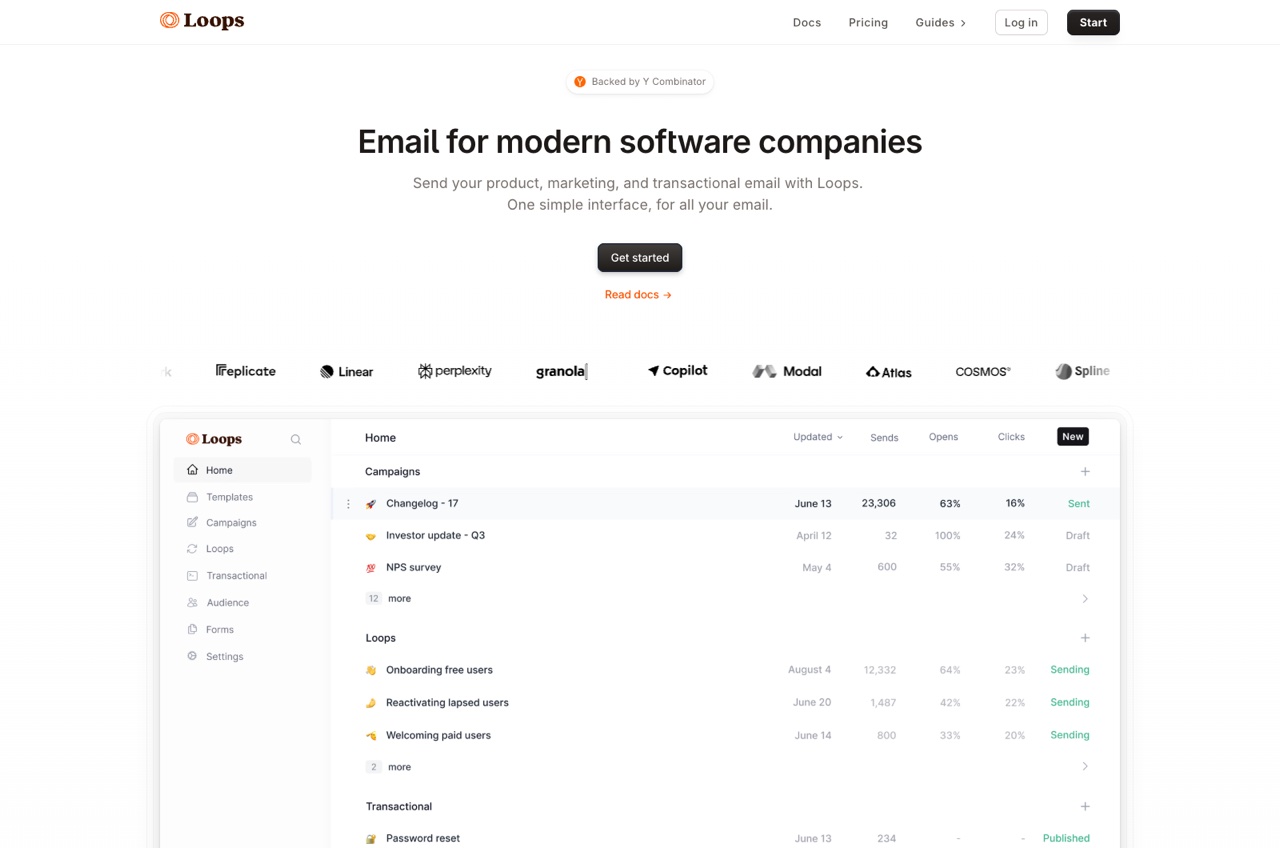
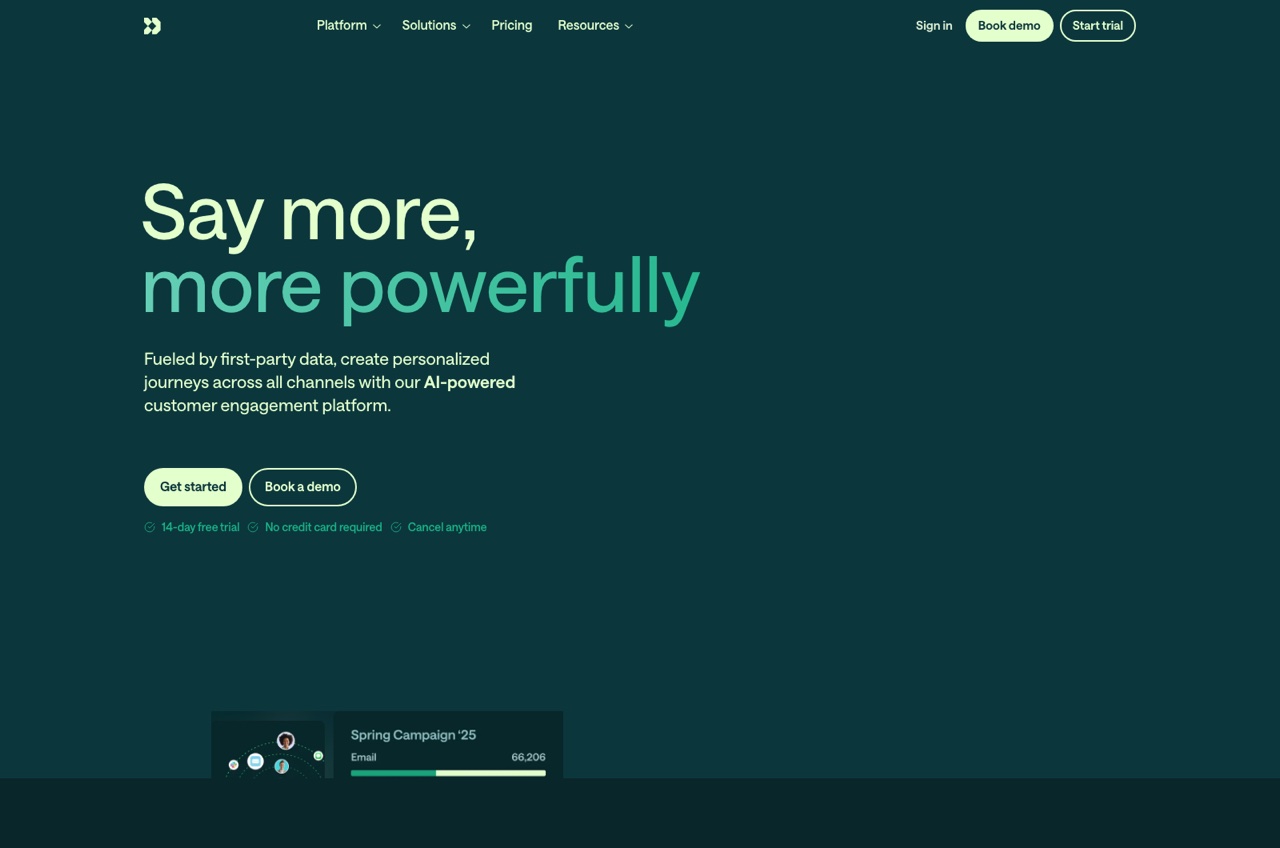
Website references from the content library, not authenticated workflow-builder screens.
Pricing at 1K, 5K, 25K and 100K
The following table distinguishes checked published figures from quotes and a labelled calculation. It does not turn a starting price into a guarantee for every audience.
| Population | Loops | Customer.io Essentials |
|---|---|---|
| 1,000 | Free tier, with its current send limit | $100 starting package covers up to 5K profiles |
| 5,000 | Growth from $49/month | $100/month |
| 25,000 | Obtain current selector quote | $280 model from the published incremental rate; confirm quote |
| 100,000 | Obtain current selector quote | Quote required |
Sources: Loops pricing and Customer.io pricing, checked 14 November 2026. Loops' checked Free package allows 1,000 subscribers and 4,000 total sends over a rolling thirty-day period. Its paid package advertises unlimited marketing and transactional email subject to applicable terms; verify the selected tier and policies.
Customer.io Essentials starts at 5K profiles with one million monthly emails. Its checked ladder includes 10K at $145, 20K at $235, 30K at $325 and 40K at $415, with 50K-plus from $505. The 25K model is $100 + 20,000 × $0.009, not a separately verified selector quote.
This establishes a lower Loops starting cost at the defined 5K size, not a universal price verdict at 25K or 100K. Quotes, channel needs and profile definitions can change the comparison.
Profile counting and email overages
Customer.io's billing FAQ describes the maximum number of uniquely identified people and objects. A company with ten thousand users plus company objects should not assume the billable population is exactly ten thousand email addresses.
The maximum-count rule also means a temporary import can matter. Deleting the extra records after inspection should not be assumed to undo a billing-period peak. Review the profile population and billing dates before importing an entire product warehouse.
At 30K profiles and 1.5 million monthly emails, the published Essentials model is:
| Component | Calculation | Monthly amount |
|---|---|---|
| Profile package | Checked 30K ladder | $325 |
| Extra emails | 500,000 ÷ 1,000 × $0.12 | $60 |
| Total before other purchases | Base plus email overage | $385 |
Premium starts at $1,000 per month billed yearly, and Enterprise is quoted. Compare the plan entitlements you need before deciding that profile growth alone requires the higher plan. Our Customer.io pricing guide covers the complete model.
For Loops, confirm subscriber counting, the selected paid tier, sending policies and any contract-specific limits. Do not compare an unlimited-send headline with a profile-and-message budget without checking the rest of the package.
Events: one business action, different API envelopes
Define the event contract first: stable user ID, event name, event-specific values, occurrence time where supported and duplicate handling. The application should commit the business action before emitting the message-triggering event.
For Loops, this server-side example follows its documented event API. It assumes the contact identified by usr_123 has already been synchronized and the matching workflow is configured.
curl --request POST 'https://app.loops.so/api/v1/events/send' \
  --header "Authorization: Bearer $LOOPS_API_KEY" \
  --header 'Content-Type: application/json' \
  --data '{
    "userId": "usr_123",
    "eventName": "projectCreated",
    "eventProperties": {
      "projectName": "First project"
    }
  }'
For Customer.io's Track API, the equivalent business action uses the identified person's event route. The documented Track event endpoint uses site-ID/API-key authentication and a name plus data payload. Use the endpoint for your account region.
curl --request POST 'https://track.customer.io/api/v1/customers/usr_123/events' \
  --user "$CUSTOMER_IO_SITE_ID:$CUSTOMER_IO_API_KEY" \
  --header 'Content-Type: application/json' \
  --data '{
    "name": "project_created",
    "data": {
      "project_name": "First project"
    }
  }'
These examples are not interchangeable payloads. Configure the matching event names and properties in each workspace, check response errors and inspect actual event history. Keep credentials server-side and use controlled test identities.
Customer.io also offers a Data Pipelines route; its Track-versus-Pipelines guide explains the distinction. Choose the interface that fits your existing instrumentation instead of mixing envelopes from two APIs.
Build the same onboarding flow in both
Use this business specification: a new trial user receives a useful first-step email; after a delay, someone who has not created a project receives help; a user who has created one moves to the next task; paid conversion ends the trial pitch.
| Step | In Loops | In Customer.io | Evidence to collect |
|---|---|---|---|
| Identify | Sync the intended user and properties | Identify the intended person and relevant attributes | One stable identity |
| Enter | Configure the matching event/workflow entry | Configure the matching event/journey entry | Event appears and person enters once |
| Wait | Apply the intended timer | Apply the intended delay | Correct timing, including timezone assumptions |
| Branch | Check activation state | Check activation state | Activated and inactive users take different paths |
| Exit | Stop obsolete trial messaging after conversion | Stop obsolete trial messaging after conversion | No later trial pitch after payment |
| Report | Inspect sends, activity and outcome | Inspect sends, activity and outcome | Comparable business result |
Test an inactive trial, an activated trial, an extended trial, an early paid conversion and a repeated event. Include an opted-out person to verify marketing eligibility separately from event acceptance.
Record implementation work honestly: contact sync, event transformation, fields, flow configuration, content review and support questions. This article does not invent “minutes to value” for either tool, because those times depend on data readiness and the people doing the work.
Loops' workflow description includes timers, filters, branches and experiments. Customer.io's segmentation documentation describes dynamic membership. Evaluate the exact branch and stop behavior rather than repeating an old claim that one side cannot branch.
Billing events and signup integrations
Both products should be evaluated against your current stack. Loops' integration directory lists Stripe, Clerk and other payment/authentication routes. Verify what the selected connection actually syncs and which workflow events it provides.
For Customer.io, use its integration directory and current data-in documentation to specify the route. Its Segment Destination Actions guide explains event shaping when Segment is your data source.
A Stripe connection is not a complete trial lifecycle by itself. Test the trial-end date, extension, paid conversion, failure and recovery states needed by your messages. A Clerk signup and a Stripe billing email may belong to the same person or to different roles in one company; define the identity mapping.
For B2B SaaS, also define account relationships. Administrators, billing contacts and end users should not all receive the same payment or activation message merely because an account-level event happened.
Transactional email, templates and editing
Both should pass the actual application test, not only an editor preview. Inventory password resets, verification, invitations, receipts and account notices, including variables and link expiration behavior.
Loops' transactional guidance distinguishes account-critical sending from marketing subscription state and discusses retries and suppression. Customer.io's documentation should be used for the selected transactional path and plan.
Keep one active provider per intended message during a migration. An ambiguous timeout should be reconciled before you resend through a different provider. A provider's idempotency mechanism does not automatically know that another provider already sent the message.
Have the content team build a reusable layout in both editors. Test missing variables, mobile rendering, preference links and review permissions. Keep the published template and application variable names synchronized so a copy edit does not accidentally break the caller.
Channels and governance
Loops describes itself as email-only for orchestration in its own platform comparison. Customer.io's current comparison includes push and in-app messaging alongside other channels. If a single journey must cross those surfaces, test that requirement and the channel-specific usage terms directly.
If your requirements are email-first, additional channels may add little value. If they are central to your product, a lower email-only subscription does not solve the same problem. Keep the required SDK, identity and consent work in the evaluation.
For security, residency and compliance, request current documentation for your exact plan and region. Do not infer an audit scope or data-residency commitment from a general marketing badge. Confirm environments, access controls, deletion handling and the contract your company will actually sign.
Migrating between the platforms
Preserve identities, properties, global and topic preferences, delivery suppressions, template variables and current workflow progression. Rebuild automations inactive and test event and exit behavior before transferring ownership.
A pause control should not be assumed to clear waiting work. Loops' Customer.io migration notes describe queue and consent considerations. Inspect the source's current behavior and keep an explicit policy for people already mid-journey.
Use our Customer.io migration guide or Loops migration guide for the source inventory. The flow migration worksheet supports either direction.
Another option for a Stripe-driven SaaS team
Audienceful combines native Stripe and Clerk data, custom-event REST APIs, webhooks and transactional email support. The Stripe flow library provides structures for onboarding, trial ending, dunning and win-back.
The collaborative editor, agency-designed templates, revenue attribution and enterprise-grade delivery monitoring support the people operating the system. The AI agent and complete MCP coverage let agents manage campaigns, audiences and flows alongside the team.
At 10K contacts, Audienceful Growth's checked yearly-billed monthly equivalent is $118, versus Customer.io Essentials' checked $145 monthly base. Growth's monthly-billed price is $140. Both live pages were checked 14 November 2026; compare allowances and billable units. We do not claim it is cheaper than Loops at an unverified matching tier.
Read Audienceful versus Loops, Audienceful versus Customer.io, Stripe email tools and the onboarding, trial-ending and dunning guides for concrete evaluation cases.
FAQs
Is Loops cheaper than Customer.io?
At the checked 5K size, Loops Growth starts at $49 monthly versus Customer.io Essentials at $100. That does not establish a universal verdict at larger tiers, different profile populations or required channels.
Does Loops have SMS or push?
Loops describes its orchestration as email-only. Customer.io is a candidate when push, in-app or other channels must participate in the same journey; confirm the package and implementation requirements.
Can Customer.io send transactional email?
Yes. Evaluate the selected API path, templates, suppression behavior, usage terms and application tests. Marketing workflow success alone does not prove the transactional caller is ready.
Which integrates with Stripe?
Loops lists Stripe in its integration directory. For either tool, verify the exact billing data and events supplied by the selected route. Audienceful also has a native Stripe integration and ready-made billing lifecycle flows.
How hard is migrating from Customer.io to Loops?
The work depends on identity, objects, preferences, suppressions, workflow queues and transactional callers. Rebuild and test behavior, move one owner at a time and keep the source available through observation.
To evaluate a native billing-driven workflow, start with Audienceful, connect Stripe and test onboarding and recovery before choosing the production setup.
