Our MailerLite review in one line: MailerLite is one of the best-value email tools for newsletters, creators and small businesses, with a clean editor, a usable free plan and fair prices. It gets weaker once a store depends on behavior-based Shopify flows, because its abandoned cart and checkout triggers only fire for shoppers it already recognizes. If that's your situation, Audienceful is built around native Shopify data, covered near the end.
We make Audienceful, a competitor. This review uses MailerLite's own pricing page, help center and Shopify App Store listing, checked 14 November 2026. We did not run a paid MailerLite account for this review, and we say where a point comes from documentation rather than use.
MailerLite review: the verdict
| Our score | 3.9 out of 5 |
| Best for | Newsletters, creators, coaches and small businesses on a budget |
| Weaker for | Shopify stores that need browse, cart and checkout flows for every shopper, plus revenue per flow |
| Free plan | 250 subscribers and 2,500 emails a month |
| Price at 10,000 subscribers | Comfort $89 a month, Power $129 a month (monthly billing) |
| Biggest strength | Easy editor and fair pricing for what you get |
| Biggest catch | Store triggers only work for recognized, opted-in shoppers |
How we scored it: pricing and value 25% (4.5/5), ease of use 20% (4.5/5), automations 20% (3.5/5), ecommerce data 15% (3/5), deliverability and compliance 10% (4/5), support 10% (3.5/5). Weighted total 3.9.
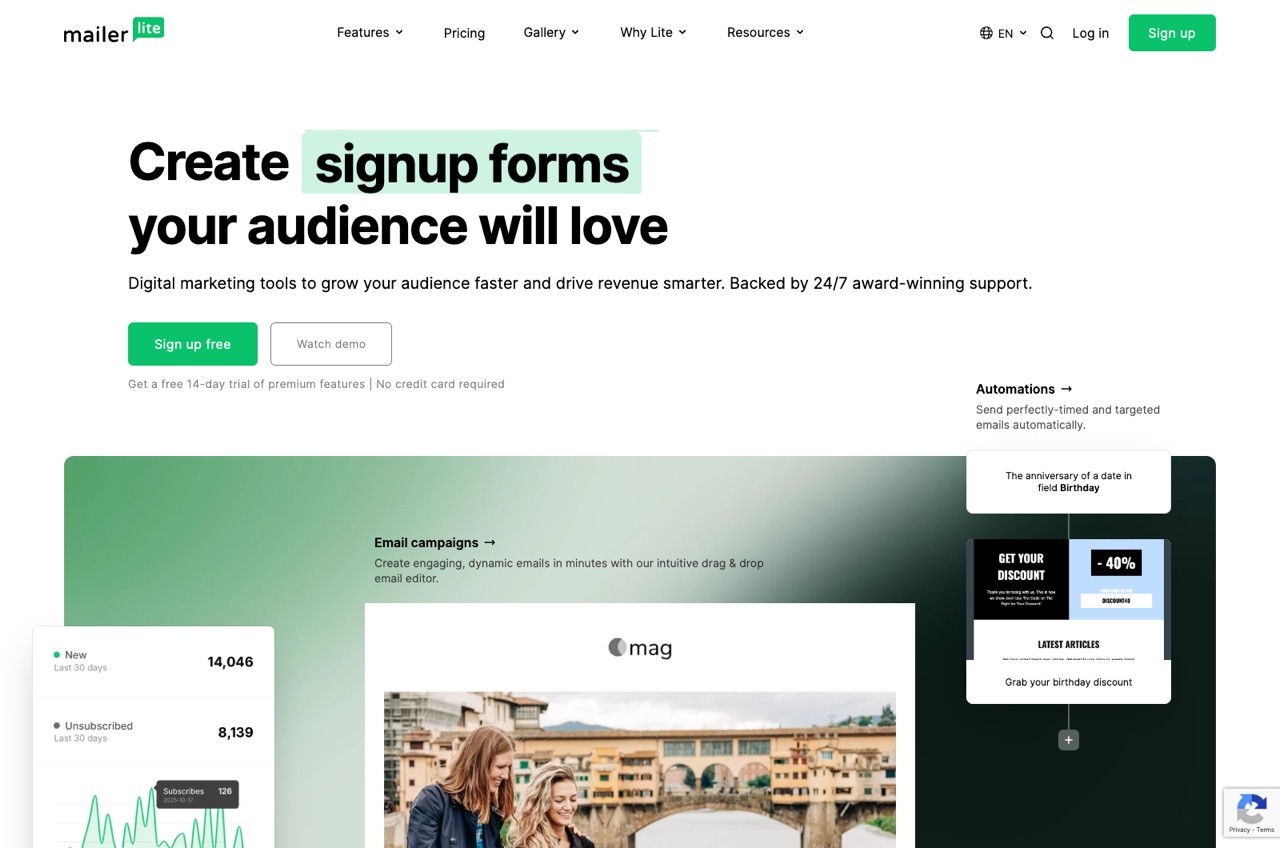
MailerLite's website, from our competitor screenshot library. Not an in-app screen.
MailerLite at a glance
MailerLite sells four plans: Free, Comfort, Power and Enterprise. Enterprise is custom pricing above 200,000 subscribers. Paid plans have a 14-day trial, and annual billing saves 10%.
| Free | Comfort | Power | |
|---|---|---|---|
| Monthly emails | 2,500 | 10 times your subscriber tier | Unlimited, fair use |
| Users | 2 | 3 | Unlimited |
| Active automations | 3 | 50 | Unlimited |
| Steps per automation | 5 | 100 | 100 |
| Landing pages | 1 | 10 | Unlimited |
| Active forms | 3 | 10 | Unlimited |
| Multiple automation triggers | No | No | Yes |
| Support | Knowledge base only | Priority email and live chat |
Source: MailerLite pricing, checked 14 November 2026.
The free plan is a recurring source of confusion. Older reviews quote 1,000 subscribers and 12,000 emails. That was true before MailerLite's plan changes. On the day we checked it was 250 subscribers and 2,500 emails a month. Our MailerLite price increase post covers what changed and when.
MailerLite pricing at real list sizes
MailerLite bills on subscribers. Its selector didn't render in our fetcher on 14 November 2026, so the figures below come from our Klaviyo vs MailerLite comparison, which recorded the live selector the same day. The 500-subscriber prices come from MailerLite's Shopify App Store listing.
| Subscribers | Comfort (monthly) | Comfort (yearly, per month) | Power (monthly) |
|---|---|---|---|
| 500 | $12 | $10.80 | $25 |
| 2,500 | $33 | $29.70 | See selector |
| 10,000 | $89 | $80.10 | $129 |
| 50,000 | $319 | $287.10 | See selector |
| 100,000 | See selector | See selector | See selector |
Prices in USD before tax. Check MailerLite's selector for your exact count.
What Power adds that a store or a growing business may want: unlimited sending, unlimited automations, multiple triggers per automation and live chat support. At 10,000 subscribers that upgrade is $40 a month. For most newsletters Comfort is enough.
MailerLite is not expensive. At small and mid-size lists it is one of the cheapest serious tools you can buy, and that's the main reason people pick it.
Account approval and onboarding
New MailerLite accounts don't send right away. You complete your profile and request approval, and MailerLite reviews the account first. Its account guide says this protects deliverability for every customer and usually takes under 15 minutes, longer if they need more information.
Accounts can also be placed under review later. MailerLite's review article lists triggers such as high bounce, complaint or unsubscribe rates, and lists that were bought, scraped or collected without consent. If asked for information, you have 30 days to respond or the account is terminated.
This is a good thing for anyone with a clean, opted-in list. It's a problem if you're importing an old list of customers who never subscribed. Clean it before you upload. Our guide to importing a list without landing in spam covers the order.
Editor, templates and forms
The drag-and-drop editor is the reason many people stay. It's quick, the blocks are sensible, and the templates look modern without much editing. You can also write in a rich-text editor for plain newsletters.
Forms come as embedded forms, pop-ups and promotions, and MailerLite includes a website and landing page builder. The free plan allows three active forms and one landing page, which is enough to test the product properly.
Automations
MailerLite's automation builder is visual and easy to follow. You pick a trigger, then add emails, delays, conditions and actions. Common triggers include joining a group, completing a form, clicking a link, a date anniversary, an updated field and ecommerce events.
The limits that matter:
- Free allows three active automations of five steps each.
- Comfort allows 50 automations, which covers almost any small business.
- Only Power allows multiple triggers on one automation, per the pricing page.
For a newsletter or a coach running a welcome series and a course sequence, this is plenty. For a store, the triggers are the question, which is the next section.
Shopify store test: what the integration really does
We read MailerLite's Shopify setup guide and abandoned cart guide, both checked 14 November 2026.
Setup
- In MailerLite, go to Integrations and click Use next to Shopify.
- Click Connect and enter your
.myshopify.comstore URL. - Log in to Shopify and grant access.
Categories, products and subscribers then sync, and you can connect more than one store.
What syncs
| Data | Direction | Notes |
|---|---|---|
| Customers | Shopify to MailerLite | Order count, total spent and marketing consent added by default |
| Name and email | Both ways | Other fields only go Shopify to MailerLite |
| Orders | Shopify to MailerLite, real time | Used for revenue in campaigns and automations |
| Products and categories | Shopify to MailerLite, hourly | For product blocks in the editor |
| Abandoned carts and checkouts | Shopify to MailerLite, real time | With the limits below |
The limits a store should know
- Abandoned cart only fires for recognized shoppers. MailerLite says the cart trigger works for people who subscribed through a MailerLite form on your store or clicked a MailerLite email. Anonymous visitors aren't tracked, and clearing cookies or switching devices resets recognition.
- Abandoned checkout only fires for returning customers. The trigger needs at least one previous order, so first-time buyers who drop off at checkout don't enter it.
- Only consenting customers trigger ecommerce automations. Customers join as subscribers when they tick the checkout box or fill in a form, unless you turn on "Sync all buyers".
- Revenue counts orders within 30 days of a click, so campaign revenue won't match Shopify's own totals.
For a store, that second point is the big one. First-time checkout abandoners are usually the largest recoverable group, and on MailerLite they fall outside the checkout flow. Turn off Shopify's own abandoned checkout email only if your MailerLite flow covers the shoppers you care about.
Shopify merchants rate it poorly. The MailerLite Email Automation listing showed 2.4 out of 5 from 27 reviews on 14 November 2026, with 56% of ratings at one star. The sample is small, but it matches what the documentation suggests: fine for newsletters to customers, thin for store automation.
MailerLite also integrates with WooCommerce and offers a Stripe integration for selling digital products and paid newsletters.
Deliverability
MailerLite gives you what you need: domain authentication with SPF, DKIM and DMARC through its domain authentication guide, and an approval process that keeps bad senders off its shared infrastructure. That vetting is the strongest argument for MailerLite's inbox placement, since everyone on a shared IP pool shares the reputation.
We haven't run our own placement test. Treat any single third-party percentage with caution; results swing between test rounds. Your own domain setup and list quality matter more than the platform. Our deliverability checklist applies on any tool.
Reporting
Campaign reports show opens, clicks, unsubscribes and click maps, and ecommerce revenue once a store is connected. Automation reports show performance per step. There's no multi-touch attribution, which most newsletters won't miss.
Pros and cons
Pros
- Low prices at every list size we checked
- An editor most people learn in an afternoon
- Websites, landing pages and forms included
- Account vetting that protects shared sending reputation
- 50 automations on Comfort
Cons
- Free plan cut to 250 subscribers and 2,500 emails
- Shopify cart and checkout triggers skip anonymous shoppers and first-time buyers
- Multiple triggers per automation need Power
- Low Shopify App Store rating from merchants
- Email-only support on Comfort
Who should pick something else, and what
Pick MailerLite if you run a newsletter, a creator business or a small service business and want good tools for little money.
Pick something else if your revenue depends on store flows or product lifecycle email:
| Tool | Best for | Ecommerce integration | Automation depth | One honest drawback |
|---|---|---|---|---|
| Audienceful | Shopify stores and SaaS teams that need flows on native store or Stripe data | Native Shopify app, native Stripe | Branching flows, custom events, ready-made Shopify flows | Fewer years in market than the big names |
| Klaviyo | Large Shopify brands that want predictive data and SMS | Deep Shopify sync | Very deep | $150 a month at 10,000 profiles, and the bill climbs fast |
| Omnisend | Stores that want email, SMS and push in one easy app | Shopify app | Good pre-built workflows | Custom workflows and SMS need Pro |
| Brevo | Large lists that send rarely | Shopify via the Brevo PushOwl app | Moderate | Many features sit on higher plans |
Audienceful (disclosure: our product) is the fit when a store wants every abandoner in its flows. The native Shopify app syncs customers, orders, products, checkouts and carts, imports past orders, and keeps email consent in sync both ways. Its app embed picks up product views and add-to-carts for browse and cart flows. The Shopify flow library has welcome, browse abandonment, added to cart, abandoned checkout, post-purchase, review request, replenishment, VIP and win-back flows with triggers already set. Revenue attribution reports per email and per flow. SaaS teams get native Stripe flows such as trial ending and failed payment. The AI agent builds segments and automations from a short brief, with full MCP coverage for outside agents.
Compare the two directly on Audienceful vs MailerLite. Moving over? Our MailerLite migration guide lists every export, and the list import help doc covers the upload. More options are in our Mailchimp alternatives roundup, which covers many of the same buyers.
FAQs
Is MailerLite really free?
Yes, with limits. The Free plan covers 250 subscribers and 2,500 emails a month, three active automations and one landing page, checked 14 November 2026. Support on Free is the knowledge base only.
How many subscribers can you have on MailerLite's free plan?
250, per MailerLite's pricing page on 14 November 2026. Older reviews that quote 1,000 subscribers predate MailerLite's plan changes.
Is MailerLite good for ecommerce?
For a small store that mostly sends newsletters and promotions, yes. For a store that depends on cart and checkout recovery, it's limited: abandoned cart only fires for recognized shoppers, and abandoned checkout only for returning customers.
Does MailerLite integrate with Shopify?
Yes. The Shopify integration syncs customers, orders, products, carts and checkouts, and powers product blocks and revenue tracking. Name and email sync both ways; other fields go one way.
Is MailerLite better than Mailchimp?
For most small senders, MailerLite gives more for less: more automations on its entry paid plan and a lower price at 10,000 subscribers than Mailchimp Standard's $135. Mailchimp has more integrations and a higher Shopify App Store rating. Our Mailchimp review covers the other side, and our Mailchimp vs MailerLite comparison weighs them directly.
Why does MailerLite need to approve my account?
To protect deliverability on its shared infrastructure. Every new account is reviewed before it can send, usually in under 15 minutes. Accounts can be reviewed again later if bounce or complaint rates spike.
Is MailerLite's deliverability good?
Its vetting process and authentication tools give it a solid base. Your own results depend mostly on domain authentication and list quality, so set up SPF, DKIM and DMARC before your first send.
Running a Shopify store and need more than newsletters? Install Audienceful and start from ready-made Shopify flows. Create your free account and connect your store.
