Mailchimp vs MailerLite has a clear value winner. MailerLite is cheaper at every list size we checked, $89 a month at 10,000 subscribers on Comfort against $135 for Mailchimp Standard, and it covers newsletters, forms and everyday automations well. Mailchimp is worth its higher price if you rely on its larger integration directory, deeper reporting or its ecommerce journeys. If you sell on Shopify or bill through Stripe, Audienceful is a third option built around that data, covered near the end.
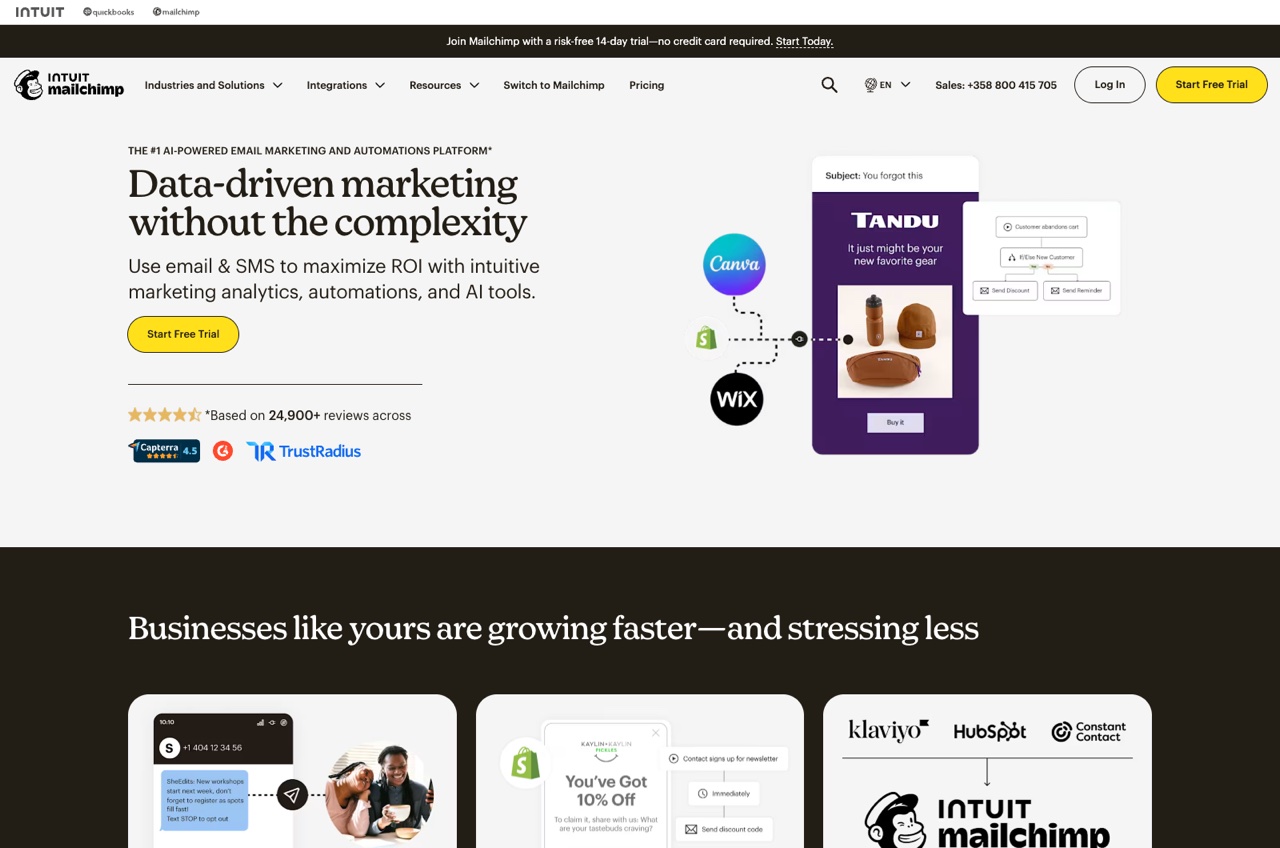
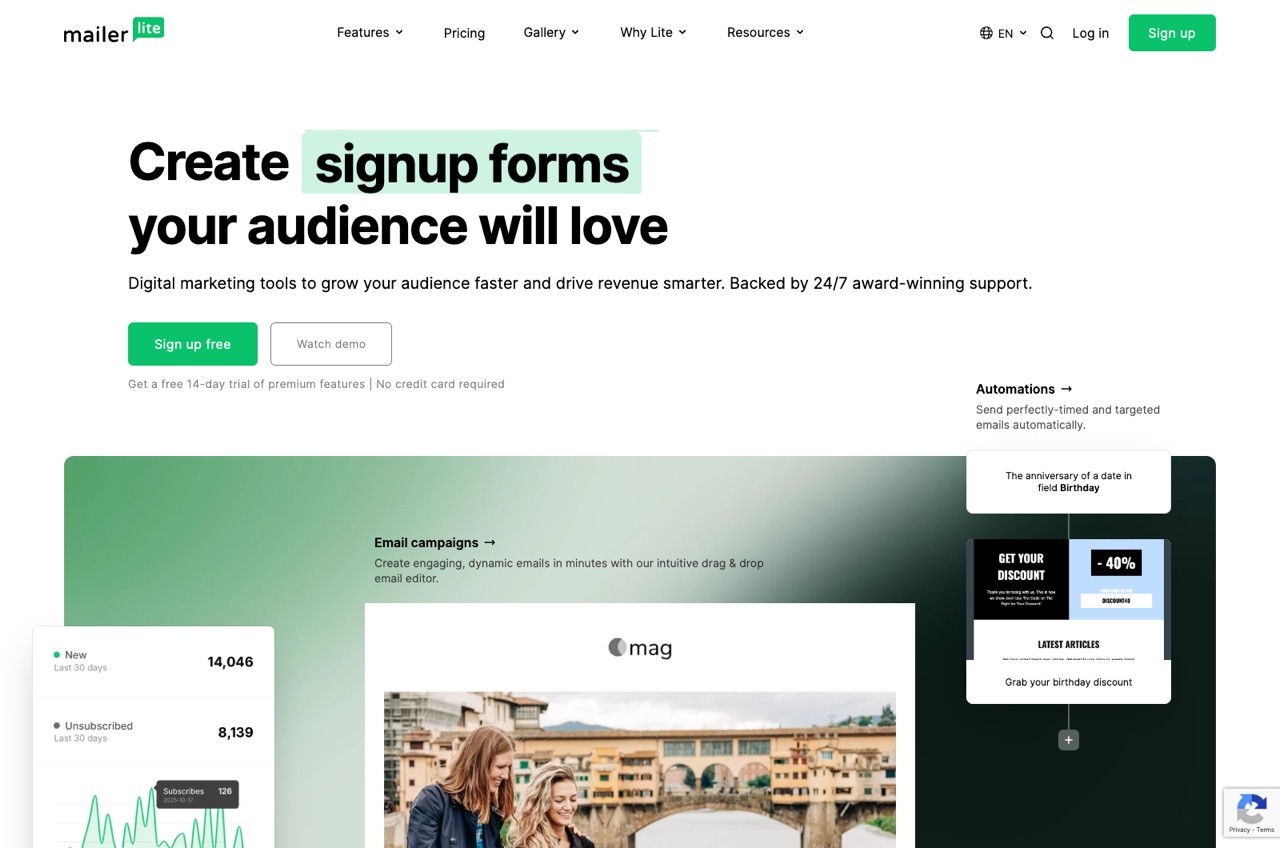
We make Audienceful. Prices come from the live Mailchimp and MailerLite pricing pages, checked 14 November 2026, in USD before tax. Screenshots come from our competitor library and show each vendor's website, not the automation builders.
Mailchimp vs MailerLite: the verdict
MailerLite wins on value. For creators, small businesses and early-stage teams sending newsletters and a handful of automations, it does the job for roughly two-thirds of Mailchimp's price. Its editor is clean, its landing pages and forms are good, and the interface is easy to learn.
Mailchimp wins on reach. It has more integrations, more detailed reporting and A/B testing, a larger library of prebuilt journeys and a more developed Shopify connection. If one of those is the reason you're there, the extra cost buys something real.
Pick neither if your email revenue comes from store or billing events. That case is covered in the last section.
Scorecard
| Category | Mailchimp | MailerLite | Winner |
|---|---|---|---|
| Price at 10K | $135 (Standard) | $89 (Comfort) | MailerLite |
| Free plan | 250 contacts, 500 sends a month | 250 subscribers, 2,500 emails a month | MailerLite |
| Ease of use | Good, more settings | Very good | MailerLite |
| Automation | Up to 200 flows on Standard, many prebuilt journeys | 50 automations on Comfort, unlimited on Power | Mailchimp |
| Ecommerce | Official Shopify app, journeys, revenue reports | Shopify and WooCommerce, abandoned cart, product blocks | Mailchimp |
| Landing pages and forms | Included | Included, generous limits on paid plans | MailerLite |
| Reporting | Deeper, more A/B options | Clear, simpler | Mailchimp |
| Integrations | 300+ apps | Fewer, plus API and MCP access | Mailchimp |
Sources: Mailchimp pricing, Mailchimp's plan guide and MailerLite pricing, checked 14 November 2026.
Mailchimp vs MailerLite pricing at every list size
| Subscribers | Mailchimp Standard | MailerLite Comfort | MailerLite Power |
|---|---|---|---|
| 500 | Live selector | From $12 | From $25 |
| 2,500 | $60 | $33 | Live selector |
| 10,000 | $135 | $89 | $129 |
| 50,000 | $450 | $319 | Live selector |
Monthly prices, checked 14 November 2026. MailerLite takes 10% off for yearly billing, which makes Comfort $80.10 a month at 10,000. Cells marked "live selector" weren't readable in USD on the day, so we left them rather than guess.
At 10,000 subscribers MailerLite Comfort saves $46 a month, or $552 a year. Even Power, which removes the send and automation caps, is $6 cheaper than Mailchimp Standard at that size. At 50,000 the gap on Comfort is $131 a month.
Mailchimp's Essentials plan is cheaper than Standard, which is why some comparisons line it up against MailerLite. It caps every flow at four steps, though, which rules out most welcome and cart sequences. Standard is the fair match.
Send limits
- Mailchimp: 10 times your contact limit per month on Essentials, 12 times on Standard, 15 times on Premium.
- MailerLite Comfort: 10 times the top of your subscriber tier per month.
- MailerLite Power: unlimited, subject to fair use.
A weekly newsletter uses about four or five sends per subscriber a month, so both have room. Daily senders should look at MailerLite Power.
Who you pay for
Mailchimp counts subscribed, unsubscribed and non-subscribed contacts, according to its plan guide. Archive the people you won't email to lower the bill. MailerLite bills on subscribers. If you're moving because the Mailchimp bill crept up, the cleanup in our guide to reducing your Mailchimp bill may close part of the gap before you switch.
Free plans compared
Both free plans shrank over the past two years. Older articles quoting 1,000 or 500 free subscribers are out of date.
| Mailchimp Free | MailerLite Free | |
|---|---|---|
| Contacts | 250 | 250 subscribers |
| Sends | 500 a month, 250 a day | 2,500 a month |
| Automation | Not included | 3 active automations, up to 5 steps |
| Extras | See Mailchimp's plan page | 2 seats, 1 website, 1 landing page, 3 forms |
Checked 14 November 2026. MailerLite's free plan is the more useful of the two because it includes automation. Our posts on MailerLite's price changes and Mailchimp's free plan cover how each got here.
Editor and templates
MailerLite's drag-and-drop editor is fast and tidy, with a rich text option for plain newsletters. Templates look modern without much work. Mailchimp's editor has more layout control, a brand kit, a content studio and more AI tools. For a single person writing a weekly email, MailerLite feels lighter. For a team with brand rules, Mailchimp has more controls.
Automation
MailerLite's builder is visual and simple. Comfort allows 50 active automations with up to 100 steps each, and Power lifts the automation cap and adds multiple triggers per automation. Triggers cover subscriber joins, field updates, link clicks, dates and ecommerce events.
Mailchimp's journey builder has more prebuilt journeys and more triggers, including store events and behavioral targeting on higher plans. Standard allows up to 200 flows. If you want a prebuilt path for every common scenario, Mailchimp has more ready to go. If you build your own and keep them simple, MailerLite does the work.
Segmentation
Mailchimp's segments use tags, groups, engagement, purchase data and predicted demographics on higher plans. MailerLite segments on fields, groups, engagement and ecommerce purchases. Both handle "opened in the last 30 days" and "bought product X". Mailchimp goes further on predictive and behavioral targeting.
Ecommerce: Shopify, WooCommerce and abandoned cart
Mailchimp's official Shopify app syncs customers, orders and products, mostly in real time, per Mailchimp's Shopify guide. Journeys can trigger on purchases and abandoned carts, and revenue shows per campaign. Our Mailchimp for Shopify post covers the setup.
MailerLite connects to Shopify and WooCommerce, imports customers and purchases, offers product blocks and runs abandoned cart automations. For a small shop, that's enough. For a store wanting browse abandonment, replenishment and win-back on detailed order data, both are general tools with a store attached. Is Mailchimp good for ecommerce goes through the limits.
Forms and landing pages
MailerLite is generous here. Comfort includes 10 forms, 10 websites and 10 landing pages, and Power makes them unlimited. Mailchimp includes landing pages and forms on all plans, with fewer design options. If your list grows through lead magnets, MailerLite's tools are a real plus.
Deliverability and account approval
Neither vendor publishes inbox placement data we can verify. Both require domain authentication and both police complaint rates.
MailerLite reviews new accounts before they can send campaigns, and may ask about your list source and website. It's a quality check that keeps spammers off shared infrastructure, but it can slow a migration, so start the account a few days before you need it. Mailchimp also reviews imports and can suspend accounts with high bounce or complaint rates.
Whichever you pick, authenticate your domain with SPF, DKIM and DMARC and send to engaged people first. Our deliverability checklist covers the setup.
Integrations
Mailchimp's directory lists more than 300 integrations. MailerLite's is smaller but covers the common ones, and its pricing page lists unlimited integrations plus API and MCP access on Comfort. If you depend on a niche app, check its listing on each before switching.
Support
MailerLite's free plan gets knowledge base support only, Comfort adds email support and Power adds live chat. Mailchimp's support also depends on plan, with more channels on Standard and Premium.
Migrating from Mailchimp to MailerLite
- Create the MailerLite account early so approval is done before you move.
- Export each Mailchimp audience with statuses, using Mailchimp's export guide. Keep unsubscribed and cleaned contacts separate.
- Import unsubscribes and bounces into MailerLite first.
- Import subscribers, mapping tags to groups and merge fields to custom fields.
- Rebuild automations, starting with welcome. Templates don't transfer.
- Authenticate your domain, send to your most engaged subscribers first, then cancel Mailchimp after a final export.
Our Mailchimp export guide and Mailchimp migration guide cover each step in more detail.
If you sell on Shopify or bill through Stripe: Audienceful
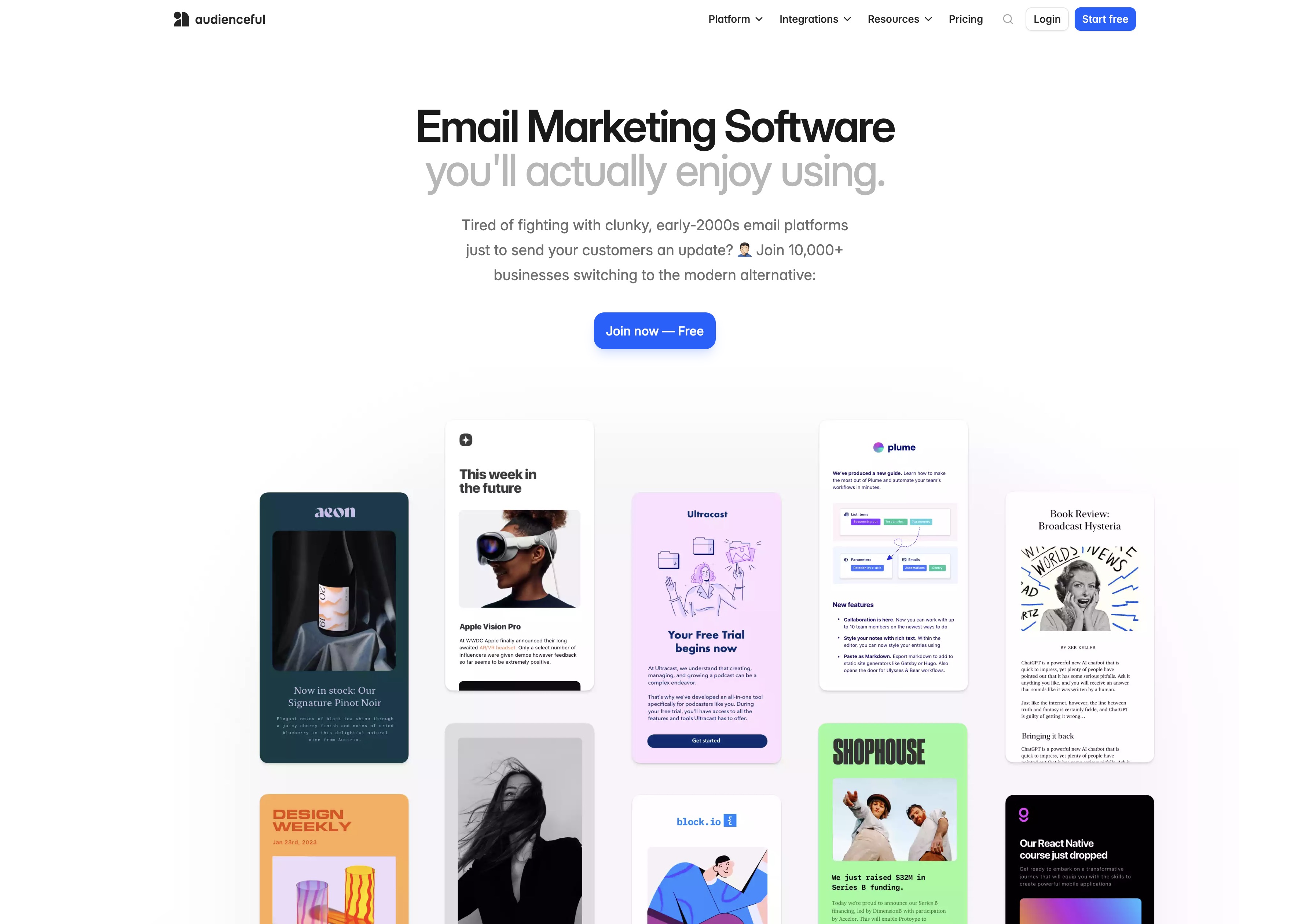
If your email makes money from store or billing events, Audienceful is built around that data rather than adding it on. It's a bigger product for the money than either tool here.
- One-click Mailchimp import for audiences, tags, merge fields and statuses, with unsubscribes kept suppressed.
- Native Shopify and Stripe. Prebuilt Shopify flows for checkout, cart and browse abandonment, post-purchase, replenishment and win-back, and Stripe flows for onboarding, trial ending, failed payments and win-back. Our Stripe email automation guide shows them in use.
- Revenue attribution per email and per flow.
- An AI agent on every plan that builds campaigns, segments and flows from a brief, plus full MCP coverage.
- A real-time collaborative editor with agency-designed templates.
- Enterprise-grade deliverability with manual sender approval, spam testing and monitoring.
There's a free plan to try it on. See Audienceful vs Mailchimp and Audienceful vs MailerLite, our Mailchimp alternatives list, and the migration guide.
FAQs
Is MailerLite cheaper than Mailchimp?
Yes, at every size we checked. At 10,000 subscribers MailerLite Comfort is $89 a month against $135 for Mailchimp Standard, and at 50,000 it's $319 against $450. Prices checked 14 November 2026.
Is MailerLite's free plan still free?
Yes, with smaller limits than before: 250 subscribers, 2,500 emails a month and 3 active automations, checked 14 November 2026.
Can I import my Mailchimp list into MailerLite?
Yes. Export each audience with statuses, import unsubscribes first, then import subscribers with tags mapped to groups. MailerLite's account approval needs to be done before you can send.
Which has better deliverability?
Neither publishes verifiable inbox placement data. Both review accounts and act on high complaint rates. Your own authentication and list hygiene matter more than the platform.
Does MailerLite work with Shopify?
Yes. It syncs customers and purchases, offers product blocks and runs abandoned cart automations. Stores that want a deeper flow set usually move to a store-first tool.
Leaving Mailchimp? Import your audience to Audienceful in one click and start on the free plan, no card needed.
