Our Mailchimp review in one line: Mailchimp is still a capable, familiar email platform with a polished Shopify app and a huge integration list, but the bill grows faster than the product does, because unsubscribed and non-subscribed contacts count toward your plan and real automation starts on Standard. It's a fine choice for newsletters and simple stores. Growing stores and SaaS teams that need behavior-based flows usually get more for less elsewhere, including Audienceful, which imports Mailchimp audiences directly.
We make Audienceful, a competitor. This review uses Mailchimp's pricing page, help center, terms and Shopify App Store listing, checked 14 November 2026. We did not run a paid Mailchimp account for this review, and we say where a point comes from documentation rather than use.
Mailchimp review: the verdict
| Our score | 3.6 out of 5 |
| Best for | Newsletters, small businesses that want a known brand, teams that rely on many integrations |
| Weaker for | Growing stores and SaaS teams that need behavior-based automations at a sane price |
| Free plan | 250 contacts, 500 sends a month, no automation flows |
| Price at 10,000 contacts | Standard $135 a month |
| Biggest strength | Polished product with a large integration directory |
| Biggest catch | Unsubscribed and non-subscribed contacts count toward the bill |
How we scored it: pricing and value 25% (2.5/5), ease of use 20% (4.5/5), automations 20% (3.5/5), ecommerce data 15% (3.5/5), integrations 10% (4.5/5), support 10% (3.5/5). Weighted total 3.6.
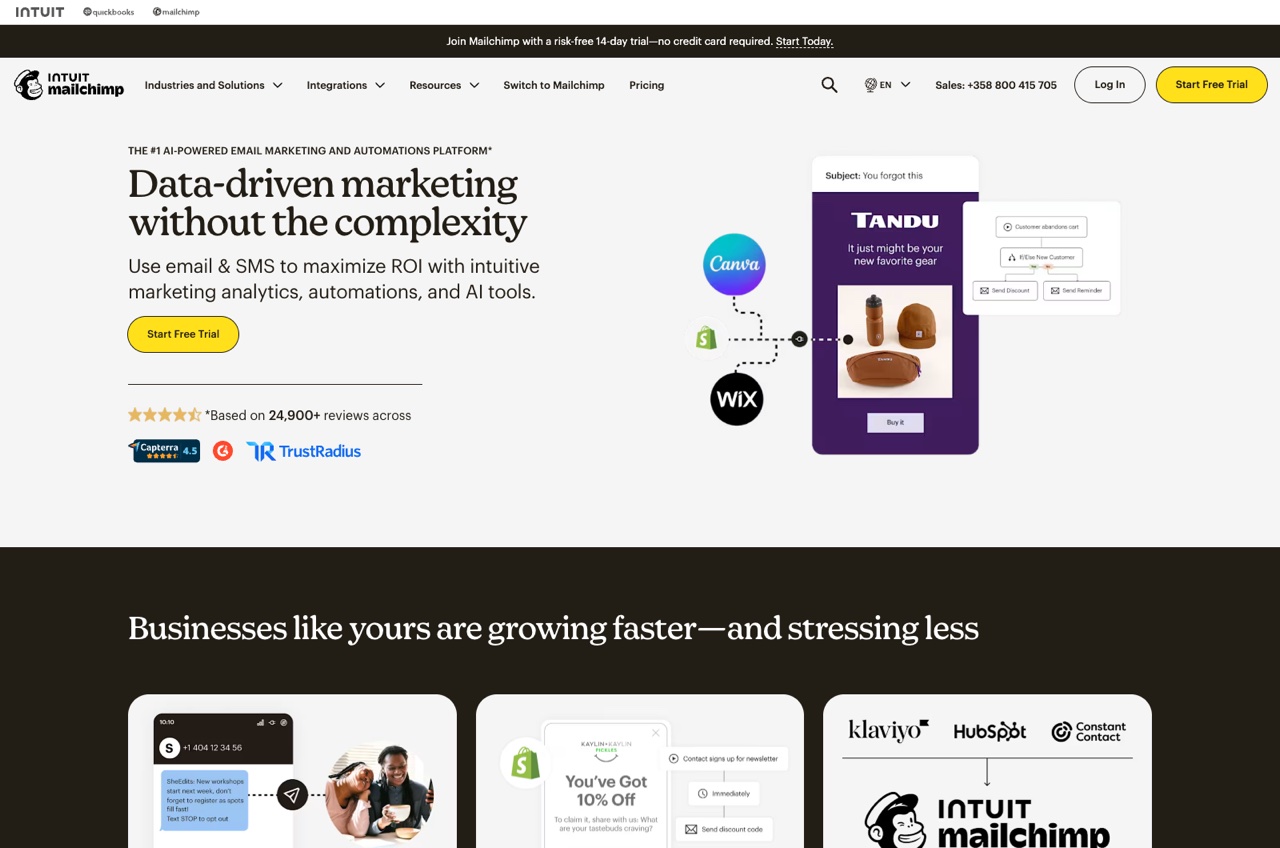
Mailchimp's website, from our competitor screenshot library. Not an in-app screen.
What's changed at Mailchimp recently
Most Mailchimp reviews on page one were written in 2023. A lot has moved since then:
| When | Change |
|---|---|
| 2021 | Intuit buys Mailchimp |
| March 2023 | Free plan cut for all accounts, including grandfathered ones |
| Mid 2025 | Automation flows removed from the Free plan |
| 17 February 2026 | Free plan cut from 500 contacts and 1,000 sends to 250 contacts and 500 sends |
| 13 April 2026 | Legacy pre-2019 plans rise by an average of 11% to 13% |
Sources: our Mailchimp price increase write-up and our history of Mailchimp's free plan, with current limits confirmed on Mailchimp's plan documentation on 14 November 2026.
Mailchimp pricing by list size
Mailchimp sells Free, Essentials, Standard and Premium. The plan you pick sets the features, and your contact tier sets the price.
| Free | Essentials | Standard | Premium | |
|---|---|---|---|---|
| Contacts | 250 | By tier | By tier | By tier |
| Monthly sends | 500 (250 a day) | 10 times contacts | 12 times contacts | 15 times contacts |
| Automation | No flows | Up to 4 flow steps | Up to 200 flows | Up to 200 flows |
| Seats | 1 | 3 | 5 | Unlimited |
| Starting price on Shopify listing | $0 | $13 | $20 | $350 |
Sources: Mailchimp pricing and the Mailchimp Shopify listing, checked 14 November 2026. The send multiples come from our Mailchimp vs ActiveCampaign comparison of the same pages.
Standard is the plan most stores and SaaS teams end up on, since Essentials caps each flow at four steps. Regular monthly prices from the live selector:
| Contacts | Mailchimp Standard |
|---|---|
| 1,000 | See live selector |
| 10,000 | $135 |
| 50,000 | $450 |
| 100,000 | See live selector |
Checked 14 November 2026. Mailchimp often runs introductory discounts for the first months; the table uses regular prices because that's what you pay afterward. Standard and Premium also charge overages if you pass your contact or send limit.
Why the bill grows even when your list doesn't
Mailchimp's contacts guide and terms say three kinds of contacts count toward your plan:
- Subscribed contacts, as you'd expect.
- Unsubscribed contacts, people who opted out and can no longer get your marketing.
- Non-subscribed contacts, often store customers or imports who never opted in.
Cleaned and archived contacts don't count. And you're billed on your peak contact count in the billing period, so archiving lowers future bills, not the current one.
How to cut it:
- Go to your audience and filter for unsubscribed contacts.
- Archive them. Mailchimp keeps their history and keeps them suppressed.
- Do the same for non-subscribed contacts you'll never email.
- Use Mailchimp's inactive contacts guide to archive long-term non-openers.
Our guide to reducing your Mailchimp bill walks through each step.
Editor and templates
The editor is one of Mailchimp's strengths. It's drag-and-drop, the templates are clean, and the brand kit and content studio keep logos and images in one place. Most people find it easy. The AI writing tools help with subject lines and first drafts.
Automations: Customer Journeys
Mailchimp's Customer Journey builder is visual and handles welcome series, abandoned cart, post-purchase and date-based flows. On Standard you get up to 200 flows with branching points. On Essentials each flow stops at four steps, which is enough for a short welcome series and not much more. The Free plan has no flows at all.
For a store, the practical rule is to budget from Standard. Our analysis of whether Mailchimp is good for ecommerce goes through what Standard adds.
Segmentation and personalization
Segments combine tags, merge fields, groups, engagement and purchase data. Standard adds behavioral targeting and predictive segments such as likelihood to purchase again. Merge tags and dynamic content cover most personalization needs. It works well for small and mid-size stores; it's less flexible with custom event data than tools built around events.
Ecommerce: the Mailchimp Shopify app
Mailchimp's own app, "Mailchimp Email SMS Marketing" by Intuit Mailchimp, had 4.8 out of 5 from 1,579 reviews on the Shopify App Store on 14 November 2026. That's a big improvement from the years when Mailchimp and Shopify had no official integration.
According to the listing, the app:
- Syncs Shopify customer segments for campaigns
- Automates welcome, abandoned cart and back-in-stock emails
- Creates single-use discount codes and pop-up forms
- Turns Shopify customer events into segments
- Tracks attributed revenue
Our separate Mailchimp and Shopify guide covers setup and the gotchas. One to know now: customers who bought but didn't opt in arrive as non-subscribed contacts, and those count toward your bill.
Deliverability
Mailchimp sends from shared pools for most accounts and provides domain authentication for SPF, DKIM and DMARC. Its compliance team is strict about list sources, which helps shared reputation. We haven't run our own placement test, so we won't quote a percentage. If your rates have dropped lately, our post on Mailchimp open rates dropping lists the usual causes.
Reporting
Reports show opens, clicks, revenue for connected stores and comparisons against industry averages. Standard adds more detailed revenue reporting, and Premium adds comparative reports across campaigns. Fine for most teams; multi-touch attribution isn't a focus.
Support
Support channels depend on the plan, and Premium gets the most direct access. Check what your plan includes on the pricing page before you rely on live help during a sale.
Pros and cons
Pros
- Well-known brand with a large integration directory
- Easy editor and good templates
- Official Shopify app with a 4.8 rating
- Up to 200 flows with branching on Standard
Cons
- Unsubscribed and non-subscribed contacts count toward billing
- Free plan cut to 250 contacts with no flows
- Essentials limits flows to four steps
- Steep cost past 10,000 contacts
- Overages on Standard and Premium
Alternatives to Mailchimp
| Tool | Best for | Price at 10,000 contacts | Ecommerce integration | Automation depth | One honest drawback |
|---|---|---|---|---|---|
| Audienceful | Stores and SaaS teams that want event-driven flows for less | $79 Essentials or $118 Growth, billed yearly | Native Shopify app, native Stripe | Branching flows, custom events, ready-made Shopify flows | Newer brand than Mailchimp |
| MailerLite | Newsletters on a budget | $89 Comfort, monthly | Shopify, WooCommerce | 50 automations on Comfort | Store triggers only for recognized shoppers |
| Klaviyo | Large Shopify brands | $150 Email | Deep Shopify sync | Very deep | Even pricier than Mailchimp past 10,000 |
| ActiveCampaign | B2B and services with sales teams | $189 Plus, billed yearly | Shopify, WooCommerce, Stripe from Plus | Very deep | Pays for CRM features stores don't use |
| Brevo | Large lists that send rarely | Depends on monthly sends | Brevo PushOwl app | Moderate | Frequent sending gets expensive |
Prices checked 14 November 2026 on each vendor's page or recorded in our MailerLite review and ActiveCampaign pricing guide.
Audienceful (disclosure: our product) is cheaper than Mailchimp Standard at the list sizes most switchers have:
| Contacts | Mailchimp Standard (monthly) | Audienceful Essentials (yearly) | Audienceful Growth (yearly) |
|---|---|---|---|
| 10,000 | $135 | $79 | $118 |
| 50,000 | $450 | $272 | $309 |
Audienceful prices from our pricing page, checked 14 November 2026. Essentials runs three automated flows; Growth has unlimited automations. Audienceful has a free plan for small lists, and it doesn't bill you for unsubscribed contacts.
The product side: a native Mailchimp importer brings across audiences, tags, merge fields and statuses, with unsubscribes kept suppressed. The native Shopify app syncs customers, orders, products, checkouts and carts, with ready-made Shopify flows and revenue attribution per email and flow. SaaS teams get native Stripe flows. The AI agent builds segments and flows from a brief, the collaborative editor lets several people edit one email at once, and templates come from leading ecommerce agencies.
See Audienceful vs Mailchimp, our Mailchimp alternatives roundup, and the Mailchimp migration guide. If you're leaving, cancel Mailchimp only after the import.
FAQs
Is Mailchimp still worth it in 2026?
For a newsletter or a small store that sends campaigns and a welcome series, yes. It's easy and well supported. Once you need many flows and your list passes 10,000 contacts, you pay $135 a month on Standard at 10,000 and $450 at 50,000, and cheaper tools match or beat it on automation.
Is Mailchimp free?
There's a Free plan for 250 contacts and 500 sends a month, capped at 250 sends a day, checked 14 November 2026. It doesn't include automation flows.
Why is Mailchimp so expensive?
Two reasons. Prices climb steeply past 10,000 contacts, and unsubscribed and non-subscribed contacts count toward your tier. Billing uses your peak contact count in the period, so a one-off import can raise a month's bill.
Does Mailchimp charge for unsubscribed contacts?
Yes. Mailchimp's terms say subscribed, unsubscribed and non-subscribed contacts count toward your audience. Archive unsubscribed contacts to stop paying for them from the next billing period.
Is Mailchimp good for ecommerce?
It's workable on Standard, which adds multi-step flows with branching, behavioral targeting and revenue reporting. On Essentials, four-step flows limit what a store can automate.
Is Mailchimp good for Shopify?
Its official Shopify app is well rated, 4.8 from 1,579 reviews on 14 November 2026, and covers welcome, cart and back-in-stock emails. Watch the bill: Shopify customers who didn't opt in still count as non-subscribed contacts.
What is better than Mailchimp?
It depends on the job. MailerLite for cheap newsletters, Klaviyo for deep Shopify data at a higher price, and Audienceful for Shopify and Stripe flows at $79 a month billed yearly at 10,000 contacts against Mailchimp Standard's $135.
Moving off Mailchimp? Import your audiences, tags and merge fields in one step. Try Audienceful free and run the Mailchimp importer before you cancel.
