A Privy to Klaviyo migration takes one of two paths. You either keep Privy for popups and sync new signups into Klaviyo lists, or you move everything: export Privy's contacts and opt-outs, rebuild the displays as Klaviyo forms, recreate the flows and uninstall Privy last. Privy's sync only sends new signups one way, so it never replaces a proper export. If you want popups and Shopify flows in one tool for less than Klaviyo, Audienceful is worth pricing alongside it.
We make Audienceful. The Privy and Klaviyo steps below come from both vendors' documentation, checked 14 November 2026, and work whichever destination you pick. Not sure the move is worth it yet? Start with our Klaviyo vs Privy comparison.
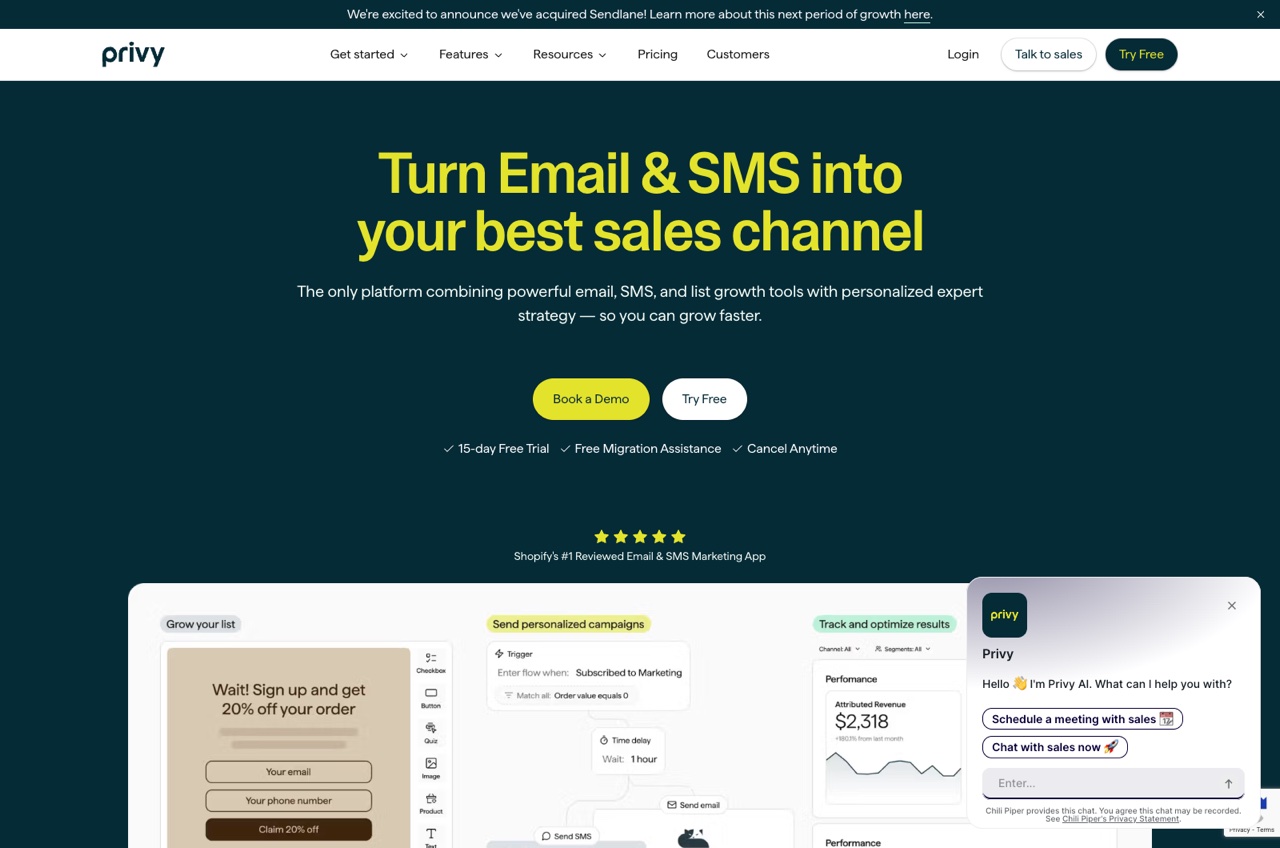
Privy to Klaviyo migration: pick your path first
Most stores that search for this are in one of two places. Some like their Privy popups and only want Klaviyo to send the email. Others want one bill and one place to manage forms, flows and campaigns. The work, and the cost, differ a lot.
| Path A: Privy popups synced to Klaviyo | Path B: full move to Klaviyo | |
|---|---|---|
| Who it suits | Stores happy with Privy displays and coupon popups | Stores consolidating into one tool |
| Tools you pay for | Privy (displays plan or email plan) plus Klaviyo | Klaviyo only |
| Historical contacts | Still need a one-time export and import | One-time export and import |
| New signups | Sync from Privy to Klaviyo lists per display | Captured by Klaviyo forms |
| Abandonment emails | Need Privy's Klaviyo cookie setting | Native to Klaviyo's onsite tracking |
| Effort | An afternoon plus the historical import | Several days for forms, flows and testing |
Privy's pricing page lists a pop-ups and displays plan priced by page views, starting at $24 a month for up to 10,000 page views, and email plans priced by mailable contacts. Those figures come from Privy's pricing page, checked 14 November 2026.
Path A: sync Privy signups into Klaviyo
Privy's Klaviyo integration guide sets out how the connection behaves. Four details matter for planning:
- It is one-way. Contacts move from Privy to Klaviyo. Nothing comes back from Klaviyo into Privy.
- It writes to lists, not segments. Pick or create a Klaviyo list for each display, then build segments from that list in Klaviyo.
- Rules are set per display. In the display builder's Settings step, open Advanced Settings, find Sync Integrations, select Klaviyo and choose the list. A display without a rule sends nobody to Klaviyo.
- Phone numbers need E.164 format. Privy adds +1 for US and Canadian numbers when it is missing. Other countries need their code.
To connect, create a Klaviyo API key (Privy's guide recommends a key with full access for every scope), paste it into Privy and choose Link Account. Then walk through every live display, including seasonal ones and any linked from ads, and add the sync rule.
For cart and browse abandonment, Klaviyo has to know who the visitor is. Privy can set a Klaviyo session cookie after a Privy display captures an email. Turn it on under Settings, Scripts & Tracking, Other Customizations, then check Enable Klaviyo Javascript integration and save.
Privy's guide only describes new signups once a rule is active. Your existing Privy contacts still need the export and import in Steps 1 and 3 below. Skip that and the people who signed up last year never reach Klaviyo.
Path B, Step 1: export Privy contacts and opt-outs
Use Privy's contact export instructions to download everyone. Then make separate files, or clearly labelled columns, for:
- Subscribed email contacts, with signup source and date where available.
- Unsubscribed email contacts.
- SMS subscribers, with their consent details.
- SMS opt-outs.
Keep the original files untouched. Do your cleanup in a copy. Note the export time so you can pull the signups and unsubscribes that arrive between now and cutover.
Also export or screenshot every display: its targeting, trigger, offer, copy and coupon setup. Privy's coupon documentation separates a shared master code from unique generated codes. Write down which type each display uses, because Klaviyo forms need the same arrangement rebuilt.
Step 2: connect Shopify to Klaviyo before importing
Install Klaviyo's Shopify integration using Klaviyo's Shopify guide and let the first sync finish. Many of your Privy subscribers already exist as Shopify customers, because Privy's own Shopify integration can push signups into Shopify.
Here is the cost trap. Klaviyo bills on active profiles, which can include emailable Shopify customers who never subscribed to marketing. Read the active-profile definition before you guess your bill. A store with 4,000 Privy subscribers and 12,000 Shopify customers can land on a much higher Klaviyo tier than expected.
Klaviyo Email prices checked 14 November 2026 on Klaviyo's pricing page: free up to 250 active profiles, $30 at 1,000, $150 at 10,000, $720 at 50,000 and $1,380 at 100,000 per month.
Step 3: import Privy-only contacts with consent
Turn off any welcome flow attached to the destination list first. Klaviyo's migration guide warns that CSV imports can trigger list-based flows.
Then follow Klaviyo's subscriber import guide. Map the consent columns in your file. Choose "Only import the consent in my file" unless every row has explicitly agreed to email marketing, in which case Klaviyo's bulk consent option is appropriate.
| Privy field | Klaviyo destination | Note |
|---|---|---|
| Normalize case and trim spaces | ||
| First name, last name | First Name, Last Name | Standard properties |
| Email subscription status | Email consent column | Subscribed rows only on the main list |
| Signup date | Custom property, for example privy_signup_date |
Keep the original date |
| Signup source or display | Custom property, for example privy_source |
Useful for segmenting by offer |
| Coupon received | Custom property | Stops a second welcome discount |
| Phone | Phone Number in E.164 | Only with valid SMS consent |
| Unsubscribed | Suppression import | Never on the main list |
Upload unsubscribes and bounces separately as suppressions: Audience, Profiles, View suppressed profiles, then Import. Wait for the confirmation before any send.
Step 4: rebuild displays as Klaviyo forms
Recreate each Privy display as a Klaviyo popup, flyout or embedded form. Match the targeting rules you saved: page, device, exit intent, time on page, returning visitor and the audience it should hide from. Match the offer too. A unique-code display should generate unique Shopify codes, not fall back to one shared code.
Test each form on a staging theme or a hidden page. Submit a real address and confirm three things: it lands on the right list, consent is recorded, and the welcome flow fires once.
Do not run Privy and Klaviyo popups on the same page during testing. Two overlays on mobile annoy shoppers and split your capture data.
If you are weighing a single tool: Audienceful has signup forms and popups with page and audience targeting, installed through the Shopify app, and the same welcome, cart and post-purchase flow templates. You would rebuild displays there in the same way.
Step 5: rebuild the flows that make money
Recreate flows inactive, test, then turn them on one at a time. The usual Privy set maps like this:
| Privy flow | Klaviyo flow trigger | Test before activating |
|---|---|---|
| Welcome with discount | Added to list | Existing subscribers do not re-enter |
| Abandoned cart | Started Checkout or Added to Cart | A purchase exits the flow |
| Browse abandonment | Viewed Product | Only identified visitors qualify |
| Post-purchase thank you | Placed Order | Repeat customers get the right version |
| Win-back | Segment of lapsed buyers | A new order exits the flow |
Our guides to the Shopify welcome email and Shopify email flows cover timing and content for each.
Decide what happens to people already waiting in Privy flows. The simplest policy is to stop new entries in Privy, let the queue drain for a week or two, and only then switch the Klaviyo version on.
Step 6: move SMS consent carefully
SMS is where migrations go wrong. Privy's SMS consent guide explains how it records channel-specific consent. Bring over only numbers with documented SMS consent, keep the consent timestamp, and import SMS opt-outs before anything else.
In Klaviyo, set up a sending number and registration for each country first. Klaviyo's SMS migration guide covers numbers, opt-outs and consent import. Never infer SMS consent from email consent.
Step 7: test, switch and uninstall Privy last
Run a short checklist before cutover:
- Every display has a Klaviyo replacement, live and tested.
- Suppressions imported and confirmed.
- Each flow has exactly one active sender.
- Your sending domain is authenticated in Klaviyo. Our SPF, DKIM and DMARC guide explains the records.
- A final Privy export since your first one has been imported.
Switch off Privy displays, confirm signups flow only into Klaviyo for a few days, then cancel. Privy's plan management and billing documentation cover the account side. Our Privy migration guide has more on the shutdown order.
Cost check before you commit
Stores often move from Privy to Klaviyo for deeper flows and then find the bill doubled. Price it at the profile count Klaviyo will actually bill, Shopify customers included.
These monthly prices were checked 14 November 2026. Audienceful Growth is billed yearly; Essentials at 10K is $79 a month billed yearly with three flows.
| Contacts | Privy email plan | Klaviyo Email | Audienceful Growth, billed yearly |
|---|---|---|---|
| 1,000 | $30 | $30 | Free plan |
| 10,000 | $165 | $150 | $118 |
| 50,000 | Check selector | $720 | $309 |
| 100,000 | Check selector | $1,380 | $499 |
Sources: Privy pricing, Klaviyo pricing and Audienceful pricing. Path A adds Privy's displays plan on top of Klaviyo.
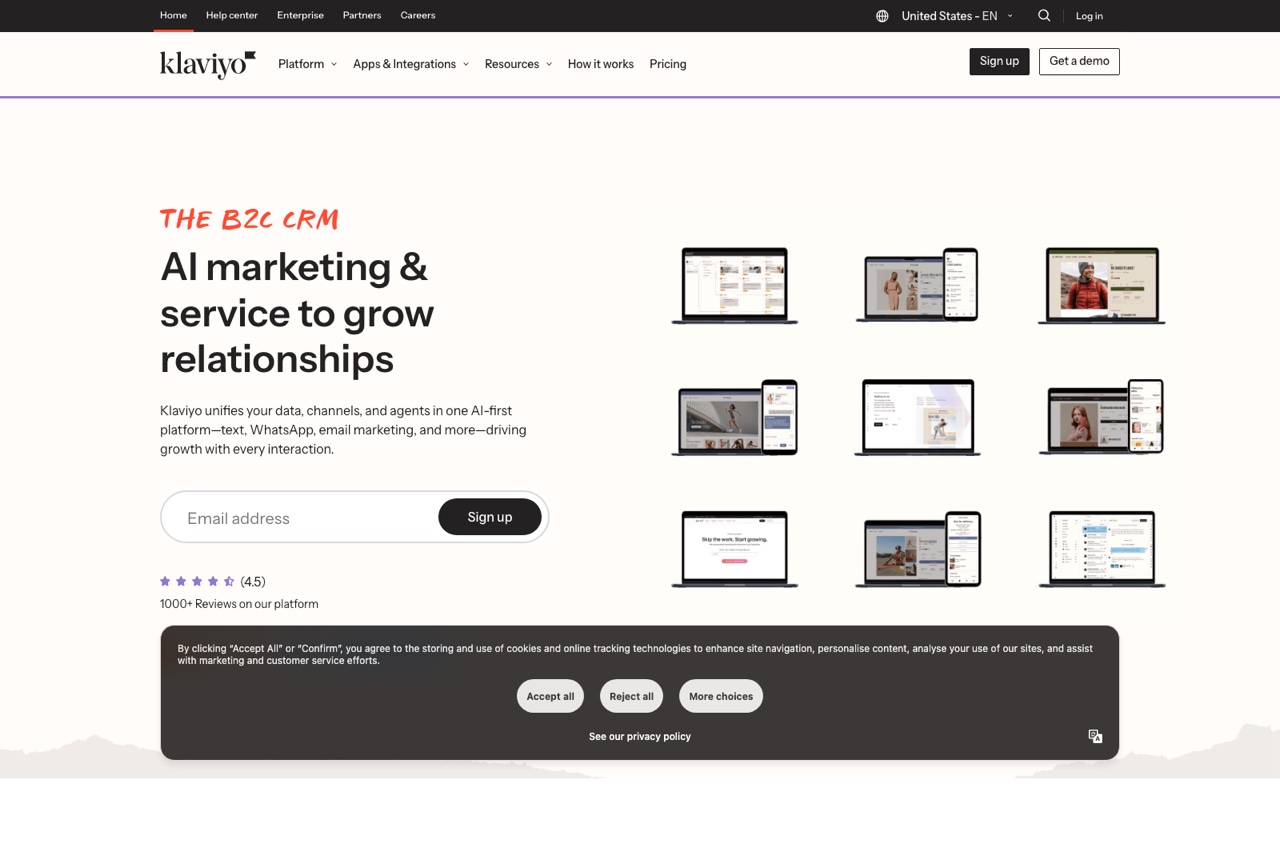
Audienceful runs popups, Shopify flows and campaigns on native Shopify data with revenue attribution per flow. Its AI agent and full MCP coverage can build campaigns, segments and flows for you, and the editor is collaborative with agency-designed templates. Run your own numbers in the Klaviyo pricing calculator, and see Audienceful vs Klaviyo, Audienceful vs Privy, Klaviyo pricing, Klaviyo alternatives and Privy alternatives for the wider shortlist.
FAQs
Does Privy integrate with Klaviyo?
Yes. Privy syncs new signups from each display into a Klaviyo list you choose, using a Klaviyo API key. The sync is one-way and does not move contacts captured before you set it up.
Can Klaviyo replace Privy popups?
Klaviyo has popup, flyout and embedded forms with targeting and Shopify discount codes. Rebuild each Privy display and test it before switching Privy off.
Do Privy contacts sync to Klaviyo segments?
No. Privy writes to Klaviyo lists. Build segments in Klaviyo from those lists and the properties you import.
Will I pay more in Klaviyo after importing Privy contacts?
Often, yes. Klaviyo bills on active profiles, which can include emailable Shopify customers as well as your Privy subscribers. Check the active-profile count after the Shopify sync finishes.
How do I move Privy SMS subscribers to Klaviyo?
Export only numbers with documented SMS consent, set up Klaviyo sending numbers first, import opt-outs, then import consenting numbers in E.164 format with their consent dates.
Can I keep Privy and Klaviyo together?
Yes. That is Path A. You pay for both tools, and you must add a sync rule to every display and enable Privy's Klaviyo cookie setting for abandonment emails.
Want popups and Shopify flows in one tool? Try Audienceful free and compare it with Klaviyo at your real profile count.
