The Klaviyo Shopify integration is free to install, takes under an hour to set up, and syncs your customers, orders, products, checkouts and on-site browsing into Klaviyo. What you pay for is Klaviyo's plan, billed on active profiles: free up to 250, then $30 a month at 1,000 and $150 at 10,000, checked 14 November 2026. This guide covers setup, the settings people miss, and what it costs as you grow. If the bill is the problem, Audienceful runs the same Shopify flows for less, covered near the end.
We make Audienceful, a competitor. Klaviyo's steps come from its Getting started with Shopify guide and Shopify data reference, and prices from its pricing page, all checked 14 November 2026.
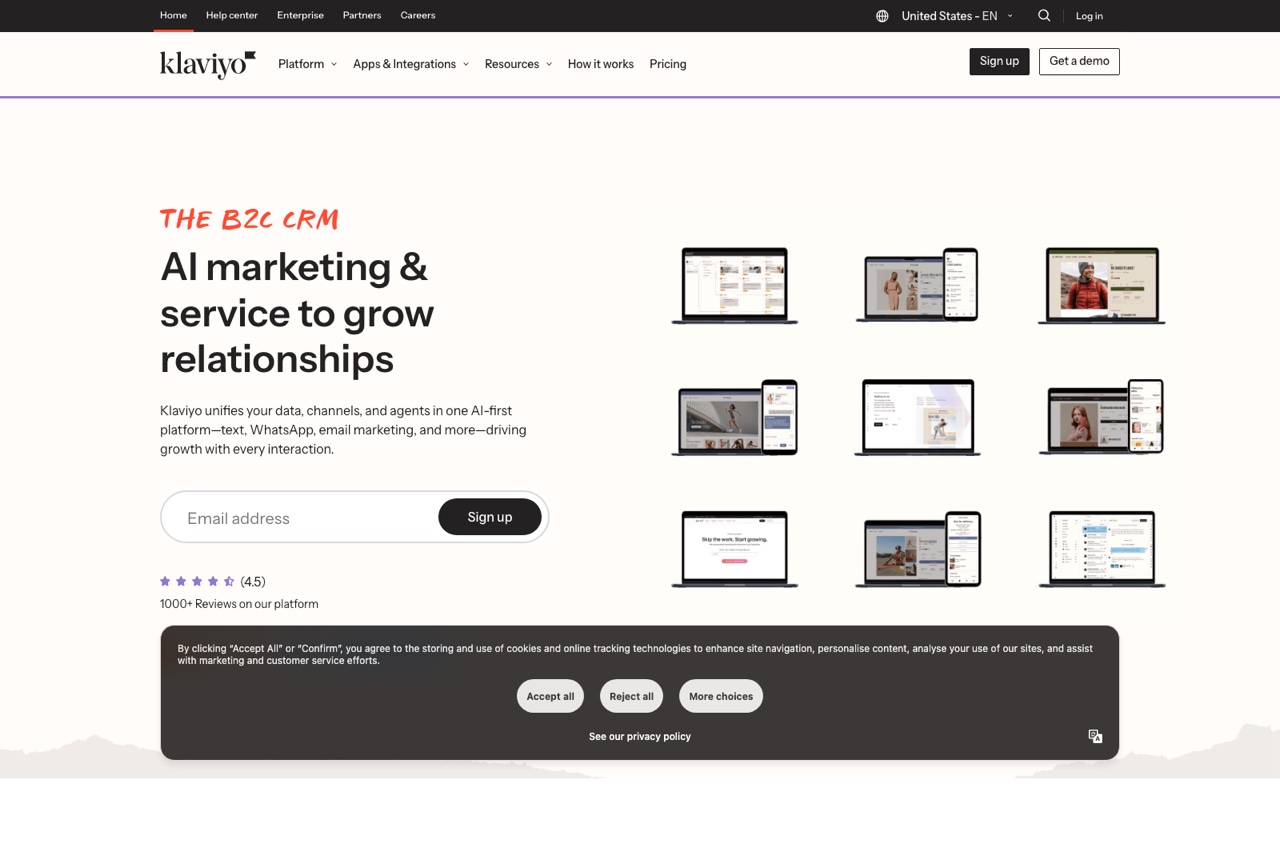
Klaviyo's website, from our competitor screenshot library. Not an in-app screen.
Klaviyo Shopify integration: the short answer
- Is it free? The app is free to install from the Shopify App Store. Klaviyo's free plan covers 250 active profiles and 500 emails a month. Most stores outgrow it quickly.
- How long does setup take? Under an hour for the connection and app embed. Historical data then syncs in the background.
- What does it cost? $30 a month at 1,000 active profiles, $150 at 10,000, $720 at 50,000 and $1,380 at 100,000 on the Email plan.
- Is it any good? Yes. It's the deepest Shopify integration in email marketing, rated 4.7 from 3,442 reviews on the App Store on 14 November 2026.
What the integration syncs
Shopify to Klaviyo
| Data | Notes |
|---|---|
| Customers and email consent | Shoppers who accept marketing at checkout or through a Shopify form join the list you choose |
| Placed Order | One event per purchase; Klaviyo recommends it for flow triggers and filters |
| Ordered Product | One event per item in the order |
| Started Checkout | Only fires once Shopify passes a valid email or phone number |
| Fulfilled, Cancelled and Refunded orders | Synced as order status changes |
| Product catalog | Powers product blocks and recommendations |
| Viewed Product, Active on Site | On by default once the app embed is on |
| Viewed Collection, Submitted Search, Added to Cart | On when you tick Track behavioral events |
| Shopify Markets | Optional, one Klaviyo account per store |
Klaviyo to Shopify
| Data | Notes |
|---|---|
| Contact info (name, email, phone) | Required if you sync all profiles; doesn't overwrite Shopify values |
| Locale | Can overwrite Shopify's value |
| Email and SMS subscription status | Keeps consent consistent in both systems |
| Email and SMS events | Shows engagement on the Shopify customer record |
| Selected custom properties | Chosen under Sync settings, To Shopify |
Historical data
Klaviyo's data reference says it syncs the last 90 days of orders and customers first, then older data going back up to 10 years by default. After that, new events arrive in real time. One catch: Klaviyo doesn't re-sync an event after it's recorded, so tags or edits you make to an order later won't appear in Klaviyo.
How to connect Klaviyo to Shopify, step by step
If you're coming from another email platform that's connected to Shopify, disconnect it first. Klaviyo warns that skipping this can send double opt-in emails to your existing subscribers.
- In Klaviyo, go to Integrations, then Explore apps. Search for Shopify, open the card and click Install.
- Enter your store URL in the
yourstore.myshopify.comformat. - Review Sync data from Shopify and Sync data to Shopify.
- Click Connect to Shopify, review the permissions, click Install app in Shopify, then Integrate in Klaviyo.
- Under Sync settings, open From Shopify. Tick the box to sync email subscribers and choose your main welcome-series list.
- If you run SMS, set up texting in Klaviyo first, then sync SMS subscribers to a separate list.
- Open the To Shopify tab and tick Sync Klaviyo profiles to Shopify. Choose Profiles that already exist in Shopify unless you want every Klaviyo profile created as a Shopify customer.
- Click Update Settings, then Update Integration.
- Check the Historical data section to watch the initial sync.
Turn on onsite tracking (the app embed)
This is the step people miss, and without it browse and cart flows never fire.
- In Klaviyo's Shopify settings, under Onsite Tracking, tick Track behavioral events and click Update Settings.
- Click Turn on in the banner to open Shopify.
- In your theme editor, open the App embeds tab and toggle on the Klaviyo embed.
- Click Save.
- Back in Klaviyo, refresh and confirm the green banner.
Klaviyo's sign-up forms also need the embed. And turn on Shopify Network Intelligence under Settings, Customer privacy in Shopify, or some events arrive without the shopper's identity and can't trigger flows.
The flows to turn on first
Klaviyo has pre-built flows for each of these. Start with them in this order, since it roughly matches where the revenue is:
- Abandoned checkout, triggered by Started Checkout
- Welcome series for new subscribers
- Browse abandonment, triggered by Viewed Product
- Added to cart, if you've turned on behavioral events
- Post-purchase, triggered by Placed Order
- Win-back, for customers who haven't ordered in a while
Our guide to Shopify email flows covers timing and copy for each, and our Shopify abandoned cart email post goes deeper on the first one.
Avoid double-sending
If Shopify's own abandoned checkout email is still on, shoppers get two reminders: Shopify's and Klaviyo's. Turn Shopify's off once Klaviyo's flow is live.
- In newer stores, it's an automation in Shopify Messaging built from the Recover abandoned checkout template. Pause it under Messaging's automations.
- In older stores, it may still be the legacy setting under Settings, Checkout.
Do the same for any Shopify Messaging welcome or post-purchase automations, and disconnect your previous email platform. Running Klaviyo and Shopify Email together for campaigns is fine; running two sets of automations isn't.
What Klaviyo costs on Shopify
Klaviyo bills on active profiles: everyone you can email or text, whether you mail them or not. That model took effect on 18 February 2025, and it's why bills grew for stores that never changed their sending. Suppressed profiles don't count, per Klaviyo's active profile guide.
| Active profiles | Klaviyo Email (monthly) |
|---|---|
| 250 | Free (500 emails a month) |
| 1,000 | $30 |
| 10,000 | $150 |
| 50,000 | $720 |
| 100,000 | $1,380 |
From Klaviyo's live Email selector, checked 14 November 2026. SMS is extra; the Shopify listing shows SMS from $15 a month for 1,250 credits, carrier fees included. Klaviyo may bill some charges outside your Shopify invoice.
Why the bill grows even when sends don't: every Shopify customer who accepts marketing becomes an active profile. A store that adds 2,000 buyers a month moves up a tier every few months without sending one extra email. Suppressing unengaged profiles is the main lever. Our Klaviyo pricing guide shows every tier, the Klaviyo pricing calculator prices your exact count, and reducing Klaviyo costs covers suppression.
Troubleshooting
| Symptom | Likely cause | Fix |
|---|---|---|
| Browse or cart flows never trigger | App embed off, often after a theme change | Re-enable the Klaviyo app embed in the theme editor and save |
| Events arrive with no profile attached | Shopify Network Intelligence off | Turn it on under Settings, Customer privacy |
| Missing older orders | Historical sync still running | Check the Historical data section; older data loads after the first 90 days |
| No events from EU or UK visitors | Consent settings | Klaviyo follows Shopify's Customer Privacy settings and may not track without consent |
| Existing subscribers got a double opt-in email | Previous email platform still connected | Disconnect it before connecting Klaviyo |
| Shopify tags edited in Klaviyo revert | Next sync overwrites them | Edit Shopify-synced properties in Shopify only |
| Product links point to myshopify.com | Catalog default | Ask Klaviyo support to switch to your storefront domain |
| Order edits don't show in Klaviyo | Events aren't re-synced | Expected behavior; build flows on the original event |
Klaviyo's Shopify troubleshooting guide covers more cases.
Limits and trade-offs
Klaviyo is excellent, and it has trade-offs merchants should weigh:
- Cost past 10,000 profiles. $150 at 10,000 rises to $720 at 50,000, a steeper curve than most alternatives.
- Profiles count whether you email them or not. Every opted-in buyer adds to the bill until suppressed.
- Complexity. The data model is deep, which is great for a team with a dedicated email marketer and slower for a two-person store.
Our Klaviyo too expensive post covers when the trade stops being worth it, and our full review of Klaviyo scores the rest of the platform.
Alternatives for Shopify stores
| Tool | Best for | Price at 10,000 contacts | Shopify integration | Automation depth | One honest drawback |
|---|---|---|---|---|---|
| Audienceful | Stores that want Klaviyo-style flows for less | $79 Essentials or $118 Growth, billed yearly | Native Shopify app | Ready-made flows, branching, custom events | Newer brand than Klaviyo |
| Shopify Email (Messaging) | Small stores sending a few campaigns | First 10,000 emails a month free, then $1 per 1,000 | Built into Shopify | Templates plus Shopify Flow | Thin segmentation and flow logic |
| Omnisend | Stores wanting email, SMS and push in one easy app | $132 Standard, $150 Pro | Shopify app | Good pre-built workflows | Pro costs the same as Klaviyo at 10,000 |
Shopify rates from our Mailchimp vs Shopify Email comparison; Omnisend from our Omnisend review. For the Shopify Email side in depth, read Shopify Email vs Klaviyo. Using Mailchimp instead? See Mailchimp and Shopify.
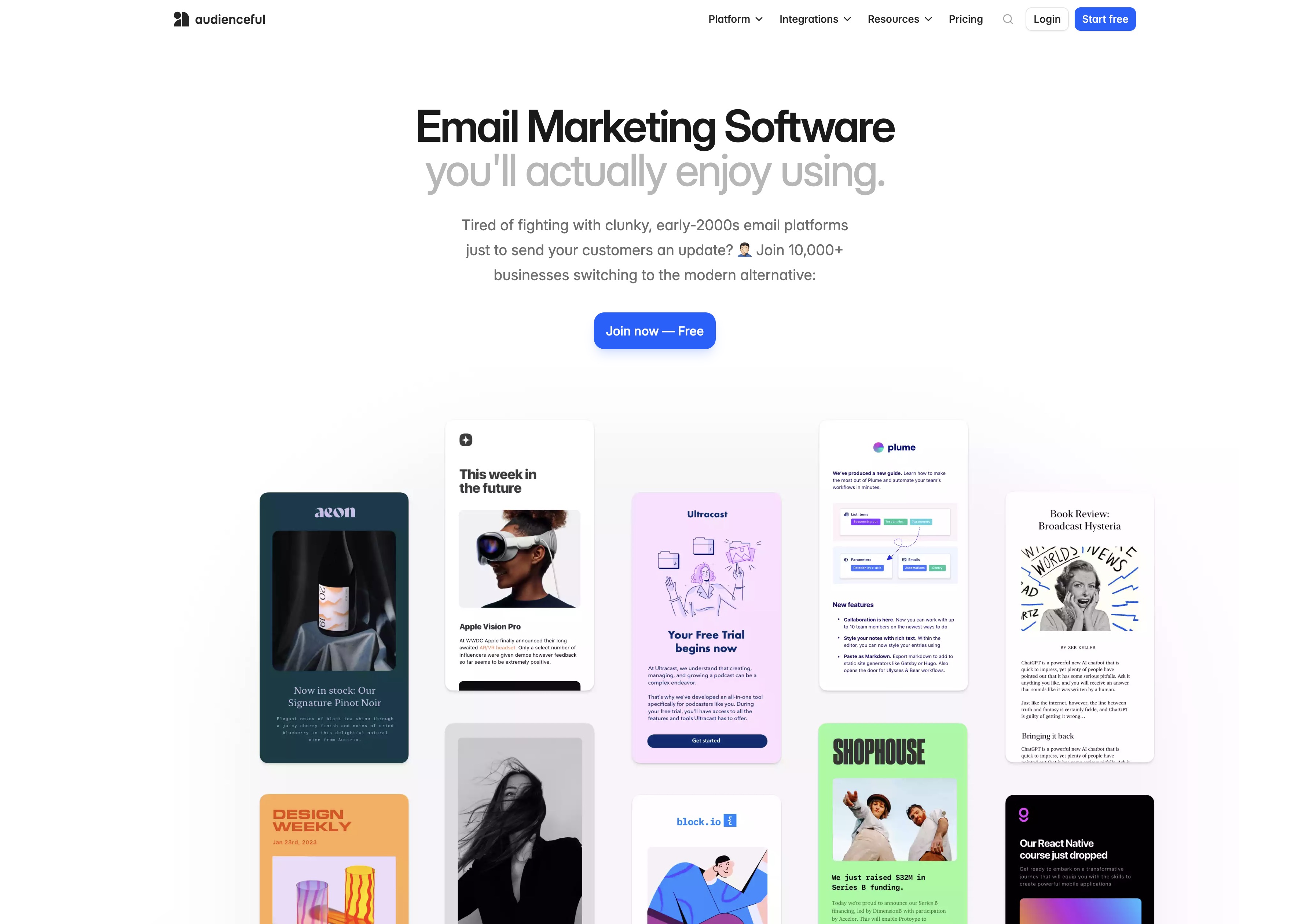
Audienceful (disclosure: our product) installs from the Shopify App Store and bills on your Shopify invoice. It syncs customers, orders, products, checkouts and carts, imports your order history, and keeps email consent in sync both ways. Its app embed shows popups and picks up product views and add-to-carts. The Shopify flow library has welcome, browse abandonment, added to cart, abandoned checkout, post-purchase, review request, replenishment, VIP and win-back flows with triggers set. Revenue attribution credits orders to each email and flow, and the AI agent builds segments and flows from a short brief.
| Contacts | Klaviyo Email (monthly) | Audienceful Essentials (yearly) | Audienceful Growth (yearly) |
|---|---|---|---|
| 1,000 | $30 | Free plan | Free plan |
| 10,000 | $150 | $79 | $118 |
| 50,000 | $720 | $272 | $309 |
| 100,000 | $1,380 | n/a | $499 |
Audienceful prices from our pricing page, checked 14 November 2026. Essentials runs three automated flows; Growth has unlimited automations. The Shopify connection guide covers setup. See also Audienceful vs Klaviyo and our Klaviyo alternatives list.
Switching from Klaviyo on Shopify
Export profiles with consent status and your suppression list, connect the new platform to Shopify, import suppressions first, then rebuild flows one at a time, switching each Klaviyo flow to draft the day its replacement goes live. Our Klaviyo migration guide has every step.
FAQs
Is Klaviyo free with Shopify?
The app is free to install, and Klaviyo's free plan covers 250 active profiles and 500 emails a month. Past that you pay for a plan, $30 a month at 1,000 profiles on the Email plan, checked 14 November 2026.
How much does Klaviyo cost for a Shopify store?
On the Email plan: $30 a month at 1,000 active profiles, $150 at 10,000, $720 at 50,000 and $1,380 at 100,000. SMS is extra. Klaviyo bills on active profiles, so opted-in customers count whether you email them or not.
How do I connect Klaviyo to Shopify?
In Klaviyo, go to Integrations, Explore apps, find Shopify and click Install. Enter your myshopify.com URL, approve the app in Shopify, choose your subscriber list under Sync settings, then turn on the Klaviyo app embed in your theme editor.
Why isn't Klaviyo syncing with Shopify?
The usual causes are the app embed being off after a theme change, Shopify Network Intelligence being off, the historical sync still running, or EU consent settings blocking tracking. Check the troubleshooting table above.
Does Klaviyo sync email consent back to Shopify?
Yes, if you turn on Sync Klaviyo profiles to Shopify and include email subscription in the profile data. SMS consent syncs from Shopify only when someone first subscribes there.
Should I use Klaviyo or Shopify Email?
Shopify Email suits small stores sending a few campaigns, with 10,000 free emails a month. Klaviyo suits stores that want deep segments and many flows. Our Shopify Email vs Klaviyo comparison goes through the trade-offs.
Can I use Klaviyo and Shopify Email together?
Yes, but don't run the same automation in both. If Klaviyo sends your abandoned checkout flow, turn off Shopify's Recover abandoned checkout automation so shoppers don't get two reminders.
Want Klaviyo-style Shopify flows for less? Install Audienceful and start free, or read the migration guide first.
