WooCommerce email marketing means adding a tool that WooCommerce doesn't include: WooCommerce sends order and account notifications, and nothing else. You pick either a WordPress plugin that runs inside your site or a hosted platform that syncs your customers, then build six flows (welcome, abandoned cart, post-purchase, review request, replenishment, win-back) and a regular campaign. Audienceful's WooCommerce integration syncs your customers and buyers so you can segment by purchase history and run post-purchase automations from a hosted platform.
This guide covers what WooCommerce does on its own, how to choose between a plugin and a platform, the flows with timing, and how to grow and segment the list. Prices were checked on vendor pages on 14 November 2026. We make Audienceful, and we've tried to keep the plugin advice fair, because for some stores a plugin is the right answer.
What WooCommerce email marketing covers out of the box
WooCommerce's email settings handle transactional messages: new order, processing, completed, refunded, failed, cancelled, password reset and new account. You can change the sender name, the colors and a footer line. There's an optional review request after a completed order, off by default.
That's the whole list. There is no newsletter, no welcome series, no segment builder and no win-back. Abandoned cart had a short life in core: WooCommerce 11.0 shipped abandoned cart emails as an experimental, default-off feature, and the 11.2 release notes removed it, cancelling any queued recovery actions on upgrade. If you switched it on over the summer, it's gone now, and you need a plugin or platform for cart recovery.
| Job | WooCommerce core | WordPress email plugin | Hosted email platform |
|---|---|---|---|
| Order and account emails | Yes | Some restyle them | Some send them |
| Newsletters and campaigns | No | Yes | Yes |
| Welcome and post-purchase flows | No | Yes | Yes |
| Abandoned cart | Removed in 11.2 | Yes, in most | Yes, depending on cart data |
| Segments by purchase history | No | Yes | Yes |
| Sending and deliverability | Your web host's mail | Plugin's service or your SMTP | The platform's job |
| Revenue reporting per email | No | Basic in some | Yes in most |
WooCommerce plugin or hosted platform
This is the decision that shapes everything else, so it's worth getting right before you build a single flow.
WordPress plugins such as MailPoet, FluentCRM and AutomateWoo run inside your site. They read WooCommerce orders directly from your database, so setup is quick and there's no sync to break. FluentCRM charges a license rather than a per-contact fee, and AutomateWoo is a flat €144 a year on WooCommerce.com. For a small list, plugins are usually the cheapest route.
The catch is sending. MailPoet's own WordPress.org listing warns against sending through your web host because of speed limits and spam risk. So you either pay for the plugin's sending service or wire up SMTP through Amazon SES or similar. Then authentication, bounce handling and blocklist monitoring are your job. Big sends also run through WordPress's scheduler, which adds load to the same server that's taking orders.
Hosted platforms such as Klaviyo, Omnisend, Mailchimp and Audienceful sync your store data to their servers. Sending, bounces and reputation are theirs to manage, the heavy jobs run off your server, and reporting is usually deeper. You pay per contact, and your customer data lives in two places.
A rough rule:
- Under a few thousand contacts, with someone comfortable managing SMTP: a plugin is a reasonable place to start.
- Email is a real revenue line, or the person running it isn't technical: a hosted platform pays for itself in deliverability and time saved.
- You also sell on Shopify or bill through Stripe: a hosted platform that connects all of them saves running two email tools.
Our best email marketing for WooCommerce roundup compares nine tools one by one, with ratings and drawbacks.
What WooCommerce email tools cost
USD, regular monthly price for email only, checked 14 November 2026 on each vendor's pricing page. Taxes, SMS and add-ons excluded.
| Contacts | Klaviyo Email | Omnisend Standard | Mailchimp Standard | Audienceful Growth (yearly) |
|---|---|---|---|---|
| 1,000 | $30 | $20 | On vendor selector | Free plan |
| 10,000 | $150 | $132 | $135 | $118 |
| 50,000 | $720 | $413 | $450 | $309 |
| 100,000 | $1,380 | $900 | On vendor selector | $499 |
Sources: Klaviyo, Omnisend, Mailchimp and Audienceful. Audienceful Growth includes unlimited automations. Essentials is $79 a month billed yearly at 10,000 contacts with three flows.
Plugins price differently. MailPoet sets prices on a slider with a free Starter plan for small lists, FluentCRM sells a Pro license and you pay your SMTP provider for sending, and AutomateWoo is a flat yearly fee. Add the sending cost before you compare.
How Audienceful works with WooCommerce
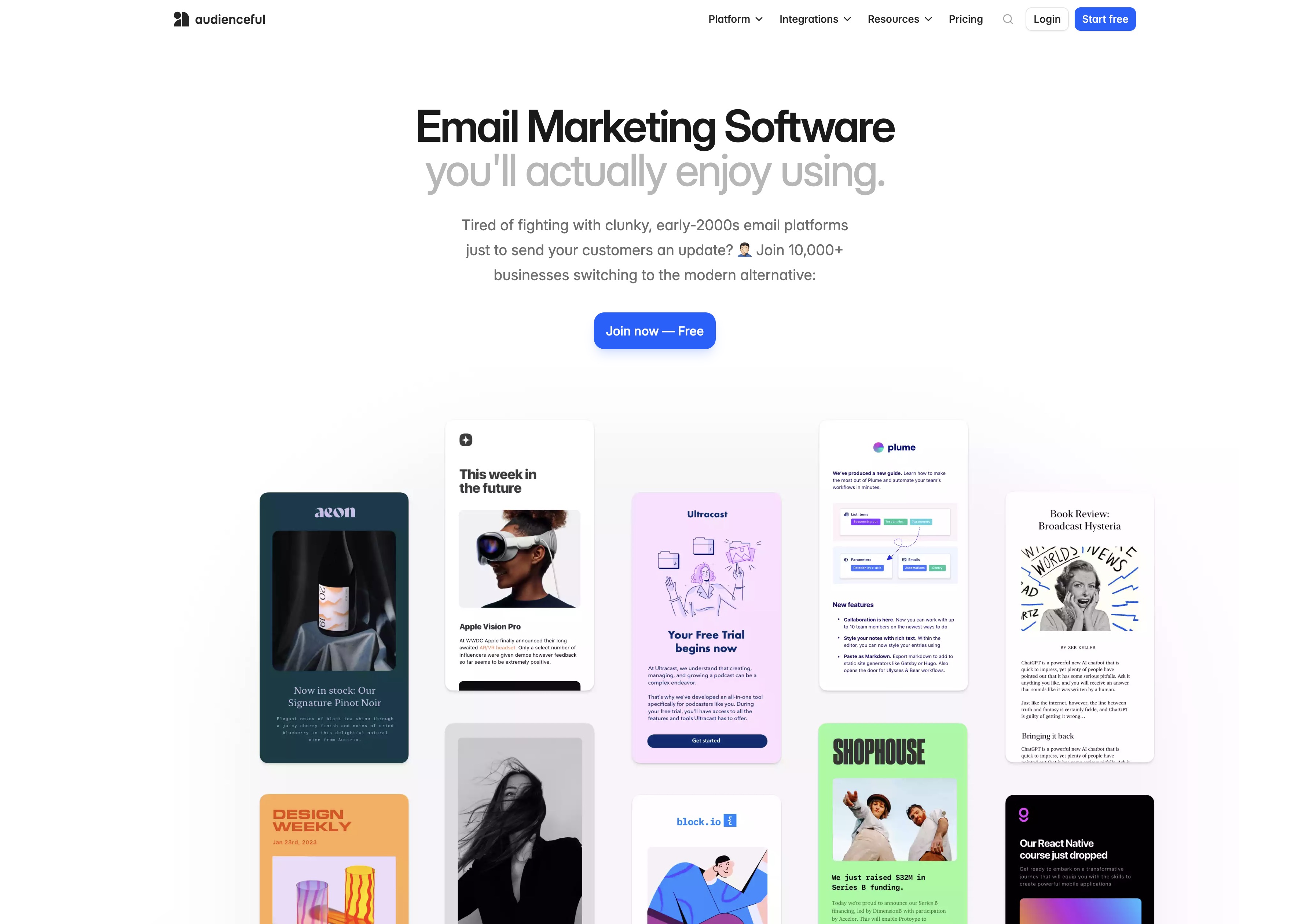
The WooCommerce integration imports your WooCommerce customers and subscribers into Audienceful automatically. From there you segment by purchase history, order value or product interest, and send product campaigns and automated post-purchase sequences: a thank-you, a review request, related products.
For anything store-specific beyond that, custom automation events let you start a flow from any event you send through the API or Zapier. A WooCommerce hook for a subscription renewal, a wholesale order or a cart captured by a plugin can all become triggers. That part takes some wiring, which is the honest difference from Shopify, where our native app syncs carts and checkouts without it.
Around that, you get revenue attribution per campaign and per flow, a collaborative editor where your team edits the same email at once, templates designed by email agencies, and an AI agent that drafts campaigns, builds segments and sets up automations from a short brief. The MCP server gives Claude or ChatGPT the same access. Deliverability tooling includes manual sender approval, gradual sending and spam testing.
The six WooCommerce email flows every store needs
Build these in order. The first three earn most of the automated revenue for a typical store.
| Flow | Trigger | Timing | Exit when |
|---|---|---|---|
| Welcome | Newsletter signup or account created | Email 1 instantly, email 2 day 2, email 3 day 5 | First order placed |
| Abandoned cart | Cart captured with an email address | 1 hour, 24 hours, 48 hours | Order placed |
| Post-purchase | Order completed | Day 0 thank-you, day 7 how-to or cross-sell | Never (short flow) |
| Review request | Order completed | 10 to 14 days after delivery | Review left |
| Replenishment | Order containing a consumable | Product's usage cycle minus 5 days | Reorder placed |
| Win-back | No order in 60 to 90 days | Day 60, day 75, day 90 | Order placed |
Welcome. The highest-engagement email you'll send. Deliver any promised discount in email 1, then use emails 2 and 3 for best sellers and the reason your store exists. Our Shopify welcome email guide has copy you can adapt for Woo.
Abandoned cart. Three emails is the common pattern. Hold any discount for the third. The trick on WooCommerce is capturing the email before checkout completes, which the WooCommerce abandoned cart email guide covers step by step.
Post-purchase. Confirm, set expectations, then teach. A how-to email a week after the order cuts returns and support tickets. A cross-sell works better in email 2 than email 1.
Review request. Time it from delivery, not from order. If you don't track delivery, add your typical shipping time to the order date. Ask for one review, link straight to the form, and stop the flow when a review arrives.
Replenishment. Only for products that run out. If a bottle lasts 30 days, send on day 25. Segment by the product purchased so the email names it.
Win-back. For customers who haven't ordered in 60 to 90 days, depending on your buying cycle. Lead with what's new. Save the discount for the last email in the sequence.
Growing your WooCommerce email list
You can only email people who agreed to it. On WooCommerce that means three places to collect consent.
- Checkout opt-in. Add an unticked "Email me offers and news" checkbox at checkout. Most email plugins and platforms add one for you. A pre-ticked box doesn't count as consent in the EU or UK.
- Popup or embedded form. A popup offering 10% off or free shipping on the first order is still the biggest list builder for most stores. Show it after 10 to 15 seconds or on exit intent, not the moment the page loads. Audienceful's popup forms work on any WordPress site.
- Account creation. Customers who create an account can tick a marketing box at the same time.
Keep transactional and marketing consent separate. Someone who bought from you can get order emails, but under GDPR and similar rules they haven't agreed to newsletters unless they opted in. If you're importing an existing list, the list import guide explains how to carry consent status across.
Segmenting WooCommerce customers
WooCommerce order data gives you more to work with than most stores use. Our ecommerce email segmentation guide goes further; a few segments that earn their place:
- First-time buyers: one order. Send them the second-purchase push.
- Repeat buyers: three or more orders. Early access and no discounts needed.
- High AOV: average order value above your 75th percentile. Premium products and bundles.
- Category buyers: bought from a category. New arrivals from that category only.
- Lapsed: no order in 90+ days. The win-back flow.
- Subscribers who never bought: opted in, no orders. Social proof and the welcome offer again.
The more you segment, the less you need to discount. A full-list 20% off email trains everyone to wait for the next one.
WooCommerce email deliverability
An SMTP plugin such as WP Mail SMTP fixes delivery of WooCommerce's own emails. It routes order confirmations through a real mail service instead of your host's PHP mail, which often lands in spam. It doesn't give you campaigns, segments or automations. You still need an email marketing tool on top.
Whatever you send with, set up authentication on your domain before the first campaign:
- SPF lists the services allowed to send for your domain.
- DKIM signs your mail so inbox providers can check it wasn't altered.
- DMARC tells providers what to do with mail that fails, and is required by Gmail and Yahoo for bulk senders.
Our explainer on SPF, DKIM and DMARC shows each record, and the email deliverability checklist covers list hygiene, warm-up and complaint rates. Send marketing from a subdomain such as news.yourstore.com so a bad campaign can't drag down your order confirmations.
Measuring revenue per WooCommerce email
Opens are unreliable since Apple Mail Privacy Protection. Measure clicks and money instead:
- Revenue per recipient for campaigns: revenue attributed to the send divided by the number of people it went to.
- Revenue per flow per month for automations. A cart flow that earns less than it did last quarter usually has a capture problem, not a copy problem.
- Unsubscribe and complaint rate per send. Complaints above 0.1% are a warning sign with Gmail.
Plugins report clicks and sometimes orders. Hosted platforms usually attribute orders to the email that drove them within a window you set. Our guide to revenue attribution explains how the windows work and why the number will never exactly match your store's own reports. To turn those numbers into a return figure with every cost included, see our guide to email marketing ROI for ecommerce.
If you're weighing a move from another platform, Audienceful vs Klaviyo and Audienceful vs Mailchimp compare features and price, and our Klaviyo alternatives and Mailchimp alternatives cover the wider market.
FAQs
Does WooCommerce have built-in email marketing?
No. WooCommerce sends order and account emails plus an optional review request. An experimental abandoned cart email appeared in WooCommerce 11.0 and was removed in 11.2. Newsletters, segments and automations need a plugin or a hosted email platform.
Is MailPoet enough for WooCommerce?
For a small store that wants everything inside WordPress, often yes. MailPoet covers abandoned cart, first purchase and product-based automations, with segments on order count and spend. Stores outgrow it when they want deeper automation logic, revenue reporting or sending off their own server.
Can I use Mailchimp with WooCommerce?
Yes. Mailchimp for WooCommerce is an official free plugin that syncs customers and orders and supports abandoned cart automations. Product categories don't sync, and the Standard plan costs $135 a month at 10,000 contacts.
What's the best free email marketing plugin for WooCommerce?
MailPoet and FluentCRM both have free versions. MailPoet's free Starter plan includes its sending service for a small list. FluentCRM's core plugin is free if you supply your own SMTP service. For cart recovery alone, the free Cart Abandonment Recovery plugin has 300,000+ active installs.
Do I need an SMTP plugin?
Usually, yes, for WooCommerce's own order emails, because many web hosts send PHP mail that lands in spam. An SMTP plugin fixes delivery only. It doesn't send campaigns or run automations, so you still need an email marketing tool.
Ready to run your WooCommerce email from one hosted platform? Start free with Audienceful, connect WooCommerce, and set up your first post-purchase flow on real order data.
