The best email marketing for WooCommerce depends on one choice first: a WordPress plugin that runs inside your site, or a hosted platform that syncs your store over an official integration. Audienceful is our pick for stores that want purchase-based segments, automations, revenue reporting and an AI agent in a hosted platform. MailPoet and FluentCRM are the strongest plugin options, and Klaviyo, Omnisend and Mailchimp are the familiar hosted names with official WooCommerce plugins.
We make Audienceful, so it goes first. Every other tool below was checked against the vendor's own pricing page, help doc or WordPress.org listing on 14 November 2026. Screenshots come from our competitor library and show each vendor's website, not its WooCommerce settings screen.
Best email marketing for WooCommerce: Best for use case
| Tool | Best for use case | Type | Price at 10K contacts |
|---|---|---|---|
| Audienceful | Purchase-based automation, collaborative campaigns and an AI agent | Hosted platform | $79/month billed yearly |
| Klaviyo | Deep event tracking and a large flow library | Hosted, official Woo extension | $150/month |
| Omnisend | Email and SMS with a well-rated Woo plugin | Hosted, official WordPress plugin | $132/month |
| MailPoet | Running email from the WordPress dashboard | WordPress plugin with sending service | On MailPoet's selector |
| FluentCRM | Self-hosted CRM and email with no per-contact fee | WordPress plugin, your own SMTP | Pro license plus SMTP cost |
| Mailchimp | General newsletters plus store reminders | Hosted, official WordPress plugin | $135/month (Standard) |
| MailerLite | A lower-cost hosted newsletter tool | Hosted, official WordPress plugin | $80.10/month billed yearly |
| Brevo | Email volume pricing and transactional email | Hosted, official WordPress plugin | Priced by emails sent |
| AutomateWoo | Adding automations to an existing setup | WooCommerce extension | €144/year flat |
What WooCommerce sends on its own
WooCommerce's email settings cover order and account notifications: new order, processing, completed, refunded, failed, cancelled, password reset and new account. The only optional extra is a review request after a completed order, off by default.
That leaves out everything a store uses to make money from email. There's no welcome series, no abandoned cart reminder, no newsletter, no win-back and no segment of customers who bought a certain product. Those all need a separate tool. Our WooCommerce email marketing setup guide covers the six flows to build first.
Plugin or platform: the real WooCommerce decision
WordPress plugins such as MailPoet, FluentCRM and AutomateWoo live inside your site. Your customer list and automations sit in your WordPress database, and the plugin reads WooCommerce orders directly. That makes setup quick and keeps costs low, especially for FluentCRM, which charges for a license rather than per contact.
The trade-off is sending. MailPoet's own WordPress.org listing advises against sending through your web host because of speed limits and spam-folder risk. Plugins either route mail through a paid sending service (MailPoet's) or through an SMTP provider you configure, such as Amazon SES. You then own authentication, bounce handling and reputation monitoring yourself. Large campaigns also run through WordPress's scheduler, which can add load to a busy shop.
Hosted platforms sync store data to their own servers over an official plugin or API. Sending, bounce handling and deliverability monitoring are the vendor's job, and the platform's servers do the heavy lifting. You pay per contact, and your data lives in two places.
For a store under a few thousand contacts with someone comfortable managing SMTP, a plugin is a reasonable start. Once email is a real revenue channel, most stores move to a hosted platform so deliverability, reporting and automation depth stop being a side project. Our email deliverability checklist covers what you take on either way.
Audienceful: for stores that want automations, reporting and an AI agent

Audienceful is a hosted email platform with a WooCommerce integration that brings your customers and their purchase history in. You can segment by products bought, order value or how recently someone ordered, then send campaigns or run automations against those segments. Post-purchase thank-yous, review requests and cross-sell sequences are the usual first flows.
If you already run Zapier, the Zapier connection and custom automation events let any WooCommerce hook start a flow. That covers store-specific triggers such as a subscription renewal or a wholesale order tag.
Revenue attribution shows what each campaign and automation earned. The collaborative editor lets a copywriter, designer and owner work on the same email at once, and agency-designed templates give you a starting layout. The built-in AI agent drafts campaigns, builds segments and sets up automations from a short brief, and the MCP server lets outside agents like Claude or ChatGPT do the same work. Deliverability monitoring watches reputation, blocklists and inbox placement on Growth.
- Best for: WooCommerce stores that treat email as a revenue channel and want one hosted tool for campaigns, automations and reporting.
- Starting price at 10K contacts: $79/month billed yearly on Essentials ($99 monthly), or $118/month billed yearly on Growth with unlimited automations. Klaviyo's Email plan is $150 and Omnisend Standard is $132 at the same size.
- Ecommerce integrations: WooCommerce, Shopify (native app), Stripe, BigCommerce and Zapier.
- Automation depth: branching workflows with conditions, waits, tags and goals, plus custom events.
- One honest drawback: it isn't a WordPress plugin, so your list lives outside WordPress and you manage it in Audienceful's app.
See current plans for every tier.
Klaviyo: for deep event tracking
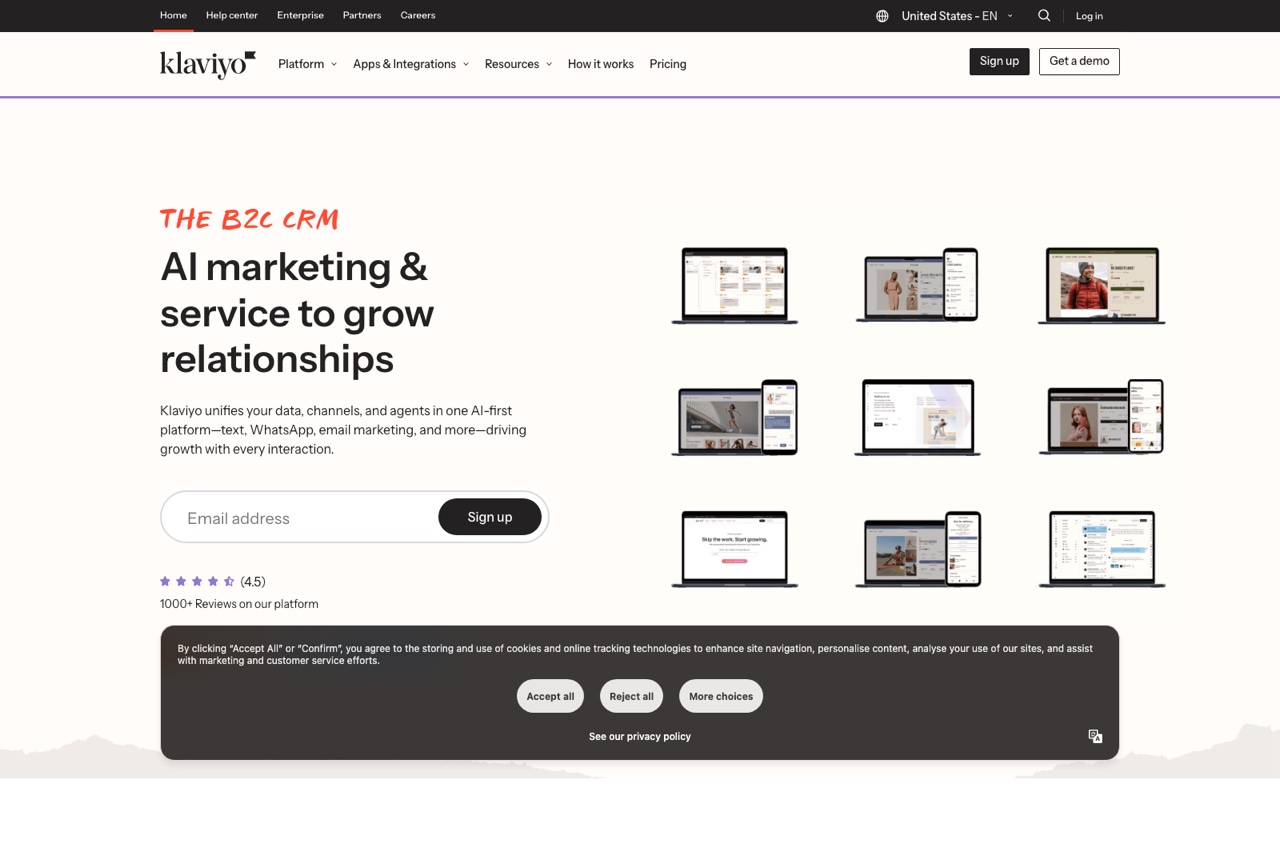
Klaviyo connects through an official extension from the WooCommerce Marketplace, then links to your Klaviyo account. Its WooCommerce data reference lists Started Checkout, Added to Cart, Placed Order, Fulfilled Order, Ordered Product, Cancelled, Refunded, Viewed Product and Active on Site. That's one of the most complete event sets for Woo.
- Best for: larger WooCommerce stores that want detailed behavioral flows.
- Starting price at 10K contacts: $150/month on the Email plan (pricing).
- Ecommerce integrations: official WooCommerce extension; see the setup guide.
- Automation depth: flows on any synced event, with cart-rebuild links for recovery.
- One honest drawback: billing follows active profiles, so the bill climbs as your list grows even if you mail only part of it.
Our Klaviyo pricing breakdown and Audienceful vs Klaviyo cover the cost in detail.
Omnisend: for email and SMS with a well-rated plugin

Omnisend's WordPress plugin has a 4.9 rating from 169 reviews and 40,000+ active installs. It syncs contacts, orders and products from the WooCommerce API and includes abandoned cart reminders.
- Best for: stores that want email and SMS from one vendor.
- Starting price at 10K contacts: $132/month on Standard (pricing).
- Ecommerce integrations: official WordPress plugin with real-time sync.
- Automation depth: prebuilt ecommerce workflows; custom workflow options vary by plan.
- One honest drawback: SMS spend and the email-send allowance need their own calculation.
See our Omnisend alternatives for the wider picture.
MailPoet: for email inside the WordPress dashboard
MailPoet is the most installed email plugin on this list, with 500,000+ active installs and a 4.4 rating from 1,435 reviews on WordPress.org. Its WooCommerce automations include abandoned cart, first-purchase welcome, product and category upsells and order status emails. Segments can use country, order count, total spend and WooCommerce Subscriptions status.
- Best for: small stores that want to stay inside WordPress.
- Starting price at 10K contacts: set on the slider at MailPoet's pricing page; the free Starter plan covers 500 subscribers and 5,000 emails a month with MailPoet's sending service.
- Ecommerce integrations: reads WooCommerce directly as a WordPress plugin.
- Automation depth: solid ecommerce templates; win-back, review follow-ups and multi-condition segments need a paid plan.
- One honest drawback: automations and reports run inside WordPress, so a busy store needs to watch site performance.
Outgrowing it? Our guide to MailPoet alternatives compares the next step up.
FluentCRM: for a self-hosted CRM with no contact fees
FluentCRM's free core plugin has 80,000+ active installs and a 4.8 rating on WordPress.org. It segments by purchased products, categories and lifetime value, triggers emails on purchases and refunds, and lists abandoned cart for WooCommerce. You send through your own SMTP service; FluentCRM recommends Amazon SES.
- Best for: technical store owners who want low running costs and full control.
- Starting price at 10K contacts: a Pro license from FluentCRM's pricing page, plus your SMTP provider's sending fees.
- Ecommerce integrations: WordPress-native; some integrations are Pro-only.
- Automation depth: visual funnels with WooCommerce triggers and CRM fields.
- One honest drawback: you own deliverability, bounce handling and server load.
Mailchimp: for newsletters with store reminders
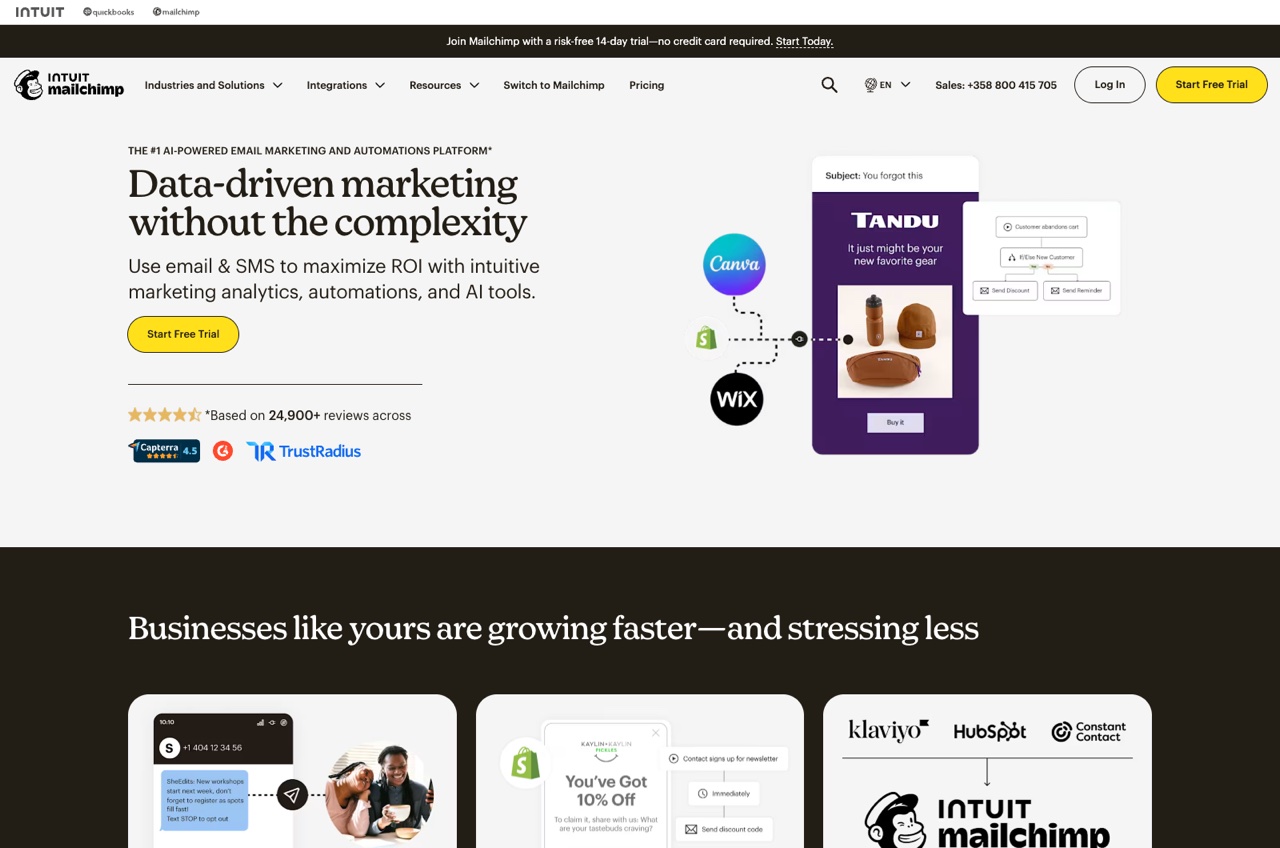
Mailchimp for WooCommerce has 200,000+ active installs and a 4 rating from 726 reviews. It syncs names, emails and orders, and saves carts for abandoned cart automations. Product categories don't sync.
- Best for: stores whose email is mostly newsletters and announcements.
- Starting price at 10K contacts: $135/month on Standard (pricing).
- Ecommerce integrations: official free plugin with OAuth setup.
- Automation depth: plan-dependent; Essentials caps flow length, Standard goes further.
- One honest drawback: contacts, send limits and plan tiers all move the bill.
Our Mailchimp alternatives guide compares it with the rest of the market.
MailerLite: for a lower-cost hosted newsletter
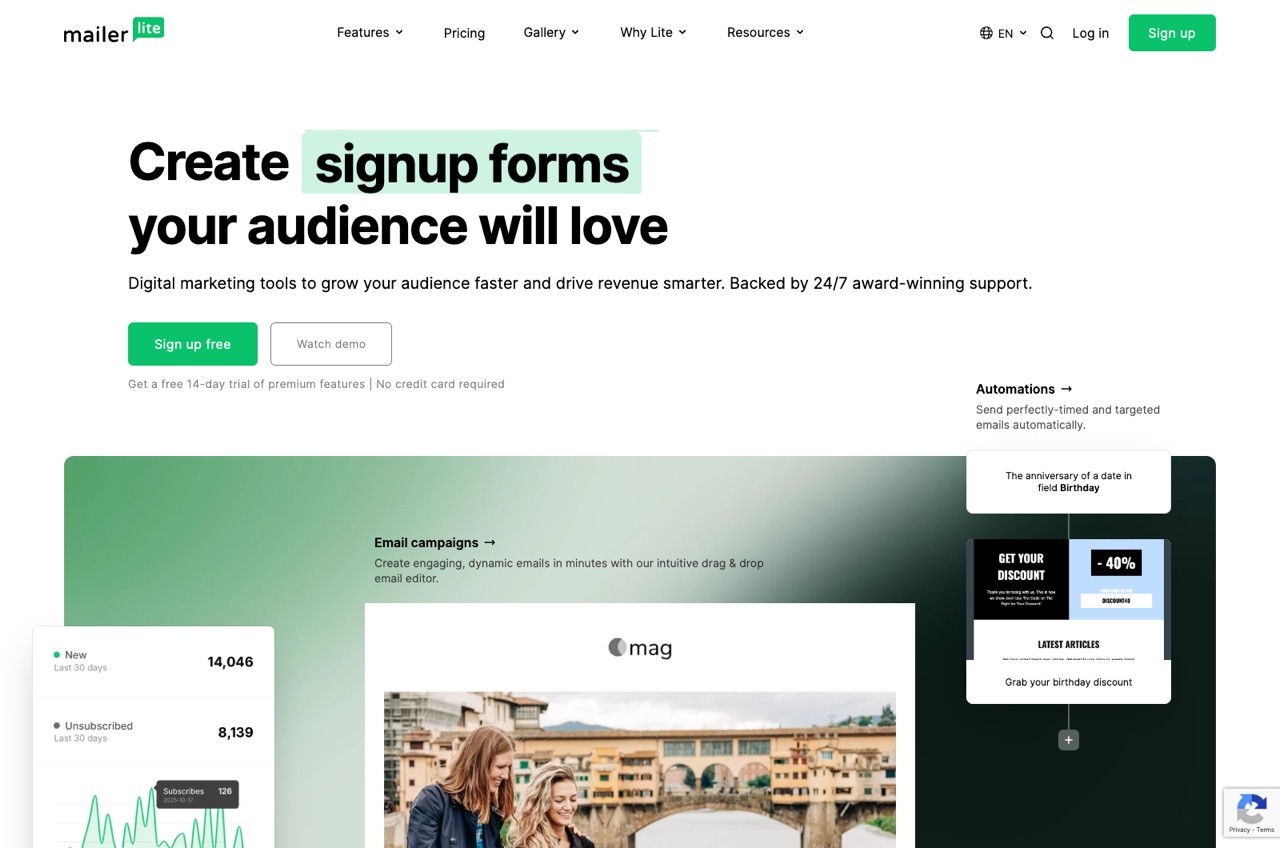
MailerLite's WooCommerce plugin syncs orders and products, supports purchase-based segments and includes abandoned cart emails. Its rating is 2.8 from 65 reviews, and the listing notes it hasn't been tested with the latest three major WordPress releases.
- Best for: newsletter-first stores on a tight budget.
- Starting price at 10K contacts: $80.10/month billed yearly on Comfort (pricing).
- Ecommerce integrations: official WordPress plugin.
- Automation depth: Comfort includes 50 active automations; Power is unlimited.
- One honest drawback: recent plugin reviews report subscriber-status problems after orders, so test it on staging first.
Brevo: for volume-based pricing
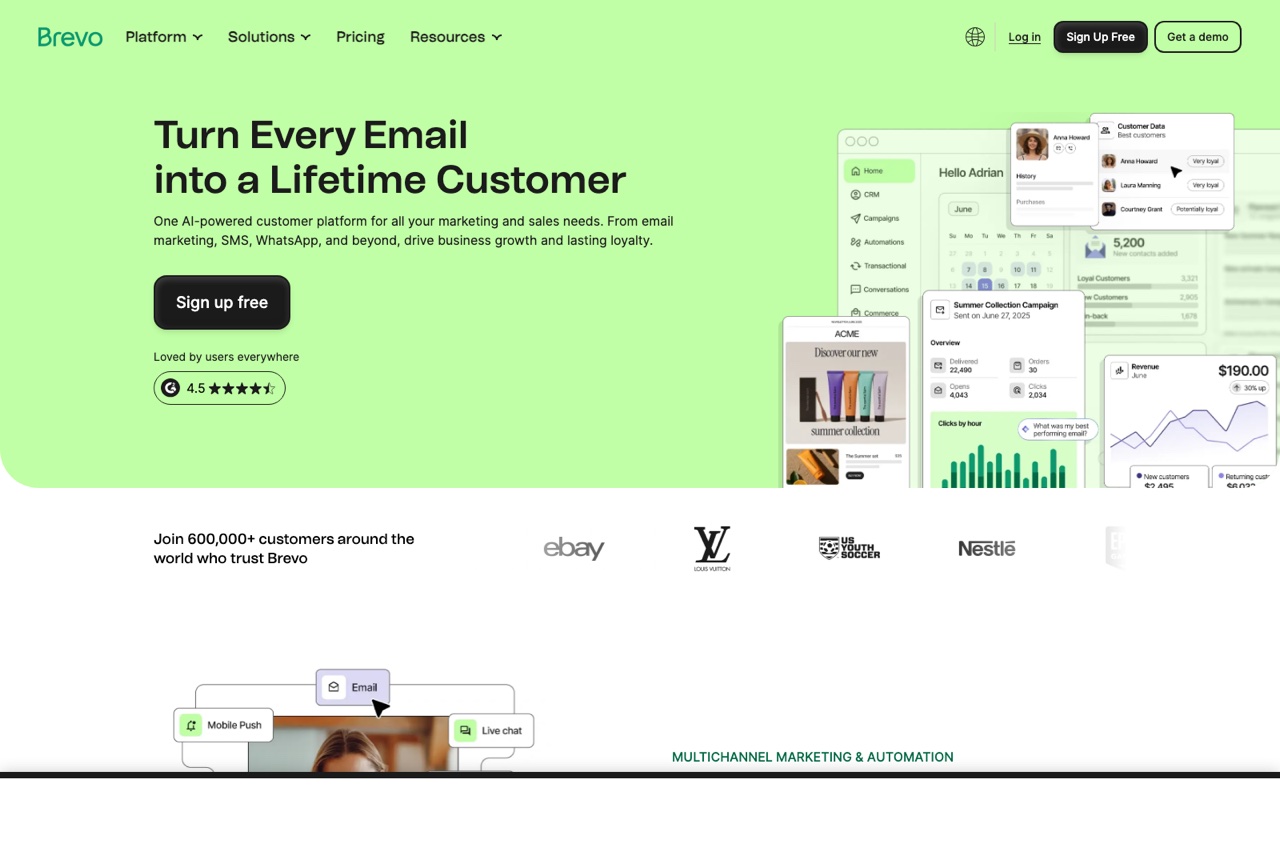
Brevo's WooCommerce plugin syncs customers, subscribers and orders and offers an abandoned cart trigger. It rates 3.6 from 60 reviews. Brevo prices by emails sent, with unlimited contacts on every plan; the plugin FAQ quotes a free plan of 9,000 emails a month (300 a day).
- Best for: stores that also need transactional email or SMS on one bill.
- Starting price at 10K contacts: depends on monthly sends; see Brevo's pricing.
- Ecommerce integrations: official WordPress plugin over the Brevo API.
- Automation depth: multi-step automation on Standard and up.
- One honest drawback: the daily cap on the free plan rules it out for full-list campaigns.
AutomateWoo: for adding automations to what you have
AutomateWoo is made by Woo and sold as a single extension: €144 for a year, with unlimited email sending. It runs workflows on WooCommerce events, captures guest emails at checkout and includes abandoned cart. It rates 3.5 from 28 reviews.
- Best for: stores that send campaigns elsewhere and want order-triggered follow-ups in WordPress.
- Starting price at 10K contacts: €144/year flat, plus whatever SMTP service sends the mail.
- Ecommerce integrations: native to WooCommerce.
- Automation depth: strong for triggers and timing; no campaign or newsletter tool.
- One honest drawback: you still need a separate tool for newsletters and a sending provider.
WooCommerce email prices compared
USD unless marked, checked 14 November 2026. Regular monthly price unless marked yearly. Taxes, SMS and add-ons excluded.
| Tool and plan | 2,500 contacts | 10,000 contacts | Integration type |
|---|---|---|---|
| Klaviyo Email | Selector on vendor page | $150 | Official Woo extension |
| Omnisend Standard | $44 | $132 | Official WordPress plugin |
| Mailchimp Standard | $60 | $135 | Official WordPress plugin |
| ActiveCampaign Plus, yearly | $95 | $189 | Official WordPress plugin |
| MailerLite Comfort, yearly | $29.70 | $80.10 | Official WordPress plugin |
| Brevo | By emails sent | By emails sent | Official WordPress plugin |
| MailPoet | Selector on vendor page | Selector on vendor page | WordPress plugin |
| FluentCRM | License plus SMTP | License plus SMTP | WordPress plugin |
| AutomateWoo | €144/year | €144/year | WooCommerce extension |
Sources: Klaviyo, Omnisend, Mailchimp, ActiveCampaign, MailerLite, Brevo, MailPoet, FluentCRM and AutomateWoo. ActiveCampaign's WooCommerce plugin syncs orders, products and carts.
Against the hosted ecommerce tools, Audienceful costs less: $29/month billed yearly at 2,500 contacts on Essentials and $79 at 10,000, or $56 and $118 on Growth with unlimited automations.
How to set up abandoned cart emails for WooCommerce
The steps are similar in every tool:
- Install the tool's official plugin or extension and connect it to your account.
- Confirm cart or checkout events arrive by adding a product to the cart as a logged-in test customer.
- Build a flow triggered by the cart or checkout event, with an exit when an order is placed.
- Send the first email one to four hours after abandonment, with the cart contents and a link back.
- Send a second email about a day later. Add an incentive only for shoppers who still haven't bought.
- Check that a completed order stops the flow, then switch it on.
Our post on abandoned checkout vs abandoned cart explains why the two triggers catch different shoppers, and the Shopify abandoned cart guide has timing and copy you can reuse on Woo. For plugin options and templates written for Woo, see our WooCommerce abandoned cart email guide.
If you're moving from another tool, the list import guide covers bringing contacts and consent status across.
FAQs
Can WooCommerce send marketing emails?
No. WooCommerce sends order and account notifications, plus an optional review request. Newsletters, abandoned cart reminders and automated sequences need a plugin or an email platform.
What is the best free email plugin for WooCommerce?
MailPoet's free download covers up to 1,000 subscribers if you send through your own method, and its free Starter plan with MailPoet's sending service covers 500. FluentCRM's core plugin is free with your own SMTP service. Both are good starting points for a small list.
Is MailPoet better than Mailchimp?
For a small store that wants everything inside WordPress, MailPoet is simpler and usually cheaper. Mailchimp is hosted, handles sending for you and suits stores with a bigger newsletter program. Neither matches a dedicated ecommerce platform on automation depth.
How do I send abandoned cart emails in WooCommerce?
Install an email tool with cart tracking, such as Klaviyo, Omnisend, MailPoet or AutomateWoo, then build a flow on the cart or checkout event with an exit when the order completes. The steps above walk through it.
Does Klaviyo work with WooCommerce?
Yes. Klaviyo has an official WooCommerce extension that syncs checkout, cart, order and product-view events in real time.
Using Zapier already? Connect WooCommerce to Audienceful and start free, then build your first post-purchase flow on real order data.
