The best email marketing for B2B SaaS depends on how you sell. Self-serve and product-led companies need billing and product events driving onboarding, trial and dunning email, and Audienceful is our pick there because Stripe, your CRM and a team newsletter editor live in one workspace. Sales-led companies usually do best keeping email inside HubSpot, and hybrid teams often pair a CRM with a lighter email tool.
We make Audienceful and list it first. Prices were checked on each vendor's pricing page on 14 November 2026 unless a line says otherwise. Screenshots come from our competitor library and show vendor websites.
This guide is for B2B teams where several people share one account and a deal can involve a buyer, an admin and a dozen users. For the general SaaS shortlist, see the best email marketing for SaaS. For event-driven journeys only, see the lifecycle email software list.
Best email marketing for B2B SaaS: Best for use case
| Platform | Best for use case | Motion |
|---|---|---|
| Audienceful | Self-serve and hybrid B2B SaaS billing through Stripe, with CRM data synced in | Product-led or hybrid |
| HubSpot | Sales-led teams whose CRM runs the pipeline | Sales-led |
| Customer.io | Product teams modelling accounts as objects across channels | Product-led |
| ActiveCampaign | Small B2B teams wanting automation plus a light pipeline | Hybrid |
| Loops | Early developer-led B2B products | Product-led |
| Userlist | B2B products built around company accounts | Product-led |
| Brevo | Volume sending on a tight budget | Any |
| Mailchimp | Newsletter-led marketing with little lifecycle work | Marketing-led |
What B2B SaaS needs from an email platform
Users and accounts. One subscription, many people. The admin gets the renewal notice, the new teammate gets a getting-started email, and the economic buyer gets the quarterly value summary. Your platform needs account fields on each person, or account objects, to send the right email to the right role.
Trials with several seats. A trial converts when a team adopts the product, not when one person logs in. Activation emails can push the trial owner to invite colleagues.
Nurture for sales-assisted deals. Leads that book a demo need different email from self-serve signups. That usually means syncing lifecycle stage and deal stage from the CRM.
Product update newsletters. B2B customers expect a changelog or monthly update. Several people usually write and review it, so the editor matters.
Billing events. Failed payments, renewals and cancellations drive revenue email. A native billing integration saves engineering time.
Corporate inbox filters. B2B mail lands in Microsoft 365 and Google Workspace tenants with strict filtering. Authentication and sender reputation matter more than in consumer email.
Pick by go-to-market motion
| Your motion | What drives email | Start your shortlist with |
|---|---|---|
| Self-serve, card up front or free trial | Stripe events, product events | Audienceful, Loops, Customer.io |
| Freemium with team expansion | Product usage, seat counts, account fields | Audienceful, Customer.io, Userlist |
| Hybrid: self-serve plus sales for bigger accounts | Billing events and CRM deal stage | Audienceful with your CRM synced, ActiveCampaign |
| Sales-led, annual contracts | CRM lifecycle stage, deal stage, owner | HubSpot, or your CRM plus Audienceful for newsletters and nurture |
Most B2B SaaS companies end up hybrid within a couple of years. If you start self-serve, choose a tool that can read CRM data later rather than one you'll outgrow when the first sales hire arrives.
Audienceful
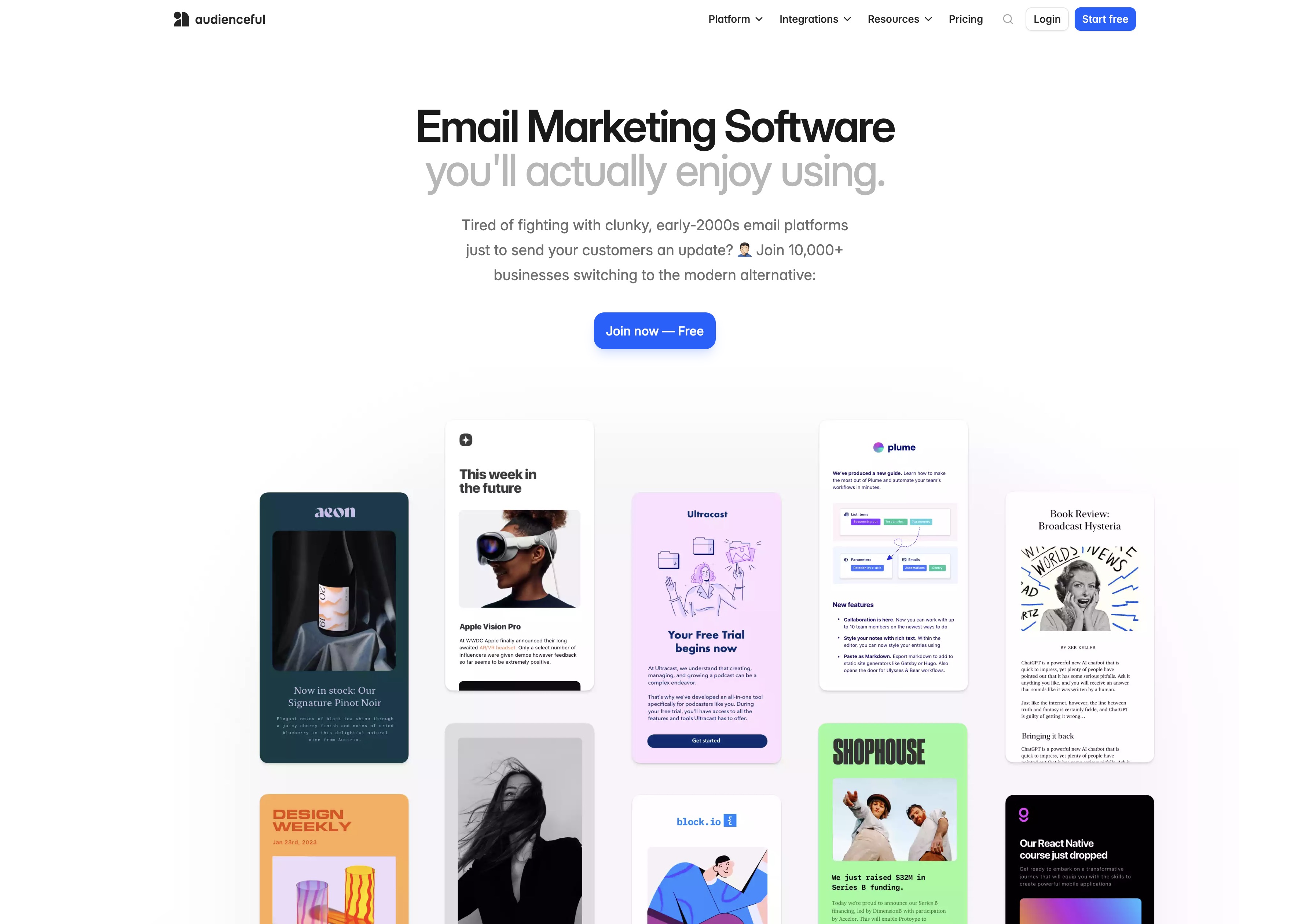
Audienceful reads Stripe natively. Trial started, trial will end, payment failed, past due, scheduled to cancel and canceled are all triggers, and each contact carries plan, status, trial end and renewal date. Clerk brings in signups, and the API takes custom product events such as "invited a teammate" or "connected a data source".
For hybrid teams, the HubSpot integration syncs contacts, companies, deals, owners and lifecycle stages, and flows can start when a deal changes stage. Salesforce, Pipedrive and Attio connect too (our Attio email marketing guide covers that setup, and our Salesforce email marketing comparison weighs Marketing Cloud against connected tools, and our picks for email marketing with Pipedrive do the same for smaller sales teams). That lets one tool send the self-serve trial sequence and the post-demo nurture.
The collaborative editor is where B2B teams notice the difference. Product, marketing and the founder can edit the monthly update together in real time, on agency-designed templates, with A/B testing on subject lines. The AI agent and full MCP coverage let an agent in Claude or Cursor build segments, campaigns and flows for you. Custom sending domains and deliverability monitoring are built in.
- Best for: self-serve and hybrid B2B SaaS billing through Stripe.
- Starting price at 10K contacts: Growth is $118/month billed yearly or $140 monthly, with unlimited users and automations. Free up to 1,000 contacts. See pricing.
- CRM and billing integrations: native Stripe, HubSpot, Salesforce, Pipedrive, Attio, Clerk and Zapier.
- Automation depth: branching flows, goals, custom events, CRM and Stripe triggers, webhooks and a transactional API.
- One honest drawback: account-level messaging relies on how you model accounts in fields or synced CRM companies, so agree the data model before building flows.
Start from the trial onboarding flow and Stripe templates.
HubSpot
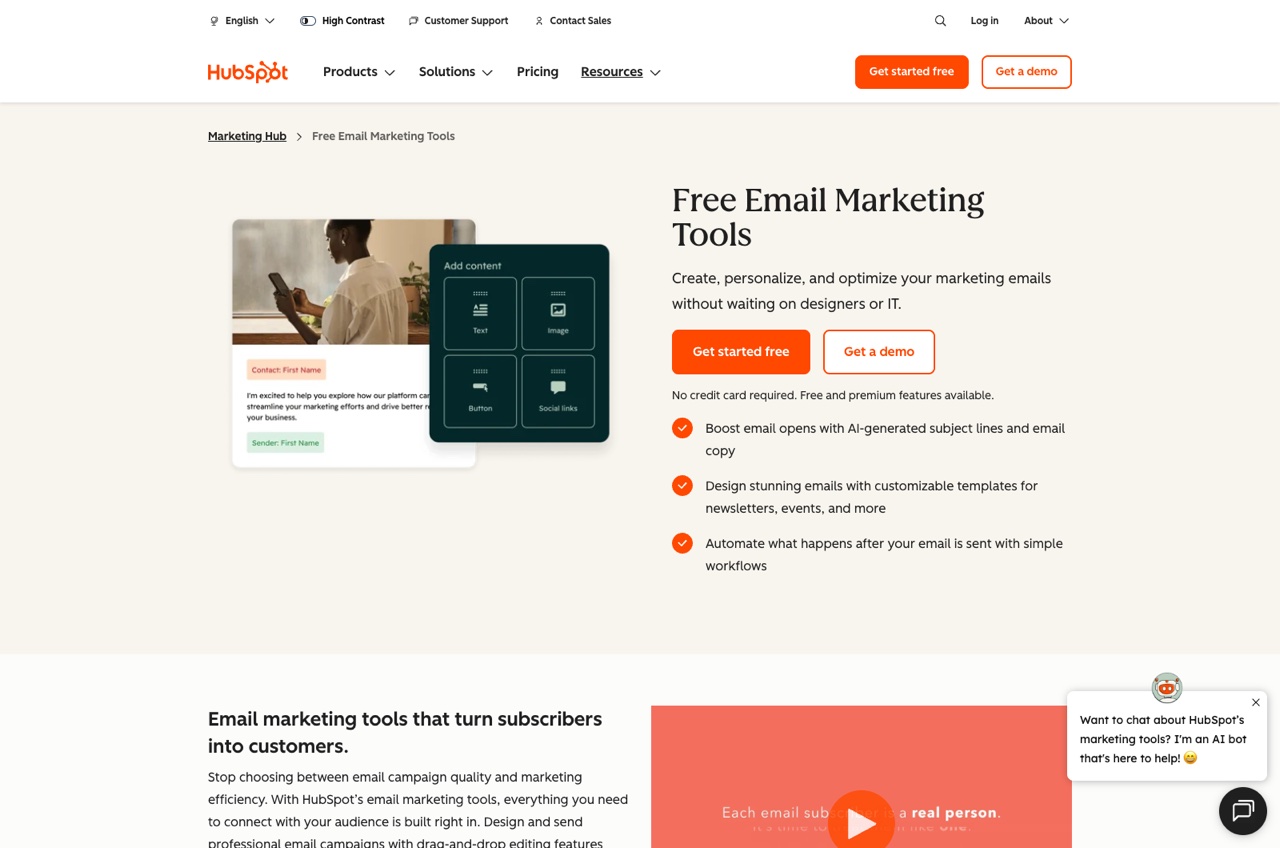
HubSpot is the default for sales-led B2B, and for good reason. Contacts, companies, deals, tickets and email share one database. A rep can see every email a prospect opened, and a workflow can enroll everyone at an account when a deal closes.
The Marketing Hub pricing page lists Professional from $800/month billed yearly, with three seats and 2,000 marketing contacts, plus a $3,000 onboarding fee. Enterprise starts at $3,600/month with 10,000 marketing contacts and $7,000 onboarding.
- Best for: sales-led teams whose reps live in the CRM.
- Starting price at 10K contacts: get a Professional quote for 10,000 marketing contacts; the $800 entry covers 2,000.
- CRM and billing integrations: it is the CRM; billing data arrives through marketplace apps writing CRM properties.
- Automation depth: deep workflows, lead scoring and account-based tools on Professional and above.
- One honest drawback: a self-serve product with thousands of free users pays for every marketing contact, which makes HubSpot expensive for product-led motions.
Is HubSpot worth it? For a sales team that uses the CRM daily, yes. For email alone, many teams keep HubSpot as the CRM and send from a lighter tool. Our HubSpot email alternatives guide and Audienceful vs HubSpot cover that split.
Customer.io
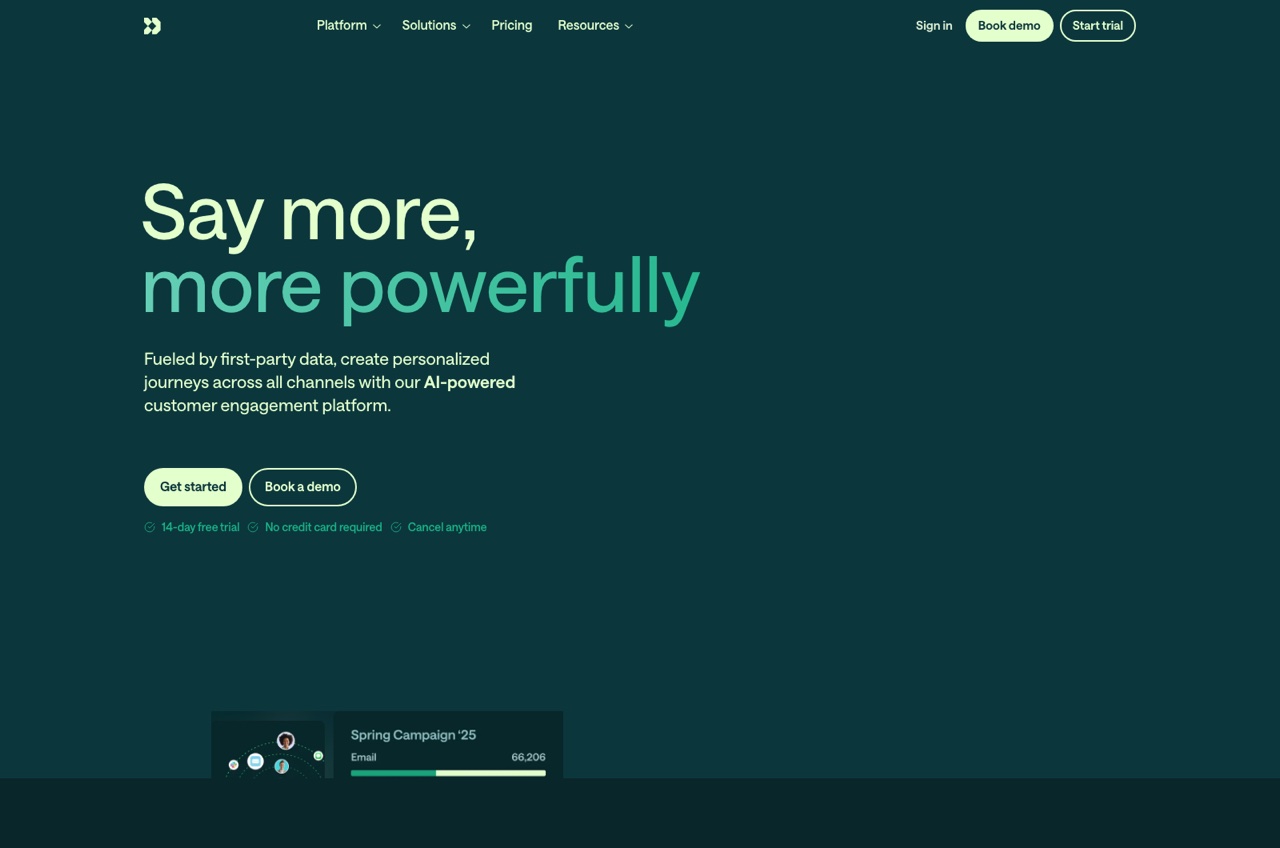
Customer.io models accounts as objects linked to people, which suits B2B products where a workspace has many members. Journeys can branch on account attributes and send email, push, SMS or in-app messages.
- Best for: product-led B2B with engineers who send detailed event and account data.
- Starting price at 10K contacts: Essentials is $145/month at 10,000 profiles (pricing). Objects count toward profiles. Premium starts at $1,000/month billed yearly.
- CRM and billing integrations: APIs, Segment and other CDPs, and data warehouse syncs. Stripe arrives through webhooks you route.
- Automation depth: very deep, including objects and relationships.
- One honest drawback: the newsletter and campaign editing side is less suited to a marketing team writing long-form updates together.
ActiveCampaign
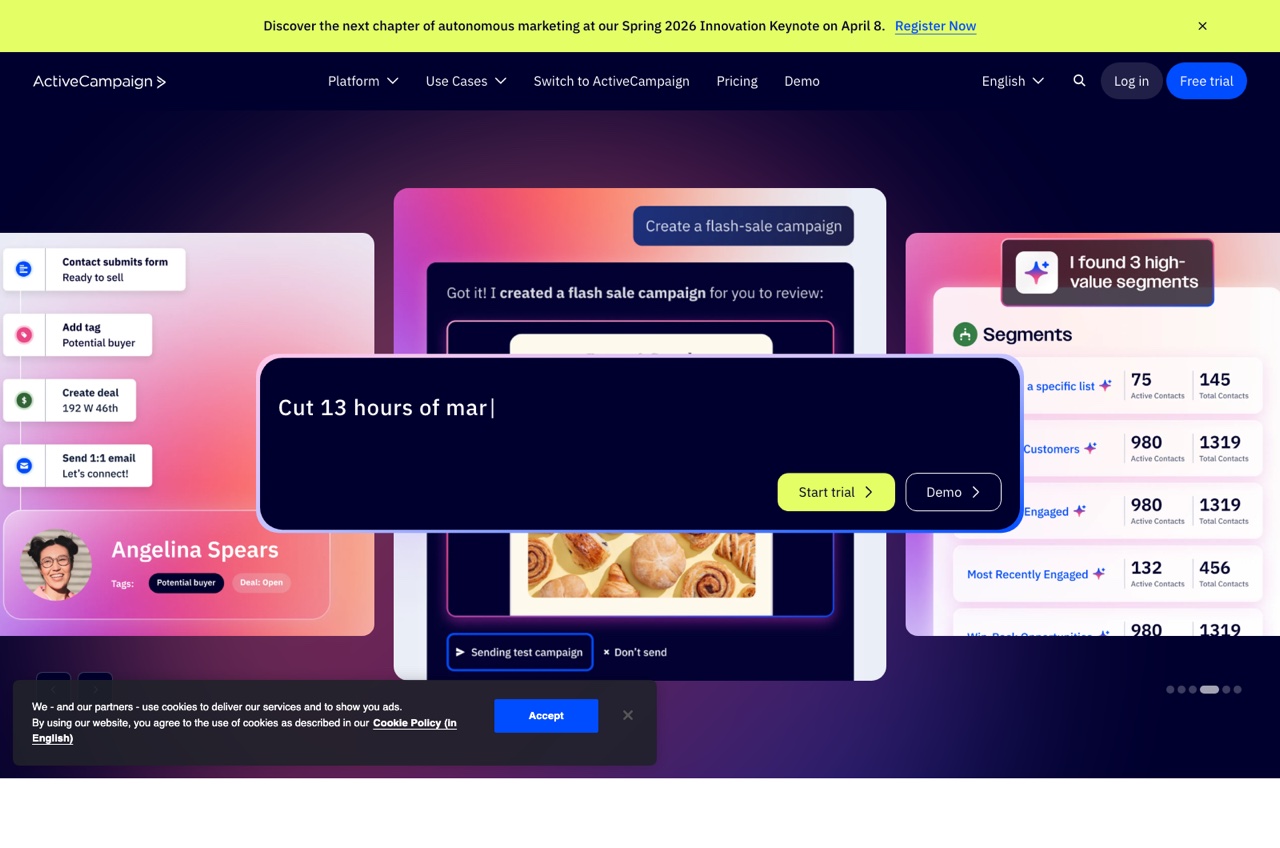
ActiveCampaign combines marketing automation, lead scoring and a basic deals pipeline. Small hybrid teams use it to nurture leads, hand hot ones to a rep and run onboarding after the sale.
- Best for: small B2B teams that want automation and a light pipeline in one subscription.
- Starting price at 10K contacts: Plus is $189/month billed yearly on the pricing page; Stripe and the CRM add-on options start there.
- CRM and billing integrations: native Stripe on Plus, plus Salesforce and many others.
- Automation depth: deep on Plus and above; Starter limits each automation to five actions.
- One honest drawback: transactional email is a separate Postmark purchase. Our ActiveCampaign pricing guide prices the combination.
Loops
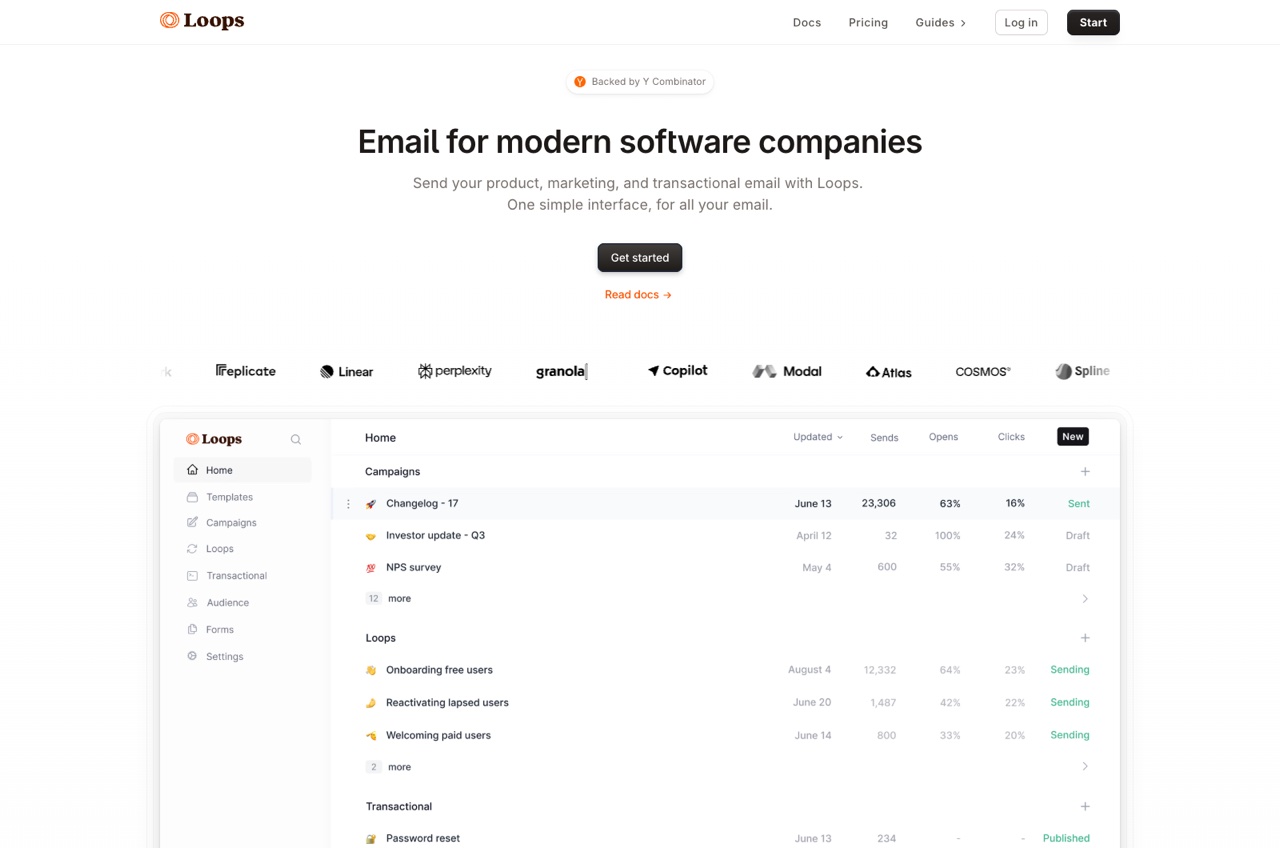
Loops is a SaaS email tool many early B2B startups pick for its clean design and simple events API. Transactional email is included.
- Best for: early developer-led B2B products with a small list.
- Starting price at 10K contacts: the pricing page lists Free up to 1,000 contacts and Growth at $49/month up to 5,000; larger tiers aren't shown.
- CRM and billing integrations: Stripe by webhook (email and name sync; other data through the events API) plus auth and billing connections.
- Automation depth: event triggers, timers, filters and branches.
- One honest drawback: CRM deal data isn't a native trigger source, so hybrid motions need extra plumbing.
Userlist
Userlist is designed around companies and users. You can send one email to the account owner and another to members of the same company, and segment on company-level data.
- Best for: B2B products where accounts with several users are the core unit.
- Starting price at 10K contacts: the pricing page lists Basic with 10,000 users and five seats, with extra users at $10 per 1,000; the base price didn't render when we checked, so use the selector.
- CRM and billing integrations: Stripe through Zapier, plus Segment and an API.
- Automation depth: visual workflows, company segments, goals and transactional email.
- One honest drawback: it counts all users rather than active ones, so a large free tier raises the bill.
Brevo
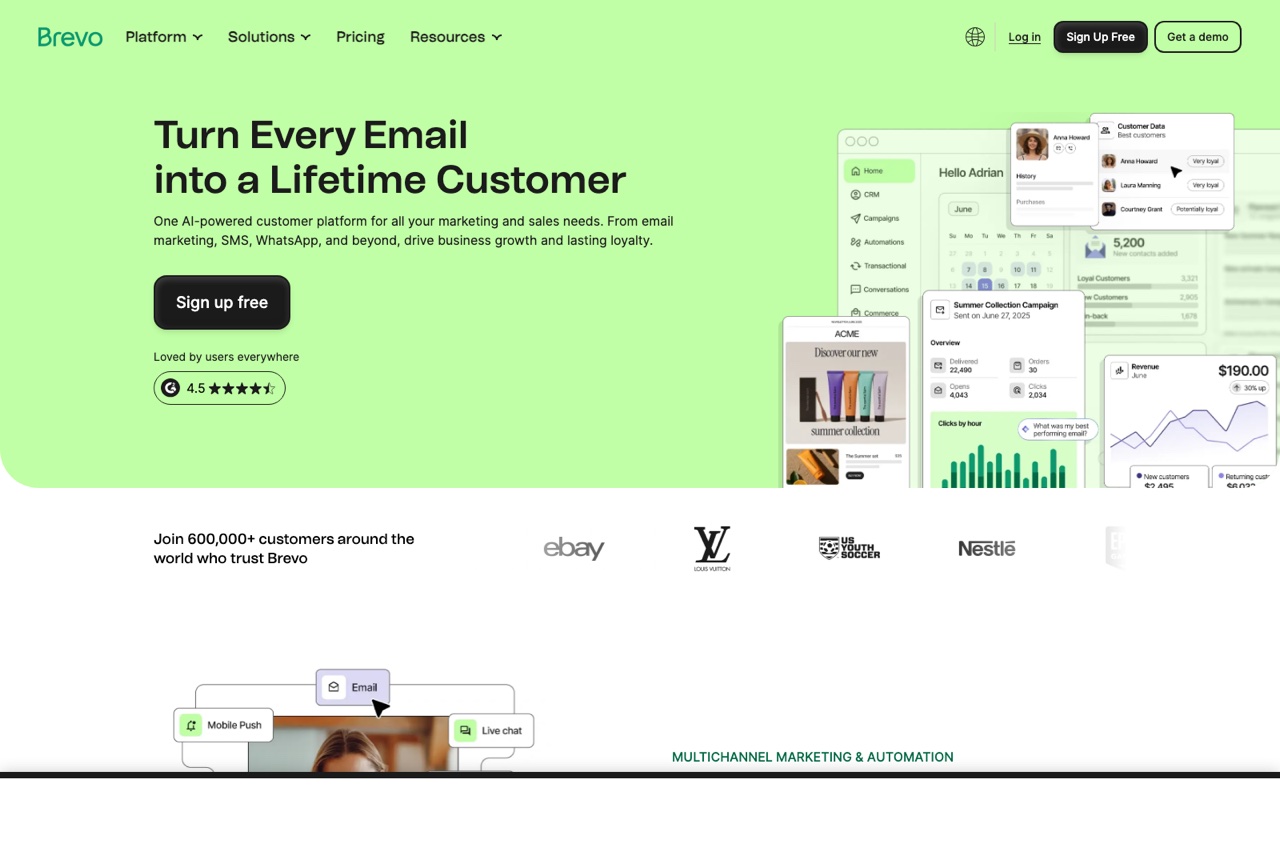
Brevo charges by sends rather than contacts and includes a free CRM. It's a budget option for B2B teams sending a monthly newsletter to a big list.
- Best for: teams with large lists and low send frequency.
- Starting price at 10K contacts: volume-based; the pricing page lists Standard from $18 at entry volume, which isn't a 10K quote.
- CRM and billing integrations: built-in sales CRM; Stripe via Zapier and similar tools.
- Automation depth: multi-step workflows on Standard.
- One honest drawback: no native billing triggers, so dunning and trial flows rely on a connector.
Mailchimp
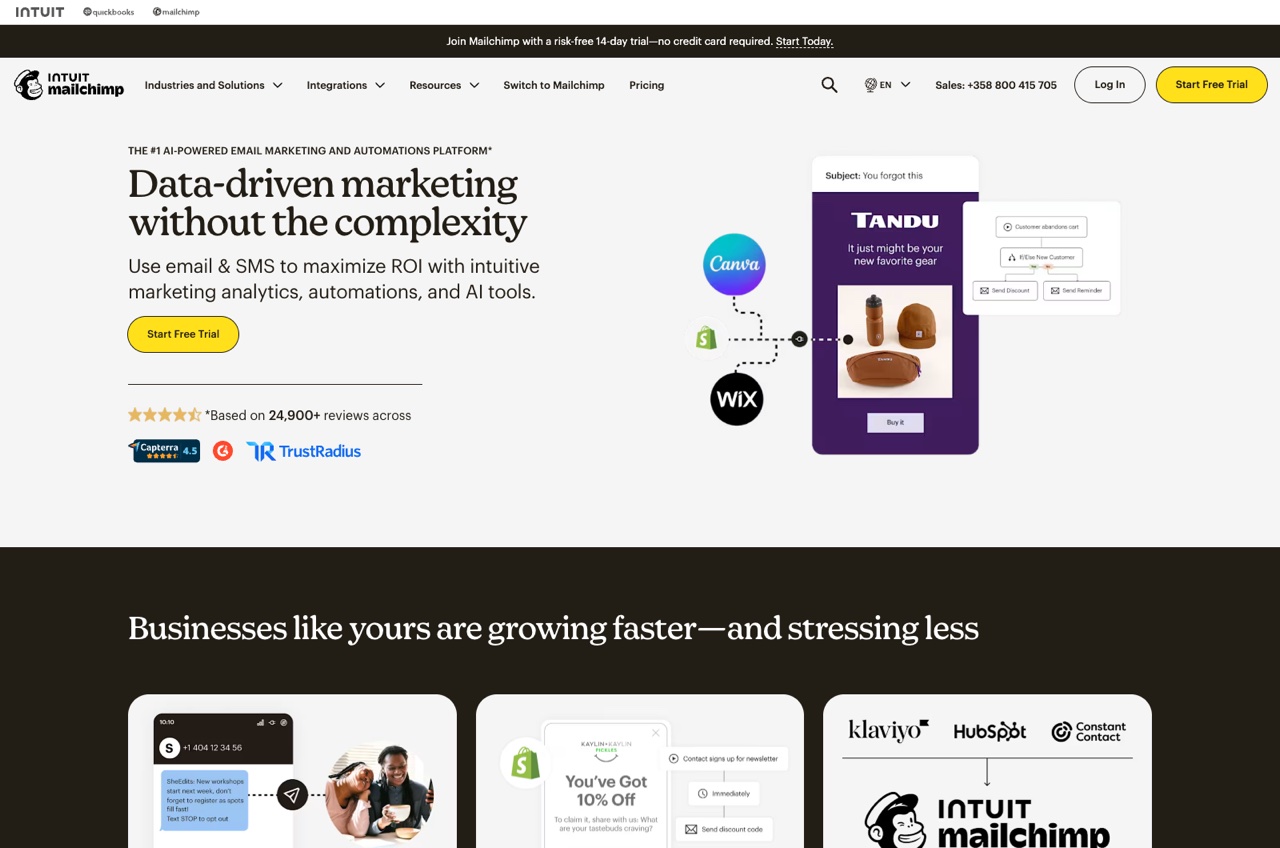
Mailchimp works for B2B companies whose email is mostly a newsletter and event invitations.
- Best for: marketing-led newsletters with light lifecycle needs.
- Starting price at 10K contacts: Standard is $135/month at the regular rate (pricing).
- CRM and billing integrations: Salesforce and others; a paid Stripe sync of customers and orders.
- Automation depth: plan-dependent customer journeys.
- One honest drawback: no Stripe trial or payment-failure triggers that we could find, so SaaS billing email needs another tool.
Prices at the same list sizes
USD per month, checked 14 November 2026. "Quote" means no published figure at that size.
| Platform and plan | 1K | 10K | 50K | 100K |
|---|---|---|---|---|
| Audienceful Growth, yearly | Free plan | $118 | $309 | $499 |
| HubSpot Marketing Professional, yearly | $800 (2K included) | Quote | Quote | Quote |
| Customer.io Essentials | $100 (5K minimum) | $145 | From $505 | Quote |
| ActiveCampaign Plus, yearly | Selector | $189 | $609 | Quote |
| Loops | Free | Not listed | Not listed | Not listed |
| Userlist Basic | Selector | Selector | Selector | Selector |
| Brevo Standard | Volume-based | Volume-based | Volume-based | Volume-based |
| Mailchimp Standard | Selector | $135 | $450 | Selector |
At 10K contacts, Audienceful Growth billed yearly costs less than HubSpot, Customer.io, ActiveCampaign and Mailchimp at their listed prices, with unlimited seats for the whole team.
Five B2B SaaS email programs, with sample emails
These samples are short on purpose. B2B readers skim, and plain text from a named person often beats a designed email for onboarding.
1. Onboarding. Trigger on signup. Goal: the first meaningful action, then a teammate invite.
Subject: Connect your first data source Hi Sam, most teams see their first report within ten minutes of connecting a source. Here's the two-step version. Reply if anything gets stuck and I'll help. Priya, Customer Success
2. Trial to paid. Trigger on trial will end, three days before. Goal: payment.
Subject: Your trial ends Thursday Your team created 14 reports this trial. On Thursday the workspace moves to the free plan and reports older than 7 days are hidden. Pick a plan to keep everything. Questions about invoicing or security reviews? Reply here.
3. Expansion and seat upsell. Trigger on seat count near the plan limit. Goal: upgrade.
Subject: You're using 9 of 10 seats Acme has added three people this month. The Team plan covers 25 seats and adds SSO. Here's the difference in one table.
4. Dunning. Trigger on payment failed. Goal: payment recovered. Send on day 0, 3 and 7, and stop as soon as the invoice is paid. Address the billing contact, not every user. Our failed-payment dunning guide has the full build.
Subject: Payment for Acme's workspace didn't go through We couldn't charge the card ending 4242 for November. Update it here and nothing changes for your team.
5. Product update newsletter. Monthly, to all customers and engaged trial users. Lead with the one change that saves customers time, then list the rest. Keep it under 400 words.
For the triggers behind each of these, see Stripe email automation.
Deliverability for B2B email
Corporate mail systems are stricter than personal inboxes. Microsoft 365 and Google Workspace tenants add their own filters, and security gateways rewrite or delay links.
- Send from your own domain with SPF, DKIM and DMARC aligned. Our SPF, DKIM and DMARC guide explains each record, and the custom domain help doc walks through setup.
- Keep marketing and transactional mail on separate subdomains so a newsletter complaint can't hurt password resets.
- Send from a real person's name for onboarding and renewals.
- Remove addresses that bounce and people who haven't opened in six months from regular newsletters.
- Watch Google Postmaster Tools and Microsoft SNDS for reputation changes.
The email deliverability checklist covers the rest.
FAQs
Is HubSpot worth it for B2B SaaS email?
Yes if your motion is sales-led and reps use the CRM every day. For a product-led company with many free users, the per-contact pricing gets expensive, and many teams keep HubSpot as the CRM and send lifecycle email from a lighter tool synced to it.
What's the best email tool for a PLG SaaS?
For a product-led SaaS billing through Stripe, Audienceful gives you native billing triggers, product events and a team newsletter editor in one tool. Customer.io is the other strong choice when you need push and in-app messages too.
Should B2B SaaS use the same tool for transactional and marketing email?
It simplifies templates and suppression, and most SaaS-focused tools now support both. Keep them on separate sending subdomains so marketing complaints don't affect receipts and password resets.
How often should B2B SaaS send newsletters?
Monthly is the common default for product updates. Send more often only if you ship meaningful changes more often, and segment so trial users and customers get content that fits.
How do I keep B2B emails out of spam?
Authenticate your domain with SPF, DKIM and DMARC, send from a person, clean bounces and long-term non-openers, and separate transactional from marketing traffic. Corporate filters punish sudden volume spikes, so ramp new domains gradually.
Running self-serve on Stripe? Connect it to Audienceful and launch trial and dunning flows free, with your CRM synced alongside.
