The best MailPoet alternatives split into two groups. If you want email to stay inside WordPress, FluentCRM is the main plugin option. If you want a hosted platform that handles sending and reputation for you, Audienceful suits WordPress publishers and stores that want a modern editor, an AI agent and strong deliverability, while Klaviyo and Omnisend are the ecommerce specialists for WooCommerce. Decide plugin or hosted first, then compare price at your list size.
We make Audienceful and put it first among the hosted options. Prices were checked on 14 November 2026 on each vendor's own page, or come from figures we recorded that day in other posts and say so. Screenshots come from our competitor library and show vendor websites.
MailPoet alternatives: Best for use case
| Platform | Best for use case | Integration type |
|---|---|---|
| Audienceful | WordPress publishers and stores that want a collaborative editor, an AI agent and managed deliverability | Hosted, with WooCommerce and WordPress connections |
| Klaviyo | WooCommerce stores with a large flow program | Hosted, native WooCommerce integration |
| Omnisend | WooCommerce stores that want email and SMS | Hosted, WooCommerce plugin |
| Mailchimp | General newsletters plus a store | Hosted, official WooCommerce plugin |
| MailerLite | Low-cost newsletters for WordPress sites | Hosted, WooCommerce and WordPress plugins |
| Brevo | Big lists that send rarely, plus transactional email | Hosted, WooCommerce plugin |
| FluentCRM | Staying inside WordPress with no per-contact fee | WordPress plugin, your own SMTP |
Plugin or hosted: the first decision
MailPoet runs inside your WordPress install. Your subscribers and automations live in the WordPress database, and the plugin reads WooCommerce orders directly. That is quick to set up and cheap to start. MailPoet's own WordPress.org listing advises against sending through your web host because of speed limits and spam-folder risk, which is why most users pay for its sending service. Our guide to WooCommerce email marketing compares the plugin and hosted-platform routes in more depth.
People leave for three reasons:
- Server dependence. Large sends and automations load your WordPress server, and a slow site or a plugin conflict can stall email.
- Billing. MailPoet's paid plans scale with subscriber count. Check how your plan counts inactive subscribers on your account page.
- Automation and deliverability. Teams that want branching flows, revenue reporting and inbox-placement monitoring often outgrow a plugin.
If the first point bothers you, go hosted. If you want to keep data in WordPress and are comfortable running your own SMTP provider, stay with a plugin.
MailPoet pricing today
MailPoet's pricing page lists a free Starter plan for up to 500 subscribers and 5,000 emails a month with MailPoet's sending service. The free plugin also works up to 1,000 subscribers if you send through your own method, as recorded in our WooCommerce email marketing guide. Paid Business and Agency plans include the sending service; Creator excludes it. Prices sit behind a subscriber slider that did not render figures to our fetcher on 14 November 2026, so set it to your own count.
Hosted options
Audienceful: for publishers and stores that want a modern platform

Audienceful takes sending off your WordPress server entirely. Signup forms embed on any WordPress site through the WordPress integration, and the WooCommerce integration syncs customers and subscribers so you can segment by purchase history, order value or product interest. If you also sell through Shopify or bill through Stripe, those integrations are native, with revenue attribution on every campaign and flow.
The editor works like a notes app and lets several people write and comment on the same email in real time. Templates come from agency designers. The built-in AI agent writes in your brand voice and builds segments, campaigns and paused automations from a brief. The MCP server lets Claude or ChatGPT run campaigns, segments, flows and newsletters too.
Deliverability is handled for you: a custom sending domain, address verification on import, manual sender approval, dynamic batching, smart retry, gradual sending and spam testing. That replaces the SMTP and reputation work a plugin leaves with you.
- Best for: WordPress publishers and stores that want a hosted platform with a better editor, AI and managed deliverability.
- Starting price at 10K contacts: see the pricing page; a free plan covers small lists.
- Ecommerce integrations: WooCommerce customer sync, plus native Shopify and Stripe.
- Automation depth: multi-step branching flows and custom events.
- One drawback: you leave the WordPress dashboard, so day-to-day email work moves to a separate app.
Klaviyo: for WooCommerce stores with a big flow program
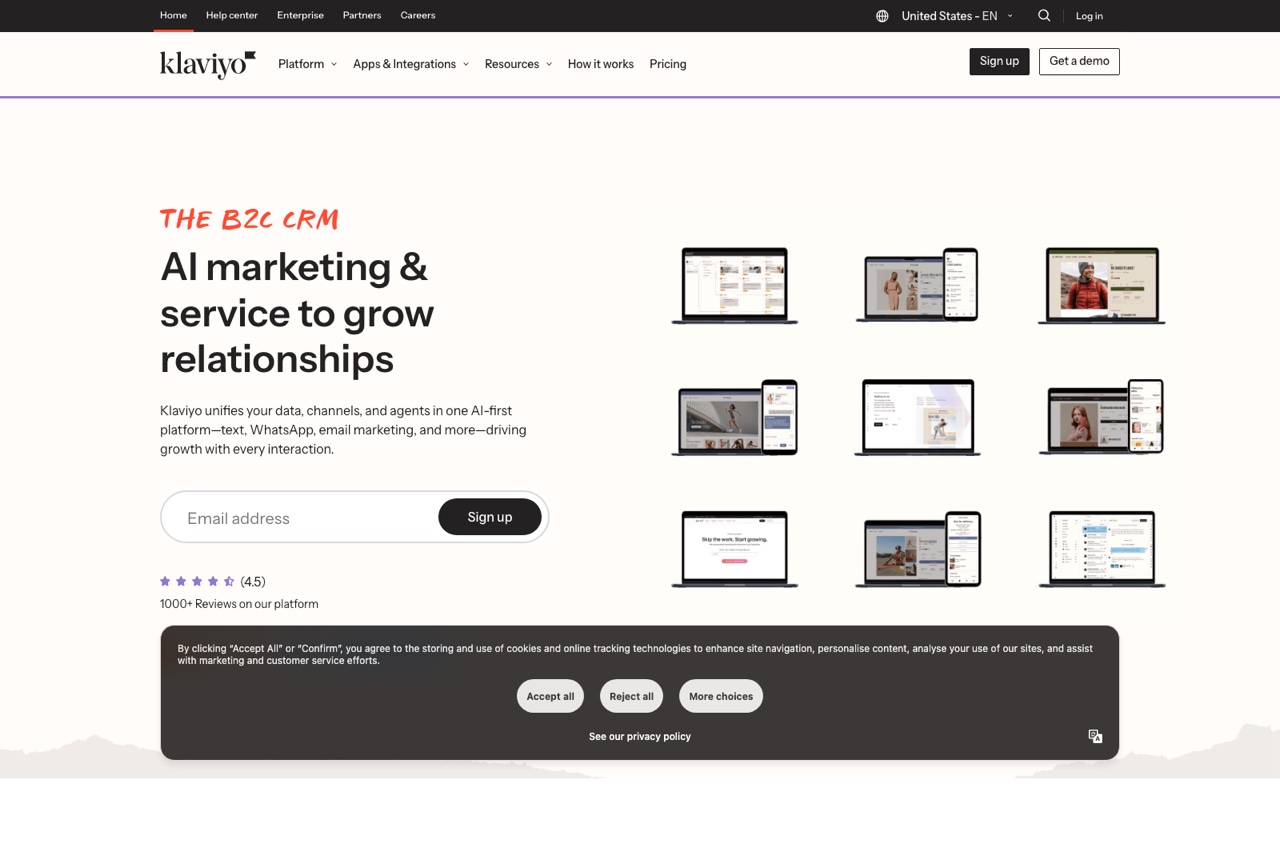
Klaviyo has a native WooCommerce integration with product, cart and order events. Its pricing page lists Email at $30 a month for 1,000 active profiles, $150 at 10,000 and $720 at 50,000.
- Best for: established WooCommerce stores that will build many flows.
- Starting price at 10K contacts: $150/month on Email.
- Ecommerce integrations: native WooCommerce, Shopify, BigCommerce and Stripe.
- Automation depth: deep event-based flows, including abandoned cart and browse abandonment.
- One drawback: much more expensive than MailPoet at every size.
Our Klaviyo alternatives guide covers the trade-offs.
Omnisend: for WooCommerce email plus SMS

Omnisend's WooCommerce plugin brings in orders and carts for prebuilt workflows. Its pricing page lists Standard at $132 a month and Pro at $150 at 10,000 contacts.
- Best for: WooCommerce stores adding SMS.
- Starting price at 10K contacts: $132/month on Standard.
- Ecommerce integrations: WooCommerce, Shopify, BigCommerce and more.
- Automation depth: prebuilt cart, browse and post-purchase workflows.
- One drawback: Standard caps email sends at 12 times your contact count a month.
See Omnisend alternatives for more.
Mailchimp: for newsletters plus a store
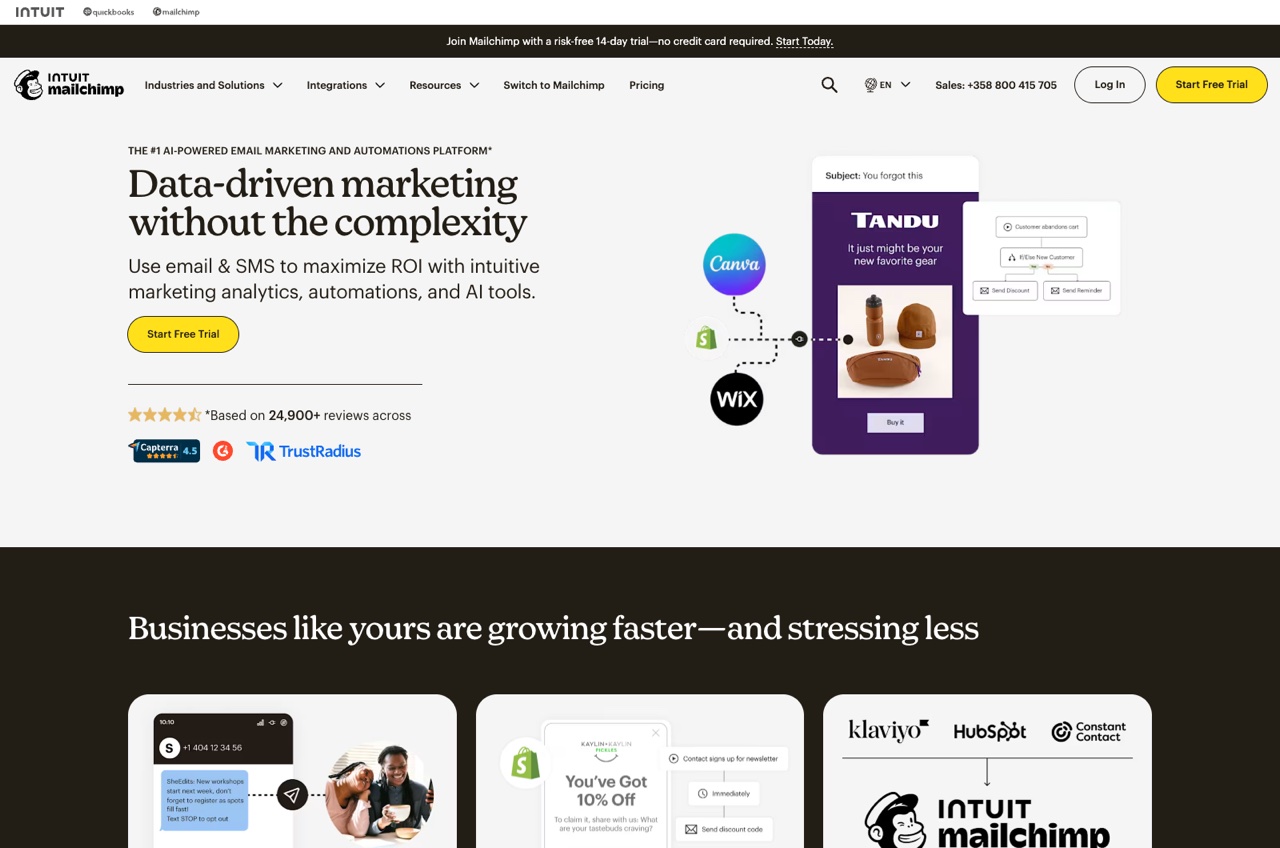
"MailPoet vs Mailchimp" usually comes down to whether you want email inside WordPress. Mailchimp is hosted and has an official WooCommerce plugin. Its plan page lists Standard at $135 a month at 10,000 contacts at regular rates.
- Best for: sites with a large newsletter program and a smaller store.
- Starting price at 10K contacts: $135/month on Standard.
- Ecommerce integrations: WooCommerce and Shopify.
- Automation depth: Essentials limits flows to four steps; Standard for longer journeys.
- One drawback: more expensive than MailPoet for the same list.
See Audienceful vs Mailchimp for a hosted-to-hosted comparison.
MailerLite: for low-cost newsletters
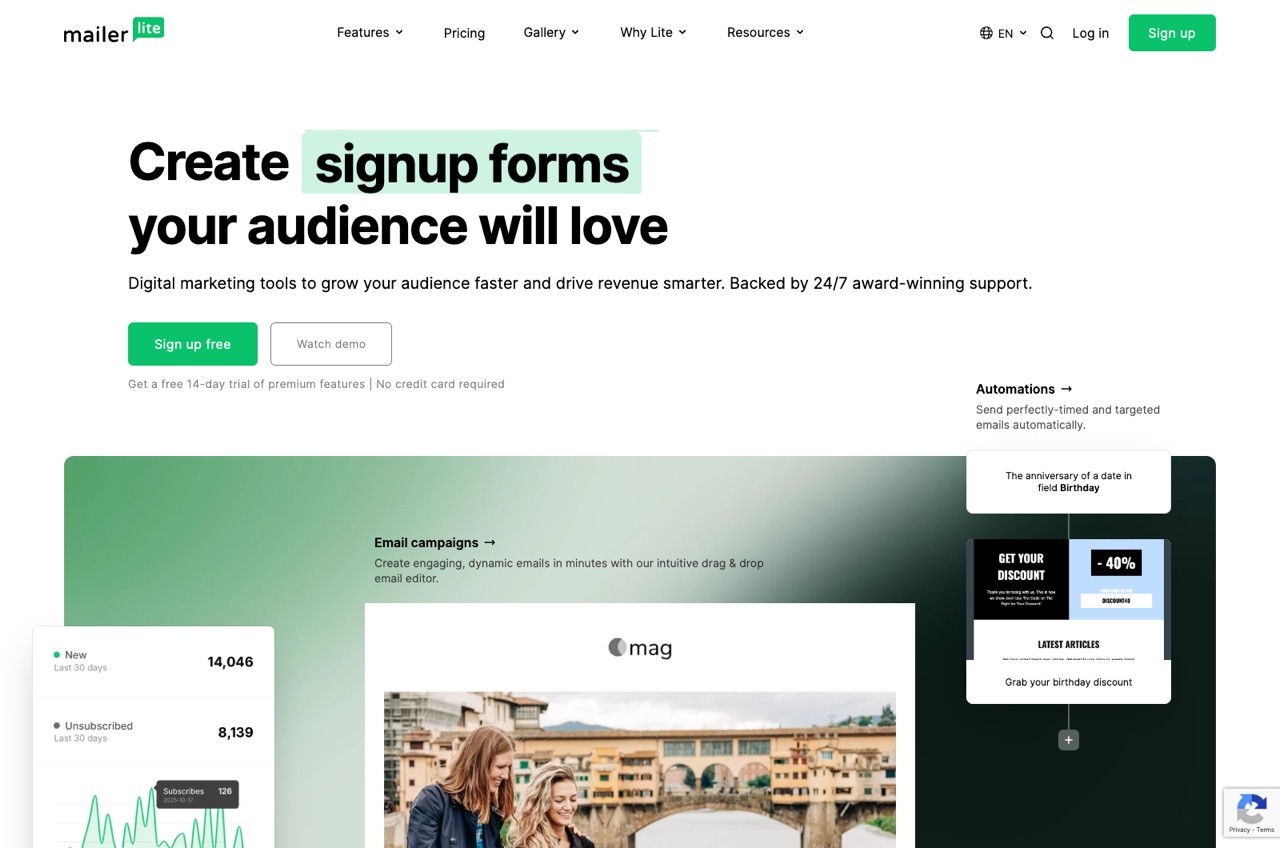
MailerLite is the cheapest hosted move for a WordPress blog. Comfort is $89 a month at 10,000 subscribers, or $80.10 billed yearly, per pricing page figures we recorded on 14 November 2026. It lists WooCommerce, Shopify and Stripe integrations.
- Best for: bloggers moving off a plugin without a big jump in cost.
- Starting price at 10K contacts: $89/month on Comfort.
- Ecommerce integrations: WooCommerce, Shopify and Stripe.
- Automation depth: 50 active automations on Comfort, unlimited on Power.
- One drawback: the free plan is now 250 subscribers. See MailerLite alternatives.
Brevo: for big lists and transactional email
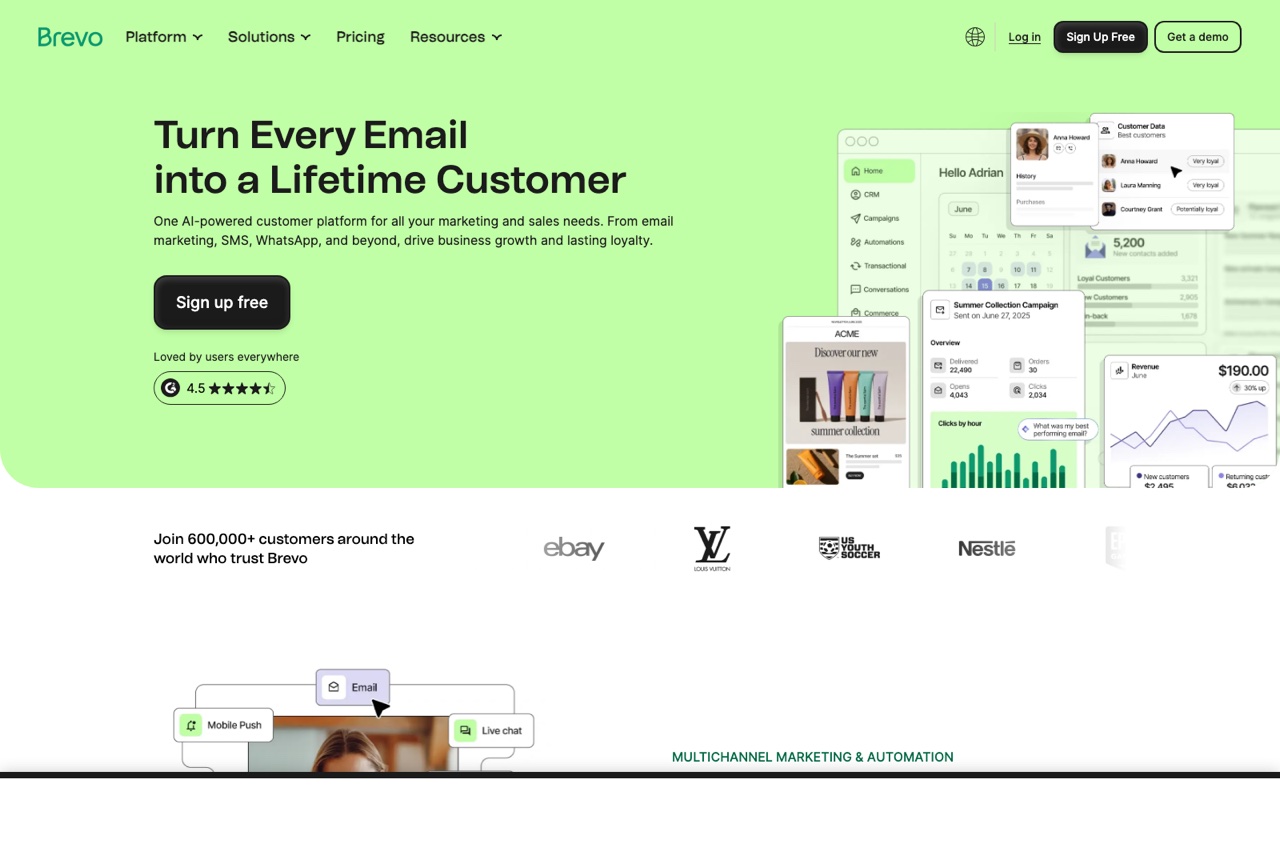
Brevo bills by emails sent and also sends transactional email, which can replace both MailPoet and a WordPress SMTP plugin. Its pricing page lists Free at 300 emails a day, Starter from $9 and Standard from $18 at entry volume.
- Best for: large lists that email monthly, plus WooCommerce order emails.
- Starting price at 10K contacts: set by monthly sends; Standard from $18 at entry volume.
- Ecommerce integrations: WooCommerce plugin, Shopify and others.
- Automation depth: multi-step workflows on Standard and above.
- One drawback: weekly senders need a volume forecast to compare.
WordPress-native option
7. FluentCRM: for staying inside WordPress
FluentCRM is a CRM and email plugin that charges a license rather than per contact. Its core plugin is free on WordPress.org, with 80,000+ active installs and a 4.8 rating, as recorded in our WooCommerce guide. It reads WooCommerce purchases for segments and triggers, and you send through your own SMTP service such as Amazon SES.
- Best for: technical site owners who want data in WordPress and no contact fees.
- Starting price at 10K contacts: a Pro license from FluentCRM's pricing page, plus your SMTP provider's sending fees.
- Ecommerce integrations: reads WooCommerce directly.
- Automation depth: funnels with purchase, refund and tag triggers.
- One drawback: you own authentication, bounces and reputation monitoring.
MailPoet alternatives price comparison
Monthly USD, checked 14 November 2026. Regular monthly billing unless noted.
| Platform and plan | 1,000 | 10,000 | 50,000 | WooCommerce connection |
|---|---|---|---|---|
| MailPoet | Free plugin with own sending | On selector | On selector | Inside WordPress |
| Klaviyo Email | $30 | $150 | $720 | Native integration |
| Omnisend Standard | On selector | $132 | $413 | Plugin |
| Mailchimp Standard | On selector | $135 | $450 | Official plugin |
| MailerLite Comfort | On selector | $89 | $319 | Plugin |
| Brevo Standard | From $18 at entry volume | Set by sends | Set by sends | Plugin |
| FluentCRM | Free core | License plus SMTP | License plus SMTP | Inside WordPress |
Sources: MailPoet, Klaviyo, Omnisend, Mailchimp, MailerLite, Brevo and FluentCRM.
How to migrate from MailPoet
- Export subscribers. In MailPoet, go to Subscribers, choose Export, select the lists and fields, and download a CSV. Export unsubscribed and bounced subscribers separately.
- Clean the list. Remove bounces and long-inactive addresses. Audienceful verifies addresses on import.
- Connect WooCommerce. Install the new tool's WooCommerce connection so customers and orders sync from day one.
- Rebuild automations. Write down each welcome, abandoned cart and post-purchase email with its delays, then rebuild it. Automations do not transfer. Our guide to WooCommerce abandoned cart emails has timing and templates for the cart flow.
- Replace forms. Swap MailPoet forms for the new tool's forms. Our WordPress forms guide covers Audienceful's.
- Authenticate and warm up. Set up SPF, DKIM and DMARC for the new sender, then follow the list warming guide.
- Deactivate MailPoet once forms and flows run on the new platform.
FAQs
Can I use MailPoet without WordPress?
No. MailPoet is a WordPress plugin and needs a WordPress site to run. If you are leaving WordPress, you need a hosted platform.
Is MailPoet free?
There is a free Starter plan for up to 500 subscribers and 5,000 emails a month with MailPoet's sending service, and the free plugin covers up to 1,000 subscribers if you send another way. Larger lists need a paid plan.
What's the best MailPoet alternative for WooCommerce?
For a hosted platform with a modern editor and AI agent, Audienceful. For a large WooCommerce flow program, Klaviyo or Omnisend. To stay inside WordPress, FluentCRM.
Is MailPoet better than Mailchimp?
For a small site that wants everything in the WordPress dashboard, MailPoet is simpler and usually cheaper. Mailchimp is hosted, handles sending and has more templates. See our Mailchimp alternatives post if neither fits.
How do I export subscribers from MailPoet?
Open MailPoet, go to Subscribers and click Export. Pick the lists and fields, choose CSV and download. Repeat for unsubscribed subscribers so you can import them as suppressed.
Import your MailPoet subscribers and send from a platform built for deliverability. Create your free Audienceful account and upload the CSV.
