In Mailchimp vs Shopify Email, Shopify Email (now part of Shopify Messaging) wins for most small and mid-size Shopify stores: it's built into the admin, the first 10,000 emails each month are free, and it ships the basic store flows. Mailchimp makes sense when email serves more than the store, such as a newsletter, events or a second business, and you want its larger editor and journey builder. Neither ties revenue to each flow as closely as a dedicated ecommerce app does, which is where Audienceful comes in near the end.
We make Audienceful. Prices were checked on Shopify's and Mailchimp's own pages on 14 November 2026, in USD. Screenshots come from our competitor library and show each vendor's website, not its app.
The short answer by store size
- New store, under 2,500 subscribers: Shopify Email. Four campaigns a month cost nothing, and the templates cover welcome and abandoned checkout.
- Growing store, 2,500 to 25,000 subscribers: Shopify Email is still cheaper on raw sends. Mailchimp starts to earn its price only if you need its journey builder or send far beyond store email.
- Large list, 50,000 and up: Shopify Email stays cheaper per send. At this size, flows and attribution matter more than the send bill, and both tools leave gaps there.
Mailchimp vs Shopify Email at a glance
| Shopify Email (Shopify Messaging) | Mailchimp | |
|---|---|---|
| How it connects | Built into Shopify | Mailchimp's official Shopify app |
| How you pay | Per email sent | Per contact, by plan |
| Free allowance | 10,000 emails a month | Free plan: 250 contacts, 500 sends |
| Who counts | Emails sent | Subscribed, unsubscribed and non-subscribed contacts |
| Store flows | Templates in Shopify Messaging, plus Shopify Flow | Journey builder; Essentials capped at 4 flow steps |
| Editor | Simple, pulls in products and brand | Larger editor with brand tools |
| SMS | Charged separately | Separate add-on |
| Billing | On your Shopify bill | Mailchimp invoice |
Sources: Shopify email cost, Mailchimp pricing, Mailchimp's plan guide.
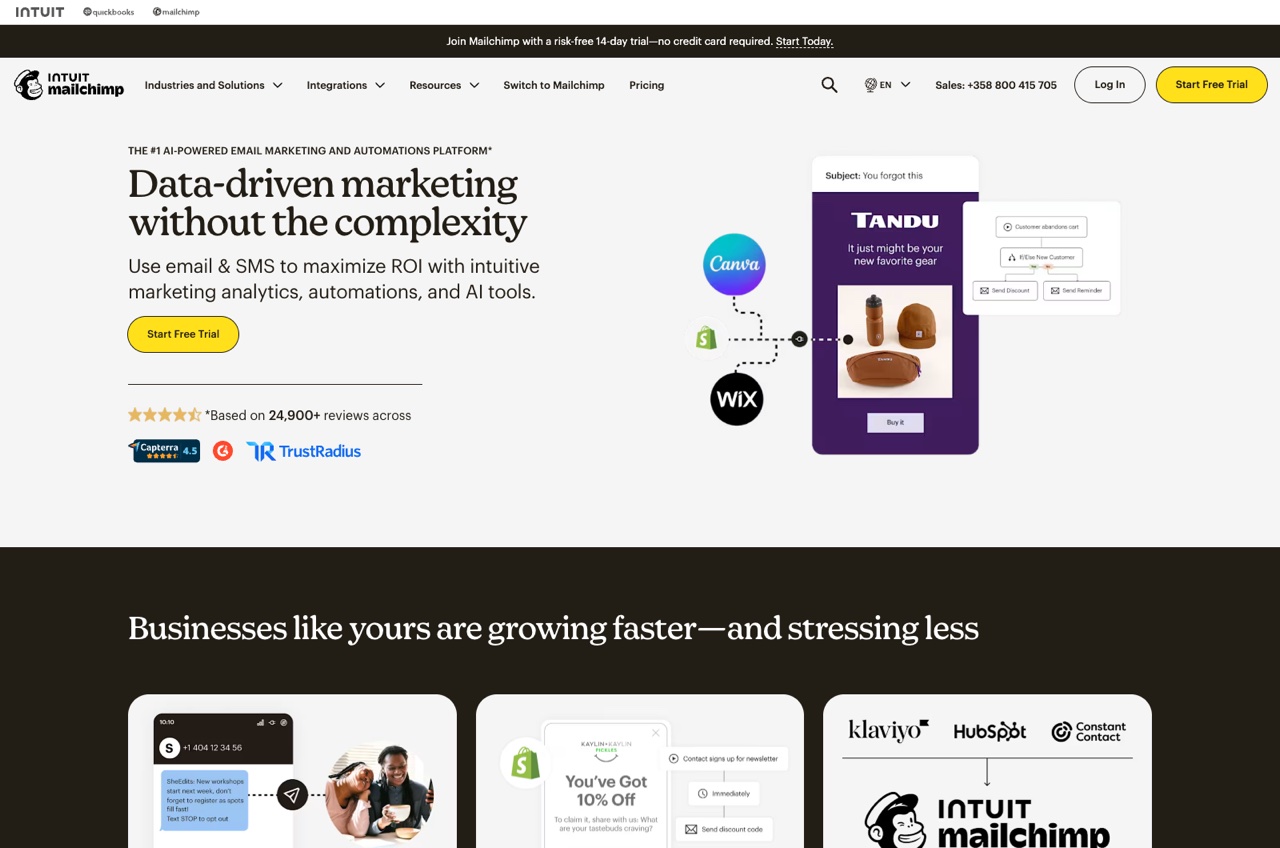
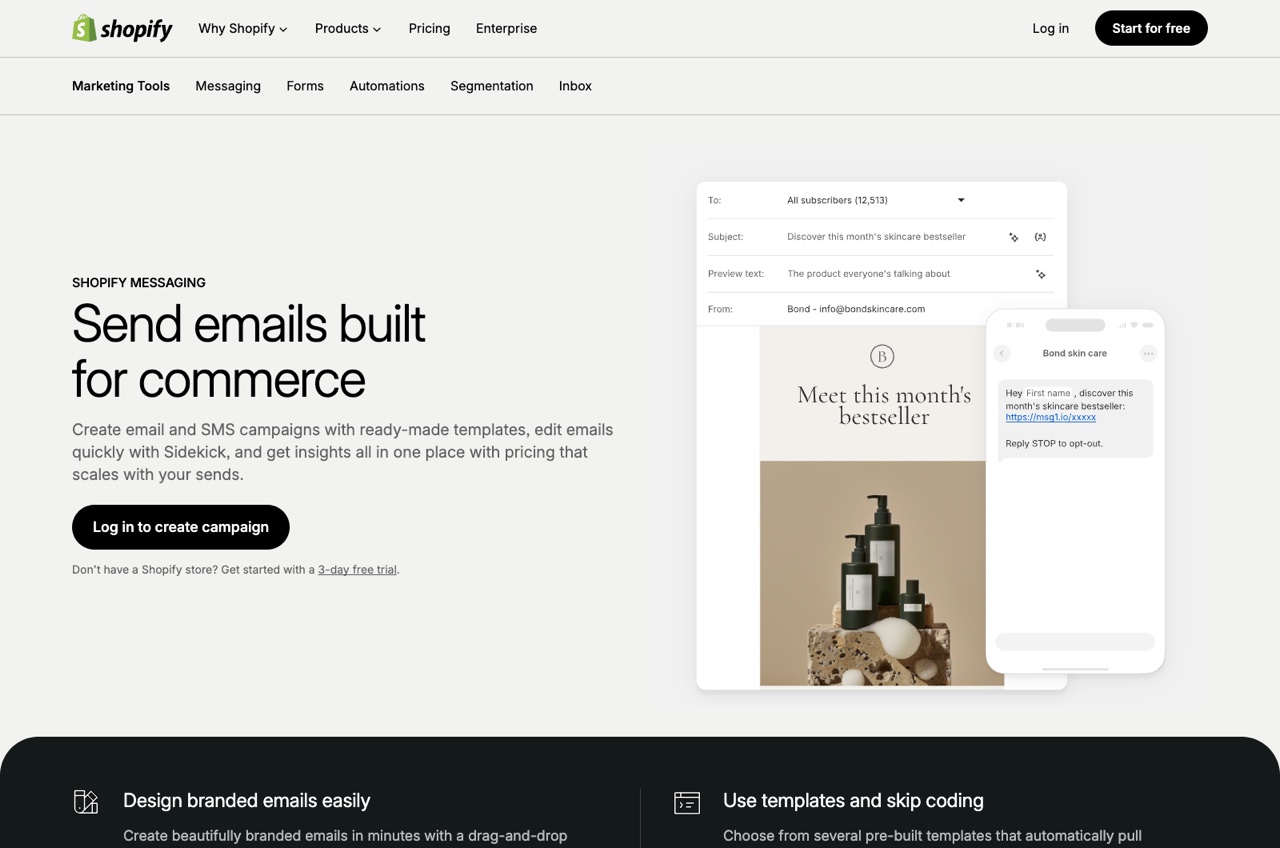
How each connects to Shopify
Shopify Email is part of Shopify. Customers, products, discounts and consent are already there, and there's nothing to sync.
Mailchimp's history with Shopify confuses people, so here's the short version. In 2019 Mailchimp pulled its app from the Shopify App Store after a dispute over data terms. In 2021 the two reconciled, Mailchimp bought the ShopSync connector, and launched an official app. That app is what stores use today. According to Mailchimp's Shopify guide, customers, orders and products sync, customer tags sync one way from Shopify, and everything except discount codes syncs in real time. Our Mailchimp for Shopify guide covers setup and the details of the sync.
What each one costs
Shopify charges per email. Mailchimp charges per contact. To compare them, the table assumes four full-list campaigns a month. Automated emails count toward Shopify's total, except abandoned checkout emails, which Shopify says are always free.
Shopify's published rates: 10,000 emails free each month, $1 per 1,000 up to 300,000, $0.65 per 1,000 after 300,000 and $0.55 per 1,000 after 750,000.
| Contacts | Shopify Email, 4 campaigns/mo | Mailchimp Standard |
|---|---|---|
| 1,000 | $0 | Quote on the live selector |
| 2,500 | $0 | $60 |
| 10,000 | about $30 | $135 |
| 50,000 | about $190 | $450 |
| 100,000 | about $355 | Quote on the live selector |
Checked 14 November 2026. Shopify figures are our arithmetic from its published rates. Mailchimp figures are regular monthly prices from its live selector; we left out the cells we couldn't read in USD that day.
We used Mailchimp Standard because Essentials limits each flow to four steps, which won't hold a full store program. Essentials is cheaper if you only send campaigns. Mailchimp's free plan covers 250 contacts and 500 sends a month, too small for most stores.
Two billing rules move the Mailchimp number. First, its plan guide counts unsubscribed and non-subscribed contacts, so syncing every Shopify customer can push you up a tier. Archive the ones you won't email. Second, Mailchimp offers 15% off for 12 months at 10,000 contacts or more for new customers, then reverts to list price. Our guide to reducing the Mailchimp bill covers both.
Even at eight campaigns a month, Shopify Email at 10,000 contacts comes to about $70, still below Mailchimp Standard.
Automations, flow by flow
| Flow | Shopify Email | Mailchimp |
|---|---|---|
| Welcome with discount | Template, single email or series | Journey template |
| Abandoned checkout | Template, sends free | Abandoned cart journey via the store connection |
| Abandoned cart | Template | Abandoned cart journey |
| Browse abandonment | "Convert abandoned product browse" template | Product retargeting email |
| Post-purchase thank you and upsell | Templates | Build in the journey builder |
| Win-back | Template | Re-engagement journey |
| Birthday and VIP | Templates | Birthday automation; VIP via segments |
| Branching | Through Shopify Flow | Journey builder branches on Standard |
Sources: Shopify automation templates, Mailchimp automations.
Shopify's list is longer than most people expect. The templates are short, though, and custom logic means building in the Shopify Flow app. Mailchimp's journey builder is more flexible on Standard, with up to 200 flows, but you assemble more of each store flow yourself.
If you're unsure which recovery flow to start with, our post on abandoned checkout vs abandoned cart explains the difference. The Shopify Email flows guide walks through each Shopify template.
Segmentation and product recommendations
Shopify Email uses Shopify's customer segments: orders, spend, products bought, location, tags. They're strong on store data and light on email behavior.
Mailchimp segments combine store data with engagement, plus predicted demographics and purchase likelihood on higher plans. It also offers product recommendation blocks driven by purchase data. For a store that wants "bought X, opened the last three emails, didn't click", Mailchimp gets closer.
Templates and editor
Shopify's editor is quick: logo, brand colors and product blocks come in automatically. Mailchimp's editor is larger, with a brand kit, saved sections and more layout control. If your emails are mostly product launches and discounts, Shopify's editor is enough. If you also send editorial newsletters, Mailchimp's gives you more room.
Reporting and revenue attribution
Shopify Email shows opens, clicks and sales per campaign in the admin. Mailchimp reports revenue per campaign and per journey through the store connection. Neither breaks down revenue per email inside a flow in the way dedicated ecommerce tools do, which matters once flows earn more than campaigns.
Deliverability
We don't publish inbox placement scores we can't verify, and neither vendor publishes one for comparison. Both use shared sending infrastructure with good reputations. What you control is the same in both: authenticate your domain with SPF, DKIM and DMARC, keep sending to engaged people, and clean inactive addresses. Our deliverability checklist covers it.
Switching between them
Mailchimp to Shopify Email. Export each Mailchimp audience with statuses using Mailchimp's export guide. Shopify customers already carry their consent, so import only subscribers who aren't Shopify customers, and keep unsubscribed contacts out. Rebuild flows from Shopify's templates. Our Mailchimp to Shopify Email migration guide has the full steps.
Shopify Email to Mailchimp. Install Mailchimp's Shopify app, pick the audience, and run the first sync. Check the subscribed count matches Shopify's. Then rebuild flows and turn off each Shopify automation once its replacement is live.
Either way, authenticate your sending domain in the new tool before the first send.
When neither fits
If you need more than Shopify Email's templates but don't want to manage a general-purpose platform around your store, a dedicated ecommerce app is the next step. Audienceful is one, built only for this:
- Native Shopify app billed on the Shopify invoice, with two-way consent sync.
- Nine Shopify flow templates covering browse, cart and checkout abandonment, post-purchase, review request, replenishment, win-back, VIP and welcome. See the Shopify automation templates.
- A product-list email block that pulls live products into any email.
- Revenue attribution per flow and per email.
- An AI agent with full MCP coverage that builds flows, segments and campaigns from a brief.
- A collaborative editor with agency-designed templates, and enterprise-grade deliverability with monitoring.
- A one-click Mailchimp importer for audiences, tags, merge fields and statuses. See importing from Mailchimp.
Compare it on Audienceful vs Mailchimp and Audienceful vs Shopify Email. Our roundups of Shopify Email alternatives and Mailchimp alternatives cover the other options, and Omnisend vs Shopify Email covers the other common upgrade path.
FAQs
Is Mailchimp still available on Shopify?
Yes. Mailchimp left the Shopify App Store in 2019 and returned in 2021 with an official app built on the ShopSync connector it acquired. Customers, orders and products sync, and most data syncs in real time.
Is Shopify Email free?
The first 10,000 emails each month are free on a paid Shopify plan. After that it's $1 per 1,000 up to 300,000, then $0.65 and $0.55 per 1,000 at higher volumes. Abandoned checkout emails are always free.
Which has better deliverability?
Neither publishes a verifiable inbox placement figure, so a "winner" isn't something we can state honestly. Domain authentication and list hygiene affect your results more than the choice between these two.
Can I use both?
Yes. Some stores send campaigns from one and flows from the other. Give each flow one home, or shoppers get duplicate reminders, and watch Mailchimp's contact count, since synced customers can raise your tier.
How do I move my Mailchimp list to Shopify Email (or another app)?
Export each audience with statuses from Mailchimp, import the subscribers who aren't already Shopify customers, and keep unsubscribed and cleaned addresses suppressed. Apps like Audienceful can import directly from Mailchimp instead of a CSV.
Want Shopify-native flows with revenue attribution on every email? Start free on Audienceful and import from Mailchimp in a click.
