Drip vs Mailchimp should be decided by the store workflow and the required plan, not an old claim that one is always cheaper or that Mailchimp cannot connect to Shopify. Drip centers its package on ecommerce workflows, while Mailchimp offers several feature tiers and a documented Shopify integration. Audienceful is another native Shopify option for branching flows, collaborative editing and revenue attribution.
We make Audienceful. Prices below were checked 14 November 2026 in the live USD selectors. This guide compares documented capabilities and gives a practical store test; it does not claim an authenticated workflow-builder test or invent a deliverability score.
Drip vs Mailchimp: which should your store choose?
Choose the product whose selected package handles the events, audience rules, workflow depth and production process you need. An inexpensive entry plan is not a useful comparison if the required automation forces an upgrade.
| Decision | Drip | Mailchimp |
|---|---|---|
| Package structure | Contact-tier ecommerce package with listed workflow and send limits | Feature plan plus contact tier and send allowance |
| Small-list pricing | Starts at $39 for 2,500 people | Select the required feature plan and exact contact tier |
| Shopify | Evaluate store events and workflow behavior | Documented native connection; inspect sync and permission |
| Automation | Current package lists up to 50 workflows | Entitlements differ by plan |
| Sending | Checked tiers unlimited through 30K; larger tiers capped | Allowance depends on plan and tier |
| Team workflow | Test editor, review and permissions | Test selected seats, editor and review workflow |
| Budget pitfall | Confusing an active person with an email subscriber | Ignoring billable statuses, extra blocks or duplicated audiences |
Sources: Drip pricing, Drip active people, Mailchimp pricing and Mailchimp additional charges.
A store sending frequent product campaigns may care most about usable sending volume and reusable designs. A store with a detailed replenishment program may care more about product events, branches and repeat-entry behavior. Write those requirements before choosing a winner.
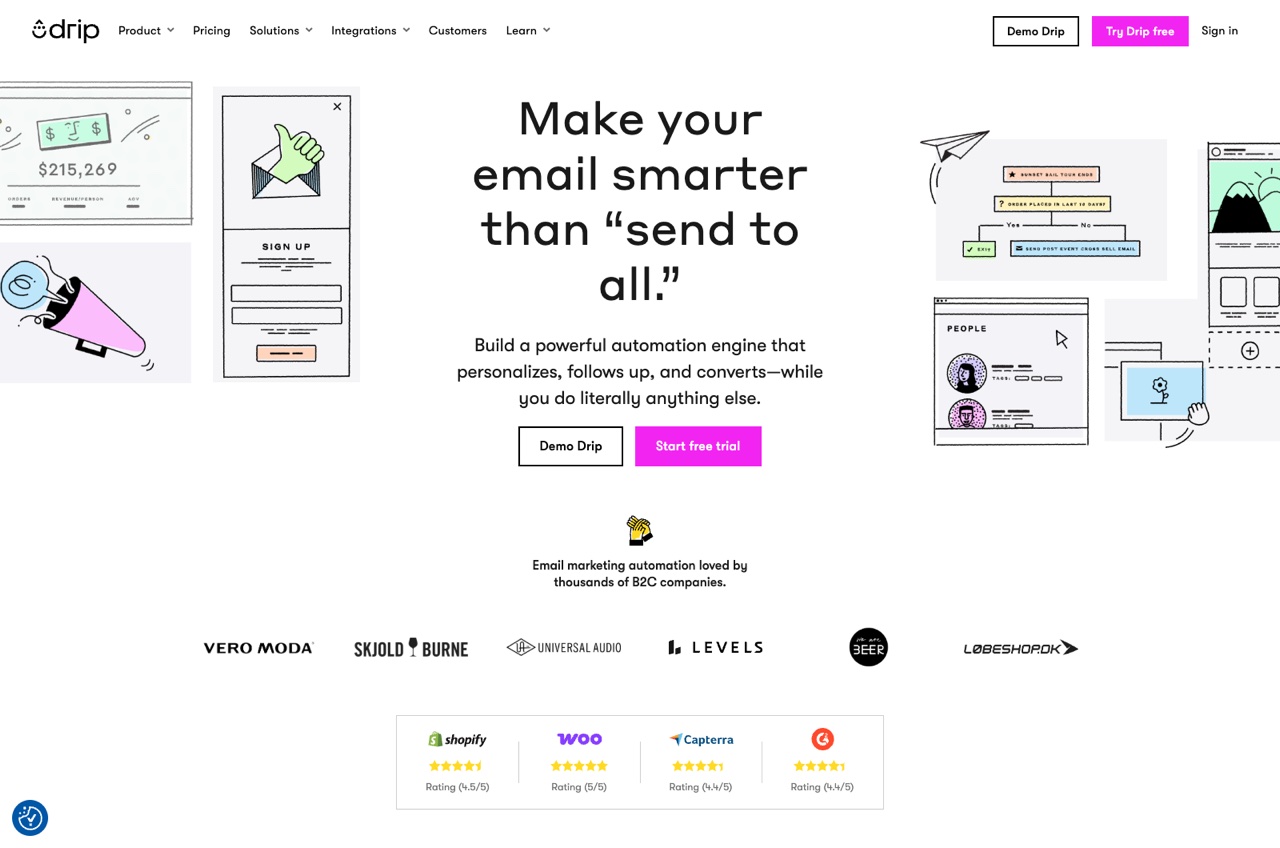
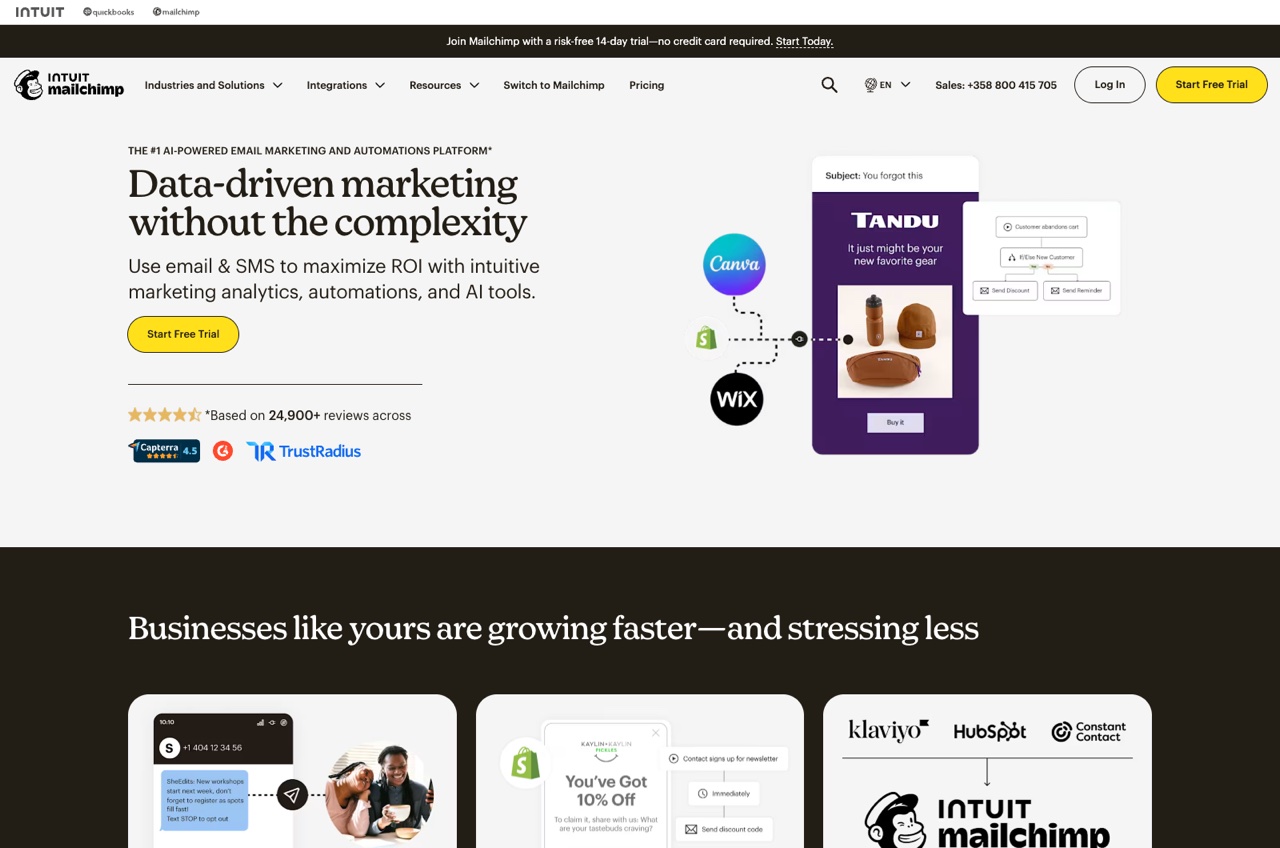
Website references from the content library, not authenticated automation-builder screens.
Current pricing at useful store sizes
These are regular USD monthly prices before tax, SMS and additional purchases. Mailchimp Standard is used as the feature-plan comparison, rather than treating its lowest advertised entry plan as equivalent to every Drip workflow.
| Contacts | Drip monthly | Mailchimp Standard monthly |
|---|---|---|
| 2,500 | $39 | $60 |
| 5,000 | $89 | Confirm exact selector quote |
| 10,000 | $154 | $135 |
| 25,000 | $369 | Confirm exact selector quote |
| 50,000 | $699 | $450 |
Sources: live Drip and Mailchimp selectors, checked 14 November 2026. Unchecked intermediate Mailchimp quotes are not inferred from adjacent tiers.
Drip is lower at the checked 2,500 size; Mailchimp Standard is lower at the checked 10K and 50K sizes. The ranking changes with tier. Older comparisons using Drip's former smaller-list packages or Mailchimp's historical plan prices can give the wrong answer.
Mailchimp may display introductory offers alongside regular prices. Compare the renewal amount and billing commitment, not just the first discounted period. Our Drip pricing guide lists the checked Drip ladder and sending limits.
Sending capacity and billable contacts
Drip's current selector displays unlimited email at checked tiers through 30K people. Larger checked tiers have an allowance equivalent to twelve times the tier ceiling, such as 600K sends at 50K people. Verify the actual selected package before planning a daily campaign calendar.
Drip's active-person definition can include unsubscribed people retained as active records. Do not assume every email unsubscribe reduces the billable population automatically.
Mailchimp's additional-charges documentation describes contact and send limits, extra blocks and billing-period peaks. Archived and cleaned contacts are excluded under that guide, while ordinary subscription status is a separate question. Separate audiences can also duplicate stored people.
Use one workload sheet for both tools: billable records, reachable campaign recipients, monthly campaign sends and automation sends. Four campaigns to 10K recipients produce about 40K messages before flows; daily campaigns produce about 300K in a thirty-day month. The same contact count can therefore require a very different sending budget.
Shopify and WooCommerce data
Mailchimp's Shopify setup guide confirms the native connection, and its sync documentation explains the data behavior. Do not repeat the obsolete claim that Shopify users cannot connect Mailchimp.
Drip's official product and package page lists its ecommerce integrations and workflows. For either tool, connect the intended store and inspect actual customers, orders, products and events before assuming a catalog badge proves the complete setup.
Use a recent buyer, repeat buyer, refund and non-subscribed purchaser as test cases. Confirm consent remains distinct from the existence of an order. A person who buys should not automatically become a newsletter subscriber merely because the record synchronized.
For WooCommerce, verify the current supported connector and the specific events it sends. Test paid versus completed order stages, variations, guest checkout and refunds. Avoid assuming an integration available for Shopify has identical behavior on another store platform.
For an Audienceful evaluation, the documented native Shopify app is the direct store route. Confirm the specific WooCommerce or other-platform route separately rather than applying Shopify instructions to it.
Compare ecommerce flows one by one
A template count hides the behavior that makes a flow useful. Rebuild the same test journey in each selected package, then inspect trigger, filters, delay, branch, goal and re-entry.
| Flow | Required input | Behavior to verify |
|---|---|---|
| Welcome | New permitted signup and source | Existing imports do not all receive a new offer |
| Checkout recovery | Checkout and recovery link | Purchase stops remaining reminders |
| Browse abandonment | Identified product view | Person is recognized and overlap is controlled |
| Product-specific education | Order line item or product event | Correct instructions reach the correct buyer |
| Review request | Fulfillment or suitable order stage | Timing and review destination are correct |
| Replenishment | Product and expected repeat cycle | Reorder changes eligibility |
| Win-back | Last qualifying purchase | Recent buyers leave the audience |
| VIP | Spend or order threshold | Recognition is not issued repeatedly by mistake |
Use current Drip package details and Mailchimp automation entitlements to establish what is included and what needs building. Mailchimp's plans have different automation allowances; a comparison that says only “yes, automation” misses a material buying condition.
Test at least one eligible and one excluded customer per branch. Place an order during a recovery delay and inspect the queue. A preview of a reminder email does not prove the reminder stops after purchase.
Our Shopify flow guide and flow migration worksheet provide a structure for the evaluation.
Segmentation and personalization
Choose three real audience rules: a product buyer segment, a repeat-purchase segment and a lapsed-customer segment. Compare the included and excluded people in both tools.
Record time windows, timezone, refund treatment and product identifiers. A “bought jackets” rule can behave differently if one integration uses a product ID and another rule points at a collection or variant.
A tag imported during migration is a snapshot unless something maintains it. Decide whether the store integration, a workflow or application code updates the value after the next purchase. Otherwise the first campaign can look correct while later audiences drift.
For personalization, test absent names, empty recommendations and unavailable products. Confirm the message has a useful fallback rather than leaving a blank greeting or a broken product block.
Editor, templates and campaign production
Ask the people who create and approve emails to build one recurring campaign layout in each tool. Use the same brand assets, product block and mobile requirement.
Measure the actual work: reusable styling, product selection, copy review, fallback handling and final tests. A large template library is useful only if the team can adapt and maintain the designs it uses.
Drip's current package lists an MCP connection. Mailchimp's current comparison describes its present feature entitlements. Avoid an old blanket claim that either product has no modern assistance without checking the exact capability.
If agent operation matters, distinguish drafting a subject line from managing campaign settings, segments or flows. Test the action you need and the review process around it, rather than treating every “AI” label as equivalent.
Revenue attribution and delivery reporting
Save the settings that determine which orders receive email credit. Compare attribution windows, click/open treatment, machine filtering and refunds before comparing revenue totals.
Use total store sales as an independent business measure. A platform can report more email-attributed revenue because it credits a wider window, even when the same customers place the same orders. That is a reporting difference to understand, not proof of additional sales.
For deliverability, inspect authentication, complaints, bounces, provider responses and a recent engaged-audience pilot. We have not run a controlled inbox-placement test here, so there is no invented delivery percentage or universal winner. The deliverability checklist gives the appropriate checks.
A migration should preserve permission and restrictions first. Switching providers does not make old unengaged addresses newly interested in the store.
SMS needs a separate decision
Do not treat the email price table as an SMS budget. Check availability for your account, destination countries, message segmentation, carrier fees and number arrangements with each provider.
Drip's SMS billing documentation and account settings documentation have account-eligibility conditions that need confirmation. This article does not promise SMS availability to every new Drip customer.
For Mailchimp, use its current pricing and product comparison to confirm the applicable SMS package. Keep SMS-specific consent and opt-outs separate from email, and test the receiving provider's import process before moving numbers or traffic.
Moving from Mailchimp to Drip
Export each Mailchimp audience with all relevant statuses and fields using the official export guide. Keep unsubscribed, non-subscribed and cleaned populations distinct instead of uploading every row as subscribed.
Reconcile duplicates across audiences and preserve group preferences. Rebuild forms, templates, segments and flows, then test the domain and store events. Decide what happens to people already waiting in a journey before activating the replacement.
Use Drip's current help center for its supported import route and accepted fields. Transfer one flow at a time with one active sender per purpose, and cancel the old subscription only after final exports and consent reconciliation.
If leaving Drip later, our Drip migration guide covers the reverse inventory and Drip alternatives covers other destinations. For Mailchimp cost cleanup before any move, read how to reduce the bill.
Another Shopify option: Audienceful
Audienceful's native Shopify integration syncs store data and consent, with flow templates for the common lifecycle journeys. Revenue attribution, collaborative editing, agency-designed templates and enterprise-grade delivery monitoring support the ongoing program.
The AI agent and complete MCP coverage let agents prepare and manage campaigns, segments and flows while the team reviews the result. Native Stripe data also supports businesses with subscription billing alongside the store.
At the checked 10K size, Audienceful Growth is $118 per month equivalent billed yearly, lower than Drip's $154 monthly and Mailchimp Standard's $135 monthly base. Growth's monthly-billed price is $140, so it is not cheaper than the checked Mailchimp Standard monthly figure at that size. Both relevant live pages were checked 14 November 2026; compare the commitment, allowance and operating workflow.
Read Audienceful versus Drip, Audienceful versus Mailchimp, Mailchimp for Shopify and Mailchimp alternatives for context. Use the migration help guide for the destination import process.
FAQs
Is Drip better than Mailchimp for ecommerce?
It can be a better fit for a particular store workflow, but test the required integration, flow logic, reporting and production process on the selected packages. A universal winner hides the store's actual requirements.
How much does Drip cost?
The checked monthly prices are $39 at 2.5K people, $89 at 5K, $154 at 10K, $369 at 25K and $699 at 50K. Sending limits change at larger tiers, and other purchases are separate.
Does Drip have a free plan?
The current pricing page advertises a fourteen-day trial and paid pricing starting at $39, rather than a permanent free production plan. Review the trial's different sending terms.
Does Drip work with Shopify?
Its ecommerce package supports store integrations. Verify the current setup with actual customer, product, order and consent data, then test the precise journey the store needs.
Can I import my Mailchimp list into Drip?
Use Mailchimp's export and Drip's supported import route, preserving statuses, fields and preferences. Rebuild workflows and forms separately, and do not reactivate restricted addresses during import.
To compare a native Shopify workflow with the two options, start with Audienceful and test your checkout and post-purchase journeys before moving the list.
