Is Mailchimp good for ecommerce? Yes for a small store that mostly sends newsletters and promotions, and still workable on the Standard plan, which unlocks branching flows, behavioral targeting and revenue reporting. It gets harder when your store depends on many event-driven flows, segments on purchase behavior, and a bill that counts every contact you keep. If you've reached that point, Audienceful imports your Mailchimp audience, tags and all, and runs Shopify flows on native store data.
We make Audienceful, and we import Mailchimp lists every day, so we've seen where stores hit the limits. Everything below links to Mailchimp's own pricing and help pages, checked 14 November 2026.
The short answer
Mailchimp works for ecommerce when:
- Your store is small or medium and email is mostly campaigns: new products, sales, a newsletter.
- You want a welcome series, an abandoned cart reminder and a post-purchase email, and you're on Standard or above.
- You value a familiar tool and a big template library more than store-specific depth.
It struggles when:
- You're on Essentials or Free and need multi-step store flows. Essentials allows up to four flow steps; Free doesn't include flows.
- You want many separate journeys for browse, cart, checkout, replenishment and win-back, each keyed to Shopify events.
- You're paying for a large list with many unsubscribed contacts you haven't archived.
What Mailchimp does for online stores
A Shopify integration. Mailchimp's Shopify connection guide says the integration updates your audience with each customer's email, name, order information and custom fields, and starts syncing customer behavior such as pages visited. Order fields sync in real time, except discount codes, which sync every few hours. It connects one Shopify store to one Mailchimp audience. The Mailchimp app on the Shopify App Store has 4.8 out of 5 from 1,579 reviews, checked 14 November 2026.
Product recommendations. Personalized product recommendations are included on every plan, according to the plan comparison.
Abandoned cart. Mailchimp documents an abandoned cart series for connected stores. When you connect Shopify, its guide notes that any existing abandoned cart automations tied to your audience need to be recreated.
SMS. Available as an add-on on paid plans.
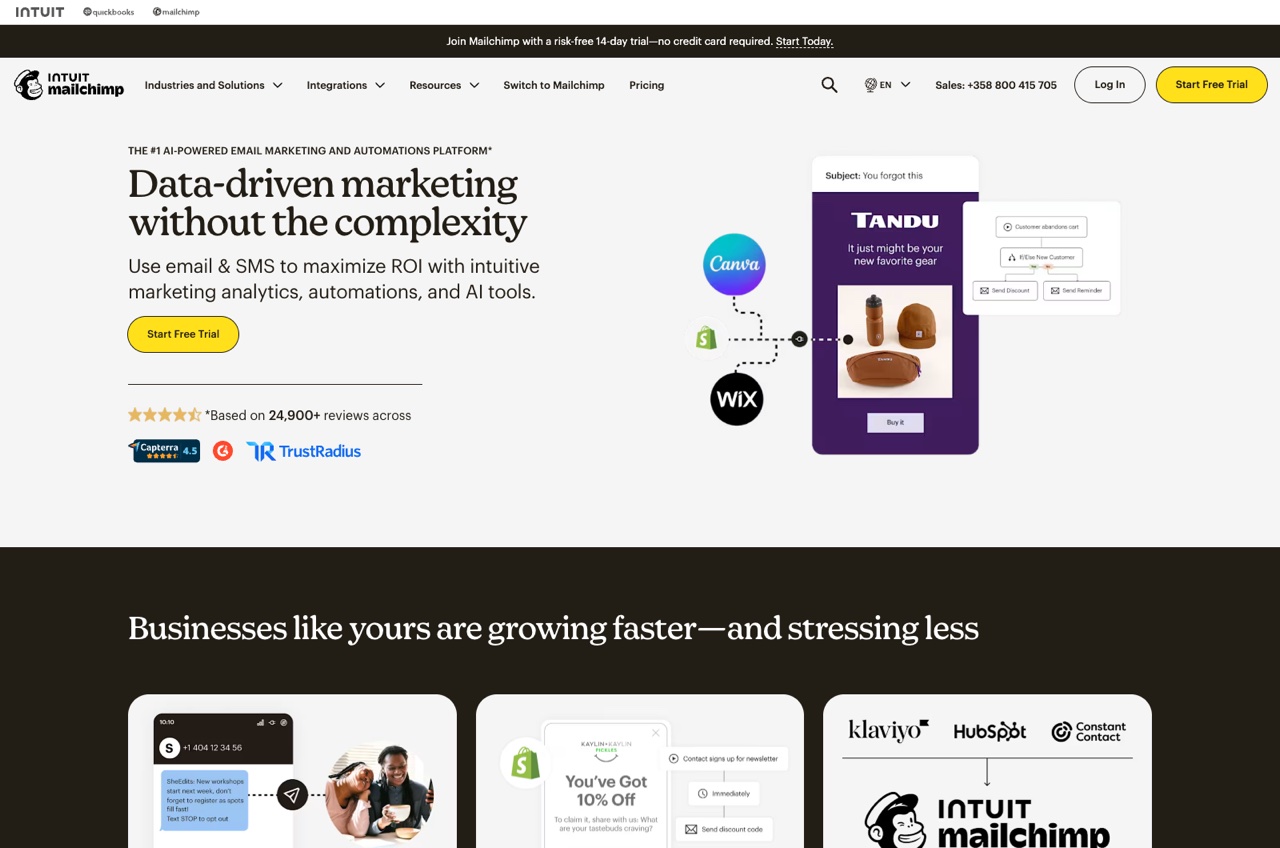
Mailchimp's website, from our competitor screenshot library. Not the Shopify integration screen.
For a step-by-step look at the connection itself, see our guide to Mailchimp and Shopify.
Which Mailchimp plan you need for ecommerce
This is where most stores get caught. The ecommerce features that matter are tiered.
| Feature | Free | Essentials | Standard | Premium |
|---|---|---|---|---|
| Automation flows | Not included | Up to 4 flow steps | Up to 200 flows | Up to 200 flows |
| Branching points | No | No | Yes | Yes |
| Behavioral targeting | No | No | Yes | Yes |
| Predictive segmentation | No | No | Yes | Yes |
| Revenue reporting | No | No | Yes | Yes |
| Product recommendations | Yes | Yes | Yes | Yes |
| Seats | 1 | 3 | 5 | Unlimited |
| Monthly sends | 500 (250 contacts) | 10 times contacts | 12 times contacts | Higher allowance |
Source: Mailchimp's compare plans page and pricing page, checked 14 November 2026.
In practice, a store that wants an abandoned cart flow with more than one reminder, a post-purchase series that branches on what was bought, and revenue per email needs Standard. Budget from Standard, not from the Essentials price you saw first.
The limits stores run into
Flow depth on cheaper plans. Four steps on Essentials covers a short welcome series. It doesn't cover a welcome flow plus a cart flow plus a post-purchase flow with branches.
Shopify data depth. The documented sync covers customers, orders and browsing behavior. Ecommerce-first platforms tend to expose more Shopify events as flow triggers, such as separate added-to-cart and started-checkout events. Our guide to abandoned checkout vs abandoned cart explains why that distinction earns money.
Segmenting on purchases. Standard adds behavioral targeting and predictive segmentation. On Essentials, purchase-based segments are more limited.
Revenue attribution. Real-time revenue reporting is a Standard feature. Without it you can't easily tell which emails sell.
Contact counting. Mailchimp's additional charges page says archived and cleaned contacts don't count toward your contact limit. Unsubscribed contacts you haven't archived still do. If you go over your limit, Mailchimp doesn't pause your account; it adds an extra contact block to your bill. Our guide to reducing your Mailchimp bill shows how to archive safely.
What Mailchimp costs a store at 10K and 50K
Using the Standard plan, since that's where ecommerce features start. Regular monthly prices checked on the live selector on 14 November 2026:
| Contacts | Mailchimp Standard | Klaviyo Email | Omnisend Standard | Audienceful |
|---|---|---|---|---|
| 10,000 | $135 | $150 | $132 | $79 billed yearly ($99 monthly) |
| 50,000 | $450 | $720 | $413 | $272 billed yearly ($320 monthly) |
Sources: Mailchimp, Klaviyo, Omnisend and Audienceful. The Audienceful figures are Essentials, which runs three flows; Growth, with unlimited flows, is $118 and $309 billed yearly at the same sizes.
Mailchimp also shows introductory discounts, such as 15% off the first 12 months for 10,000+ contacts on the day we checked. Budget on the renewal price. For past changes, see Mailchimp's price increase.
Mailchimp vs ecommerce-first platforms
| Mailchimp Standard | Klaviyo | Omnisend | Audienceful | |
|---|---|---|---|---|
| Built for | General small business | Ecommerce | Ecommerce | Ecommerce and SaaS |
| Shopify sync | Customers, orders, behavior | Customers, orders, catalog, browse and cart events | Customers, orders, catalog, events | Customers, orders, line items, refunds, products, browse and cart events |
| Pre-built store flows | Some | Many | Many | Nine ready-made Shopify flows |
| Revenue reporting | Yes | Yes | Yes | Yes, per campaign and flow |
| Price at 10K | $135 | $150 | $132 | $79 billed yearly |
For the closest head-to-head, see our Klaviyo vs Mailchimp comparison for ecommerce.
Five signs you should switch
- You're on Essentials and keep hitting the four-step limit, but Standard's price feels hard to justify for what you get.
- Your list has thousands of unsubscribed or never-engaged contacts and the bill keeps climbing.
- You want separate flows for browse, cart and checkout, and building them has become a project.
- You can't see revenue per email and you're guessing what to send.
- Your store has passed the point where email is a newsletter. If flows earn more than campaigns, you want a tool built around flows.
If none of these apply, Mailchimp is probably fine and switching isn't worth the work.
How to switch without losing data
What should come with you:
- Audiences and their subscribe status: subscribed, unsubscribed, non-subscribed and cleaned. Keep unsubscribed people as unsubscribed.
- Tags, so your existing segments can be rebuilt.
- Merge fields such as first name, birthday and custom properties.
- Groups and preferences, mapped to fields or tags.
A checklist:
- Note every live flow and its revenue over the last 90 days.
- Export or connect your audiences. Mailchimp's export guide covers a manual export.
- Connect Shopify to the new platform so customers and orders come from the store directly.
- Authenticate your sending domain with SPF, DKIM and DMARC.
- Rebuild welcome, cart and post-purchase flows first, then switch off the Mailchimp versions one at a time.
- Warm up campaign volume over a few weeks.
Audienceful's Mailchimp importer connects to your account and brings audiences, tags, merge fields and subscriber statuses across with no CSV. Free workspaces can import up to 2,000 contacts; larger lists need a paid plan or the trial. Then the Shopify app syncs customers, orders, carts and checkouts, with a historical import of roughly the last year of orders, and the Shopify flow library gives you nine ready-made flows with revenue attribution. The AI agent can build segments and flows from a brief, and the full MCP coverage means your own AI tools can run campaigns too. See Audienceful vs Mailchimp, the wider Mailchimp alternatives list, and the migration help guide.
FAQs
Does Mailchimp still integrate with Shopify?
Yes. Mailchimp's own guide documents connecting one Shopify store to one Mailchimp audience, syncing customers, orders and browsing behavior. The Mailchimp app on the Shopify App Store has 4.8 out of 5 from 1,579 reviews.
Can Mailchimp send abandoned cart emails?
Yes, for connected stores. Mailchimp documents an abandoned cart series. To build a multi-step version with branches, you need a plan with full flows and branching points, which means Standard or Premium.
Which Mailchimp plan do I need for ecommerce automations?
Standard. It includes up to 200 flows, branching points, behavioral targeting, predictive segmentation and revenue reporting. Essentials is limited to four flow steps, and Free doesn't include flows.
Does Mailchimp charge for unsubscribed contacts?
Its billing page says archived and cleaned contacts don't count toward the limit, so unsubscribed contacts count until you archive them. Archiving them is the main way to reduce the bill without losing their records.
What's the best Mailchimp alternative for Shopify?
It depends on size and budget. Klaviyo has the most depth, Omnisend is easy to run, and Audienceful costs $79 a month billed yearly at 10,000 contacts against Mailchimp Standard's $135, with a native Shopify app and ready-made flows.
Will I lose my tags if I leave Mailchimp?
Not if you move them. A CSV export includes tags, and Audienceful's Mailchimp importer brings tags, merge fields and statuses across directly. Flows, templates and reports don't transfer automatically, so record them before you cancel.
Import your Mailchimp audience in one click, tags and all, and turn on Shopify flows. Start a free 14-day Growth trial.
