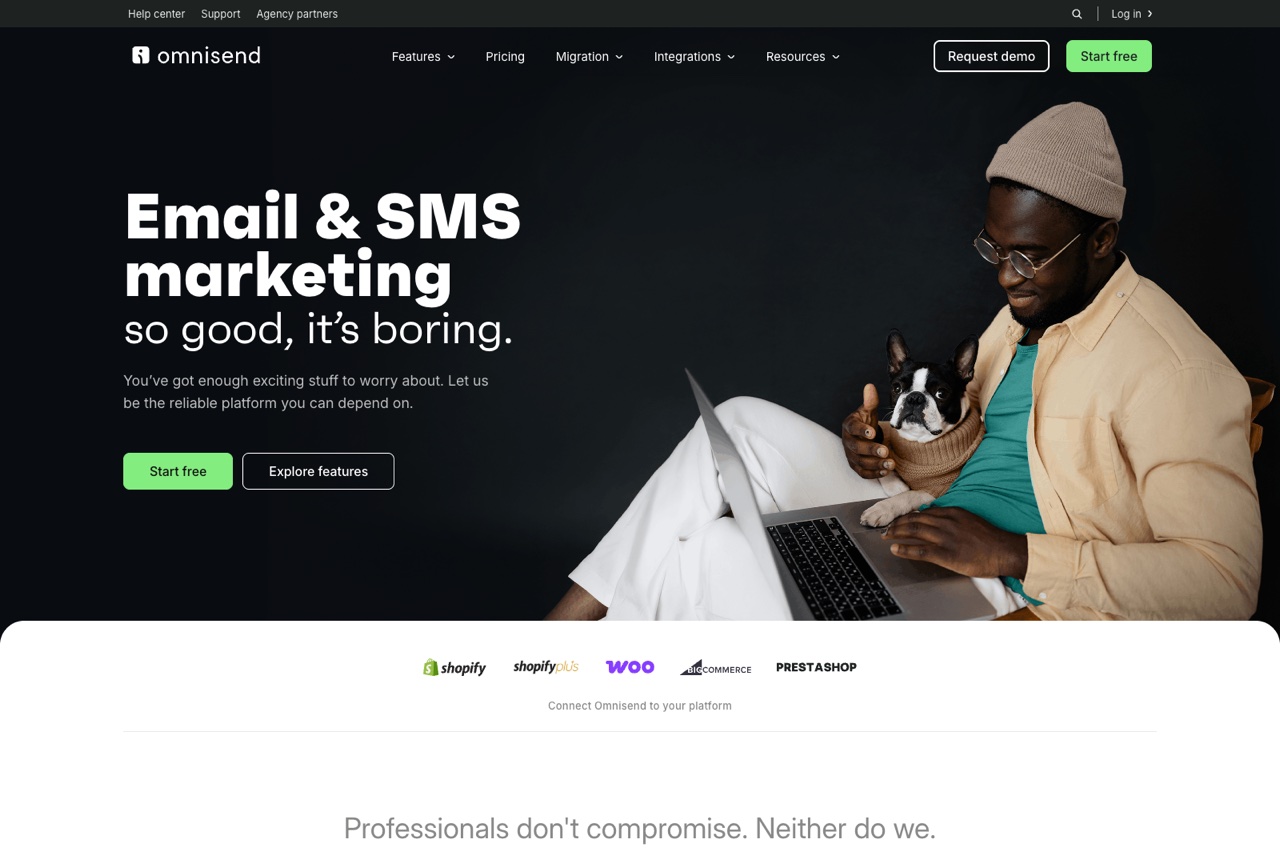
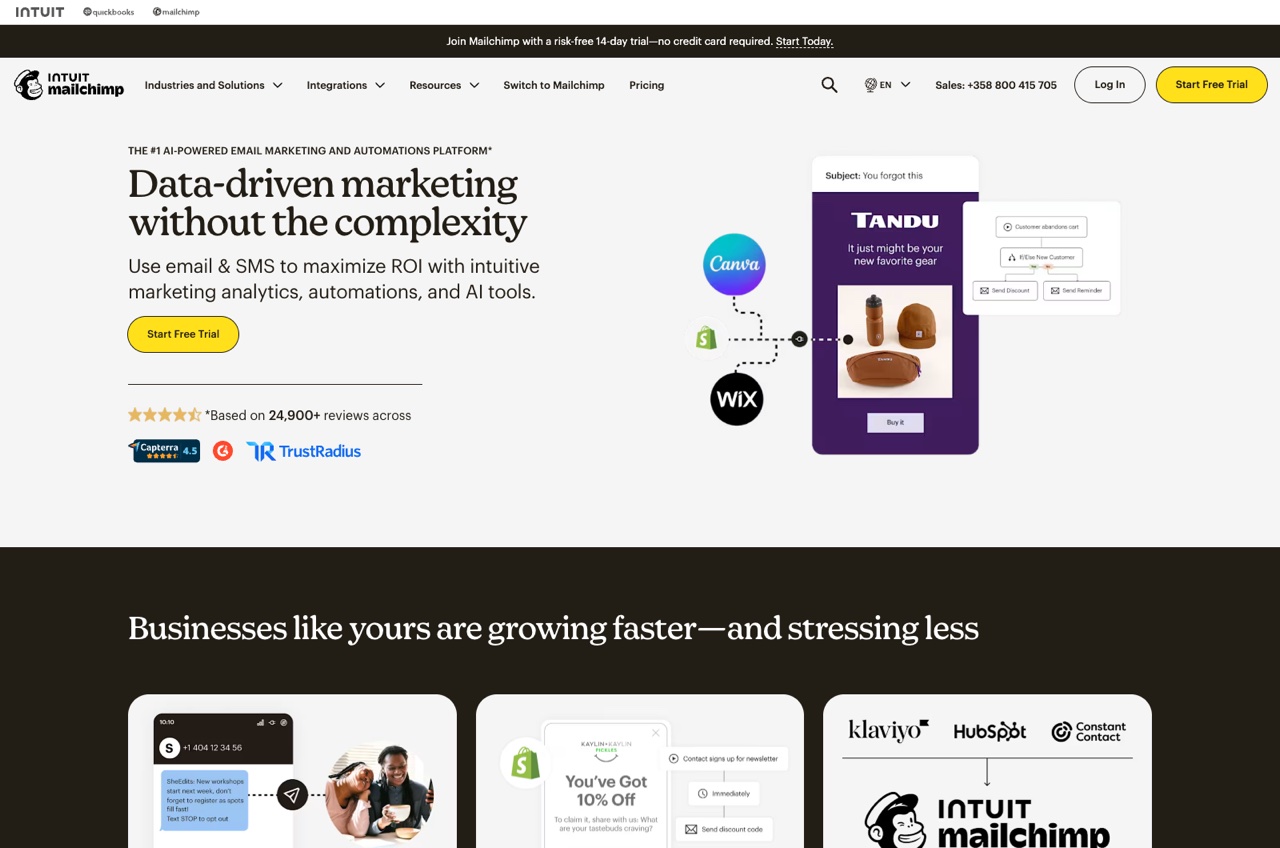
In Omnisend vs Mailchimp, Omnisend is the better fit for a Shopify store that wants ready-made ecommerce flows, SMS and web push in one builder. Mailchimp is the better fit for a business whose email is mostly newsletters and announcements, with a store as one input among several. Their prices are close at 10,000 contacts and split apart at 50,000. If you want Shopify-native flows with revenue attribution per email, Audienceful is a third option covered near the end.
We make Audienceful. Prices below were checked on the vendors' own pages on 14 November 2026, in USD, before tax and add-ons. The screenshots come from our competitor library and show each vendor's website, not its logged-in app.
Omnisend vs Mailchimp: the short verdict
| Omnisend | Mailchimp | |
|---|---|---|
| Built for | Ecommerce stores, Shopify first | General marketing, with ecommerce integrations |
| Free plan | 250 contacts, 500 emails a month | 250 contacts, 500 sends a month |
| Paid plans | Standard, Pro, Custom | Essentials, Standard, Premium |
| Price at 10K contacts | Standard $132, Pro $150 | Standard $135 |
| Price at 50K contacts | Standard $413, Pro $715 | Standard $450 |
| Who counts toward the bill | Subscribers, plus non-subscribers who received automated messages | Subscribed, unsubscribed and non-subscribed contacts |
| Prebuilt store flows | Welcome, browse, cart, order and shipping confirmation, cross-sell | Abandoned cart, welcome and other journeys, depth varies by plan |
| SMS | Pro plan, from $0.009 to $0.007 per US message | Separate SMS add-on |
| Web push | Unlimited on paid plans | Not part of the core plans |
| Automation limits | Custom workflows on paid plans | Essentials capped at 4 flow steps; Standard up to 200 flows |
Sources: Omnisend pricing, Mailchimp pricing and Mailchimp's plan guide.
The pattern holds across the comparison. Omnisend treats the store as the center of the account. Mailchimp treats the audience as the center and lets a store feed into it.
Omnisend vs Mailchimp pricing at 1K, 10K, 50K and 100K contacts
Both vendors price by contacts, then change the plan features on top. These are regular monthly list prices, checked 14 November 2026.
| Contacts | Omnisend Standard | Omnisend Pro | Mailchimp Standard |
|---|---|---|---|
| 1,000 | $20 | $59 | Quote on the live selector |
| 2,500 | $44 | $59 | $60 |
| 10,000 | $132 | $150 | $135 |
| 50,000 | $413 | $715 | $450 |
| 100,000 | $900 | $1,334 | Quote on the live selector (Standard's ceiling) |
Sources: Omnisend's live slider and Mailchimp's live selector. We didn't fill the Mailchimp cells we couldn't read in USD that day, rather than guessing from neighboring tiers.
A few things change the real number:
- Promotions. Omnisend's page shows a 30% discount for paying three months up front. Mailchimp's page offers 15% off for the first 12 months at 10,000 contacts or more for new customers. Both revert to list price, so budget on the list price.
- Send limits. Omnisend Standard includes 12 emails per contact per month. Pro is unlimited under a fair use limit of 60 times the list. Mailchimp's plan guide gives Essentials 10 times the contact limit, Standard 12 times and Premium 15 times.
- Plan ceilings. Mailchimp Essentials stops at 50,000 contacts and Standard at 100,000. Premium starts at 10,000 contacts and goes to 200,000 before a custom plan. Omnisend moves to Custom above 150,000 active profiles.
Mailchimp Essentials is cheaper than Standard at most tiers, which is why some vendor comparisons quietly line Omnisend Standard up against Mailchimp Standard. That's a fair match for automation, though. Essentials caps each flow at four steps, which rules out most store programs that need a delay, a condition and a few follow-ups.
For a full ladder of Omnisend tiers, see our Omnisend pricing guide. Mailchimp's recent changes are in Mailchimp's price increase.
Who you pay for
This matters more than the headline price for any store with a long customer history.
Mailchimp's plan guide says "subscribed, unsubscribed, and non-subscribed contacts" all count toward the contact total. Archived, cleaned and deleted contacts don't. A store that synced every Shopify customer, including people who never opted in, pays for all of them unless it archives the ones it won't email. Our guide to reducing the Mailchimp bill walks through the cleanup.
Omnisend bills on subscribers plus non-subscribers who received automated messages, such as order confirmations. Unsubscribed contacts aren't billed. Its contact count article explains the difference.
For a store with 10,000 subscribers and 15,000 past buyers who never opted in, the two rules can produce very different tiers. Check the count each tool would bill before you compare prices.
Shopify integration depth
Omnisend installs from the Shopify App Store and pulls customers, orders, products and on-site events into the account. Workflows trigger on store activity out of the box, and product blocks pull items from the catalog.
Mailchimp connects through its own official Shopify app. The two companies split in 2019 and reconciled in 2021, and that app is the integration stores use today. According to Mailchimp's Shopify guide, customers, orders and products sync, customer tags sync one way from Shopify, and everything except discount codes syncs in real time. Our Mailchimp for Shopify post covers the setup.
Both work. The difference is how much of the account is built around the store data. In Omnisend, the store is the default trigger source. In Mailchimp, the store is one integration feeding an audience you also use for other things.
Prebuilt ecommerce automations, flow by flow
This is where store owners feel the difference week to week.
| Flow | Omnisend | Mailchimp |
|---|---|---|
| Welcome series | Prebuilt workflow | Prebuilt journey |
| Browse abandonment | Prebuilt workflow | Product retargeting journey; check plan |
| Abandoned cart | Prebuilt workflow | Prebuilt journey |
| Order and shipping confirmation | Prebuilt workflows | Order notifications via the store connection |
| Cross-sell after purchase | Prebuilt workflow | Build from the journey builder |
| Win-back | Build from a template or scratch | Re-engagement journey |
| Multi-channel steps | Email, SMS and push in one workflow | Email first; SMS as a separate add-on |
Sources: Omnisend automation, Mailchimp automations.
Omnisend names its prebuilt workflows on the feature page: welcome, browse abandonment, cart abandonment, order confirmation, shipping confirmation and cross-sell. You can add conditional splits (Omnisend's guide) and A/B splits inside a workflow.
Mailchimp's journey builder handles the same ideas. The constraint is the plan. Essentials allows up to four flow steps, and Standard allows up to 200 flows with the full builder. If you plan to run more than a welcome email and a single cart reminder, budget for Standard.
Segmentation and revenue attribution
Omnisend segments on purchase history, product views and engagement, and its reports attribute sales to campaigns and workflows. That's the core of a store program: "bought twice, not in 90 days" or "viewed but didn't buy."
Mailchimp segments on purchase data from the store connection plus its own engagement and predicted demographics. Standard and Premium add more of the predictive pieces. Revenue reporting depends on the store connection and works per campaign and per journey.
Neither tool is weak here. Omnisend's defaults are closer to what a store owner wants on day one. Mailchimp asks you to build more of it.
Email builder and product blocks
Both editors are drag and drop with product blocks that pull from the catalog. Omnisend's product picker and product recommender are designed around a Shopify store. Mailchimp's editor is broader, with stronger brand kit and content tools for teams that send more than promotions.
If your emails are mostly product grids and discount codes, Omnisend's editor gets you there faster. If they're editorial, Mailchimp's is more flexible.
Deliverability
Neither vendor publishes inbox placement figures we can verify, and third-party scores vary by test. Treat any "winner" claim on deliverability with suspicion.
What you control matters more: authenticate your domain with SPF, DKIM and DMARC, send to people who engage, and warm up a new sending domain. Our deliverability checklist covers the setup that applies to either tool.
SMS and push
Omnisend includes SMS on Pro. Its pricing page lists US rates from $0.009 down to $0.007 per message by volume, and SMS steps sit in the same workflow as email. Web push is unlimited on paid plans.
Mailchimp sells SMS as a separate add-on with its own pricing page. It does not include web push in the core plans.
If SMS in the same flow as email is a must, Omnisend is the simpler choice of these two.
Support
Omnisend lists 24/7 support on all plans, with an account expert for accounts paying $400 a month or more. Mailchimp's support depends on plan: Standard and Premium get more channels, and new Standard and Premium customers get an onboarding call in the first 90 days according to its automation page.
Switching from Mailchimp to Omnisend
- Export each Mailchimp audience with statuses intact, using Mailchimp's export guide. Keep unsubscribed and cleaned contacts separate so they stay suppressed.
- Install Omnisend on Shopify and let it sync customers and orders. Shopify holds the email marketing consent, so it carries over.
- Import the subscribers who aren't Shopify customers, with their status.
- Rebuild the flows one at a time, starting with abandoned cart and welcome.
- Turn off each Mailchimp journey only after its replacement is live.
- Cancel Mailchimp once the final export is saved.
Templates and reports don't move. Plan to rebuild your best two or three emails rather than every old one.
A third option: Audienceful
If neither fits, Audienceful sits between them. It's built on native Shopify data and is billed through Shopify, with a one-click Mailchimp import for audiences, tags, merge fields and statuses.
- Shopify flows on real store data. Shopify automation templates for welcome, browse, cart and checkout abandonment, post-purchase, review requests, replenishment, win-back and VIP. See the abandoned cart guide.
- Revenue attribution per email and per flow, so you can see which flow earns.
- An AI agent with full MCP coverage. It builds campaigns, segments and flows from a brief, and outside agents can run the same work through the MCP server.
- A collaborative editor with agency-designed templates.
- Enterprise-grade deliverability with monitoring built in.
On price, Audienceful is lower at the sizes most stores in this comparison sit at. Checked 14 November 2026:
| Contacts | Audienceful | Omnisend Standard | Mailchimp Standard |
|---|---|---|---|
| 1,000 | Free | $20 | Quote on selector |
| 10,000 | $79 Essentials billed yearly ($99 monthly) | $132 | $135 |
| 50,000 | $309 Growth billed yearly | $413 | $450 |
| 100,000 | $499 Growth billed yearly | $900 | Quote on selector |
Essentials includes three flows. Growth has unlimited automations. See Audienceful vs Omnisend and Audienceful vs Mailchimp, plus our roundups of Omnisend alternatives and Mailchimp alternatives. The migration guide covers the move step by step. If you are still on Shopify Email, read Omnisend vs Shopify Email first.
FAQs
Is Omnisend cheaper than Mailchimp?
At most store sizes, by a little. At 10,000 contacts, Omnisend Standard is $132 and Mailchimp Standard is $135. At 50,000 it's $413 against $450. Mailchimp Essentials is cheaper than both at many tiers, but it caps flows at four steps. Prices checked 14 November 2026.
Is Omnisend better than Mailchimp for Shopify?
For most Shopify stores, yes. Omnisend's prebuilt workflows, product blocks and SMS are designed around a store. Mailchimp works with Shopify through its official app and suits stores whose email is mostly newsletters.
Does Mailchimp still work with Shopify?
Yes. Mailchimp left the Shopify App Store in 2019 and came back in 2021 with an official app. Customers, orders and products sync, and most data syncs in real time.
Can I import my Mailchimp list into Omnisend?
Yes. Export each audience from Mailchimp with statuses, then import into Omnisend. Shopify customers sync directly from the store, so you mostly import the subscribers who never bought.
Does Omnisend have a free plan?
Yes. It covers 250 contacts and 500 emails a month, with prebuilt ecommerce workflows. Mailchimp's free plan has the same 250 contact and 500 send limits.
Running Shopify on Mailchimp? Start free on Audienceful, import your audience in one click and turn on the Shopify flows. It's free up to 1,000 contacts.
