Mailchimp vs Constant Contact comes down to who you are. Constant Contact suits nonprofits, event organizers and local businesses that want a simple tool and a person to call, while Mailchimp suits businesses that want a free plan, more automation and better integrations, and it's usually the cheaper of the two at small list sizes. If you sell online or bill through Stripe, neither is a specialist, and Audienceful is worth a look; it's covered near the end.
We make Audienceful. Mailchimp prices come from its pricing page and plan guide, checked 14 November 2026. Constant Contact's pricing page blocked our fetcher that day, so its figures are the ones recorded in our Constant Contact price increase write-up, and we say where a number needs checking on its slider. Screenshots come from our competitor library and show each vendor's website.
Mailchimp vs Constant Contact: verdict by business type
| Business | Pick | Why |
|---|---|---|
| Nonprofit or association | Constant Contact | Event tools, simple editor, phone support |
| Event organizer | Constant Contact | Registration and ticketing built in |
| Local service business | Either; Constant Contact if you want hand-holding | Both handle a monthly newsletter well |
| Newsletter-led small business | Mailchimp | Free plan, cheaper at small sizes, more automation |
| Online store | Mailchimp of the two, or a store-first tool | Better Shopify sync and journeys |
| SaaS | Mailchimp of the two, or a lifecycle tool | Better API and integrations |
If you're a first-time buyer with a small list and no store, both are fine. Pick the one whose editor you like after a trial.
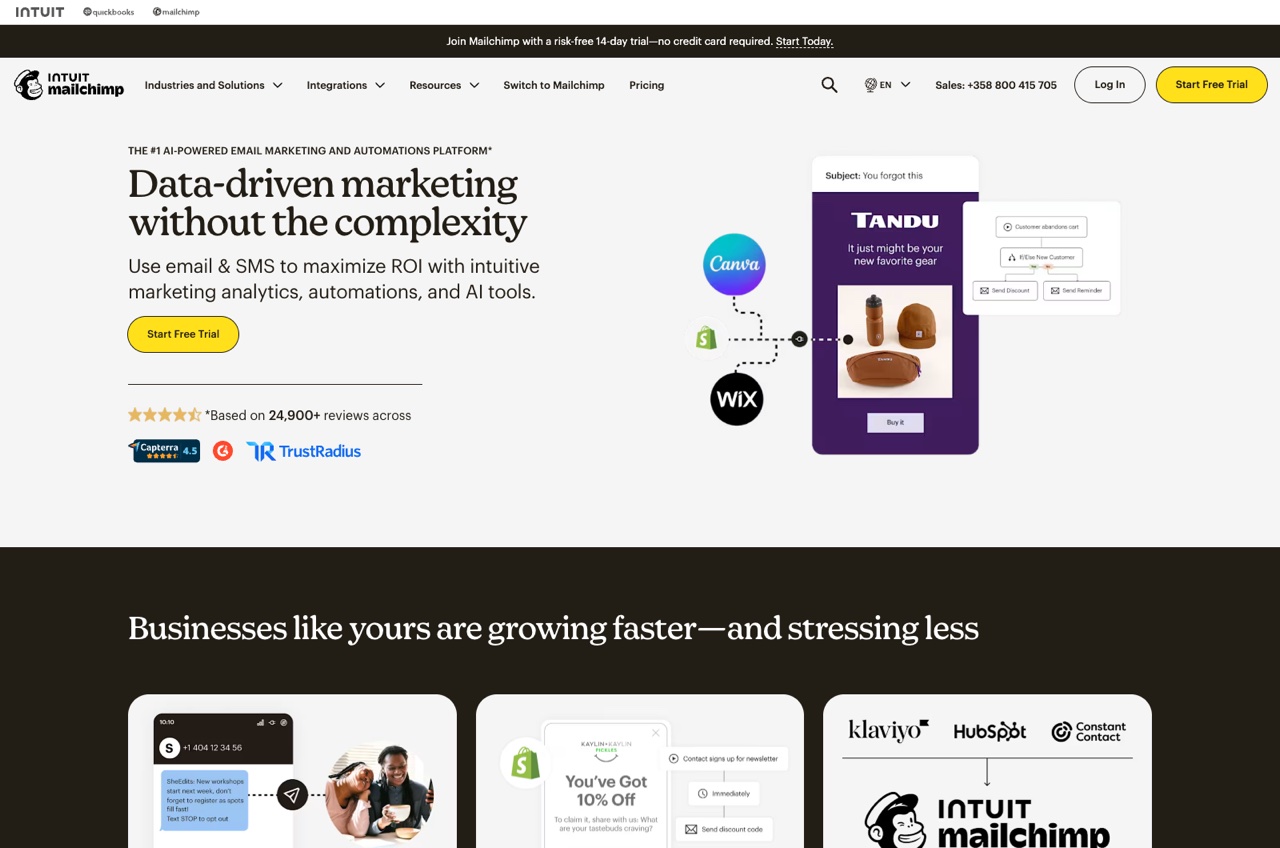
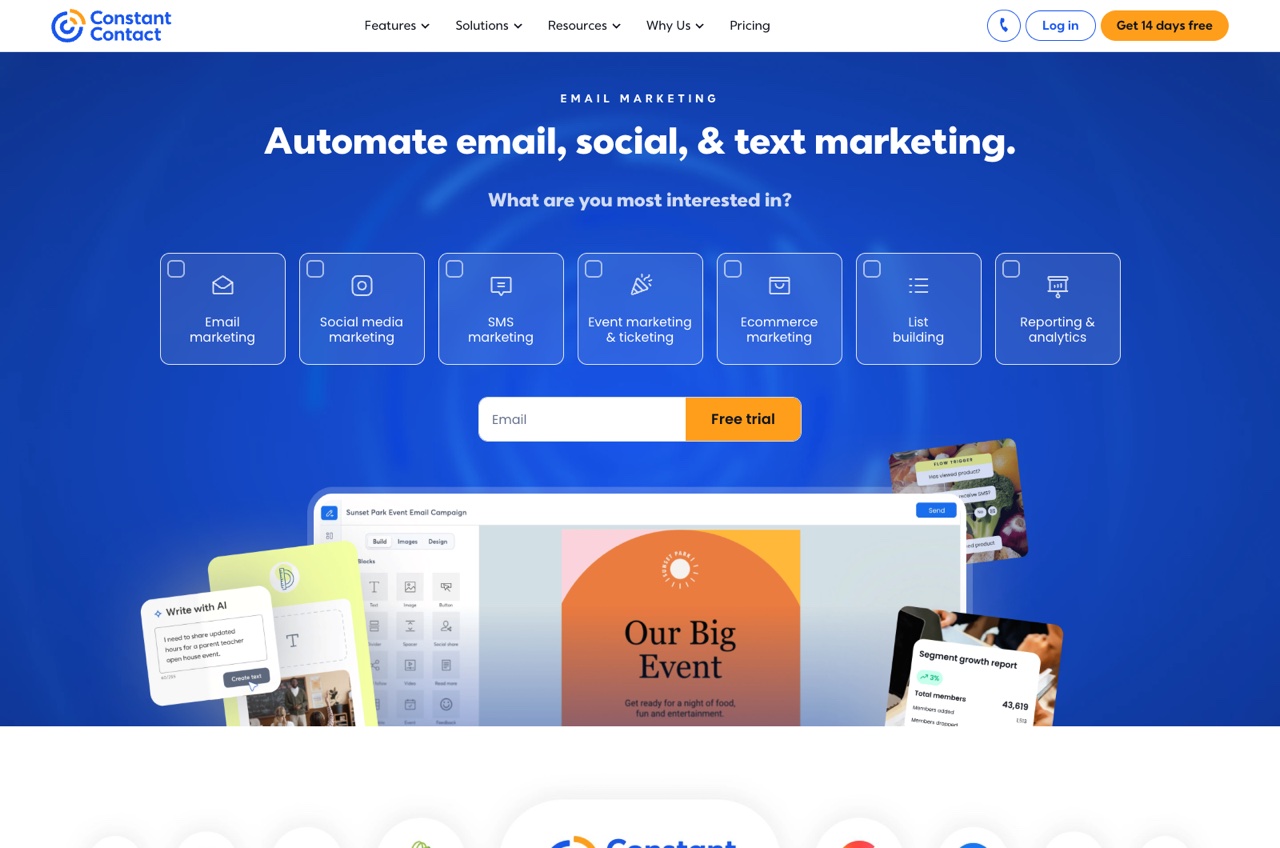
At a glance
| Mailchimp | Constant Contact | |
|---|---|---|
| Free plan | 250 contacts, 500 sends a month | No permanent free plan |
| Plans | Free, Essentials, Standard, Premium | Lite, Standard, Premium |
| Entry prices | Essentials and Standard on the live selector | Lite $12, Standard $35, Premium $80 at 500 contacts |
| Billing unit | Contacts, including unsubscribed | Peak active email contacts |
| Automation | Essentials 4 flow steps; Standard up to 200 flows | Basic on Lite, more on Standard and Premium |
| Events | Not a core feature | Event registration built in |
| Integrations | 300+ apps, official Shopify app | Fewer apps, Shopify and WooCommerce supported |
| Support | Depends on plan | Phone and chat support |
Sources: Mailchimp pricing, Mailchimp's plan guide, Constant Contact pricing and Constant Contact billing.
Mailchimp vs Constant Contact pricing
Both bill by audience size, and both raise features by plan.
| Contacts | Mailchimp Standard | Constant Contact Lite | Constant Contact Standard |
|---|---|---|---|
| 500 | Live selector | $12 | $35 |
| 1,000 | Live selector | $30 | Live slider |
| 2,500 | $60 | $50 | Live slider |
| 10,000 | $135 | Live slider | Live slider |
| 50,000 | $450 | Live slider | Live slider |
Mailchimp figures checked 14 November 2026. Constant Contact figures are from our earlier record and its slider blocked our check that day, so set the slider on Constant Contact's pricing page to your count before you compare.
A few rules move the real number:
- Who counts. Mailchimp's plan guide counts subscribed, unsubscribed and non-subscribed contacts. Archived contacts don't count. Constant Contact bills on the highest number of active email contacts you've had, and its billing article says deleting contacts doesn't lower the tier.
- Prepay terms. Constant Contact lets you prepay 6 or 12 months, and prepayments are non-refundable. Its billing article also says you pay the monthly fee even in months you don't send.
- Promotions. Mailchimp offers 15% off for 12 months on Standard and Premium at 10,000 contacts or more, and 15% for nonprofits on request.
- Send caps. Mailchimp allows 10 times your contact limit per month on Essentials, 12 times on Standard and 15 times on Premium. Constant Contact also has a monthly send allowance with overage fees.
The Constant Contact rule about deleted contacts deserves attention. On Mailchimp, archiving a dead segment lowers next month's bill. On Constant Contact, your tier follows your peak count, so cleaning the list doesn't bring the price down the same way. For more on Mailchimp's changes this year, see Mailchimp's price increase and Mailchimp's shrinking free plan.
Editor and templates
Constant Contact's editor is built for people who don't want to think about design. Templates look tidy with little work, and its branded template tool pulls your logo and colors from your website.
Mailchimp's editor gives you more control: more layout options, a brand kit, a content studio and more AI tools for subject lines and copy. That flexibility comes with more settings to learn. A volunteer who sends one newsletter a month will get on faster with Constant Contact. A marketer who sends weekly will want Mailchimp.
Automation
Constant Contact covers welcome emails, birthday and anniversary emails, and triggered series on Standard and Premium. It's fine for a welcome series and a re-engagement email.
Mailchimp's journey builder goes further, with branching, more triggers and prebuilt journeys for welcome, abandoned cart and re-engagement. The catch is Essentials, which caps each flow at four steps. If you'll run more than a two-email welcome, plan on Standard. Our Mailchimp vs ActiveCampaign comparison shows where Mailchimp's automation sits against a heavier tool.
Segmentation and list management
Mailchimp has the stronger list tools: tags, groups, segments on engagement and purchase data, and predicted demographics on higher plans. Constant Contact uses lists, tags and segments on engagement and contact details, which covers most nonprofit and local business needs.
One structural point. Mailchimp works best with one audience and segments inside it, because separate audiences can bill the same person twice. Constant Contact uses lists inside one contact database, so duplicates don't cost extra.
Ecommerce
Mailchimp is the better store tool of the two. Its official Shopify app syncs customers, orders and products, with most data in real time, according to Mailchimp's Shopify guide. Product blocks, abandoned cart journeys and revenue reporting all work from that connection. Our Mailchimp for Shopify post covers the setup, and is Mailchimp good for ecommerce covers where it stops.
Constant Contact connects to Shopify and WooCommerce and supports an automated abandoned cart email. That's enough for a small shop that sends a monthly newsletter and recovers some carts. A store that wants browse abandonment, post-purchase and win-back flows will hit the ceiling quickly on either tool.
Reporting
Constant Contact's reports are simple: opens, clicks, bounces and a clear summary per email. Mailchimp's are deeper, with comparative reports, revenue per campaign when a store is connected, and more A/B testing options. If you want a quick "did it work" number, Constant Contact is easier to read. If you want to test and improve, Mailchimp gives you more.
Deliverability
Neither vendor publishes inbox placement data we can verify. Both support domain authentication and both review accounts with high complaint rates. Your own setup matters more: SPF, DKIM and DMARC on your domain, consent at signup, and removing people who stopped opening. Our deliverability checklist covers it.
Support
Constant Contact's support is the main reason many nonprofits stay. Phone and chat support are part of the pitch, and its knowledge base is written for beginners. Mailchimp's support depends on plan, with more channels on Standard and Premium. If you need to talk to someone during a send, Constant Contact is the safer choice.
Extras: events, SMS, social and landing pages
Constant Contact's event tools are its clearest edge: registration pages, ticketing and reminders inside the same account. Both offer SMS, landing pages and social posting tools. Mailchimp's SMS is a paid add-on with its own pricing page. If events are central to what you do, that alone can decide it for Constant Contact.
Moving between them
- Export contacts from the old tool with status. In Mailchimp, use the export guide and keep unsubscribed and cleaned contacts separate. In Constant Contact, export each list plus the unsubscribed list.
- Import unsubscribes and bounces first, so they stay suppressed.
- Import subscribers with tags or list membership mapped.
- Rebuild automations and your two or three most-used templates.
- Authenticate your sending domain in the new tool and send to your most engaged people first.
Our Mailchimp export guide and cancel Mailchimp cover the Mailchimp side.
If you sell online or run a SaaS: Audienceful
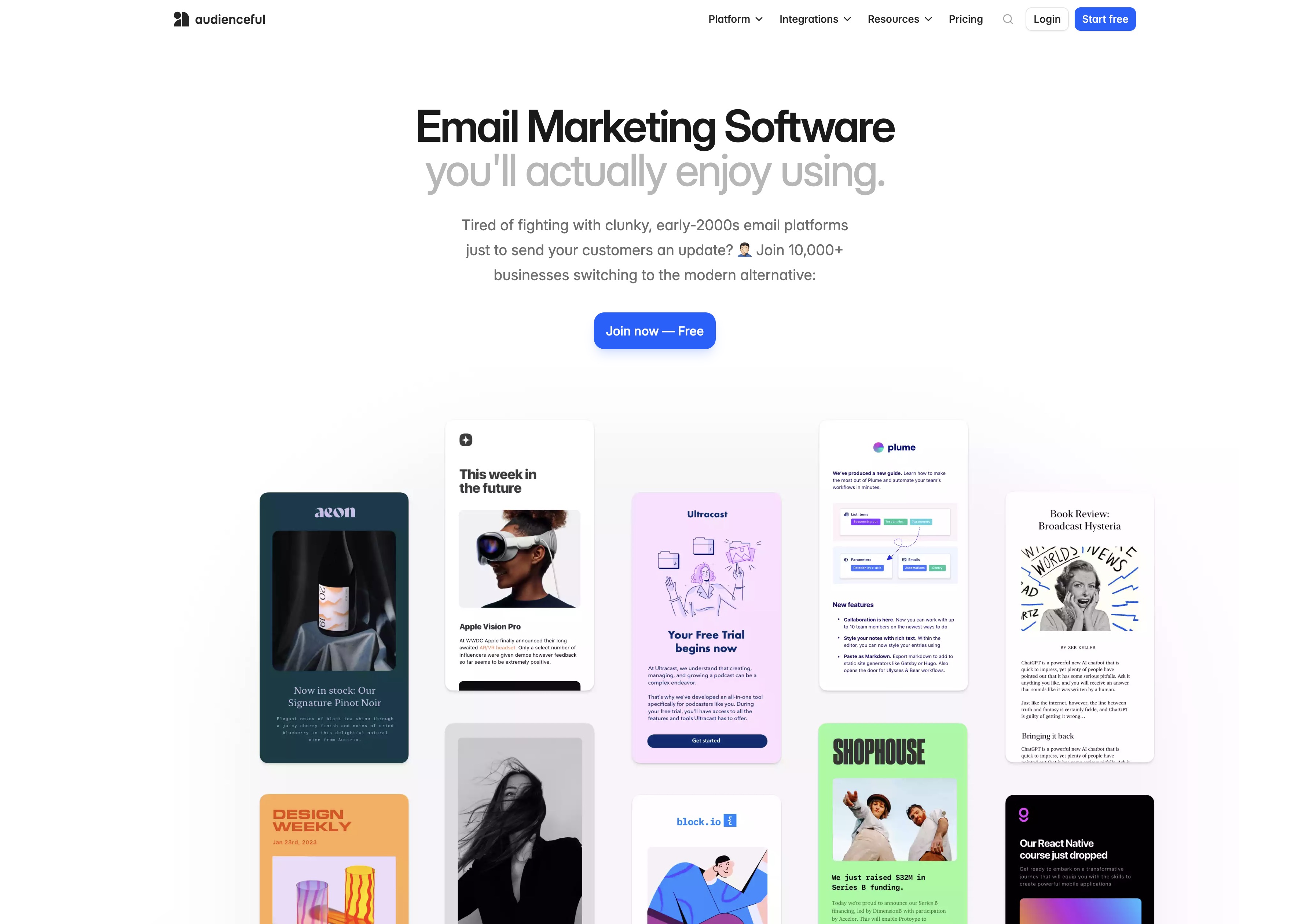
Neither Mailchimp nor Constant Contact is built around store or billing data. Audienceful is. It isn't aimed at event-led organizations, so if events are your business, stay with Constant Contact.
- Native Shopify and Stripe. Shopify automation templates for welcome, abandoned checkout, browse abandonment, post-purchase, replenishment and win-back, and Stripe flows for onboarding, trial ending, failed payments and win-back.
- Revenue attribution per email and per flow.
- An AI agent on every plan that builds campaigns, segments and flows from a brief, with full MCP coverage.
- A collaborative editor with templates from leading agencies.
- Deliverability and monitoring built in, with manual sender approval and spam testing.
- A one-click Mailchimp import for audiences, tags, merge fields and statuses. From Constant Contact, a CSV import with address verification.
| Contacts | Mailchimp Standard | Constant Contact Lite | Audienceful Essentials (yearly) |
|---|---|---|---|
| 2,500 | $60 | $50 | $29 |
| 10,000 | $135 | Live slider | $79 |
| 50,000 | $450 | Live slider | $272 |
Audienceful prices from our pricing page, checked 14 November 2026. Essentials includes three automated flows and is $37.50 billed monthly at 3,000 contacts and $99 at 10,000. There's a free plan too. See Audienceful vs Mailchimp, Audienceful vs Constant Contact, our Mailchimp alternatives roundup and the list import guide.
FAQs
Is Constant Contact more expensive than Mailchimp?
It depends on the plan you compare. Constant Contact Lite is $12 at 500 contacts, $30 at 1,000 and $50 at 2,500, while Mailchimp Standard is $60 at 2,500 and $135 at 10,000, checked 14 November 2026. Constant Contact Standard starts at $35 for 500 contacts, so compare Standard against Standard before assuming Lite is the cheaper route. Mailchimp also has a free plan. Check Constant Contact's slider at your exact count.
Does Constant Contact have a free plan?
No permanent free plan. It offers a trial. Mailchimp's free plan covers 250 contacts and 500 sends a month.
Which is easier for beginners?
Constant Contact. Its editor and templates need less setup, and phone support helps first-time senders. Mailchimp is still approachable, with more to learn once you go past a basic newsletter.
Which is better for ecommerce?
Mailchimp, of the two. Its Shopify app syncs orders and products and supports abandoned cart and post-purchase journeys on Standard. For a store that wants a full flow set and revenue attribution, a store-first tool fits better.
How do I move from Constant Contact to Mailchimp, or the other way?
Export contacts with status, import unsubscribes first, then subscribers with tags or lists mapped. Rebuild automations by hand, since they don't transfer, and authenticate your domain before the first send.
Selling online? Try Audienceful free with Shopify and Stripe flows ready to switch on.
